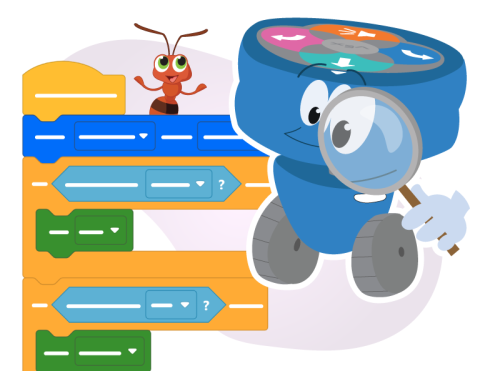
버그를 찾아서 프로젝트를 수정하세요!

Activity Image
이미지
The 123 character investigates a block project through a magnifying glass while a bug character pops up beside the project.
VEX Platform
Subject
Coding Method
Activity PDF Link
https://content.vexrobotics.com/assets/education/stem-labs/docs/123/Activities/VEX 123 Activity - Bug Hunter AI Literacy Activity.pdf
Activity Image Alt
123 캐릭터는 돋보기를 통해 블록 프로젝트를 조사하고, 버그 캐릭터는 프로젝트 옆에 나타납니다.
로봇 주변의 조명을 바꾸고 색조 값이 어떻게 변하는지 살펴보세요.

Activity Image
이미지
The 123 character looking proud, holding a lightbulb in its hand, shining over a spectrum of rainbow light above.
VEX Platform
Subject
Coding Method
Activity PDF Link
https://content.vexrobotics.com/assets/education/stem-labs/docs/123/Activities/VEX 123 Activity - Lighting Technician AI Literacy Activity.pdf
Activity Image Alt
123이라는 글자가 자랑스러워하는 표정을 짓고, 손에 전구를 들고, 그 전구가 위쪽의 무지개빛 스펙트럼 위로 빛나고 있습니다.

눈 센서가 색상을 어떻게 인식하는지 알아보려면 색상 값 데이터를 수집하세요.

Activity Image
이미지
The 123 character looking curiously through a magnifying class at a spectrum of rainbow colors spread across its path.
VEX Platform
Subject
Coding Method
Activity PDF Link
https://content.vexrobotics.com/assets/education/stem-labs/docs/123/Activities/VEX 123 Activity - Hue Value Hunt AI Literacy Activity.pdf
Activity Image Alt
123이라는 글자가 돋보기를 통해 자신의 경로에 펼쳐진 무지개 색깔 스펙트럼을 호기심 어린 눈으로 바라보고 있습니다.

AI or Not 게임을 한 판 해보고, 나만의 AI 정의를 만들어 보세요.

Activity Image
이미지
The 123 character looks upward questioningly, pointing to one of three word bubbles with question marks in them.
VEX Platform
Subject
Coding Method
Activity PDF Link
https://content.vexrobotics.com/assets/education/stem-labs/docs/123/Activities/VEX 123 Activity - What is AI_ AI Literacy Activity.pdf
Activity Image Alt
123이라는 글자는 의문스러운 듯 위를 바라보며 물음표가 적힌 세 개의 단어 풍선 중 하나를 가리킨다.