


دورة تمهيدية في AIM
9 Units
ابدأ مع روبوت البرمجة VEX AIM!
ابدأ مع روبوت البرمجة VEX AIM! تعلم كيفية قيادة الروبوت وبرمجته أثناء إكمال مجموعة متنوعة من تحديات البرمجة العملية للتنقل حول العوائق وركل الكرات واستخدام مستشعر الرؤية AI لاكتشاف الأشياء وتسليمها!
Unit 1
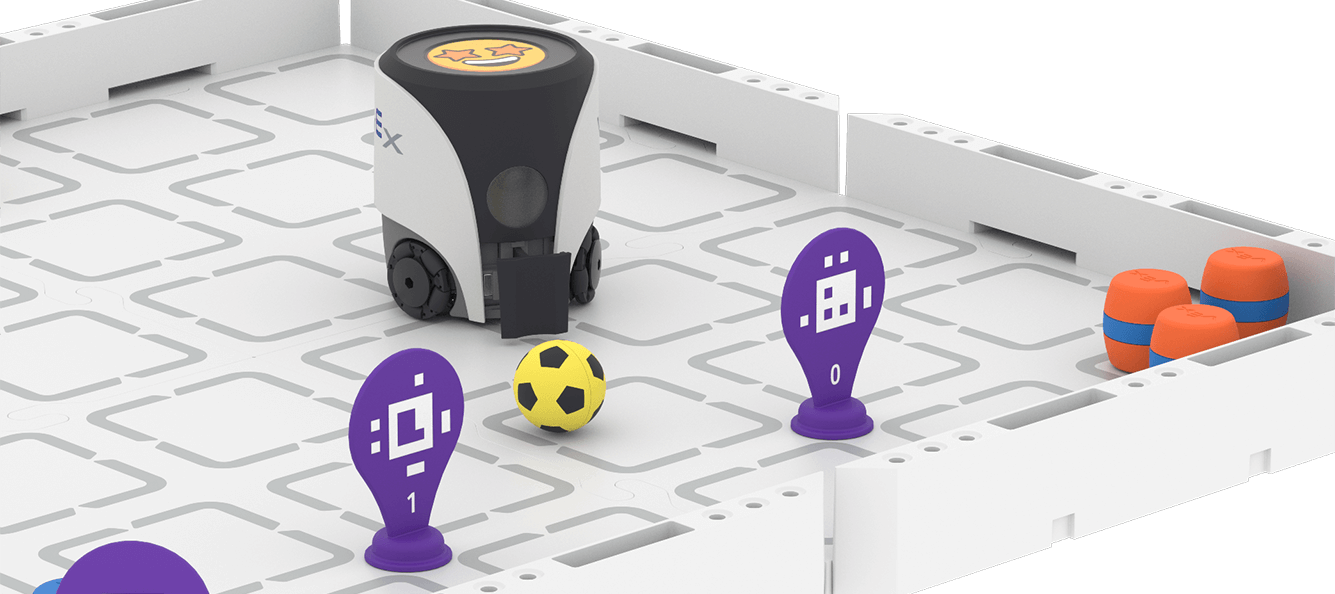
Drive with a Controller
Learn how to drive your VEX AIM Coding Robot with the One Stick Controller to kick sports balls and move barrels.
View Unit 1 >Unit 2
Touch to Code
Start controlling the VEX AIM Coding Robot with Button Coding as you navigate the field and move objects, all with a series of button presses.
View Unit 2 >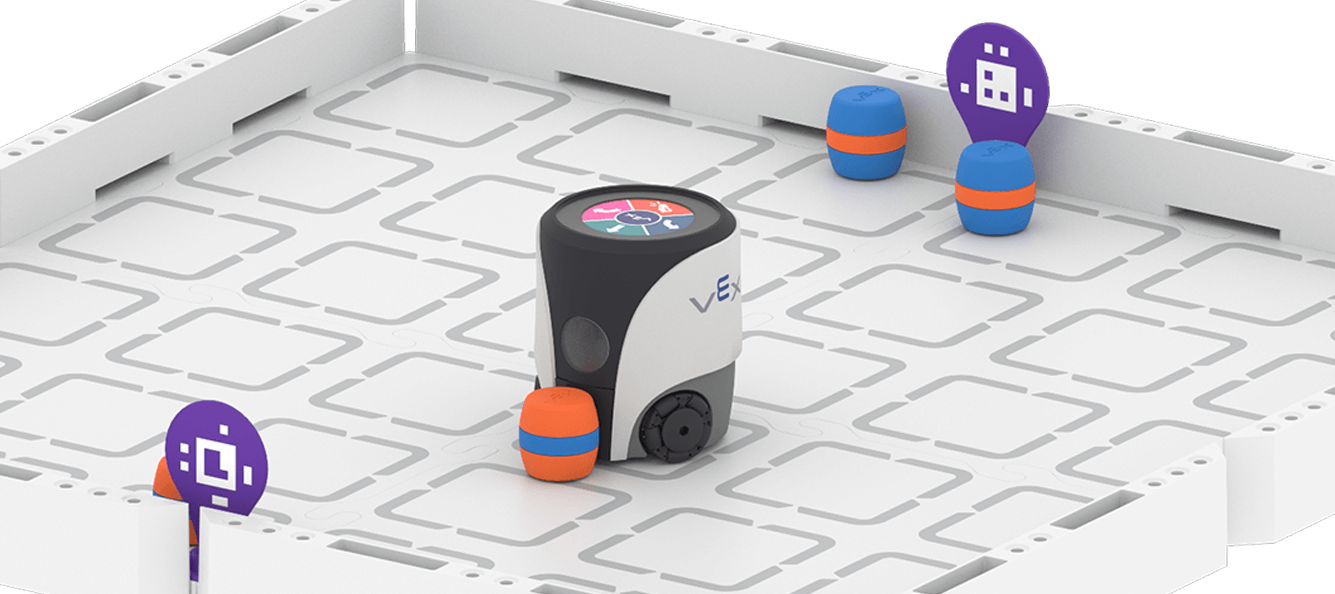

Constructing Knowledge
Learn about how to access Tutorials in VEXcode AIM to find help when you need it.
Переглянути Using Tutorials in VEXcode AIM >Unit 3
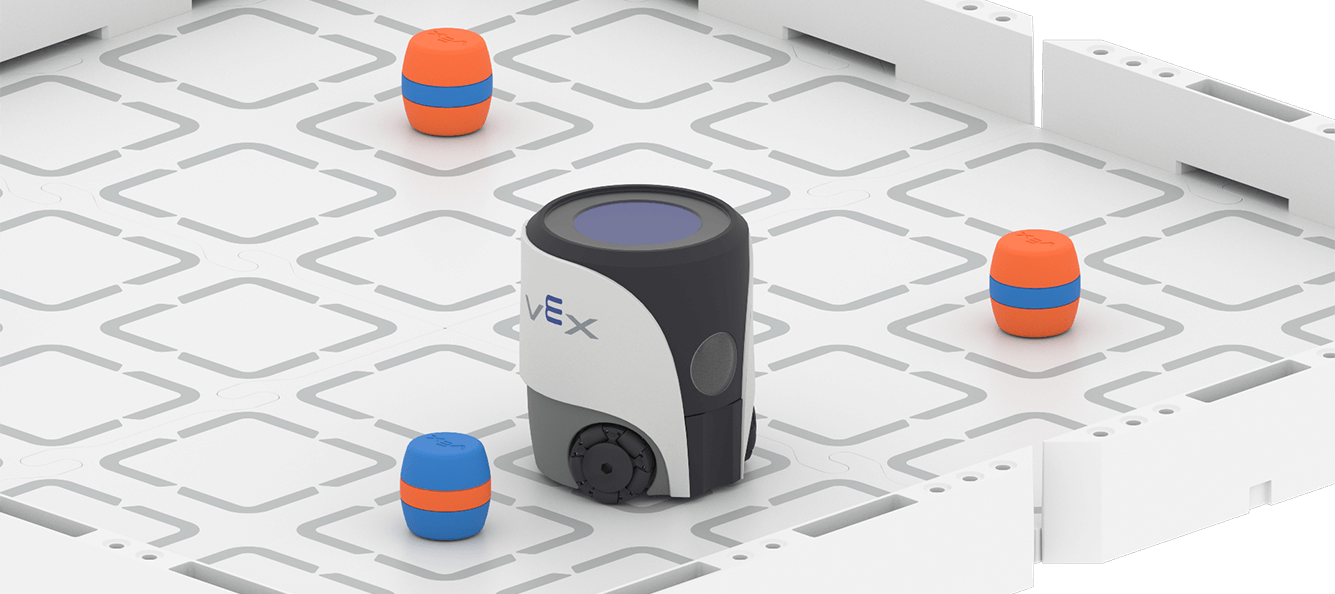
Move Around Obstacles
Explore coding the VEX AIM Coding Robot to move in four directions as you create sequences to drive around obstacles with VEXcode AIM.
View Unit 3 >Unit 4
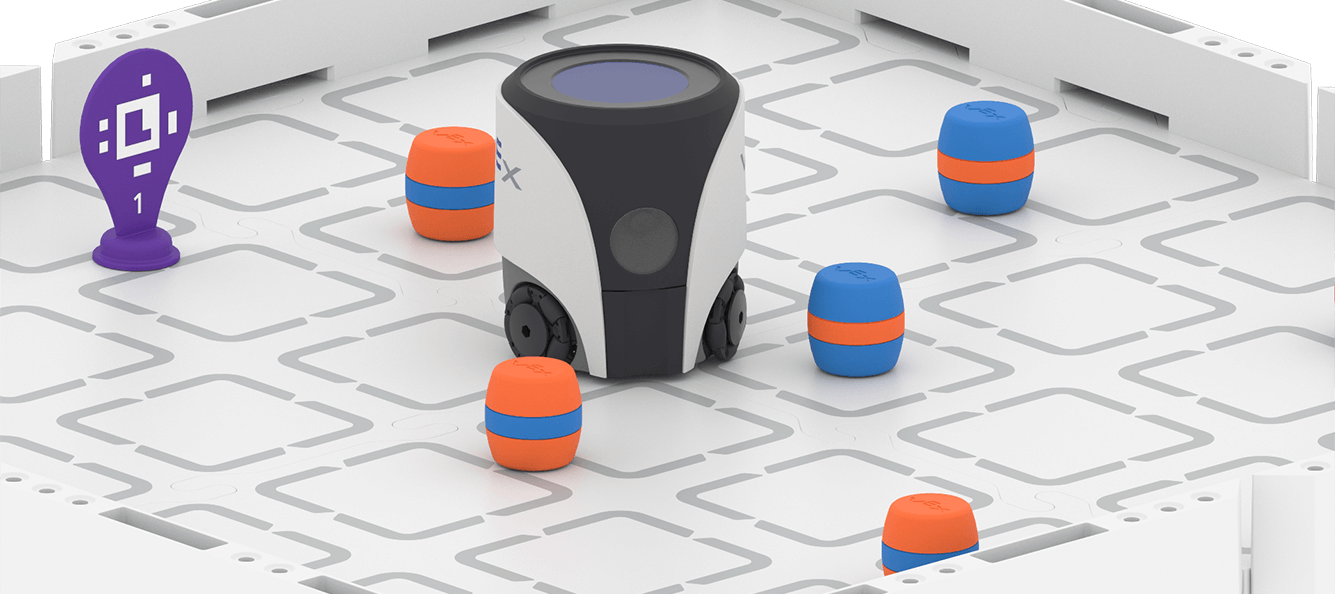
Navigate Diagonal Paths
Build onto your coding skills as you code the VEX AIM Coding Robot to move around obstacles at any angle!
View Unit 4 >Unit 5
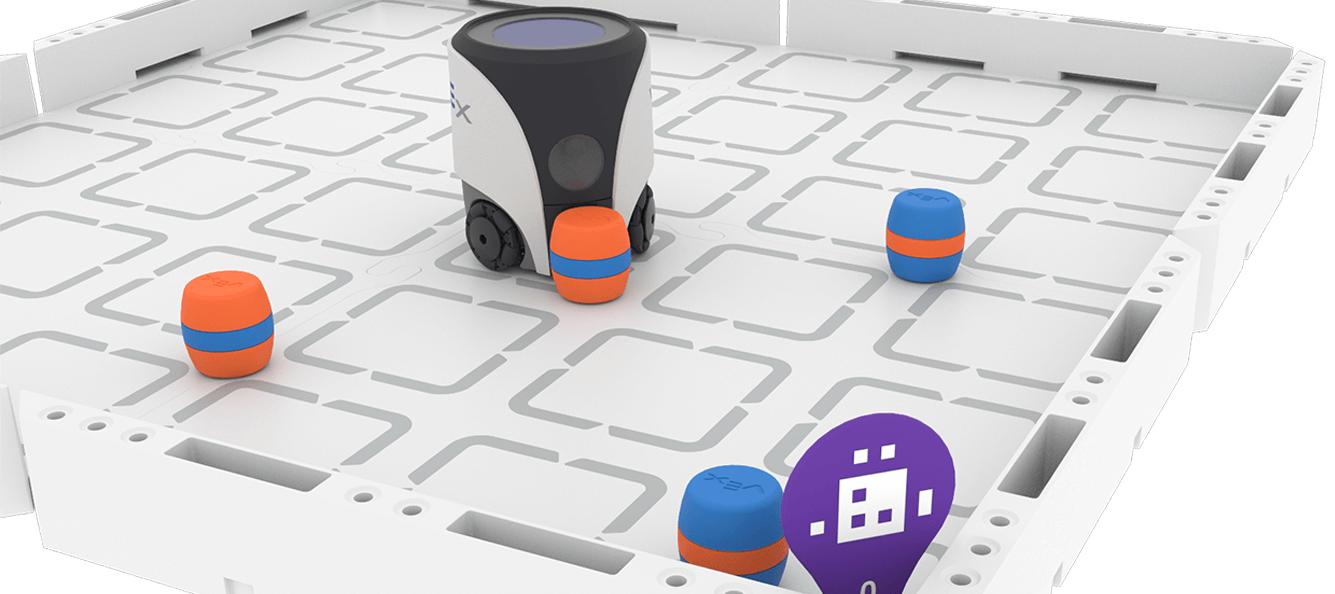
Transport Cargo
Turn and drive the VEX AIM Coding Robot as you navigate to complete more complex tasks to pick up and place objects with precision.
View Unit 5 >Unit 6
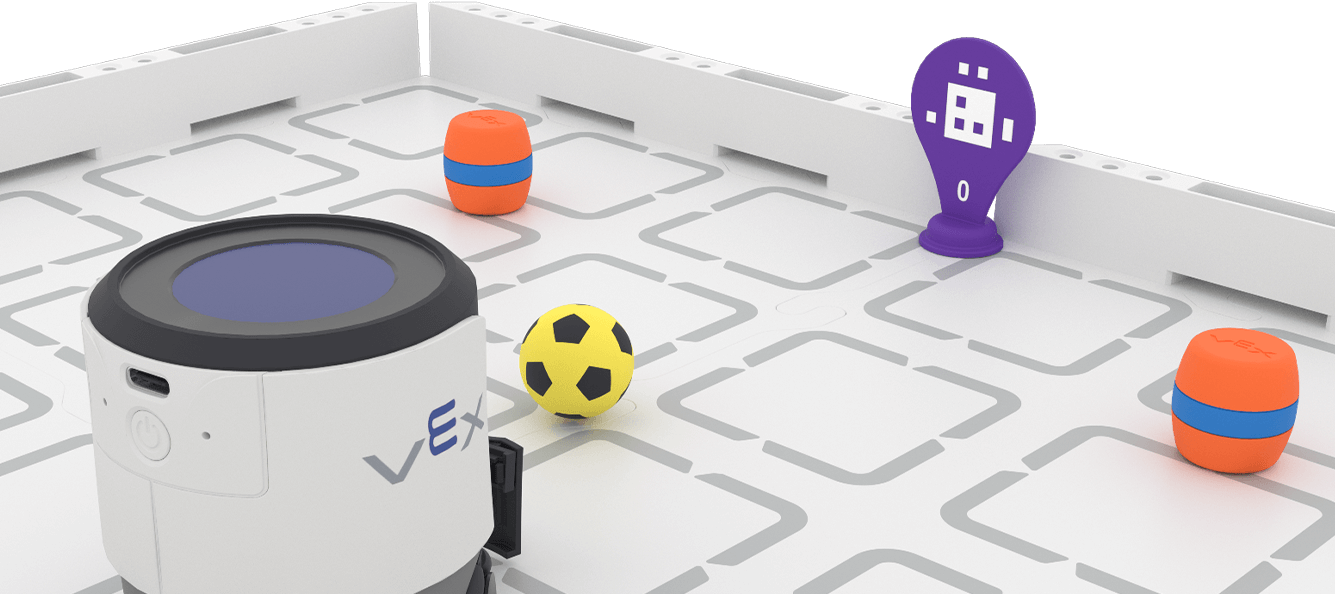
Finding and Transporting Cargo
Continue to explore the AI Vision Sensor as you incorporate it into more complex coding challenges. Detect, collect, and kick barrels while adding some fun emojis on the robot's screen.
View Unit 6 >
Constructing Knowledge
Learn about different methods for viewing the robot's AI Vision both in VEXcode and on the robot's screen.
Переглянути Three Ways to See AI Vision >Unit 7
Exploring AI Vision
Investigate the VEX AIM Coding Robot's AI Vision to determine how light and other factors impact the sensor.
View Unit 7 >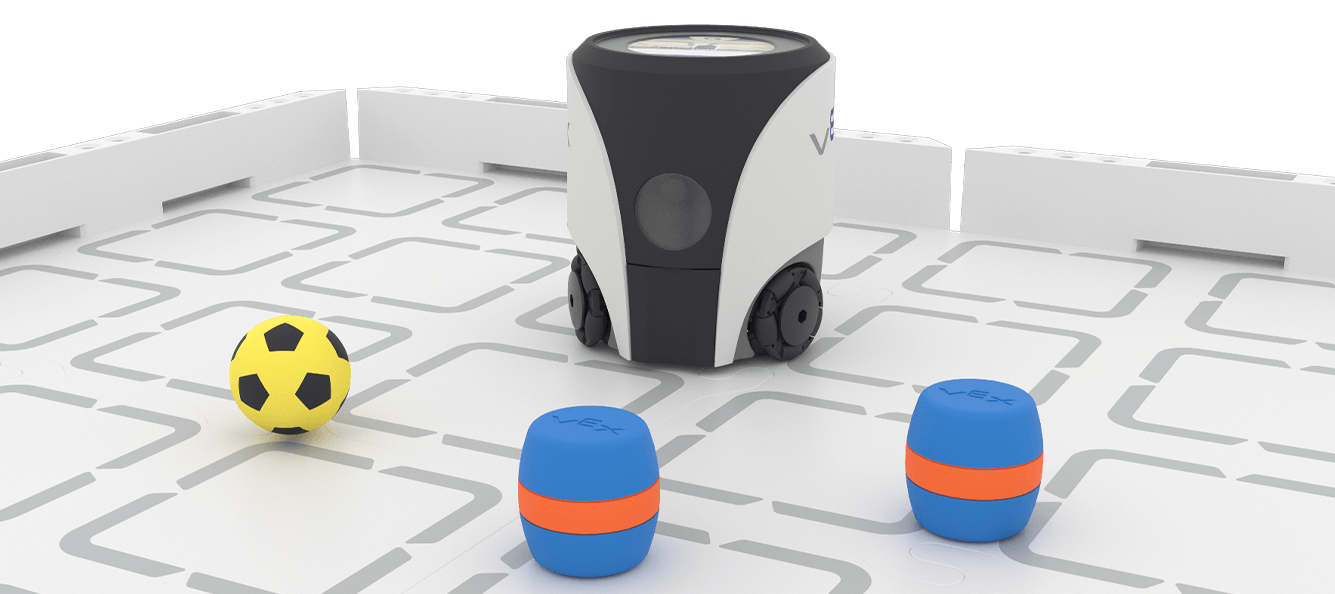
Constructing Knowledge
Get a glimpse into the world of AI as you learn how AI Vision models are created and trained.
Переглянути Training AI Vision Models >
Constructing Knowledge
Dive into customizing your robot as you learn to display custom images on the screen.
Переглянути Using Custom Images in VEXcode AIM >Unit 8
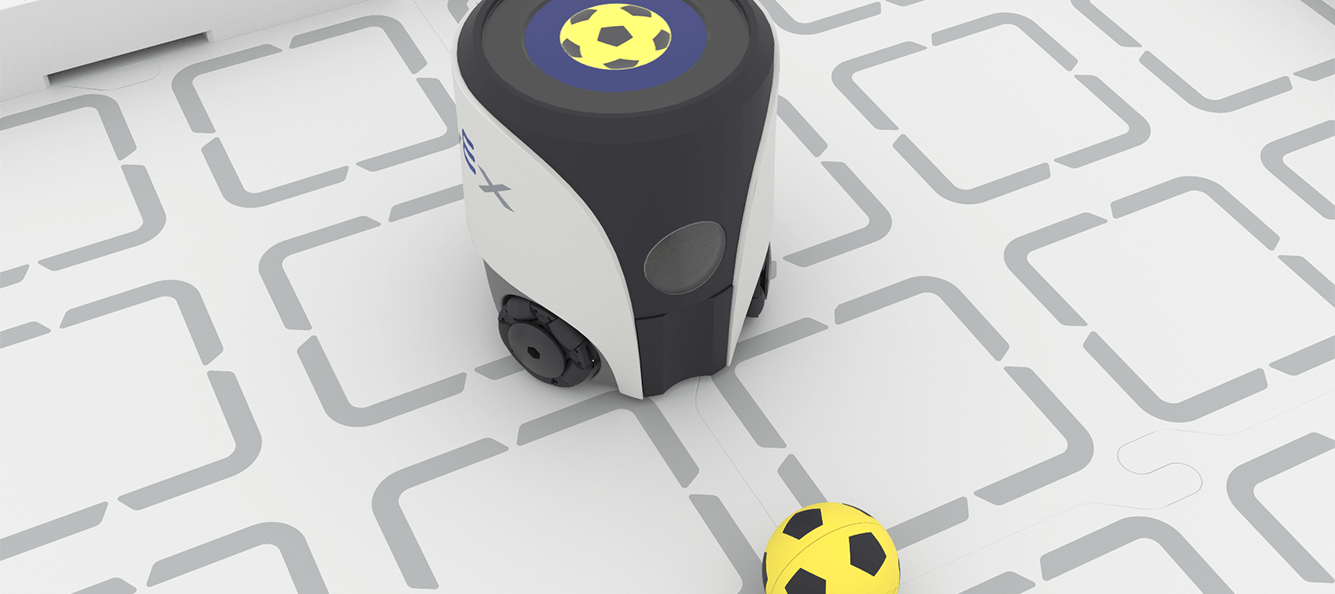
Controlling Decisions
Continue to investigate the capabilities of the VEX AIM Coding Robot's AI Vision and customizing controller code as you prepare for the Capstone challenge!
View Unit 8 >
Constructing Knowledge
Help is around whenever you need it when you are coding in VEXcode AIM. Use the built-in help to learn more about commands and how to use them in a project.
Переглянути Finding Help in VEXcode AIM >Capstone
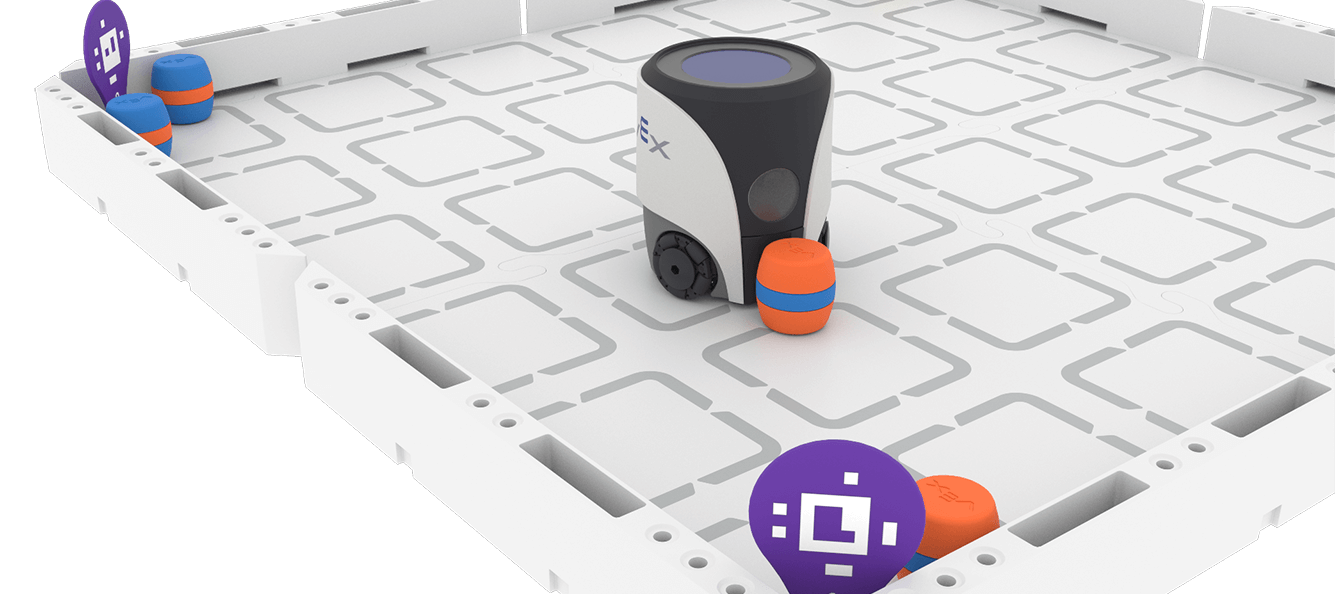
Delivery Dash
Put together everything you have learned so far into one final Capstone Challenge! In this challenge, you will race against the clock to sort cargo both Autonomously and with Driver Control.
View Capstone >