भविष्यवाणी करें कि आपका रोबोट समयबद्ध परीक्षण में कितनी बार शटल रन पूरा कर सकता है!

Activity Image
चित्र
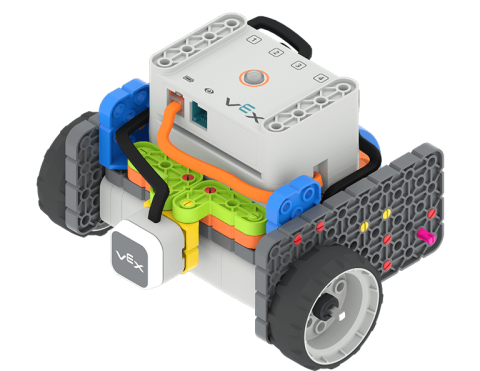
A Code Base 2.0 with the LED Bumper attached to the front of the robot sits on a 2 tile track with the back wheel against a wall, and the front of the robot facing the wall at the far end of the track, ready to start its shuttle run.
VEX Platform
Subject
Activity PDF Link
https://content.vexrobotics.com/assets/education/stem-labs/docs/go/Activities/predict-the-shuttle-run.pdf
Activity Image Alt
रोबोट के सामने लगे एलईडी बम्पर के साथ एक कोड बेस 2.0, 2 टाइल ट्रैक पर बैठा है, जिसका पिछला पहिया दीवार से लगा है, तथा रोबोट का अगला हिस्सा ट्रैक के दूर वाले छोर पर दीवार की ओर है, तथा शटल रन शुरू करने के लिए तैयार है।
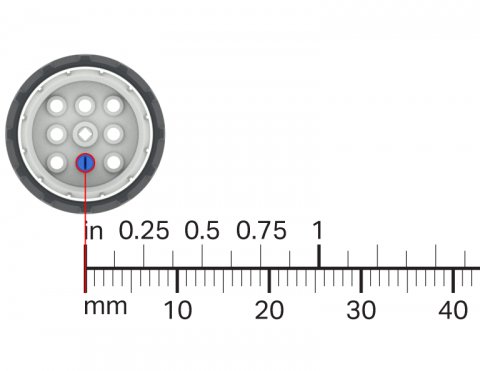
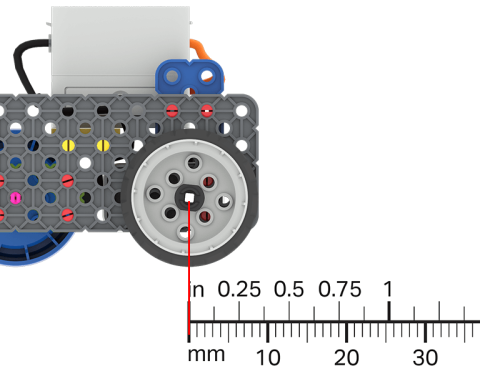
अपने VEX GO पहियों और एक रूलर का उपयोग करके मापें कि प्रत्येक बार घूमने पर पहिया कितनी दूरी तय करता है।

Activity Image
चित्र
Wheel Turns
VEX Platform
Subject
Activity PDF Link
https://content.vexrobotics.com/assets/education/stem-labs/docs/go/Activities/GO Activity - Wheel Turns.pdf
Activity Image Alt
GO पहिये के टुकड़े पर एक रूलर लगाकर, उसके द्वारा घुमाई गई दूरी को मापें।

अपने कोड बेस को एक विशिष्ट दूरी तक ले जाने के लिए मापन के बारे में आप जो जानते हैं उसका उपयोग करें।

Activity Image
चित्र
A ruler is overlayed on a Code Base robot to show the distance that it has driven.
VEX Platform
Subject
Activity PDF Link
https://content.vexrobotics.com/assets/education/stem-labs/docs/go/Activities/GO Activity - Practice Measuring.pdf
Activity Image Alt
कोड बेस रोबोट पर एक रूलर लगाया जाता है, जो यह दर्शाता है कि उसने कितनी दूरी तय की है।

VEXcode GO में एक प्रोजेक्ट बनाएं जो कोड बेस को ग्रिड पर एक विशिष्ट बिंदु तक जाने का निर्देश दे।

Activity Image
चित्र
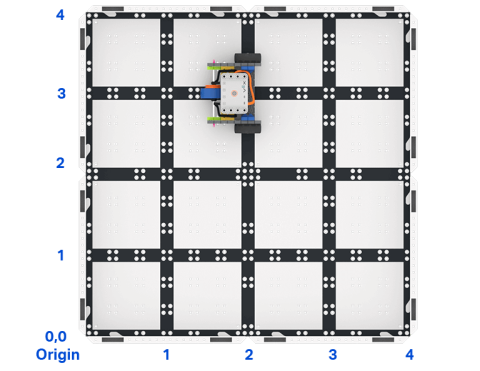
Top down view of a 2 by 2 square field of GO field tiles with a GO Code Base robot. The sides are labeled as x and y axes, and the bottom left corner is labeled as the origin with x 0 y 0.
VEX Platform
Activity PDF Link
https://content.vexrobotics.com/assets/education/stem-labs/docs/go/Activities/GO Activity - Code Base Coordinates.pdf
Activity Image Alt
GO कोड बेस रोबोट के साथ GO फ़ील्ड टाइल्स के 2 x 2 वर्गाकार क्षेत्र का ऊपर से नीचे का दृश्य। भुजाओं को x और y अक्षों के रूप में लेबल किया गया है, और निचले बाएं कोने को x 0 y 0 के साथ मूल के रूप में लेबल किया गया है।

अपनी स्वयं की रोबोट चुनौती डिजाइन करें!

Activity Image
चित्र
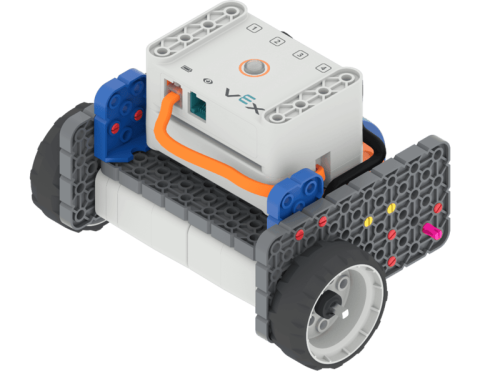
Angled view of the Code Base build.
VEX Platform
Activity PDF Link
https://content.vexrobotics.com/assets/education/stem-labs/docs/go/Activities/GO Activity - Create a Course.pdf
Activity Image Alt
GO कोड बेस बिल्ड का कोणीय दृश्य.

अपने रोबोट को किसी वस्तु की ओर तेजी से बढ़ने और उससे टकराने से पहले रुकने के लिए कोड दें।

Activity Image
चित्र
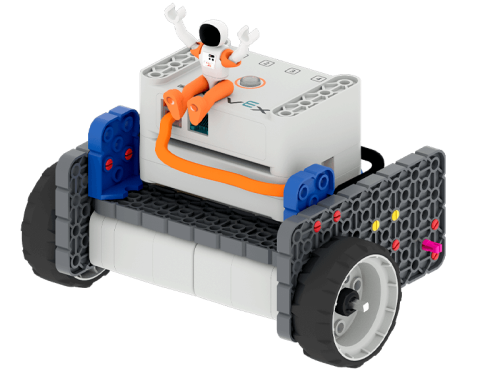
Astronaut with hands in the air sitting on top of the GO Code Base robot.
VEX Platform
Activity PDF Link
https://content.vexrobotics.com/assets/education/stem-labs/docs/go/Activities/GO Activity - Astronaut Vault.pdf
Activity Image Alt
GO कोड बेस रोबोट के ऊपर हाथ उठाए बैठा अंतरिक्ष यात्री।