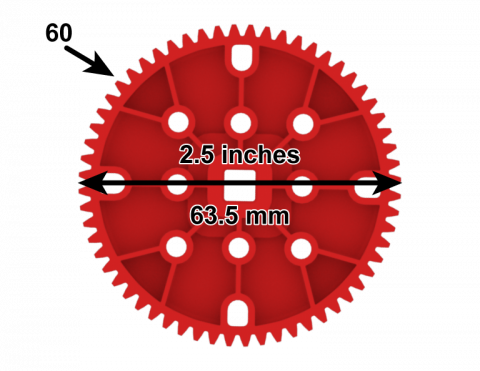
기어와 스프로킷의 피치를 계산할 수 있나요?

Activity Image
이미지
How Big are Your Teeth
VEX Platform
Subject
Activity PDF Link
https://content.vexrobotics.com/assets/education/stem-labs/docs/exp/Activities/EXP Activity - How Big Are Your Teeth_.pdf
Activity Image Alt
톱니 개수가 60개, 지름이 2.5인치로 표시된 EXP 60톱니 기어의 측면도입니다.
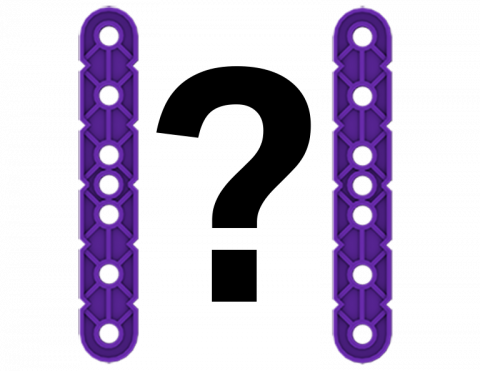
VEX IQ 조각을 사용해 공간 추론 두뇌 자극 문제를 풀어보세요.

Activity Image
이미지
Teaser 2
VEX Platform
Subject
Activity PDF Link
https://content.vexrobotics.com/assets/education/stem-labs/docs/iq/Activities/IQ Activity - VEX Teasers.pdf
Activity Image Alt
두 개의 IQ 빔 조각 사이에 물음표가 있습니다.

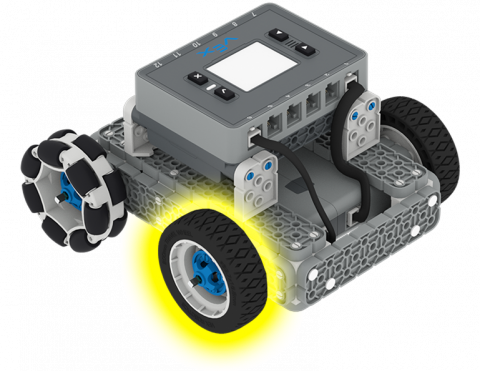
VEXcode IQ 프로젝트의 측정값을 사용하여 바퀴가 얼마나 빨리 회전하는지 계산할 수 있나요?

Activity Image
이미지
Spin your wheels
VEX Platform
Subject
Activity PDF Link
https://content.vexrobotics.com/assets/education/stem-labs/docs/iq/Activities/IQ Activity - Spin Your Wheels.pdf
Activity Image Alt
노란색으로 강조된 앞바퀴가 있는 IQ BaseBot의 각도별 모습입니다.

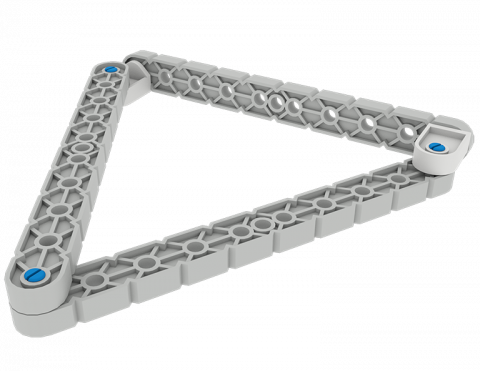
커넥터를 사용하여 다양한 모양을 만듭니다.

Activity Image
이미지
Get in Shape
VEX Platform
Subject
Activity PDF Link
https://content.vexrobotics.com/assets/education/stem-labs/docs/iq/Activities/IQ Activity - Get in Shape.pdf
Activity Image Alt
IQ 빔 조각을 연결하여 만든 삼각형 모양입니다.
체크 무늬 깃발 위에 앉아 있는 V5 스피드 봇은 경주 분위기를 나타냅니다.

로보 랠리

0 수업

로보 랠리에 참가해 계획하고, 디자인하고, 경쟁하세요!

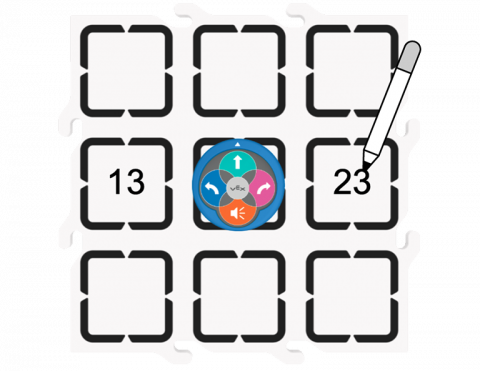
123 로봇이 더 작은 숫자를 표시하도록 도와주세요.

Activity Image
이미지
More or less activity
VEX Platform
Subject
Coding Method
Activity PDF Link
https://content.vexrobotics.com/assets/education/stem-labs/docs/123/Activities/VEX 123 Activity - More or Less.pdf
Activity Image Alt
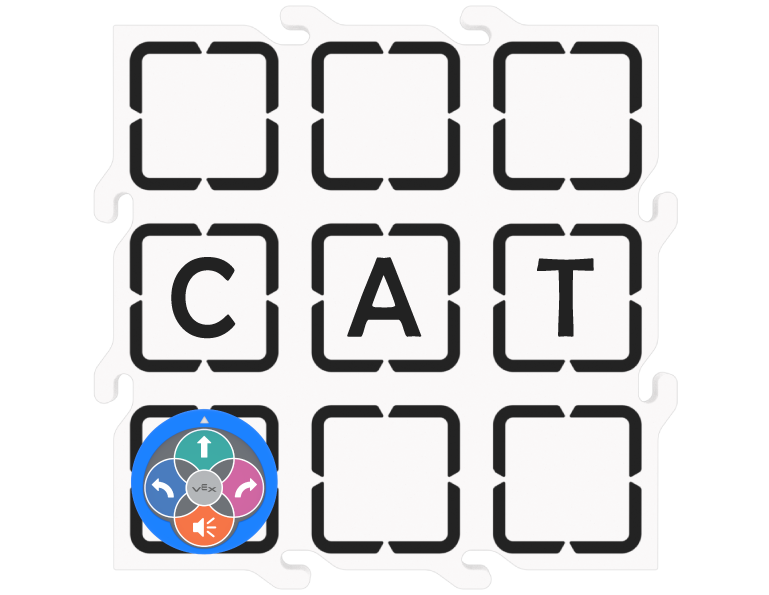
필드 타일 위에 있는 123 로봇을 위에서 내려다본 모습. 옆에 숫자 두 개가 적혀 있는데, 첫 번째 숫자는 13이고 두 번째 숫자는 23입니다.

파트너보다 더 잘 플레이해서 마지막 핀을 따낼 수 있나요?

Activity Image
이미지
pin out challenge
VEX Platform
Subject
Activity PDF Link
https://content.vexrobotics.com/assets/education/stem-labs/docs/go/Activities/GO Activity - Pin Out.pdf
Activity Image Alt
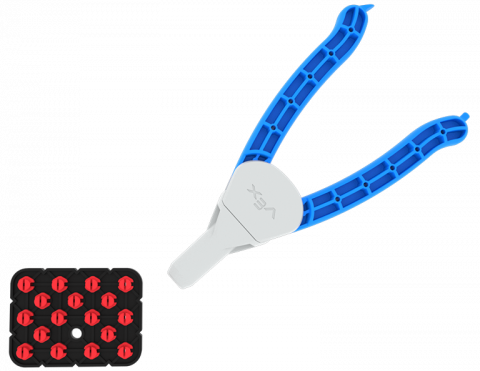
검은색 플레이트에 모든 핀 구멍에 빨간 핀이 채워진 핀아웃 게임 보드입니다. 핀 도구도 표시됩니다.

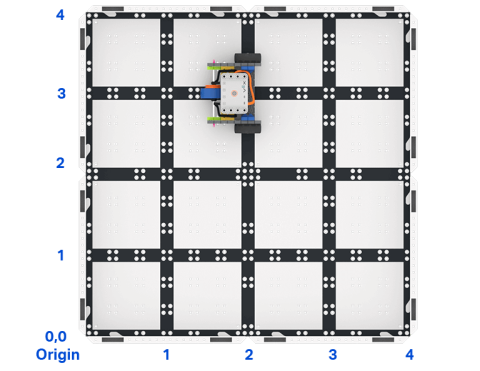
VEXcode GO에서 코드 베이스가 그리드의 특정 지점으로 이동하도록 지시하는 프로젝트를 만듭니다.

Activity Image
이미지
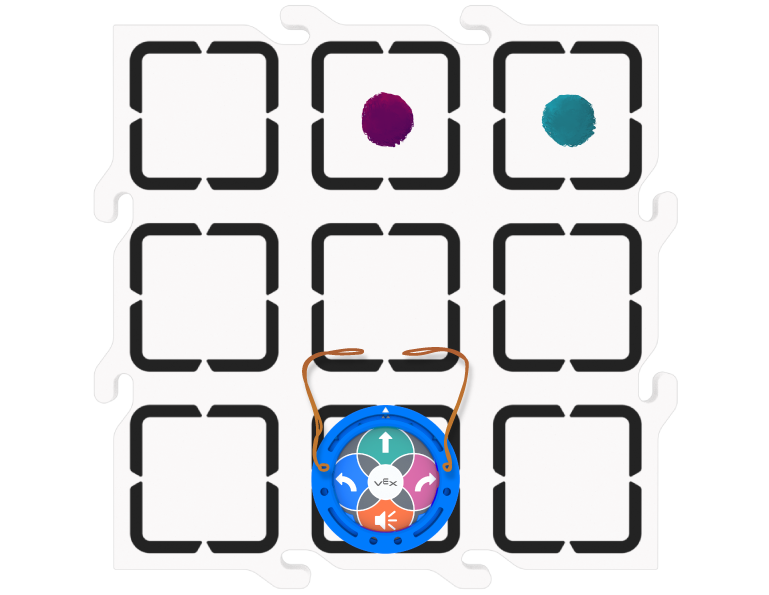
Top down view of a 2 by 2 square field of GO field tiles with a GO Code Base robot. The sides are labeled as x and y axes, and the bottom left corner is labeled as the origin with x 0 y 0.
VEX Platform
Subject
Activity PDF Link
https://content.vexrobotics.com/assets/education/stem-labs/docs/go/Activities/GO Activity - Code Base Coordinates.pdf
Activity Image Alt
GO 코드 베이스 로봇이 있는 GO 필드 타일의 2 x 2 정사각형 필드를 위에서 내려다본 모습. 각 변은 x축과 y축으로 표시되고, 왼쪽 하단 모서리는 x 0 y 0인 원점으로 표시됩니다.

색상 혼합에 대해 알아보고 나만의 디자인을 색칠해보세요

Activity Image
이미지
Color Designs!
VEX Platform
Subject
Activity PDF Link
https://content.vexrobotics.com/assets/education/stem-labs/docs/go/Activities/GO Activity - Color Designs.pdf
Activity Image Alt
스피로그래프를 사용하여 그린 디자인을 색칠하여 다양한 색상이 어떻게 혼합되는지 보여줍니다.