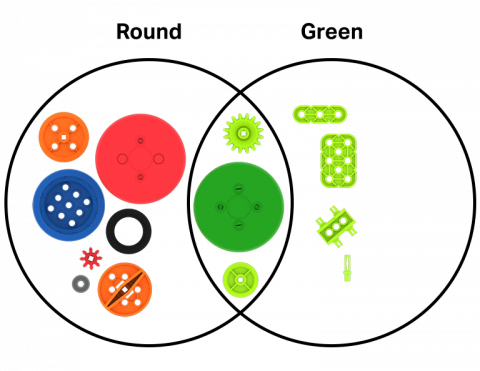
VEX GO 조각을 사용하여 사물 간의 유사점과 차이점을 찾는 연습을 하세요.

Activity Image
이미지
Venn Diagram! VEX GO Activity Icon
VEX Platform
Subject
Activity PDF Link
https://content.vexrobotics.com/assets/education/stem-labs/docs/go/Activities/GO Activity - Venn Diagram.pdf
Activity Image Alt
두 개의 원은 벤 다이어그램을 나타내며, 하나는 둥글고 다른 하나는 녹색으로 표시됩니다. GO 말은 각 구역에 배치되고 원의 기준에 맞게 분류됩니다.
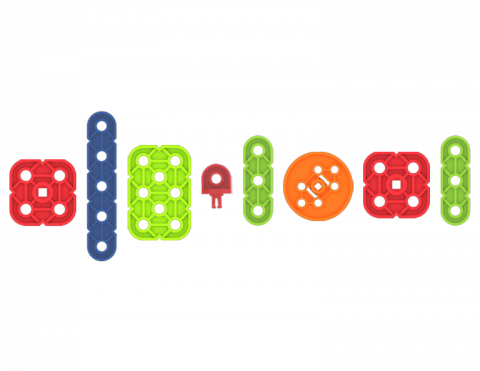
VEX GO 곡을 사용하여 다른 사람들이 따라할 수 있는 음악 리듬을 작성해 보세요.

Activity Image
이미지
Music Beat Tile
VEX Platform
Subject
Activity PDF Link
https://content.vexrobotics.com/assets/education/stem-labs/docs/go/Activities/GO Activity - Musical Beat.pdf
Activity Image Alt
음악적 박자를 표현하기 위해 코드를 사용하는 GO 곡의 시퀀스입니다.

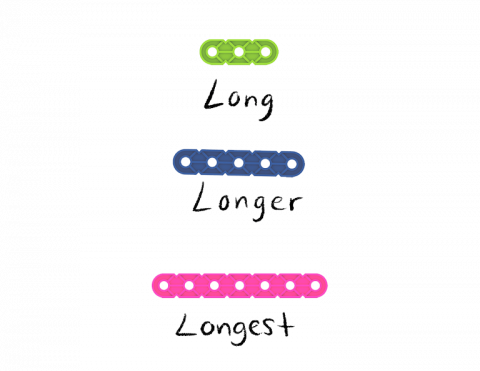
VEX GO 조각을 사용해 비교급과 최상급 형용사를 사용하는 연습을 하세요.

Activity Image
이미지
Compare it tile image
VEX Platform
Subject
Activity PDF Link
https://content.vexrobotics.com/assets/education/stem-labs/docs/go/Activities/GO Activity - Compare It.pdf
Activity Image Alt
GO 빔 조각 3개 중 하나에는 핀 구멍이 3개 있고 '긴'이라는 라벨이 붙어 있고, 두 번째 조각에는 핀 구멍이 5개 있고 '긴'이라는 라벨이 붙어 있고, 마지막 조각에는 핀 구멍이 7개 있고 '가장 긴'이라는 라벨이 붙어 있습니다.

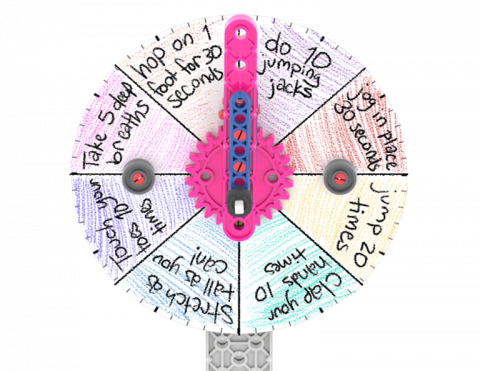
어떤 유형의 활동을 할지 선택하는 데 도움이 되는 브레인 브레이크 다이얼을 만드세요.

Activity Image
이미지
Brain Break! VEX GO Activity
VEX Platform
Subject
Builds
Activity PDF Link
https://content.vexrobotics.com/assets/education/stem-labs/docs/go/Activities/GO Activity - Brain Break.pdf
Activity Image Alt
GO 조각에 연결된 Brain Break Dial에는 점핑잭 10번 하기, 심호흡 5번 하기와 같은 활동이 적혀 있습니다.

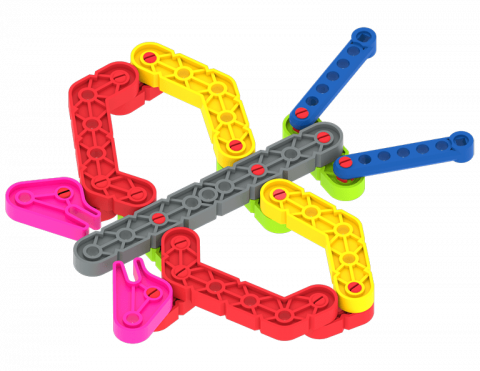
자신만의 동물이나 곤충을 디자인하고 만들어 보세요.

Activity Image
이미지
Creature Creation VEX GO Activity
VEX Platform
Activity PDF Link
https://content.vexrobotics.com/assets/education/stem-labs/docs/go/Activities/GO Activity - Creature Creation.pdf
Activity Image Alt
GO 조각을 사용하여 만든 나비 디자인입니다.