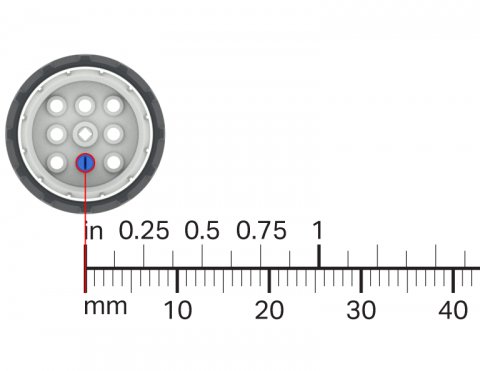
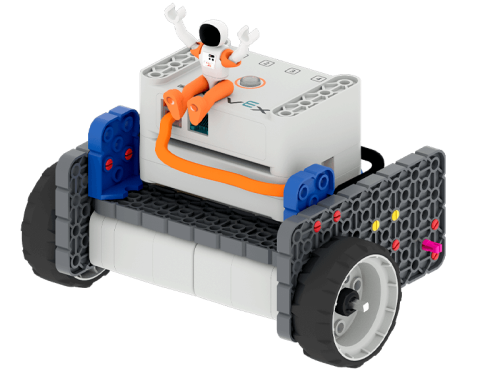
Verwenden Sie Ihre VEX GO-Räder und ein Lineal, um zu messen, wie weit ein Rad bei jeder Drehung zurücklegt.

Activity Image
Image
Wheel Turns
VEX Platform
Subject
Builds
Activity PDF Link
https://content.vexrobotics.com/assets/education/stem-labs/docs/go/Activities/GO Activity - Wheel Turns.pdf

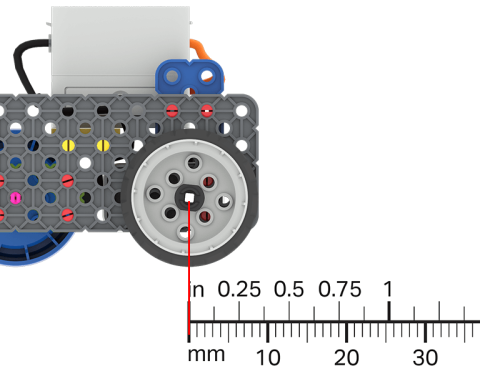
Nutzen Sie Ihr Wissen über Messungen, um Ihre Codebasis über eine bestimmte Distanz zu steuern.

Activity Image
Image
A ruler is overlayed on a Code Base robot to show the distance that it has driven.
VEX Platform
Subject
Builds
Activity PDF Link
https://content.vexrobotics.com/assets/education/stem-labs/docs/go/Activities/GO Activity - Practice Measuring.pdf

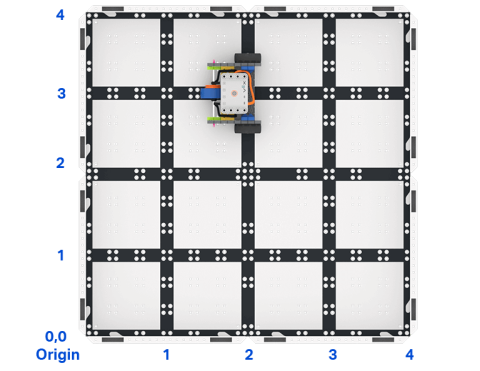
Erstellen Sie in VEXcode GO ein Projekt, das die Codebasis anweist, zu einem bestimmten Punkt in einem Raster zu reisen.

Activity Image
Image
Top down view of a 2 by 2 square field of GO field tiles with a GO Code Base robot. The sides are labeled as x and y axes, and the bottom left corner is labeled as the origin with x 0 y 0.
VEX Platform
Builds
Activity PDF Link
https://content.vexrobotics.com/assets/education/stem-labs/docs/go/Activities/GO Activity - Code Base Coordinates.pdf

Entwerfen Sie Ihre eigene Roboter-Herausforderung!

Activity Image
Image
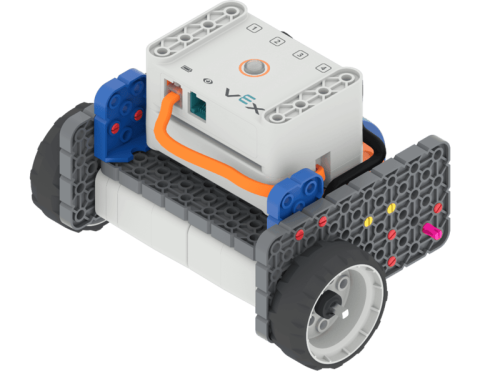
Angled view of the Code Base build.
VEX Platform
Subject
Builds
Activity PDF Link
https://content.vexrobotics.com/assets/education/stem-labs/docs/go/Activities/GO Activity - Create a Course.pdf

Programmieren Sie Ihren Roboter so, dass er schnell auf ein Objekt zufährt und anhält, bevor er es trifft.

Activity Image
Image
Astronaut with hands in the air sitting on top of the GO Code Base robot.
VEX Platform
Builds
Activity PDF Link
https://content.vexrobotics.com/assets/education/stem-labs/docs/go/Activities/GO Activity - Astronaut Vault.pdf