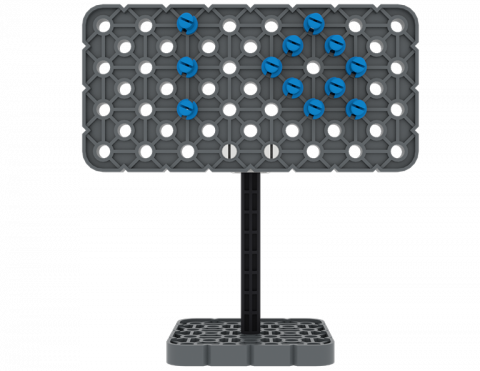
Építhetsz táblát a VEX IQ Kitből származó alkatrészekből?
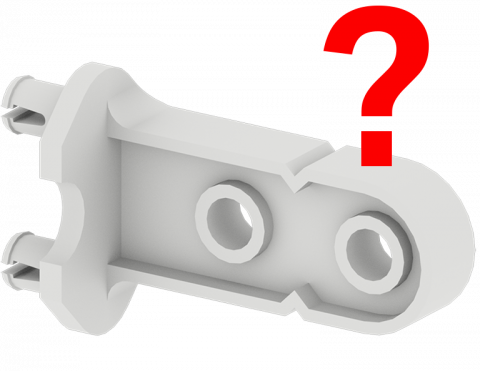
Játssz egy játékot, hogy megtaláld a VEX IQ Kit részeit!
Hozz létre egy flipper játékot, amely egyszerű gépeket tartalmaz VEX IQ alkatrészekkel!
Melyik irány gyorsabb egy tárgy mozgatásakor?
Milyen gyorsan tudsz áthelyezni három háztömböt egy új helyre?
Hozzon létre egy kiegészítést a BaseBothoz, hogy IQ kockát vigyen fel egy ferde síkon!
6 Leckék
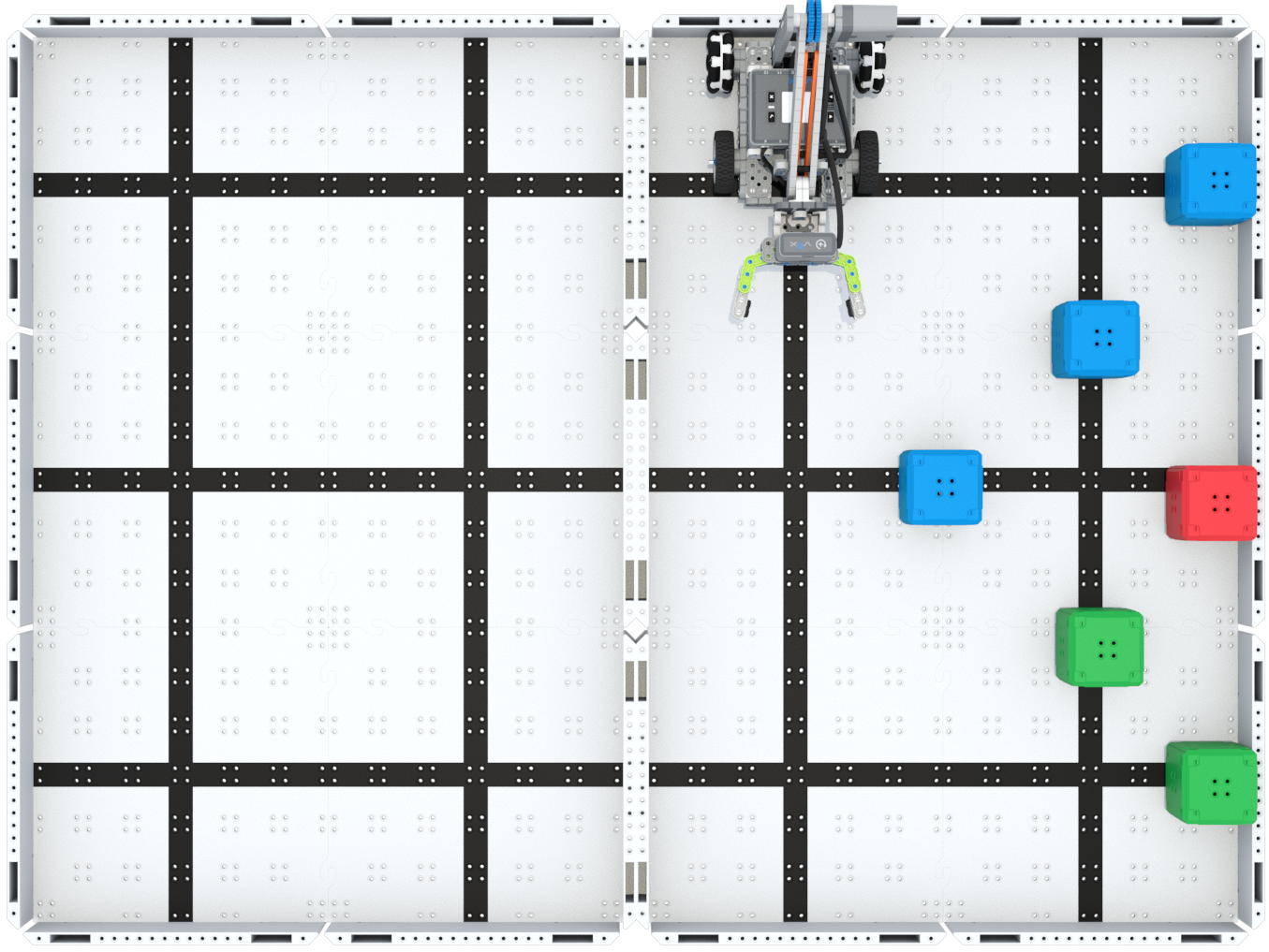
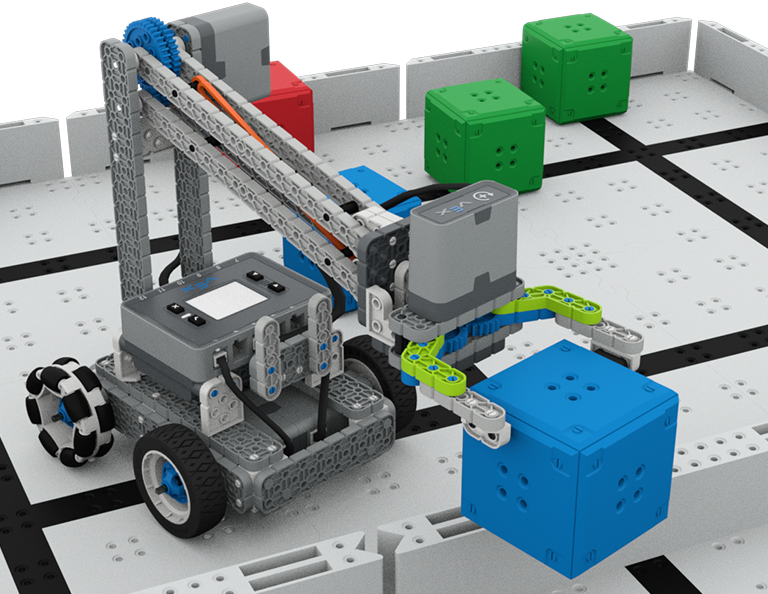
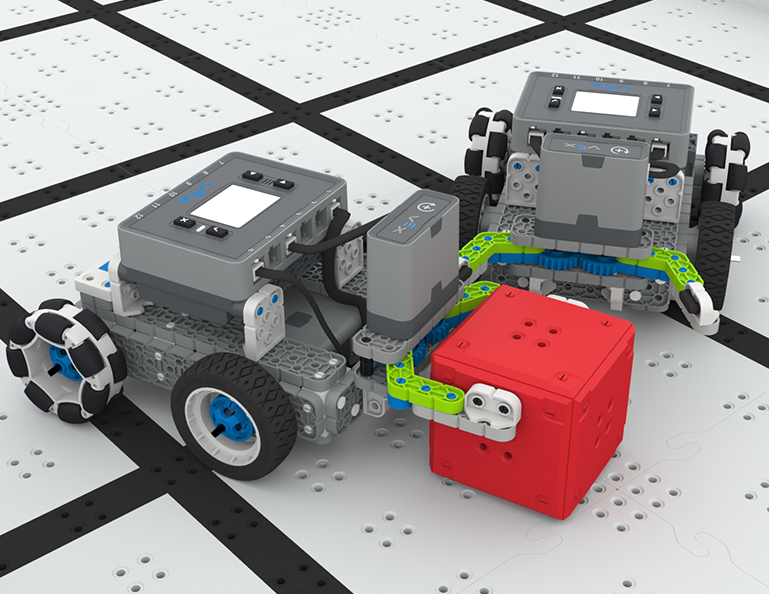
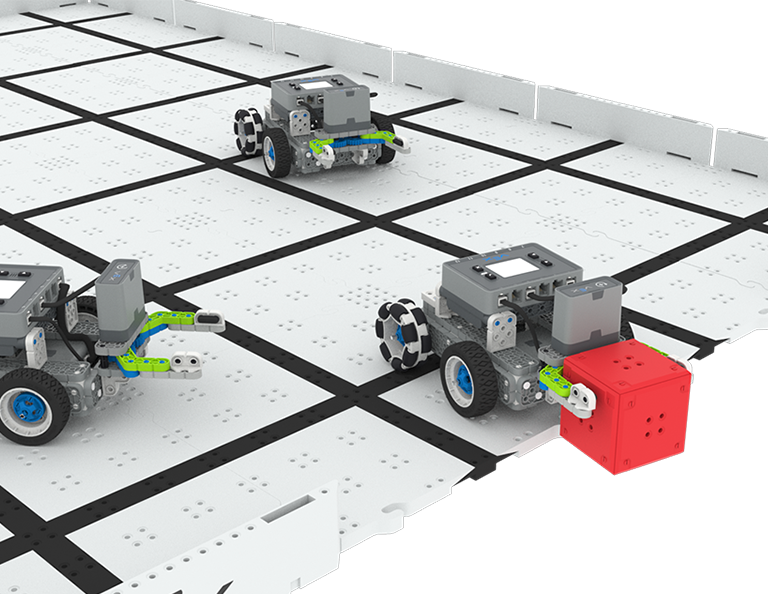
Ebben az egységben azt fogod felfedezni, hogyan tervezhetsz egy Clawbotot, amellyel kockákat gyűjthetsz, szedhetsz fel és mozgathatsz a Mező egyik oldaláról a másikra, az Up and Over versenyben!
Látogassa meg a Tanári portált, ahol tanári segédanyagokat és videókat talál az Up and Over Lessons tartalmáról és megkönnyítéséről.
Lesson 1: Introduction
In this Lesson, you will be introduced to the Up and Over competition, set up the Battery and Controller, get ready to code, and build the Clawbot.
Lesson 2: Claw Design
In this Lesson, you will learn what a claw is, how an effective claw works, and how scouting can benefit your team's designs and strategy. Then, you will apply what you have learned in the Grab and Go challenge.
Lesson 3: Arm Designs
In this Lesson, you will learn about different elements of robotic arms, how they work, and what makes an effective arm design, in order to stack as many cubes as you can within a minute in the Stacked Up challenge.
Lesson 4: Motor Groups
In this Lesson, you will learn what motor groups are, how they can be helpful, and how to configure motor groups in VEXcode IQ in order to iterate on your robot to complete the Up and Over challenge.
Lesson 5: Up and Over Competition
In this Lesson, you will apply your learning from the previous Lessons to compete in the Up and Over competition!
Lesson 6: Conclusion
In this Lesson, you will reflect on the Unit and identify connections between what you have done and a STEM career.
4 Leckék
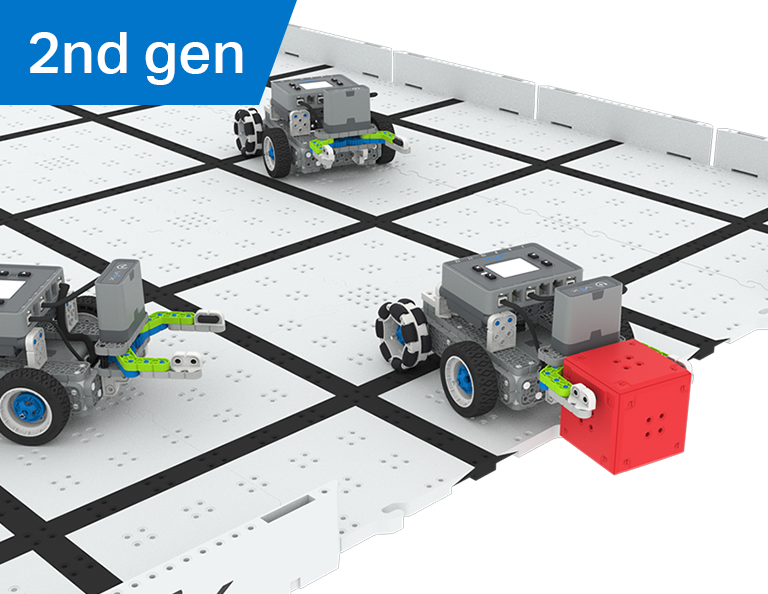
Ebben a részben azt fogod felfedezni, hogyan hozhatsz létre manipulátort a robotodon, hogy megragadhasd, passzolhasd és a legtöbb gólt szerezd robotfocistaként a Robot Soccer versenyen!
Látogassa meg a tanári portált, ahol tanári segédanyagokat és videókat talál a Robotfoci órák tartalmáról és megkönnyítéséről.
1. lecke: Bevezetés
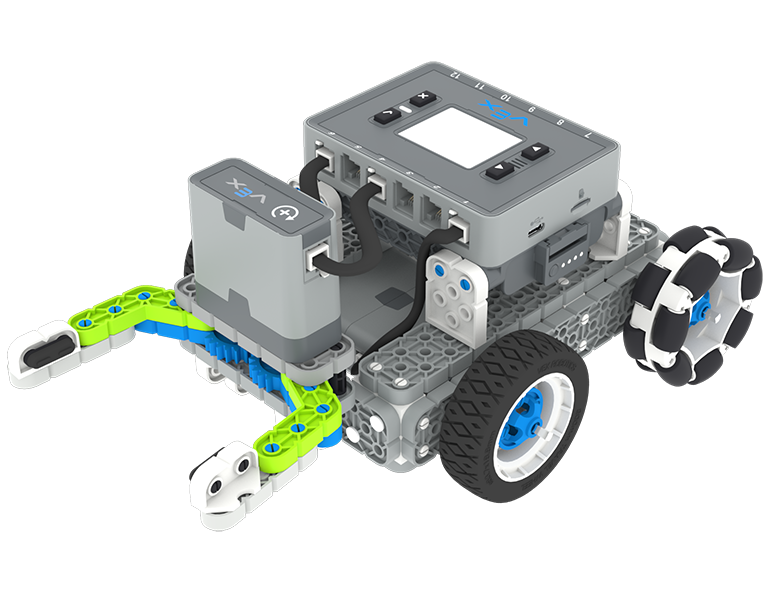
Ebben a leckében megépítheti a Simple Clawbotot, feltöltheti a vezérlőt és az akkumulátort, és felkészülhet a kódolásra.
2. lecke: Manipulátorok
Ebben a leckében megismerkedhet a passzív és aktív manipulátorokkal és a bemeneti tervezéssel, hogy megismételje robotja tervezését, és versenyezzen egy egyéni robotfoci kihívásban!
3. lecke: Robotfoci verseny
Ebben a leckében az előző leckében tanultakat alkalmazza a Robot Soccer versenyen való részvételhez!
4. lecke: Következtetés
Ebben a leckében átgondolja az egységet, és feltárja az összefüggéseket az elvégzett munkája és a kapcsolódó STEM karrier között.
6 Leckék
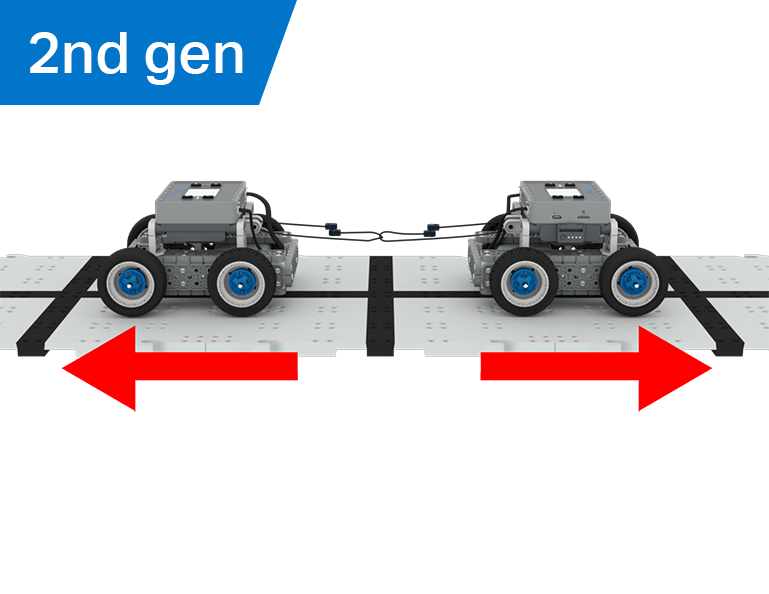
Ebben az egységben felfedezheti, hogy a mechanikai előny és a tömegközéppont hogyan befolyásolja a BaseBot tárgyakat húzó képességét, és megtervezi a legjobb robotot a Hulladékjátékhoz!
Látogassa meg a Tanári Portált, ahol tanári segédanyagokat és videókat talál a kötélhúzó órák tartalmáról és megkönnyítéséről.
Lesson 1: Introduction
In this Lesson, you will be introduced to the Tug of War competition and build the BaseBot.
Lesson 2: Pulling Objects with the BaseBot
In this Lesson, you will design a rope attachment to practice pulling objects with your BaseBot. Then you will compete in a Robot Tractor Pull challenge.
Lesson 3: Using a Gear Train
In this Lesson, you will add a gear train to your BaseBot to explore how different gear configurations affect your robot's ability to pull an object. Then you will compete in a Gear Train Tractor Pull challenge.
Lesson 4: Adding Mass
In this Lesson, you will add mass to your BaseBot to explore how changing the center of mass affects your robot's ability to pull an object. Then you will compete in a Tug of War challenge.
Lesson 5: Tug of War Competition
In this Lesson, you will apply your learning from the previous Lessons to compete in a Tug of War competition!
Lesson 6: Conclusion
In this Lesson, you will reflect on your learning in this Unit and identify connections between what you have done and a STEM career.
6 Leckék
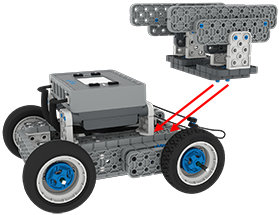
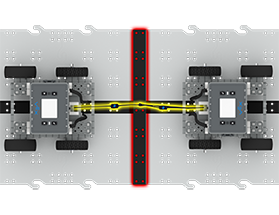
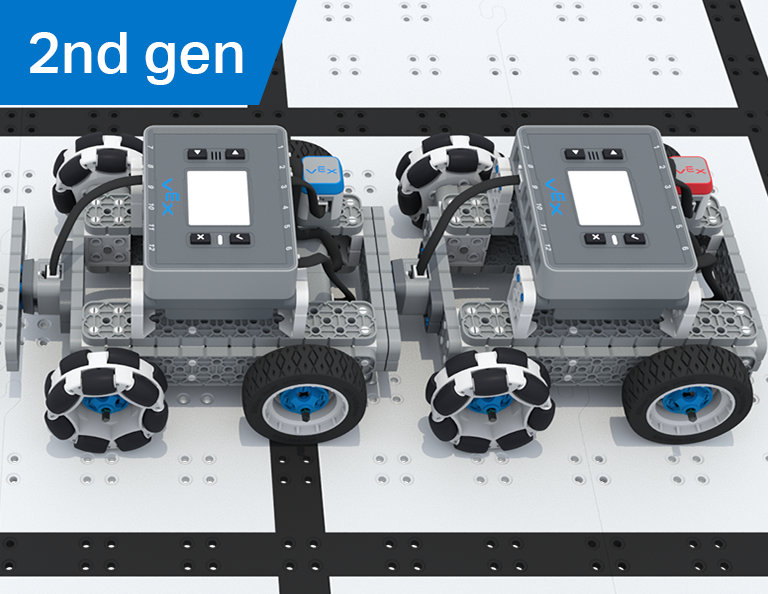
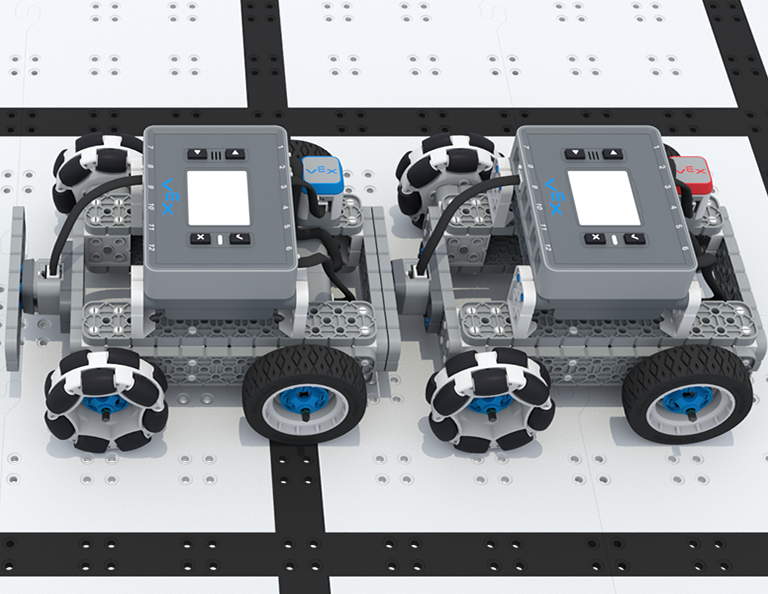
Ebben az egységben vezeti a BaseBotot az IQ Controller segítségével, kiválasztja a kerekeket, és érzékelőket ad hozzá, hogy versenyezzen a Team Freeze Tag versenyen!
Látogassa meg a tanári portált, ahol tanári segédanyagokat és videókat talál a Team Freeze Tag Lessons tartalmáról és megkönnyítéséről.
Lesson 1: Introduction
In this Lesson, you will be introduced to the Team Freeze Tag competition, set up the Battery and Controller, and build the BaseBot.
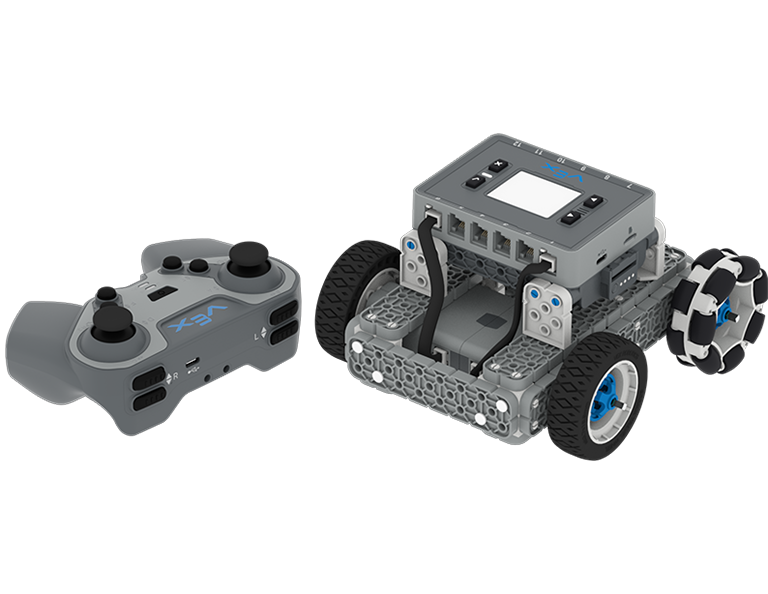
Lesson 2: Driving with the IQ Controller
In this Lesson, you will learn how to drive the BaseBot using the IQ Controller and practice your driving to compete in a challenge activity as you drive in a figure eight!
Lesson 3: Changing the Wheels
In this Lesson, you will learn how to change the wheels of the BaseBot, and experiment with different wheel combinations to improve the robot's ability to play Tag.
Lesson 4: Adding the Bumper Switch and Touch LED
In this Lesson, you will add a Bumper Switch and Touch LED to your BaseBot and compete in 1-on-1 Freeze Tag!
Lesson 5: Team Freeze Tag Competition
In this Lesson, you will combine all the skills learned in previous Lessons to play a game of Team Freeze Tag!
Lesson 6: Conclusion
In this Lesson, you will reflect on the Unit and identify connections between what you have done and a STEM career.