Lompat ke isi utama

Prediksikan berapa kali robot Anda dapat menyelesaikan lari ulang-alik dalam uji coba berjangka waktu!

Activity Image
Gambar
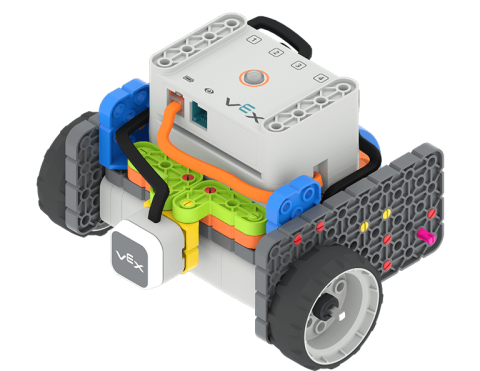
A Code Base 2.0 with the LED Bumper attached to the front of the robot sits on a 2 tile track with the back wheel against a wall, and the front of the robot facing the wall at the far end of the track, ready to start its shuttle run.
VEX Platform
Subject
Activity PDF Link
https://content.vexrobotics.com/assets/education/stem-labs/docs/go/Activities/predict-the-shuttle-run.pdf
Activity Image Alt
Basis Kode 2.0 dengan Bumper LED yang terpasang pada bagian depan robot terletak pada lintasan 2 ubin dengan roda belakang menempel pada dinding, dan bagian depan robot menghadap dinding pada ujung lintasan, siap untuk memulai perjalanan antar-jemputnya.
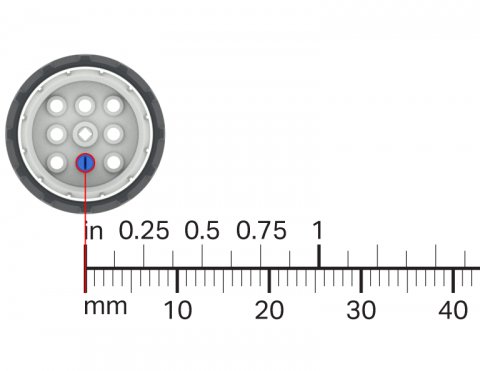
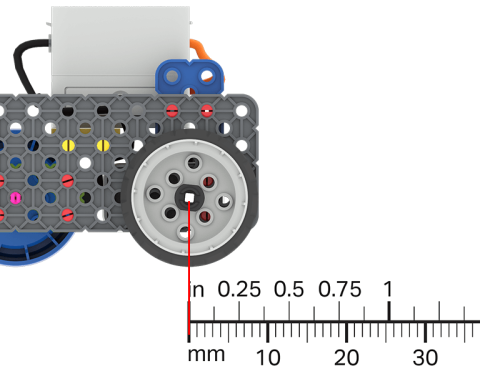
Gunakan roda VEX GO Anda dan penggaris untuk mengukur seberapa jauh roda bergerak setiap kali berputar.

Activity Image
Gambar
Wheel Turns
VEX Platform
Subject
Activity PDF Link
https://content.vexrobotics.com/assets/education/stem-labs/docs/go/Activities/GO Activity - Wheel Turns.pdf
Activity Image Alt
Potongan roda GO yang dilapisi penggaris, mengukur jarak yang telah ditempuhnya.

Gunakan pengetahuan Anda tentang pengukuran untuk mengarahkan Basis Kode Anda pada jarak tertentu.

Activity Image
Gambar
A ruler is overlayed on a Code Base robot to show the distance that it has driven.
VEX Platform
Subject
Activity PDF Link
https://content.vexrobotics.com/assets/education/stem-labs/docs/go/Activities/GO Activity - Practice Measuring.pdf
Activity Image Alt
Penggaris dilapiskan pada robot Basis Kode untuk menunjukkan jarak yang telah ditempuhnya.

Buat proyek dalam VEXcode GO yang mengarahkan Basis Kode untuk bergerak ke titik tertentu pada kisi.

Activity Image
Gambar
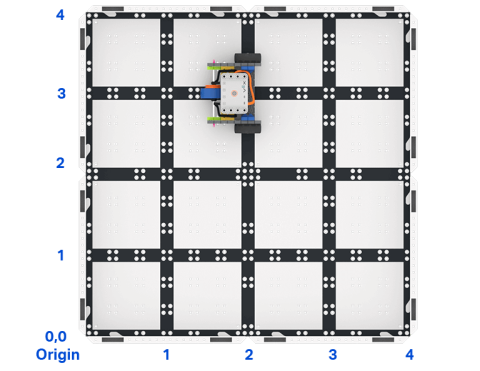
Top down view of a 2 by 2 square field of GO field tiles with a GO Code Base robot. The sides are labeled as x and y axes, and the bottom left corner is labeled as the origin with x 0 y 0.
VEX Platform
Activity PDF Link
https://content.vexrobotics.com/assets/education/stem-labs/docs/go/Activities/GO Activity - Code Base Coordinates.pdf
Activity Image Alt
Tampilan atas ke bawah bidang persegi 2x2 petak lapangan GO dengan robot GO Code Base. Sisi-sisinya diberi label sumbu x dan y, dan sudut kiri bawah diberi label titik asal dengan x 0 y 0.

Rancang tantangan robotik Anda sendiri!

Activity Image
Gambar
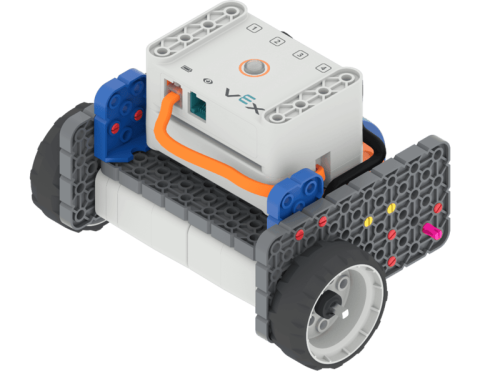
Angled view of the Code Base build.
VEX Platform
Subject
Activity PDF Link
https://content.vexrobotics.com/assets/education/stem-labs/docs/go/Activities/GO Activity - Create a Course.pdf
Activity Image Alt
Tampilan sudut dari bangunan Basis Kode GO.

Kodekan robot Anda untuk melaju cepat ke arah suatu objek dan berhenti sebelum menabraknya.

Activity Image
Gambar
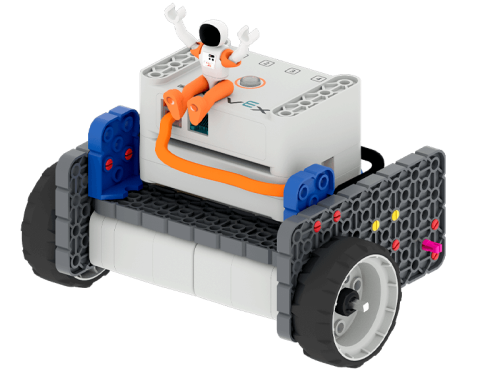
Astronaut with hands in the air sitting on top of the GO Code Base robot.
VEX Platform
Subject
Activity PDF Link
https://content.vexrobotics.com/assets/education/stem-labs/docs/go/Activities/GO Activity - Astronaut Vault.pdf
Activity Image Alt
Astronot dengan tangan di udara duduk di atas robot GO Code Base.