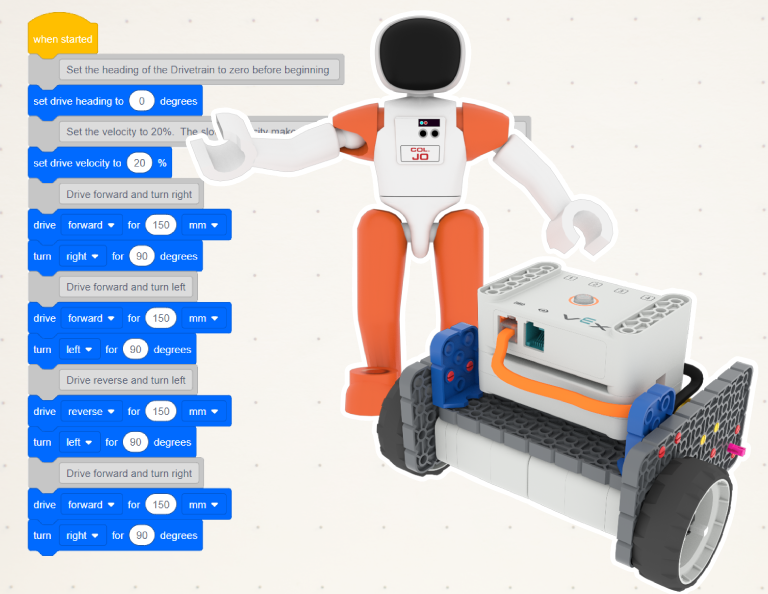
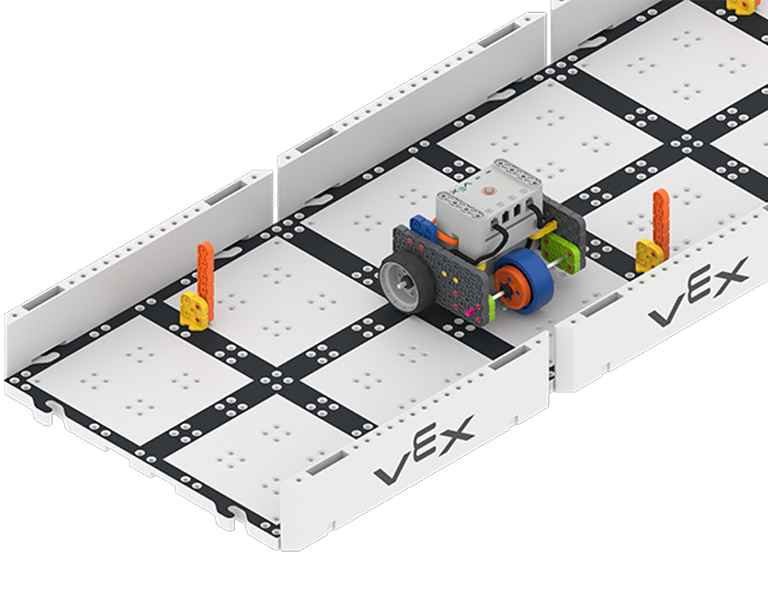
드라이브 모드를 사용하여 코드 베이스를 원격으로 제어합니다. 그럼 슬라롬 코스 대회에서 여러분의 실력을 시험해보세요!
VEXcode GO의 드라이브 모드를 사용하여 코드 베이스를 구동하려면 어떻게 해야 하나요?
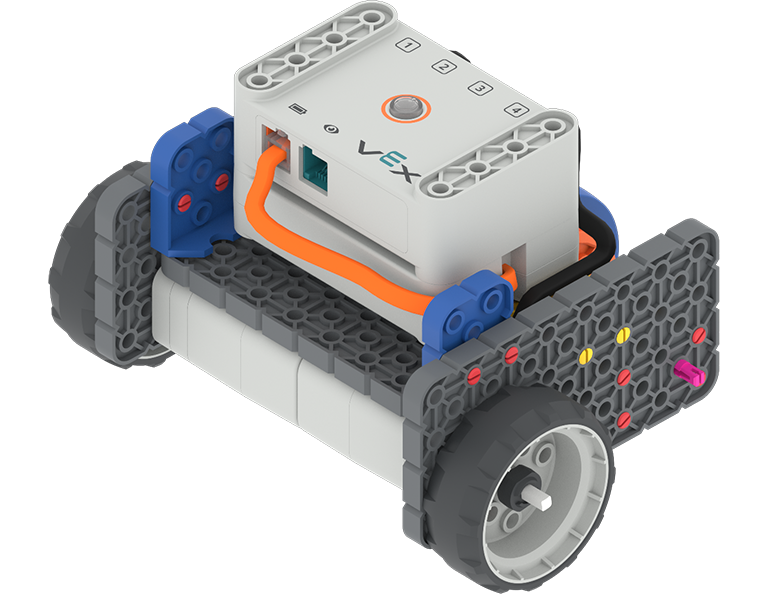
짓다: Code Base
랩 2
코드 및 드라이브
총 시간: 40 분
VEXcode GO에서 코드를 사용하여 코드베이스를 구동하는 방법을 배우고, 그 기술을 적용하여 챌린지 코스를 구동해 보세요!
짓다: Code Base
랩 3
LED 범퍼 사용
총 시간: 40 분
코드 베이스에 LED 범퍼를 추가하고 LED 범퍼의 기능을 살펴보세요.
LED 범퍼란 무엇이고, 어떤 역할을 하나요?
짓다: Code Base - LED Bumper Top
랩 4
컬러 디스크 미로
총 시간: 40 분
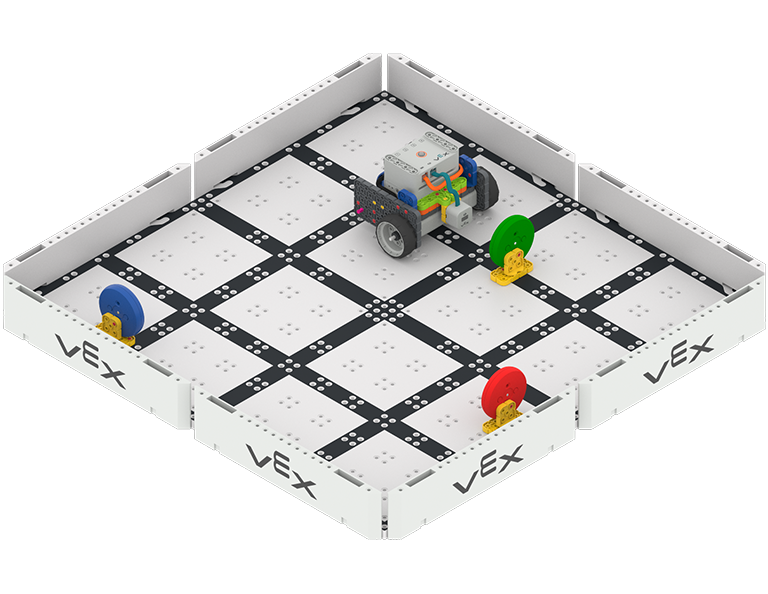
Code Base 2.0 - Eye Forward를 사용하여 객체와 색상을 감지합니다. 이 센서 데이터를 사용하여 디스크 미로를 탐색합니다.
아이 센서란 무엇이고, 무엇을 할 수 있나요?
짓다: Code Base - Eye Forward
Translating Google-based STEM Labs Content
You are about to navigate to Google Docs. The linked document is in English. For instructions on translating the document to another language, please refer to
Google Docs’ translation guide
.
Note: To use the translation feature, first make a copy of the document.
This option will prevent this dialog from appearing again in the future.