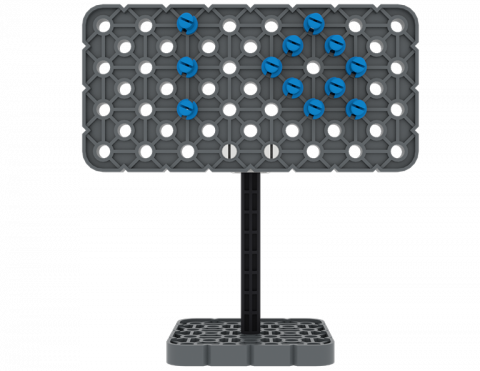
您可以使用 VEX IQ 套件中的零件製作標示牌嗎?
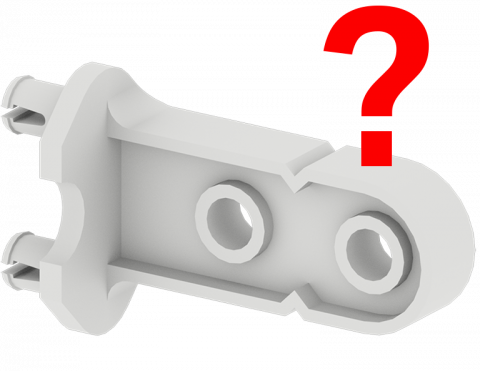
玩遊戲尋找 VEX IQ 套件的零件!
使用 VEX IQ 零件創建一個包含簡單機器的彈珠遊戲!
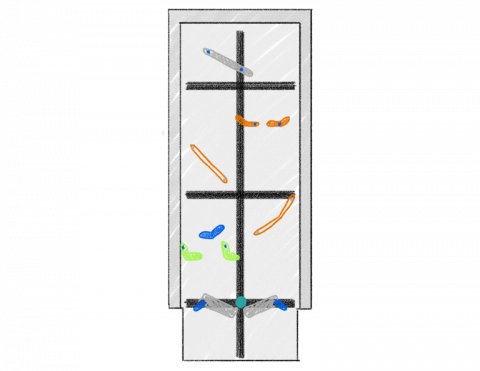
移動物體時哪個方向速度較快?
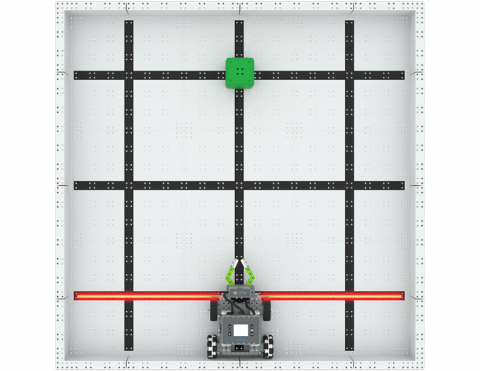
你能以多快的速度將三個街區移動到新位置?
為 BaseBot 添加一個附件,以將 IQ Cube 運上斜面!
6 教訓
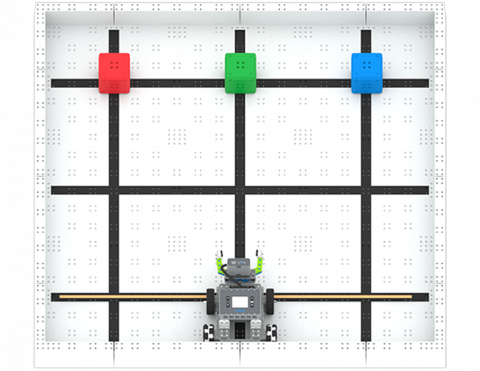
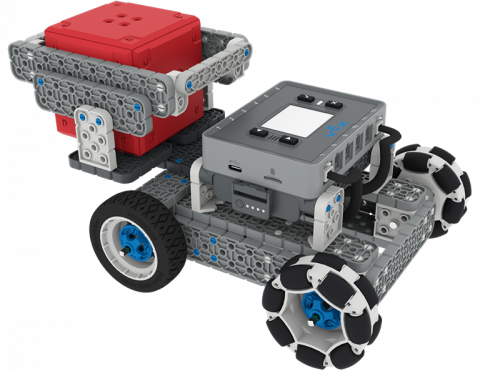
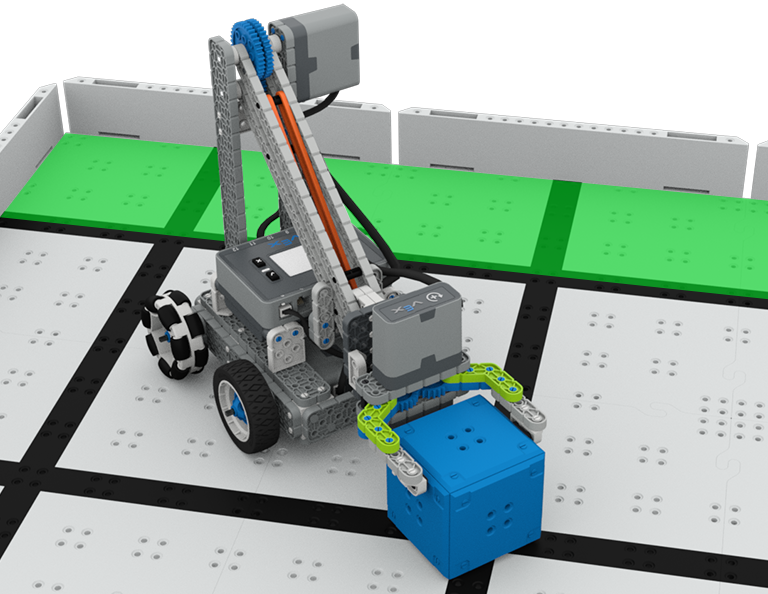
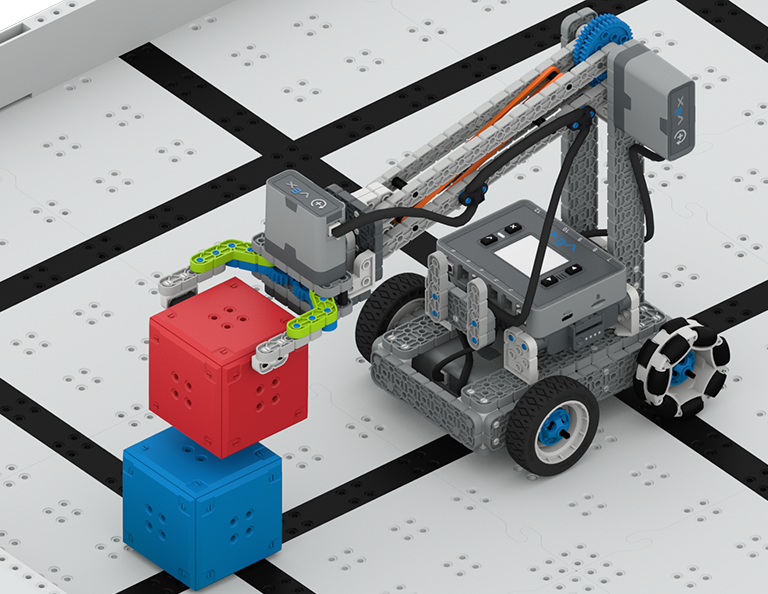
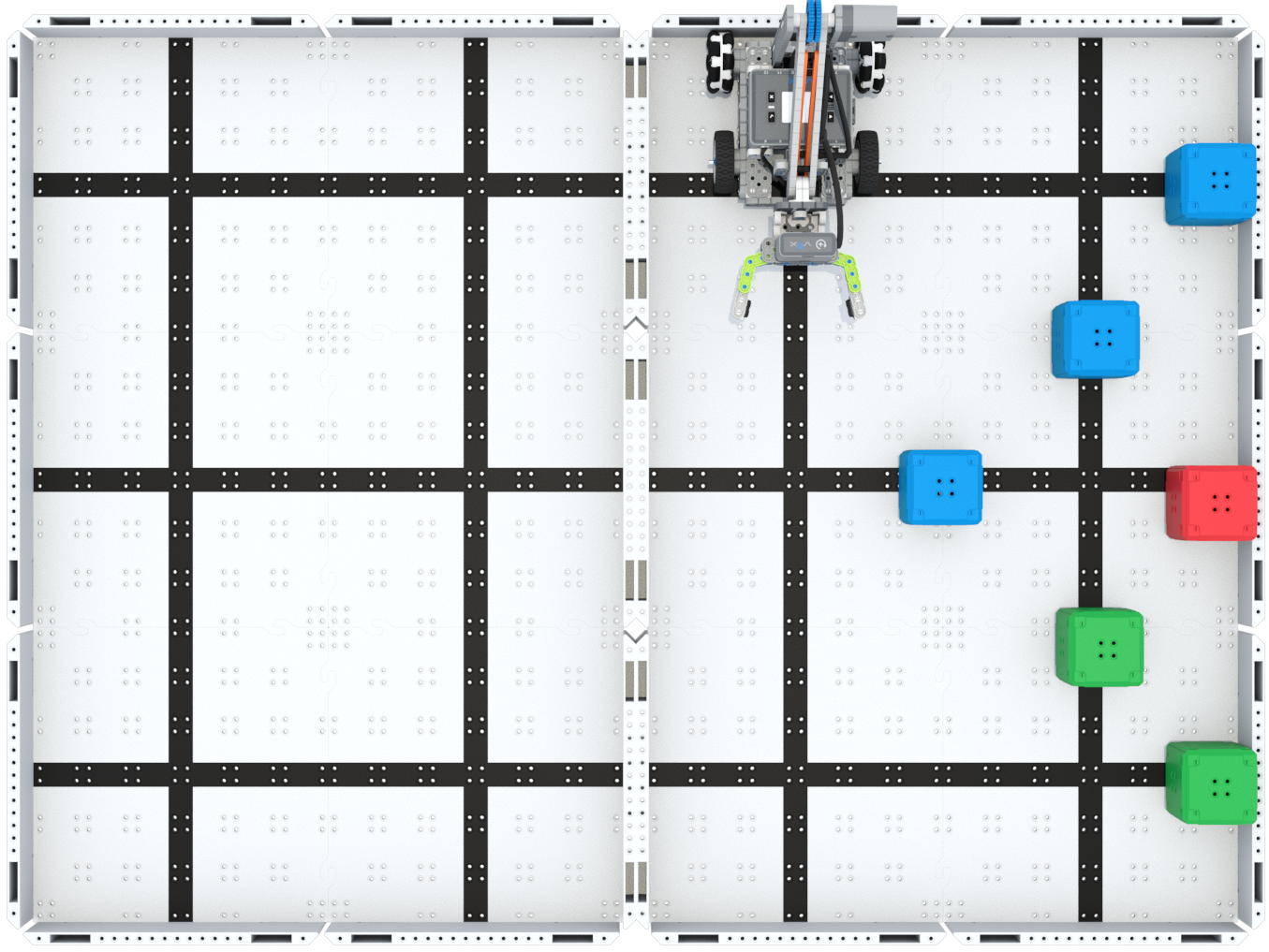
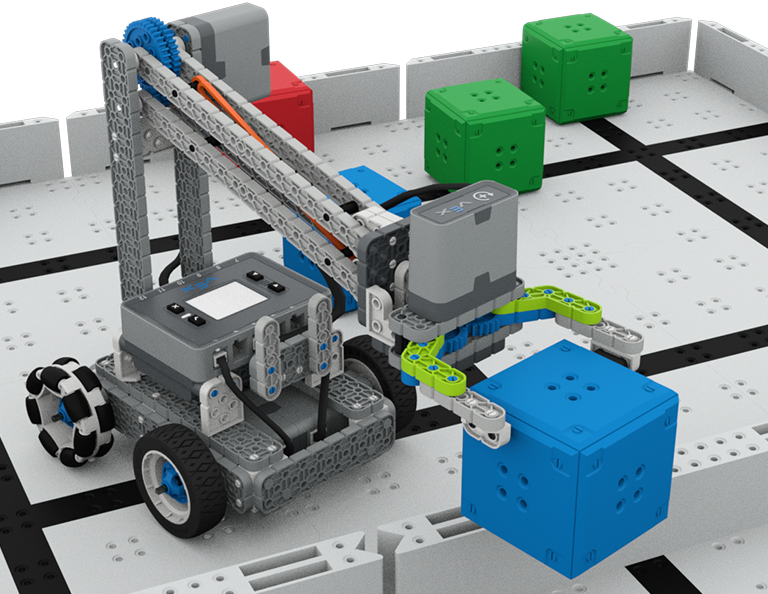
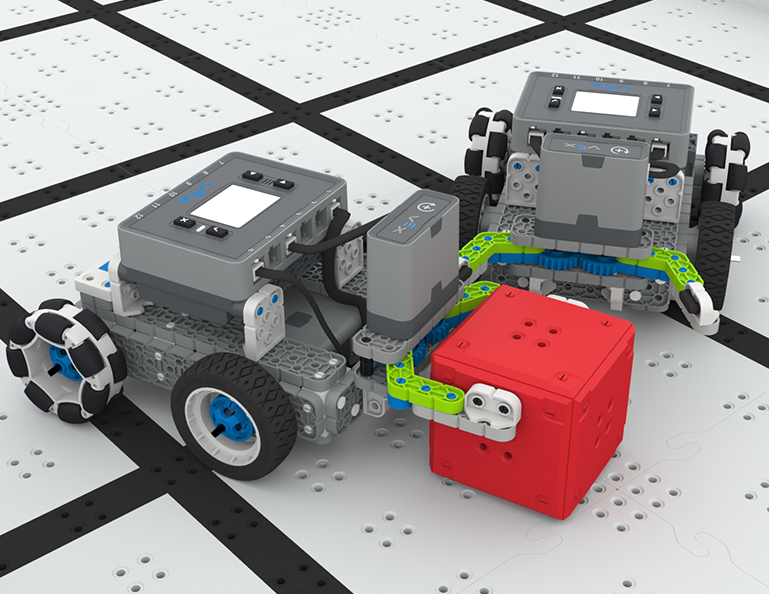
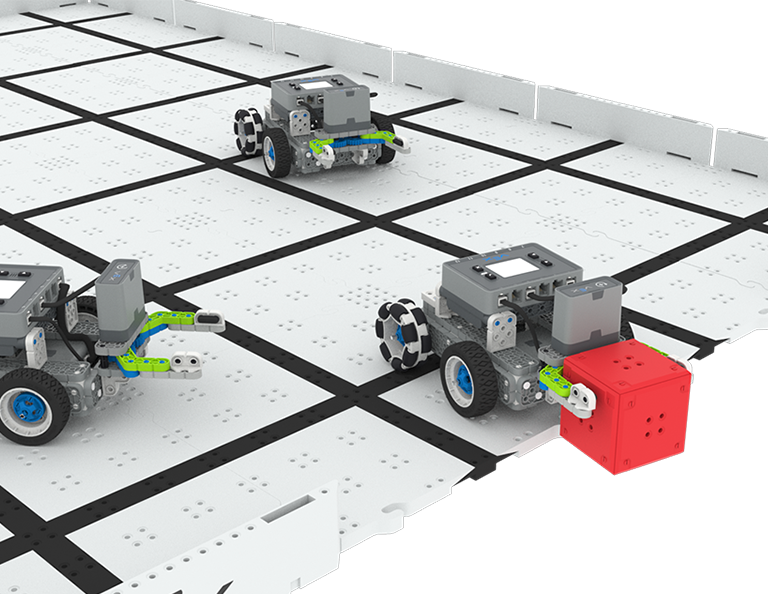
在本單元中,您將探索如何設計一個爪機器人來收集、拾取立方體並將其從場地的一側移動到另一側,在 Up and Over 比賽中!
請造訪教師入口網站,以取得有關 Up and Over 課程內容和便利性的教師支援資料和影片。
Lesson 1: Introduction
In this Lesson, you will be introduced to the Up and Over competition, set up the Battery and Controller, get ready to code, and build the Clawbot.
Lesson 2: Claw Design
In this Lesson, you will learn what a claw is, how an effective claw works, and how scouting can benefit your team's designs and strategy. Then, you will apply what you have learned in the Grab and Go challenge.
Lesson 3: Arm Designs
In this Lesson, you will learn about different elements of robotic arms, how they work, and what makes an effective arm design, in order to stack as many cubes as you can within a minute in the Stacked Up challenge.
Lesson 4: Motor Groups
In this Lesson, you will learn what motor groups are, how they can be helpful, and how to configure motor groups in VEXcode IQ in order to iterate on your robot to complete the Up and Over challenge.
Lesson 5: Up and Over Competition
In this Lesson, you will apply your learning from the previous Lessons to compete in the Up and Over competition!
Lesson 6: Conclusion
In this Lesson, you will reflect on the Unit and identify connections between what you have done and a STEM career.
4 教訓
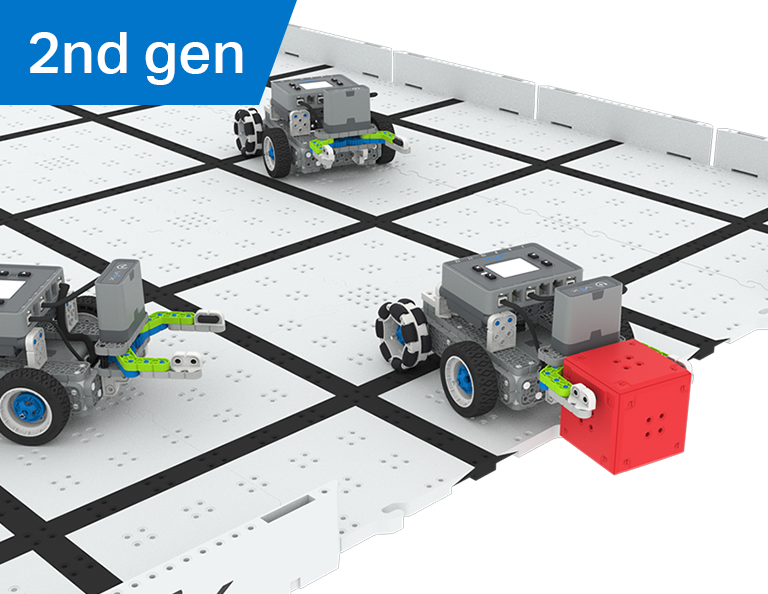
在本單元中,您將探索如何在機器人上創建一個操縱器,以作為機器人足球員在機器人足球比賽中抓取、傳球和進球最多!
造訪教師入口網站,以取得有關機器人足球課程內容和便利性的教師支援資料和影片。
6 教訓
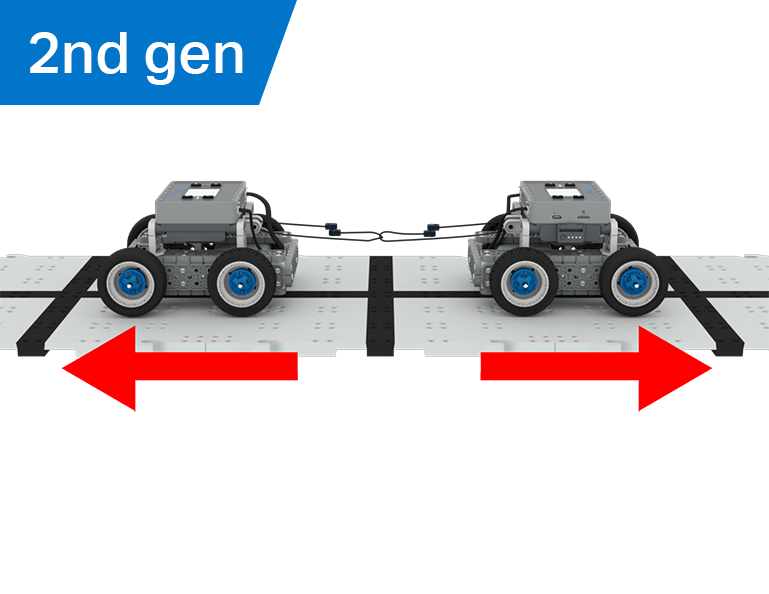
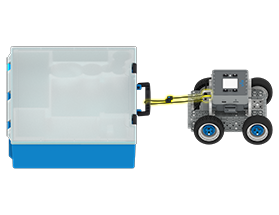
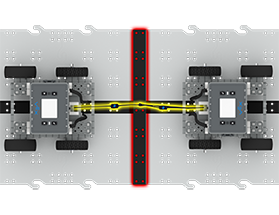
在本單元中,您將探索機械優勢和質心如何影響 BaseBot 拉動物體的能力,並為拔河比賽設計最佳機器人!
請造訪教師入口網站,以取得有關拔河課程內容和便利性的教師支援資料和影片。
Lesson 1: Introduction
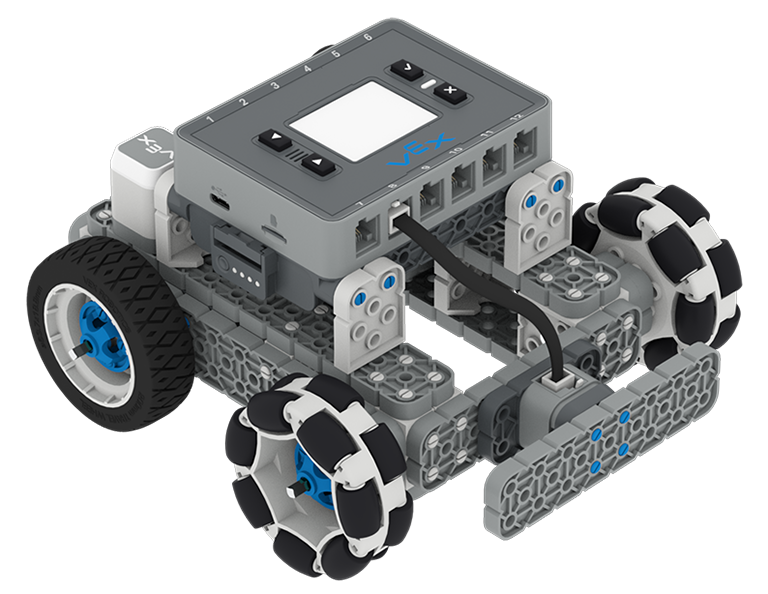
In this Lesson, you will be introduced to the Tug of War competition and build the BaseBot.
Lesson 2: Pulling Objects with the BaseBot
In this Lesson, you will design a rope attachment to practice pulling objects with your BaseBot. Then you will compete in a Robot Tractor Pull challenge.
Lesson 3: Using a Gear Train
In this Lesson, you will add a gear train to your BaseBot to explore how different gear configurations affect your robot's ability to pull an object. Then you will compete in a Gear Train Tractor Pull challenge.
Lesson 4: Adding Mass
In this Lesson, you will add mass to your BaseBot to explore how changing the center of mass affects your robot's ability to pull an object. Then you will compete in a Tug of War challenge.
Lesson 5: Tug of War Competition
In this Lesson, you will apply your learning from the previous Lessons to compete in a Tug of War competition!
Lesson 6: Conclusion
In this Lesson, you will reflect on your learning in this Unit and identify connections between what you have done and a STEM career.
6 教訓
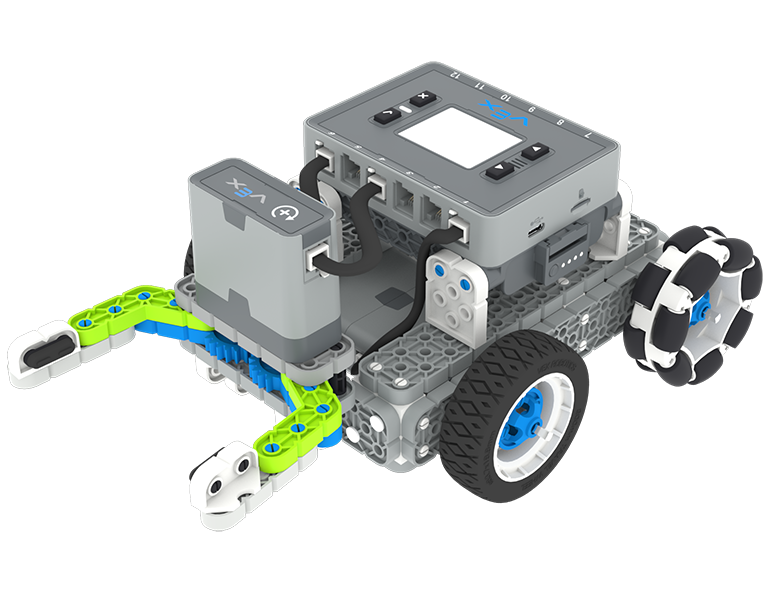
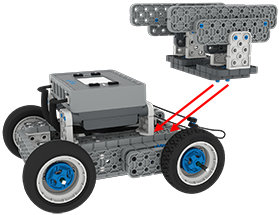
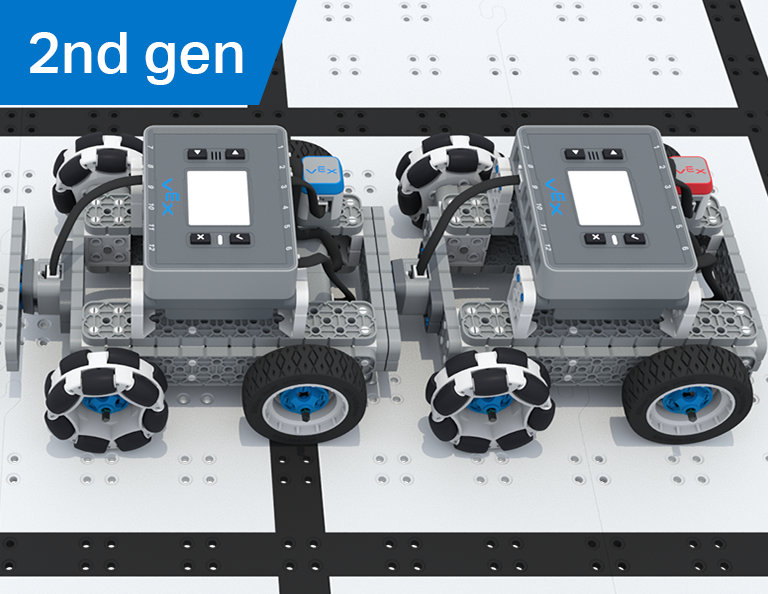
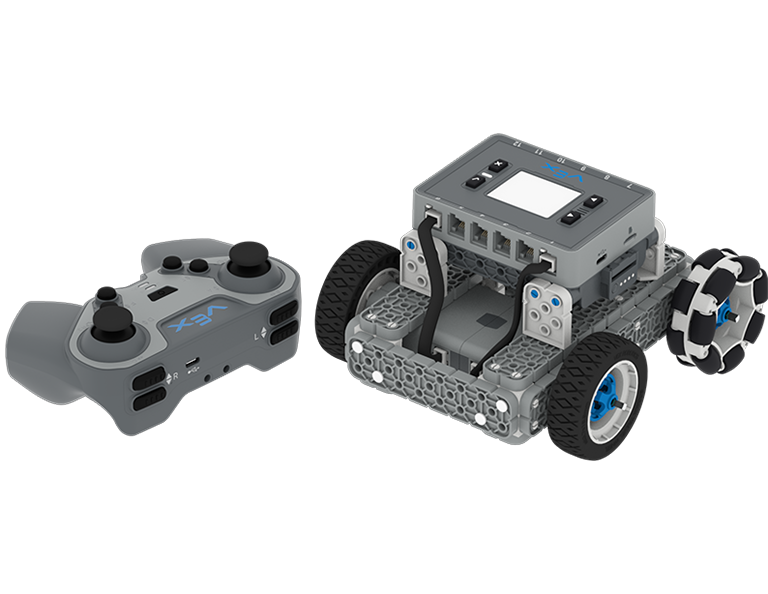
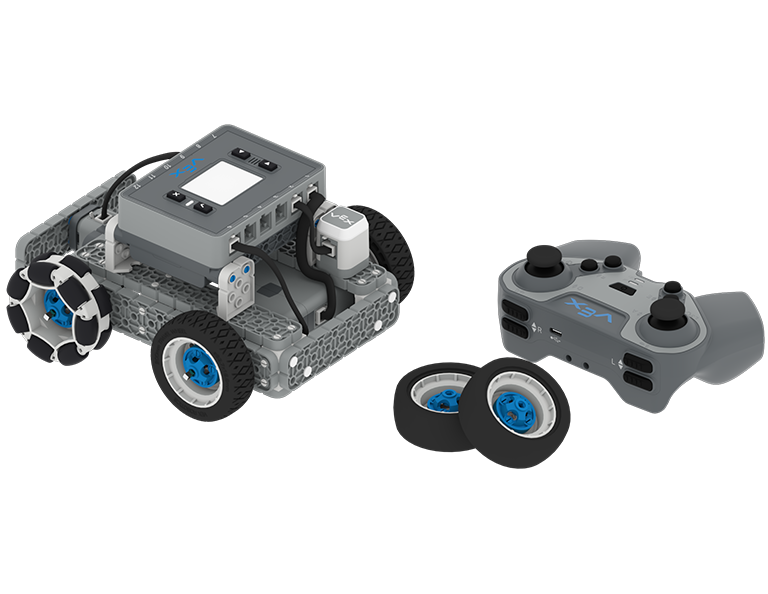
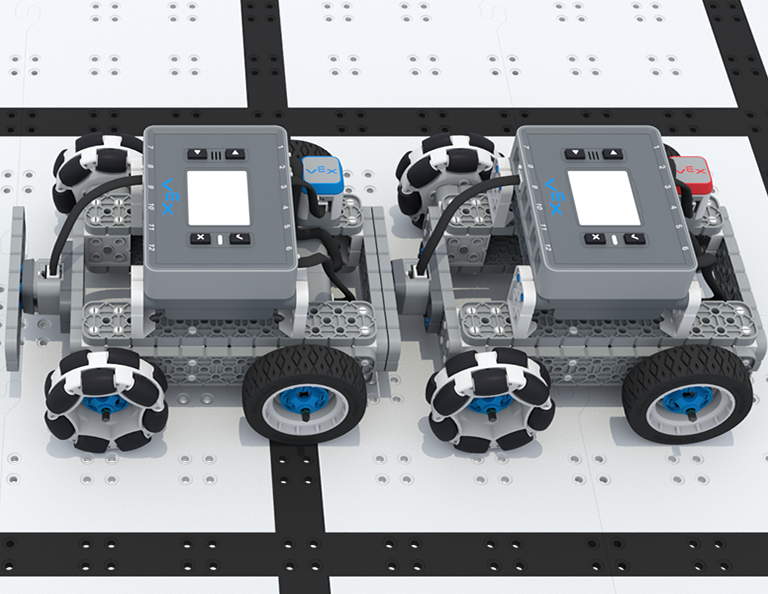
在本單元中,您將使用 IQ 控制器驅動 BaseBot、選擇車輪並添加感測器來參加 Team Freeze Tag 競賽!
請造訪教師入口網站,以取得有關 Team Freeze Tag 課程內容和協助的教師支援資料和影片。
Lesson 1: Introduction
In this Lesson, you will be introduced to the Team Freeze Tag competition, set up the Battery and Controller, and build the BaseBot.
Lesson 2: Driving with the IQ Controller
In this Lesson, you will learn how to drive the BaseBot using the IQ Controller and practice your driving to compete in a challenge activity as you drive in a figure eight!
Lesson 3: Changing the Wheels
In this Lesson, you will learn how to change the wheels of the BaseBot, and experiment with different wheel combinations to improve the robot's ability to play Tag.
Lesson 4: Adding the Bumper Switch and Touch LED
In this Lesson, you will add a Bumper Switch and Touch LED to your BaseBot and compete in 1-on-1 Freeze Tag!
Lesson 5: Team Freeze Tag Competition
In this Lesson, you will combine all the skills learned in previous Lessons to play a game of Team Freeze Tag!
Lesson 6: Conclusion
In this Lesson, you will reflect on the Unit and identify connections between what you have done and a STEM career.