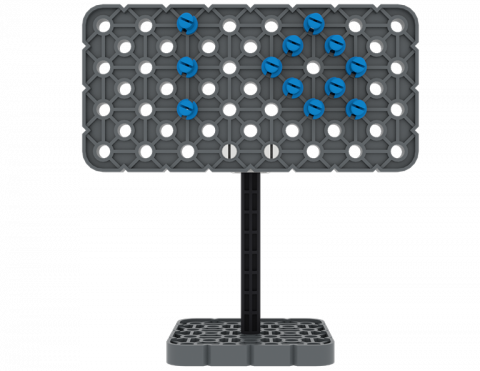
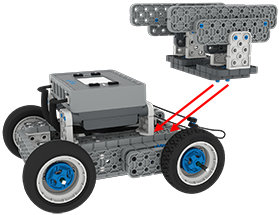
Можете ли вы построить вывеску из деталей вашего набора VEX IQ Kit?
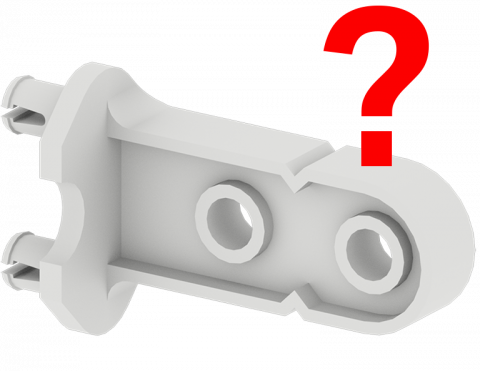
Сыграйте в игру и найдите части набора VEX IQ Kit!
Создайте игру в пинбол, включающую простые автоматы, используя детали VEX IQ!
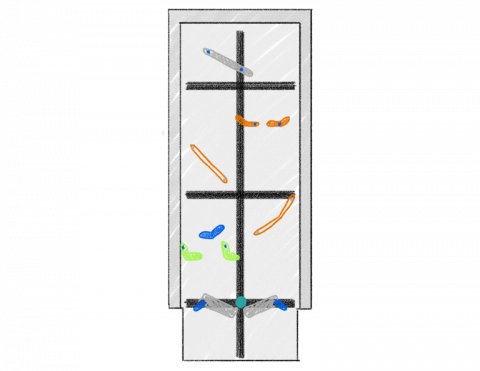
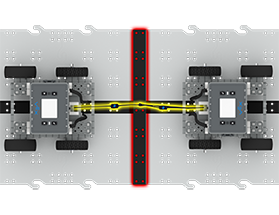
В каком направлении быстрее перемещается объект?
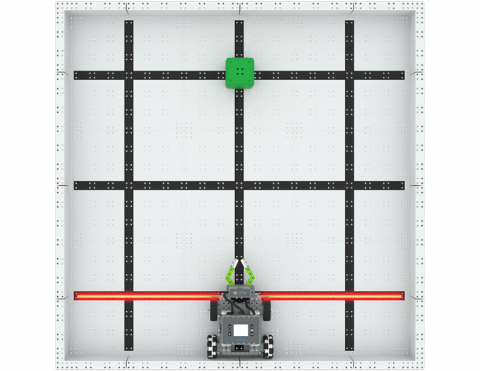
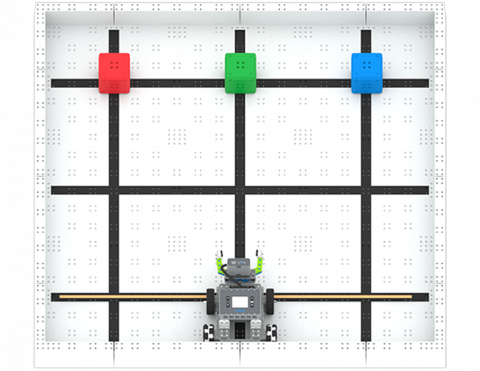
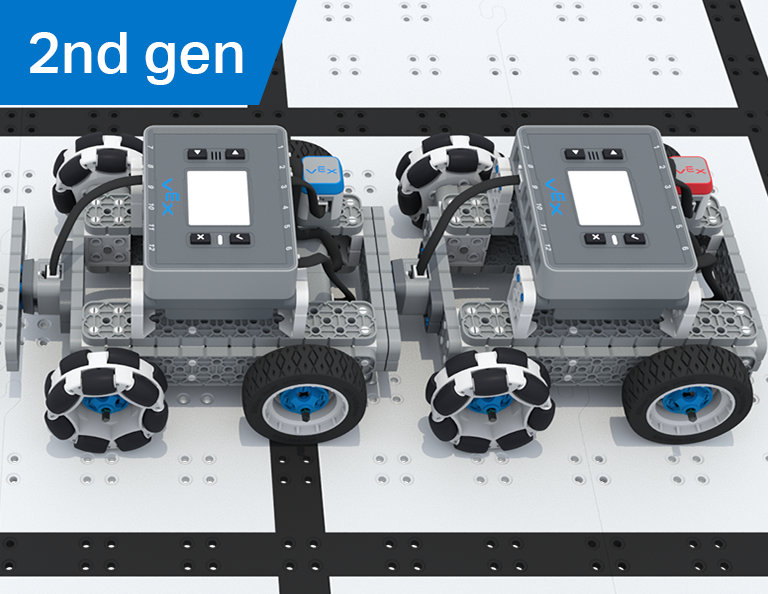
Как быстро вы сможете переместить три квартала на новое место?
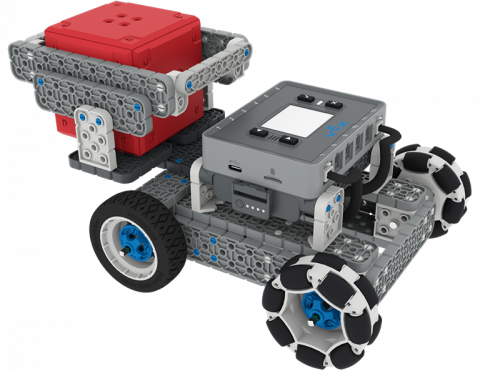
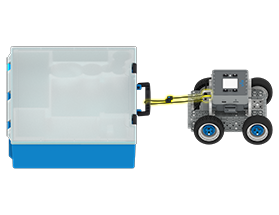
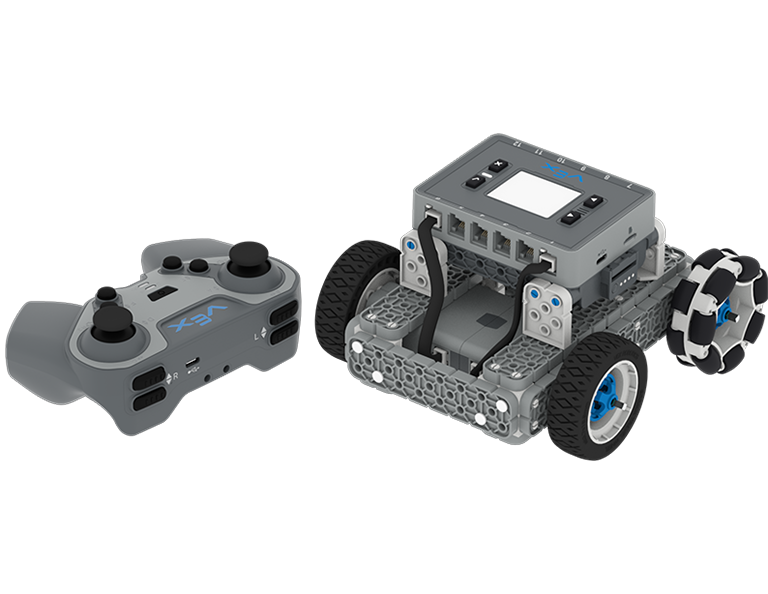
Создайте дополнение к BaseBot, чтобы переносить IQ Cube вверх по наклонной плоскости!
6 Уроки
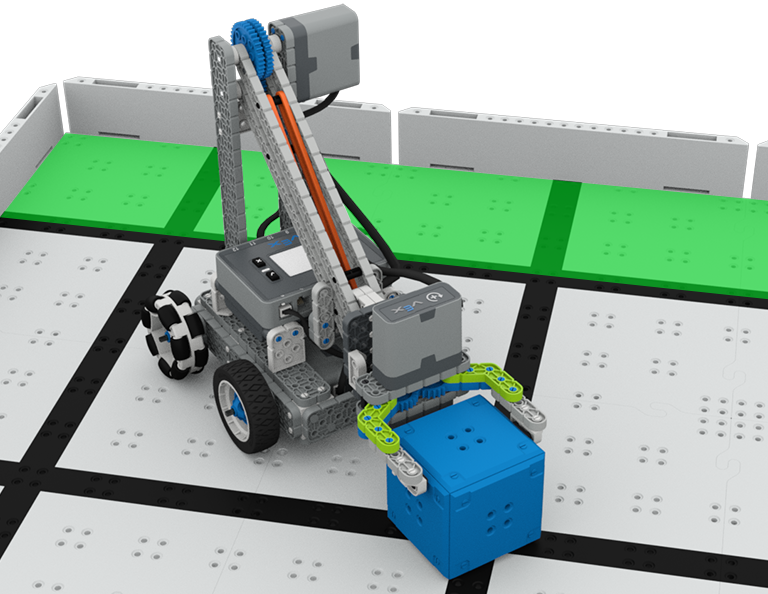
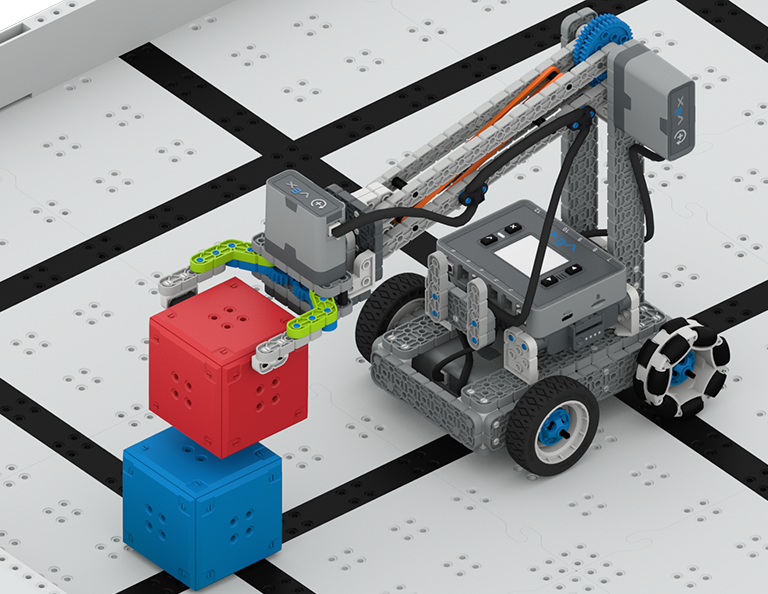
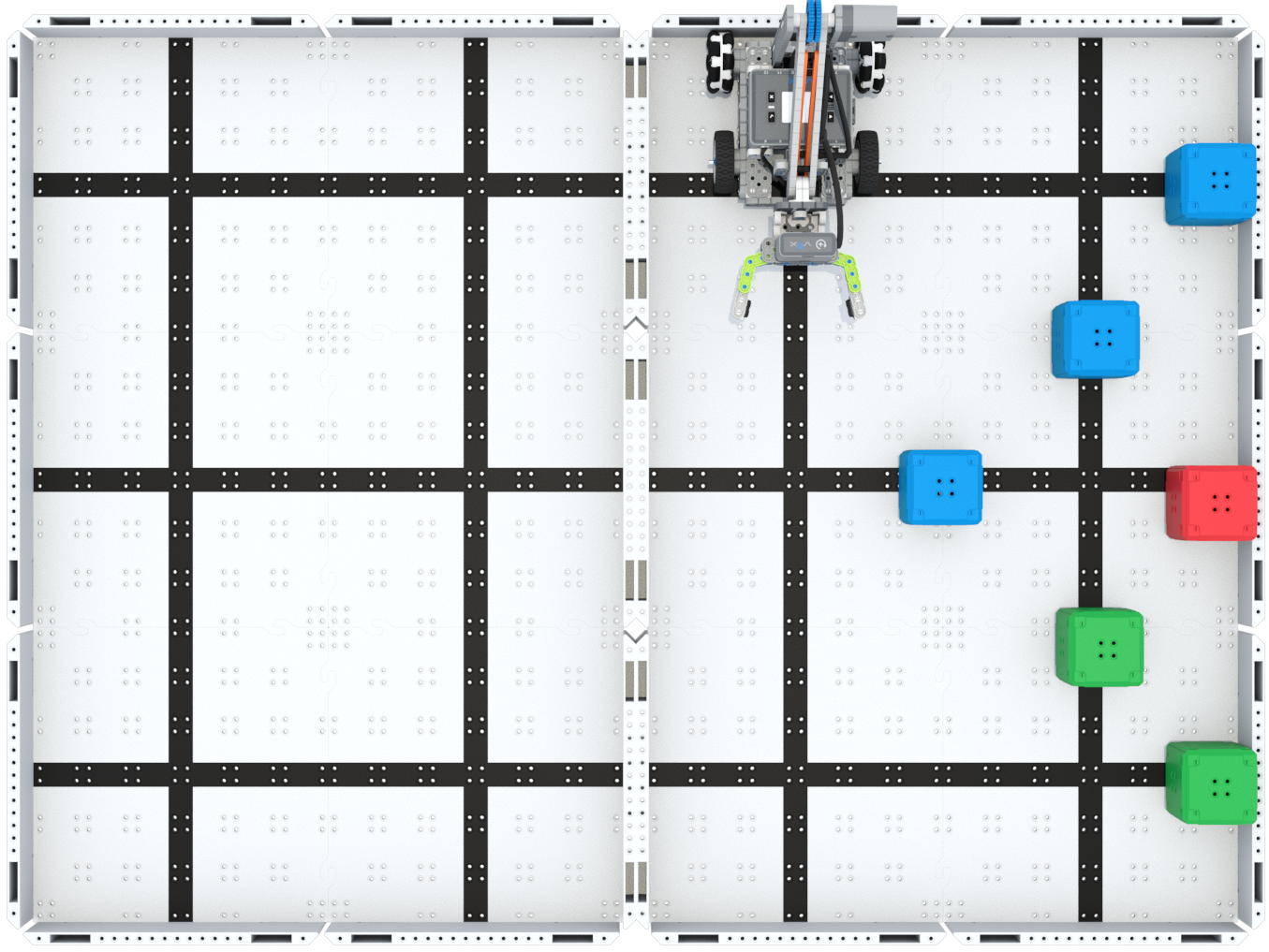
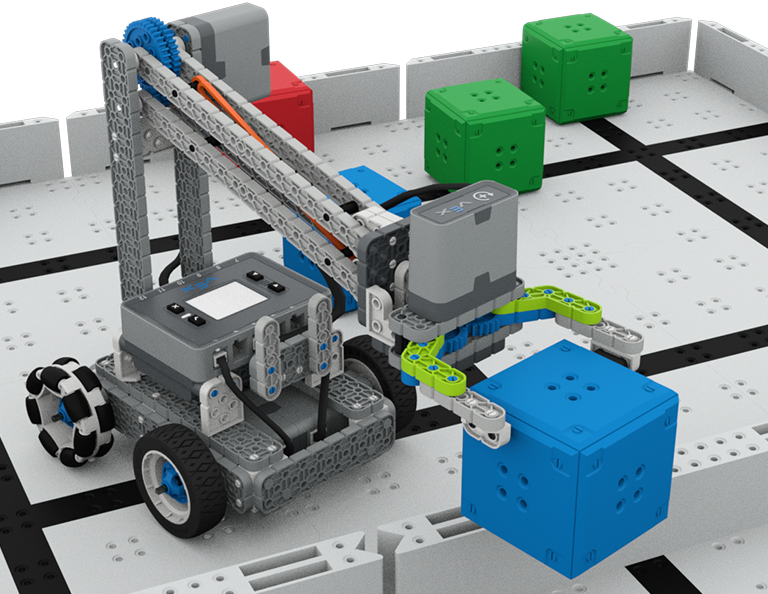
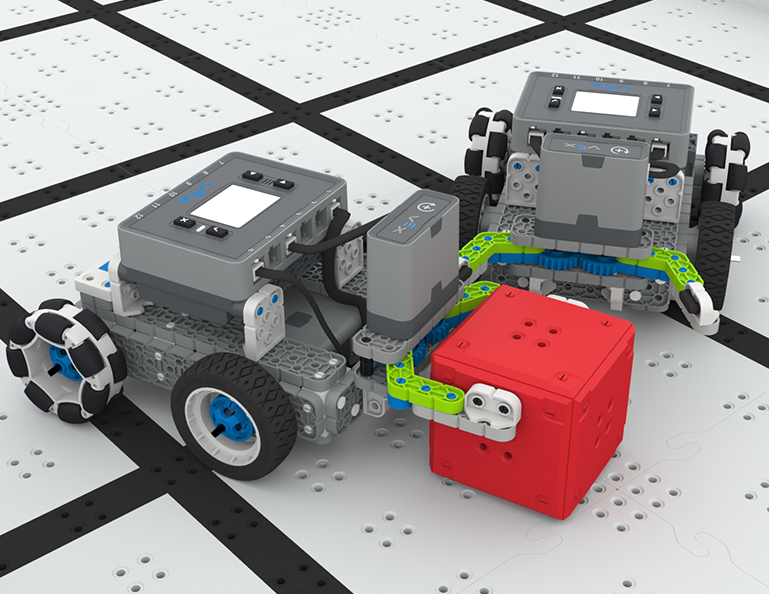
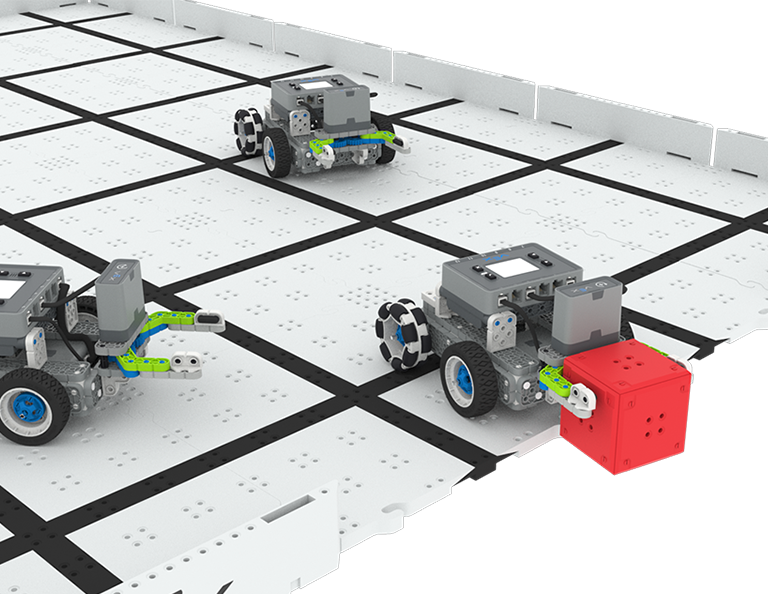
В этом модуле вы узнаете, как сконструировать робота-когтя, который будет собирать, подбирать и перемещать кубики с одной стороны поля на другую в соревновании «Вверх и больше»!
Посетите Портал для учителей, чтобы найти материалы и видеоролики для поддержки учителей, посвященные содержанию и проведению уроков Up and Over Lessons.
Lesson 1: Introduction
In this Lesson, you will be introduced to the Up and Over competition, set up the Battery and Controller, get ready to code, and build the Clawbot.
Lesson 2: Claw Design
In this Lesson, you will learn what a claw is, how an effective claw works, and how scouting can benefit your team's designs and strategy. Then, you will apply what you have learned in the Grab and Go challenge.
Lesson 3: Arm Designs
In this Lesson, you will learn about different elements of robotic arms, how they work, and what makes an effective arm design, in order to stack as many cubes as you can within a minute in the Stacked Up challenge.
Lesson 4: Motor Groups
In this Lesson, you will learn what motor groups are, how they can be helpful, and how to configure motor groups in VEXcode IQ in order to iterate on your robot to complete the Up and Over challenge.
Lesson 5: Up and Over Competition
In this Lesson, you will apply your learning from the previous Lessons to compete in the Up and Over competition!
Lesson 6: Conclusion
In this Lesson, you will reflect on the Unit and identify connections between what you have done and a STEM career.
4 Уроки
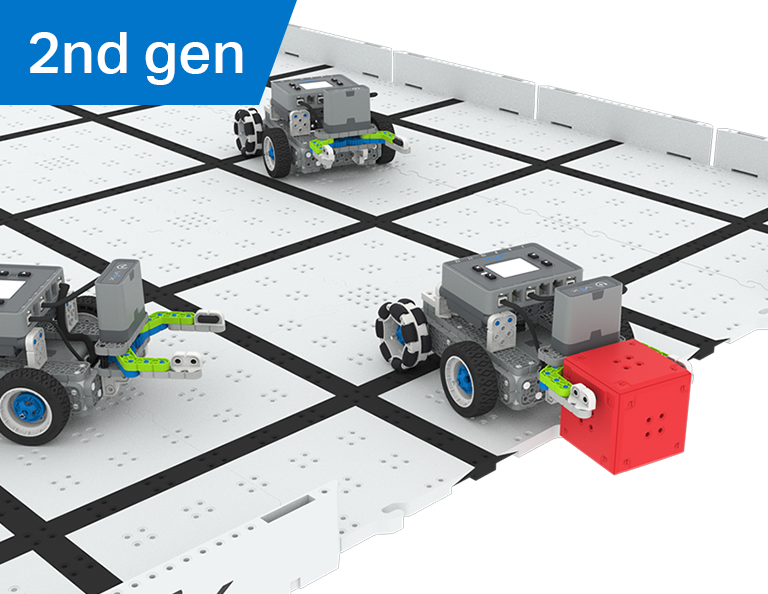
В этом разделе вы узнаете, как создать манипулятор на своем роботе, чтобы хватать, передавать передачи и забивать как можно больше голов в роли робота-футболиста в соревнованиях по футболу роботов!
Посетите Портал для учителей, чтобы найти вспомогательные материалы и видеоролики для учителей о содержании и проведении уроков футбола с роботами.
Урок 1: Введение
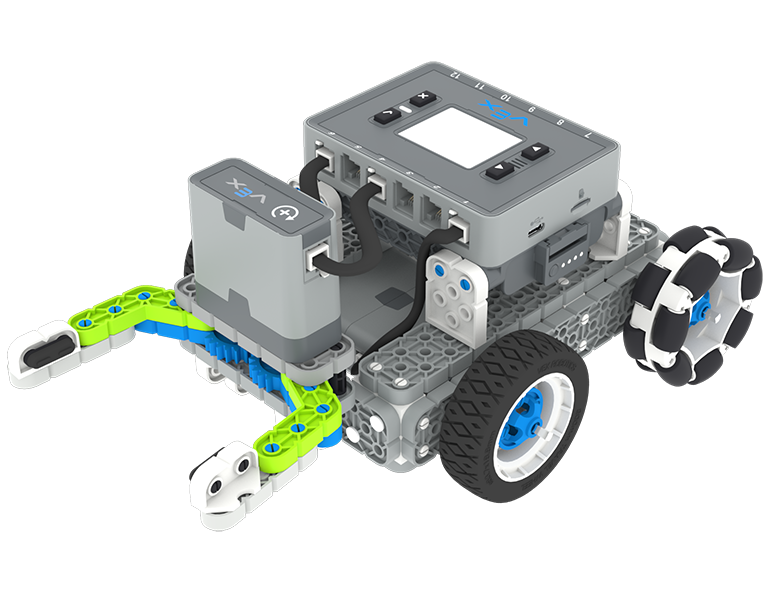
На этом уроке вы создадите Simple Clawbot, зарядите контроллер и батарею и подготовитесь к написанию кода.
Урок 2: Манипуляторы
На этом уроке вы узнаете о пассивных и активных манипуляторах и конструкции воздухозаборника, чтобы усовершенствовать конструкцию своего робота и принять участие в соревновании по футболу роботов один на один!
Урок 3: Соревнования роботов по футболу
На этом уроке вы примените знания, полученные на предыдущем уроке, для участия в соревнованиях по футболу роботов!
Урок 4: Заключение
На этом уроке вы поразмышляете о подразделении и определите связь между тем, что вы сделали, и карьерой в сфере STEM.
6 Уроки
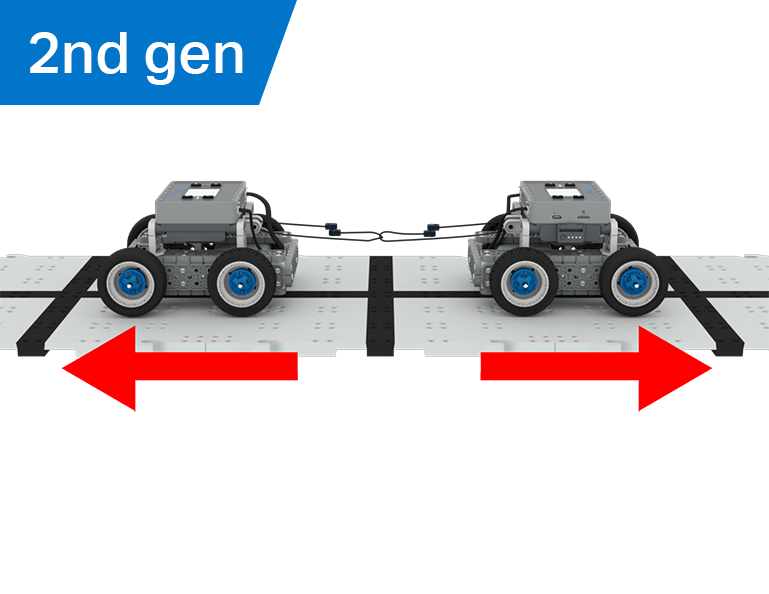
В этом модуле вы узнаете, как механическое преимущество и центр масс влияют на способность BaseBot тянуть предметы, и спроектируете лучшего робота для игры «Перетягивание каната»!
Посетите Портал для учителей, чтобы найти вспомогательные материалы и видеоролики для учителей о содержании и проведении уроков по перетягиванию каната.
Lesson 1: Introduction
In this Lesson, you will be introduced to the Tug of War competition and build the BaseBot.
Lesson 2: Pulling Objects with the BaseBot
In this Lesson, you will design a rope attachment to practice pulling objects with your BaseBot. Then you will compete in a Robot Tractor Pull challenge.
Lesson 3: Using a Gear Train
In this Lesson, you will add a gear train to your BaseBot to explore how different gear configurations affect your robot's ability to pull an object. Then you will compete in a Gear Train Tractor Pull challenge.
Lesson 4: Adding Mass
In this Lesson, you will add mass to your BaseBot to explore how changing the center of mass affects your robot's ability to pull an object. Then you will compete in a Tug of War challenge.
Lesson 5: Tug of War Competition
In this Lesson, you will apply your learning from the previous Lessons to compete in a Tug of War competition!
Lesson 6: Conclusion
In this Lesson, you will reflect on your learning in this Unit and identify connections between what you have done and a STEM career.
6 Уроки
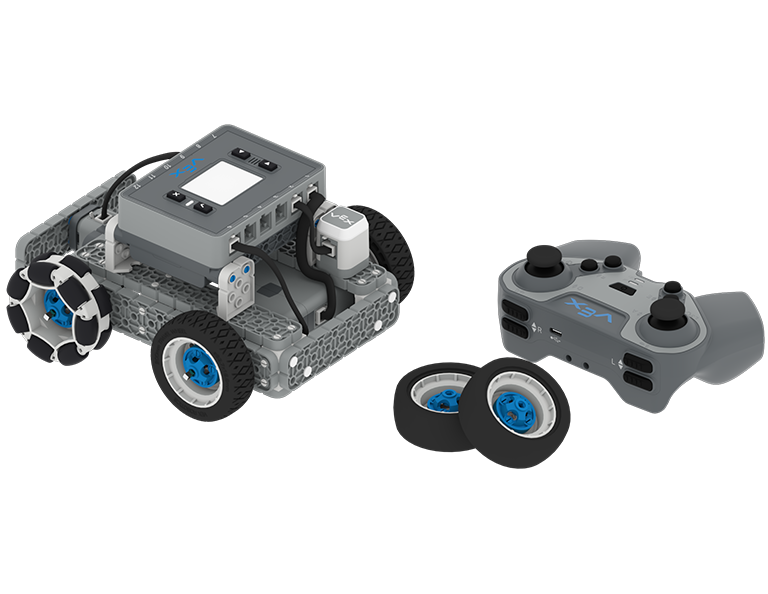
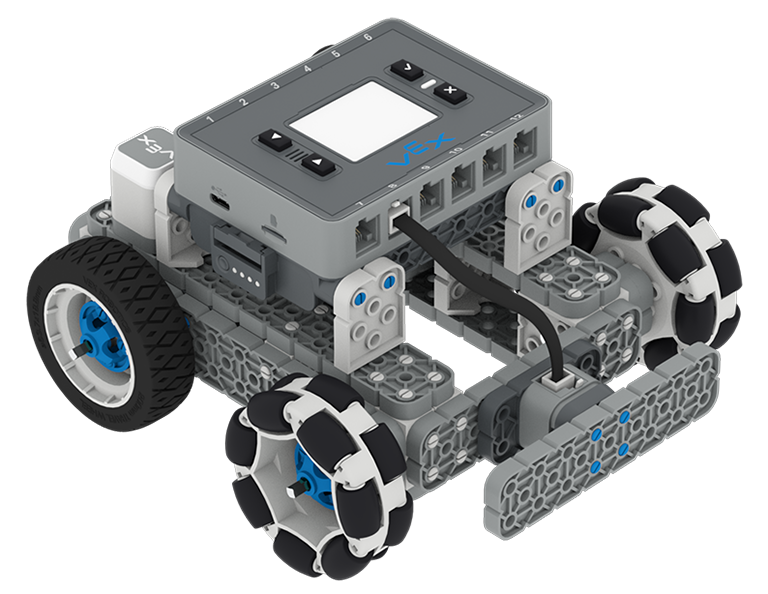
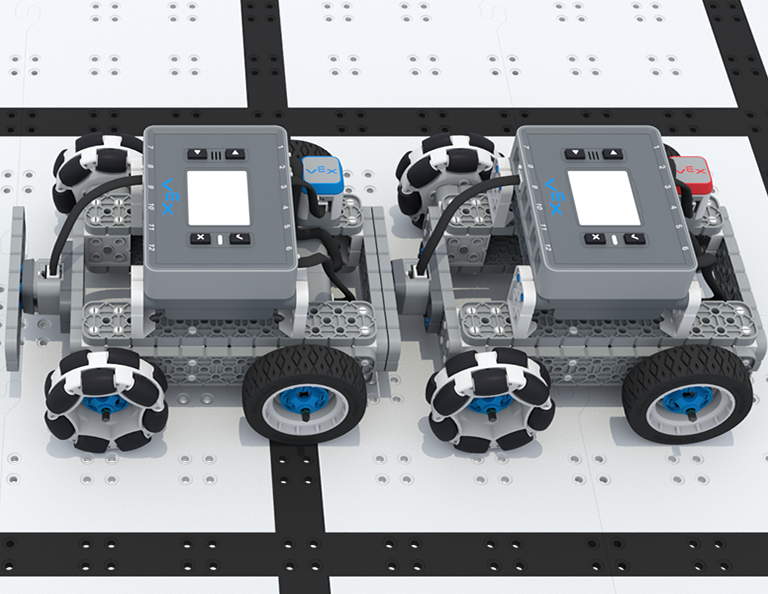
В этом модуле вы будете управлять BaseBot с помощью контроллера IQ, выбирать колеса и добавлять датчики, чтобы участвовать в соревновании Team Freeze Tag!
Посетите Портал для учителей, чтобы найти материалы и видеоролики для поддержки учителей, посвященные содержанию и проведению уроков Team Freeze Tag.
Lesson 1: Introduction
In this Lesson, you will be introduced to the Team Freeze Tag competition, set up the Battery and Controller, and build the BaseBot.
Lesson 2: Driving with the IQ Controller
In this Lesson, you will learn how to drive the BaseBot using the IQ Controller and practice your driving to compete in a challenge activity as you drive in a figure eight!
Lesson 3: Changing the Wheels
In this Lesson, you will learn how to change the wheels of the BaseBot, and experiment with different wheel combinations to improve the robot's ability to play Tag.
Lesson 4: Adding the Bumper Switch and Touch LED
In this Lesson, you will add a Bumper Switch and Touch LED to your BaseBot and compete in 1-on-1 Freeze Tag!
Lesson 5: Team Freeze Tag Competition
In this Lesson, you will combine all the skills learned in previous Lessons to play a game of Team Freeze Tag!
Lesson 6: Conclusion
In this Lesson, you will reflect on the Unit and identify connections between what you have done and a STEM career.