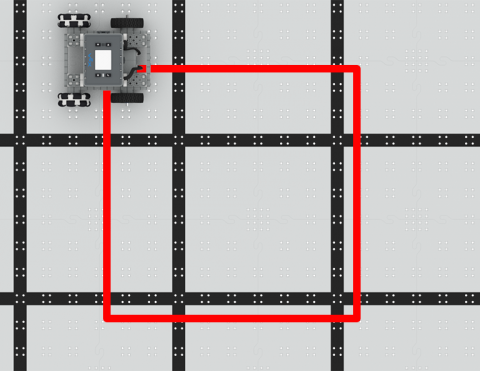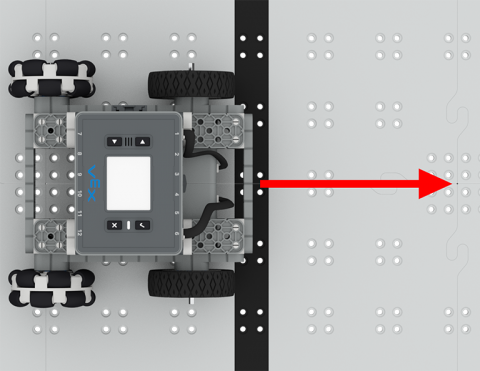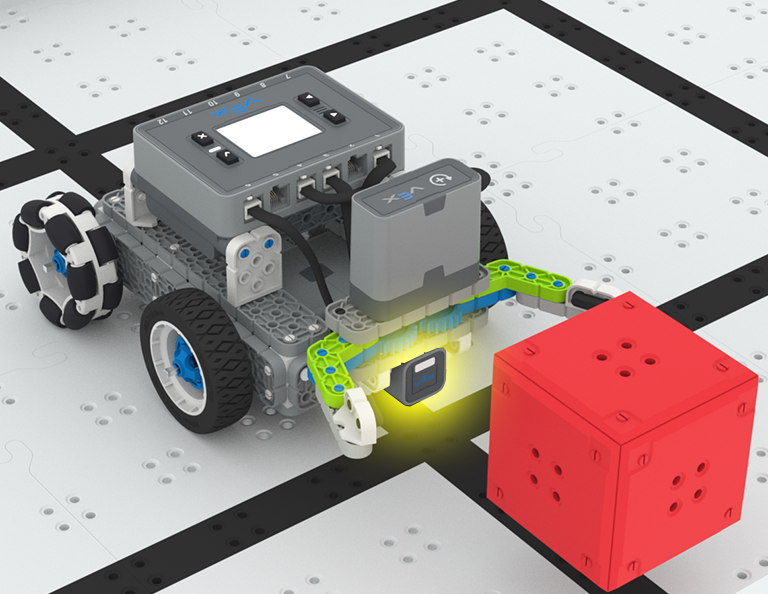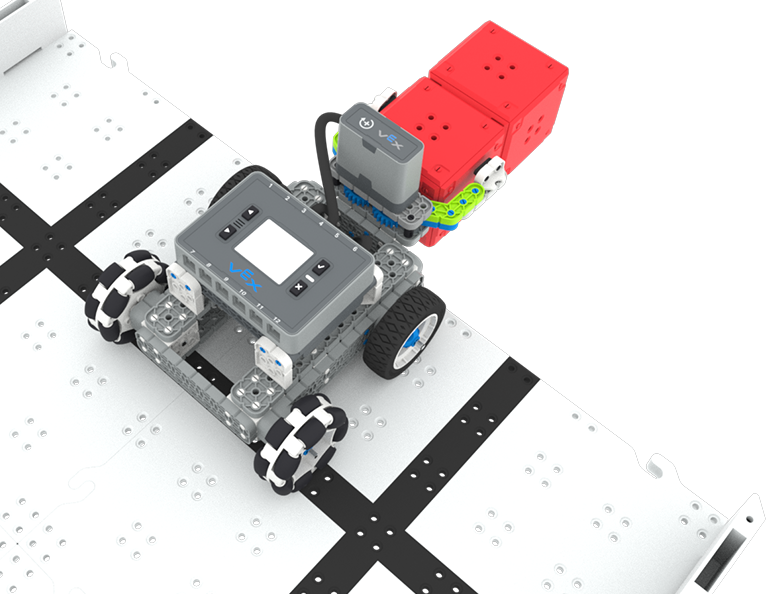

BaseBot'u kare şeklinde ilerlemesi için kodlayın!
6 Dersler
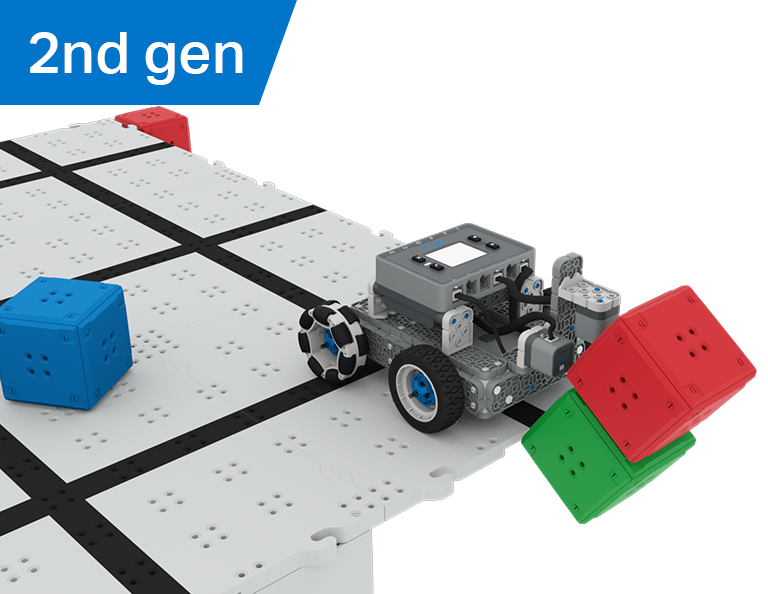
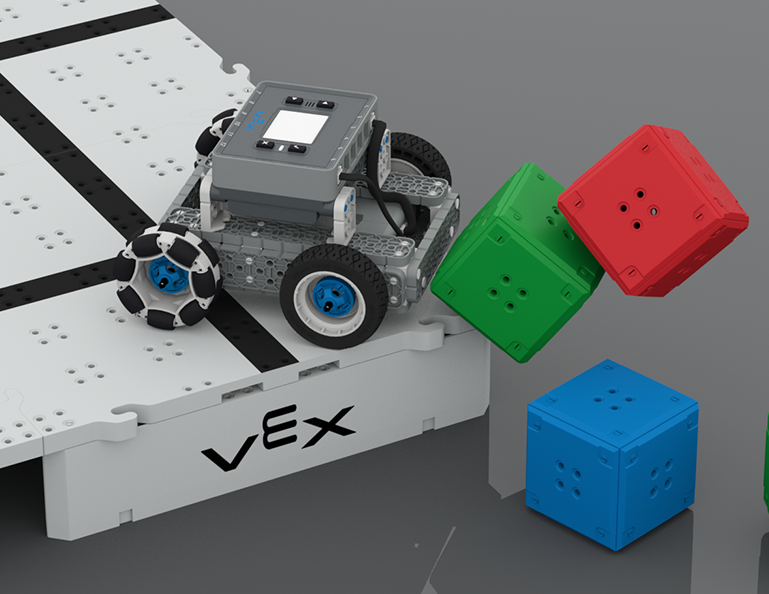
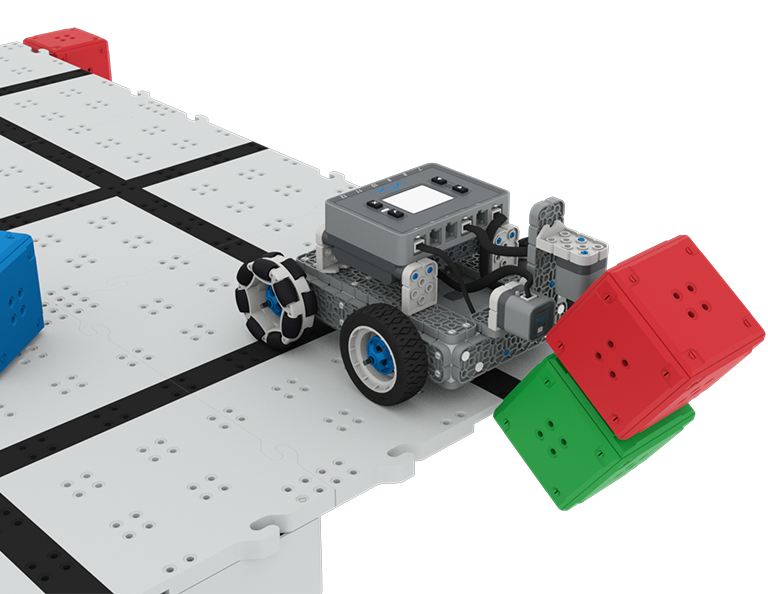
Bu Ünitede, Castle Crasher yarışmasında puan kazanmak amacıyla küp 'kaleleri' aramak, çarpmak ve temizlemek için Optik ve Mesafe sensörlerini nasıl kullanacağınızı keşfedeceksiniz!
Castle Crasher Derslerinin içeriği ve kolaylaştırılmasıyla ilgili öğretmen destek materyalleri ve videoları için Öğretmen Portalını ziyaret edin.
Lesson 1: Introduction
In this Lesson, you will be introduced to the Castle Crasher Competition, build the BaseBot, and get ready to code.
Lesson 2: Castle Crasher No Sensors
In this Lesson, you will learn about calculating angles and changing the velocity of your robot so that you can compete in the Tower Over Challenge.
Lesson 3: Castle Crasher + Distance Sensor
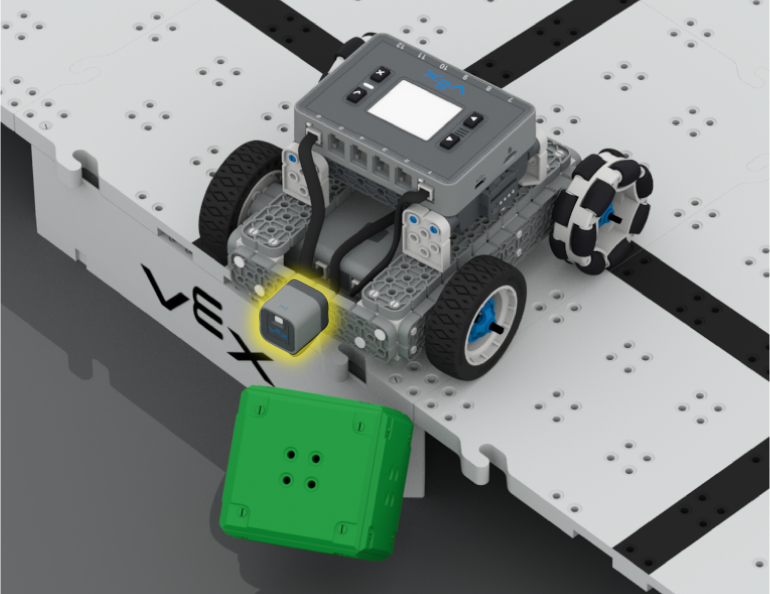
In this Lesson you will learn about what the Distance Sensor is and how it can be used on your robot. You will also learn about the [Wait until] block and how it can be used in a VEXcode IQ project. Then you will apply what you have learned to compete in the Cube Crasher Challenge!
Lesson 4: Creating Algorithms
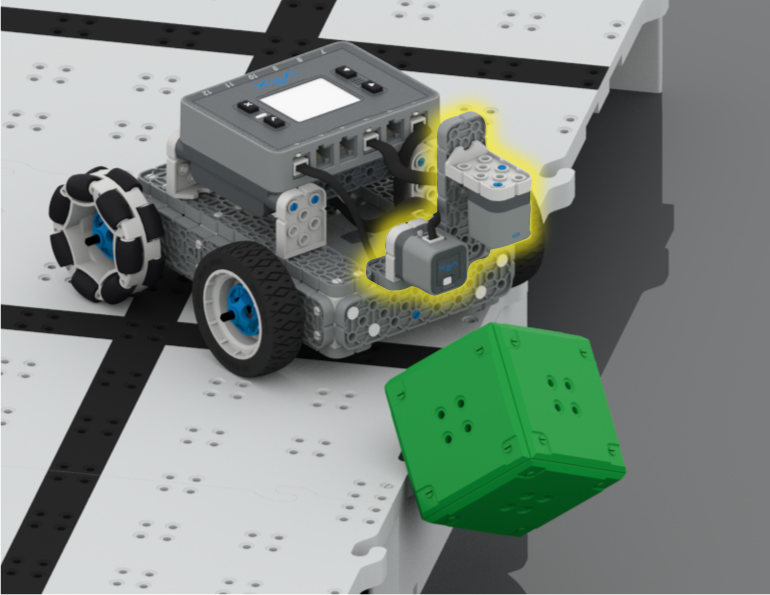
In this Lesson, you will learn about the Optical Sensor, and about how to create an algorithm that uses sensor feedback. Then you will code your robot to autonomously find cubes and push them off the Field in the Sweep the Field Challenge.
Lesson 5: Castle Crasher Competition
In this Lesson you will apply your learning from the previous Lessons to compete in a Castle Crasher competition!
Lesson 6: Conclusion
In this Lesson, you will reflect on the Unit and identify connections between what you have done and a STEM career.
BaseBot'u kare şeklinde ilerlemesi için kodlayın!
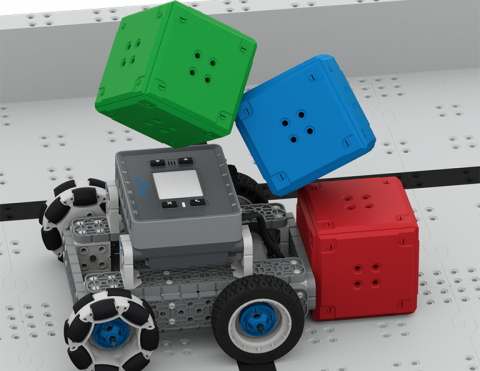
Küpleri devirmek için BaseBot'u kodlayın!
BaseBot'un küpleri itme yönü hakkında bilgi edinin!
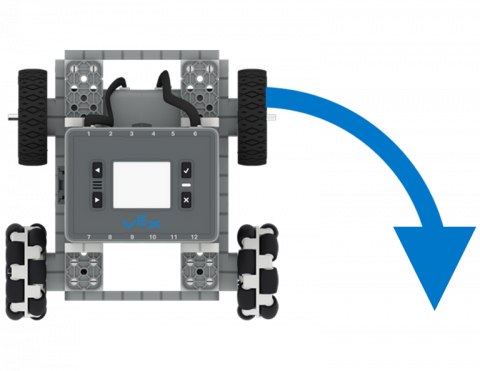
BaseBot'u sola ve sağa dönecek şekilde kodlayın.
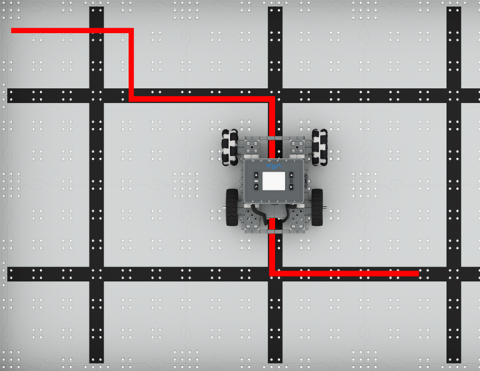
Robotunuzu bağımsız olarak ileri ve geri hareket ettirin!
5 Dersler
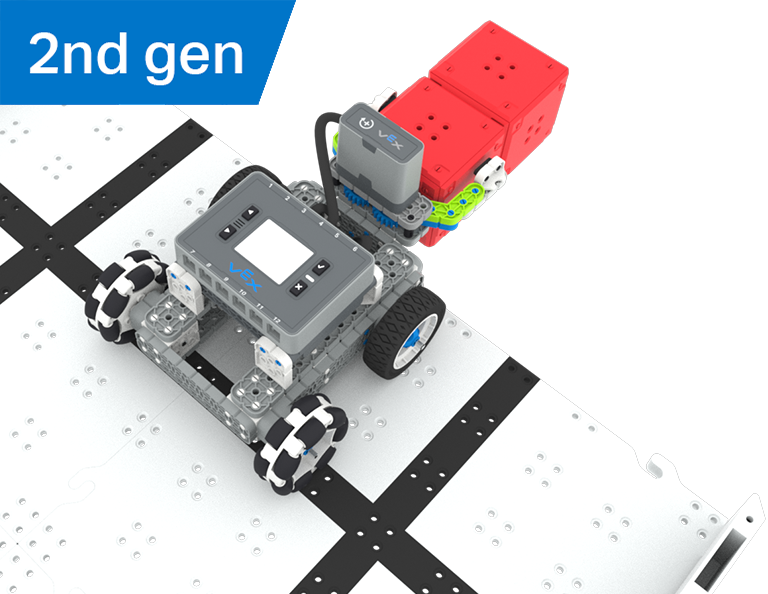
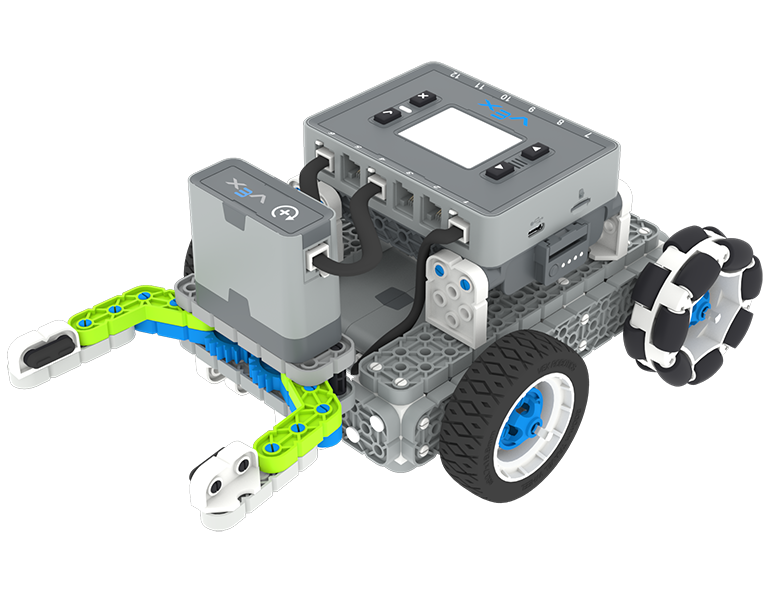
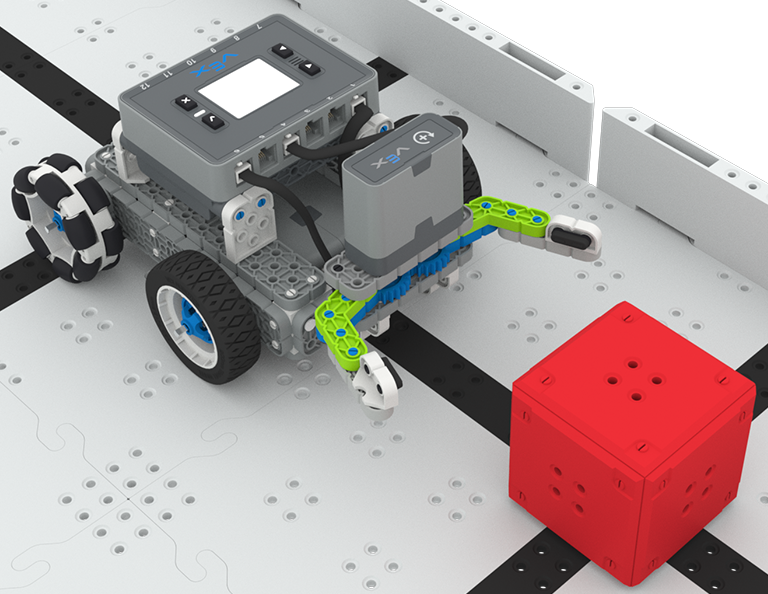
Bu Ünitede, Hazine Avı yarışmasında yarışmak için kırmızı küpleri tanıyıp toplayacak Optik Sensörlü Basit Pençe Robotunu oluşturup kodlayacaksınız!
Hazine Avı Derslerinin içeriği ve kolaylaştırılmasıyla ilgili öğretmen destek materyalleri ve videoları için Öğretmen Portalını ziyaret edin.
Lesson 1: Introduction
You will be introduced to the Treasure Hunt competition, build the Simple Clawbot, and get ready to code.
Lesson 2: Claw No Sensor
In this Lesson, you will learn about using Drivetrain and Motion blocks in VEXcode IQ to code your Simple Clawbot to collect and move cubes in the Clawbot Collector challenge.
Lesson 3: Claw With Sensor
In this Lesson, you will learn about coding the Optical Sensor in order to detect, collect, and move a red cube in the Treasure Mover challenge!
Lesson 4: Treasure Hunt Competition
In this Lesson you will apply your learning from the previous Lessons to compete in a Treasure Hunt competition!
Lesson 5: Conclusion
In this Lesson, you will reflect on the Unit and identify connections between what you have done and a STEM career.
0 Laboratuvarlar
Bu Etkinlik Serisinde, parlaklığı ve renkleri algılamak için bir Göz Sensörü kullanacak şekilde kendi kendine giden Kod Tabanınızı kodlayın.
0 Dersler
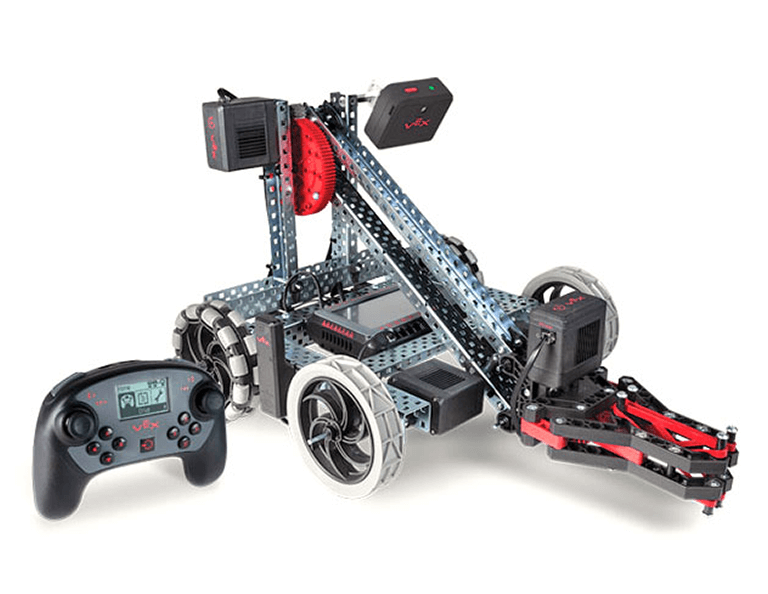
Döngüler ve olaylar kavramlarını kullanarak Clawbot'u çeşitli ilgi çekici zorluklarla yönlendirmek için VEX Kontrolcüsünü programlayın.
0 Dersler
Robotunuzu koşullara göre hareket edecek ve bir Kullanıcı Arayüzü (UI) oluşturacak şekilde programlayın.