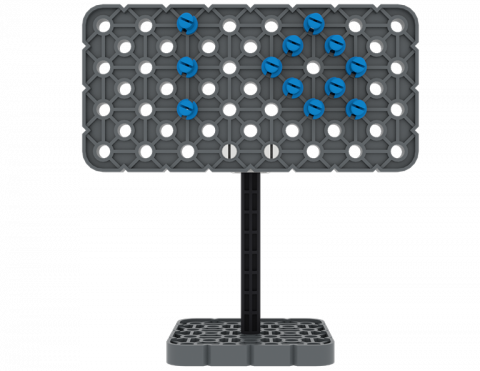
VEX IQ キットの部品を使って看板を構築できますか?
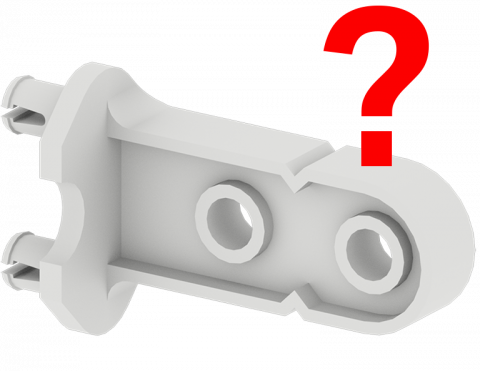
ゲームをプレイして VEX IQ キットのパーツを見つけてください!
VEX IQ パーツを使用して、シンプルなマシンを含むピンボール ゲームを作成します。
物体を動かすとき、どちらの方向が速いでしょうか?
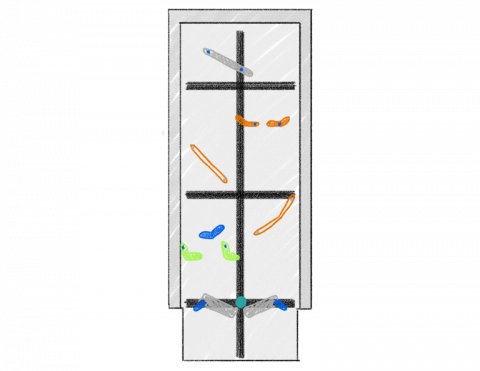
3 ブロックを新しい場所にどれくらい早く移動できますか?
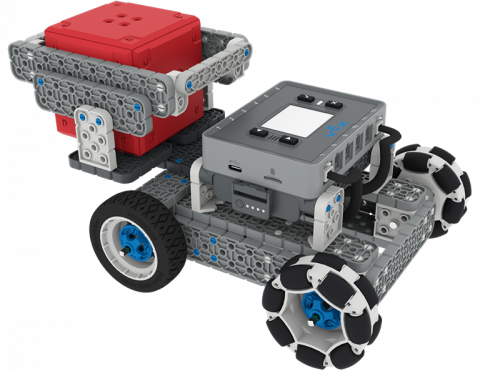
IQ Cube を傾斜面に運ぶために BaseBot に追加機能を作成します。
6 レッスン
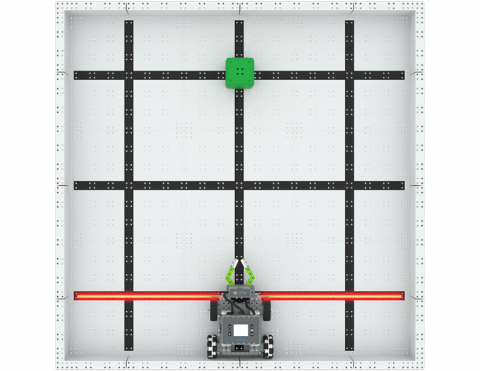
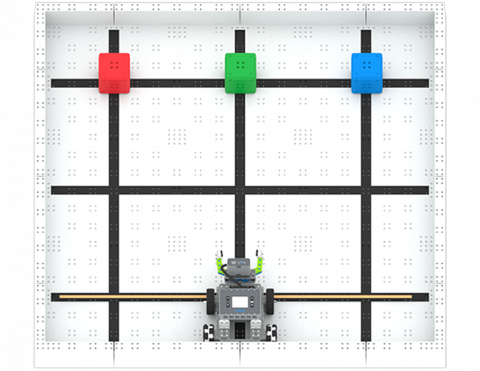
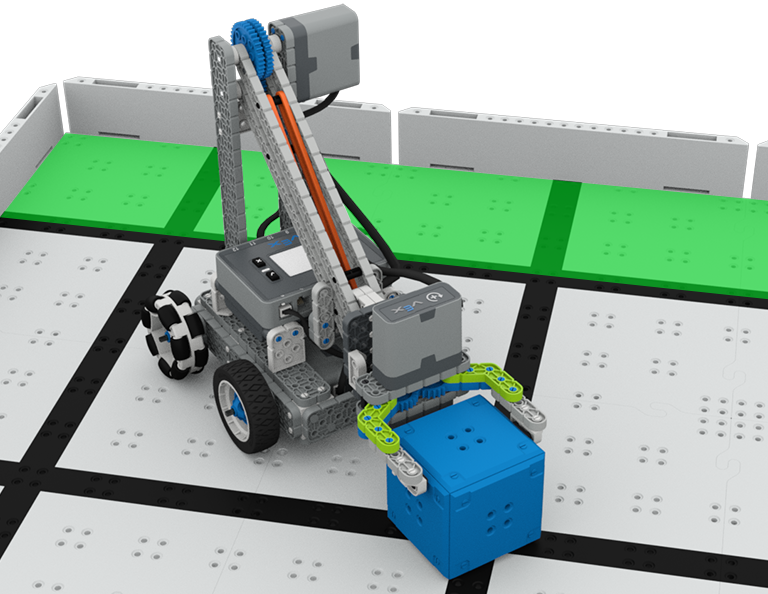
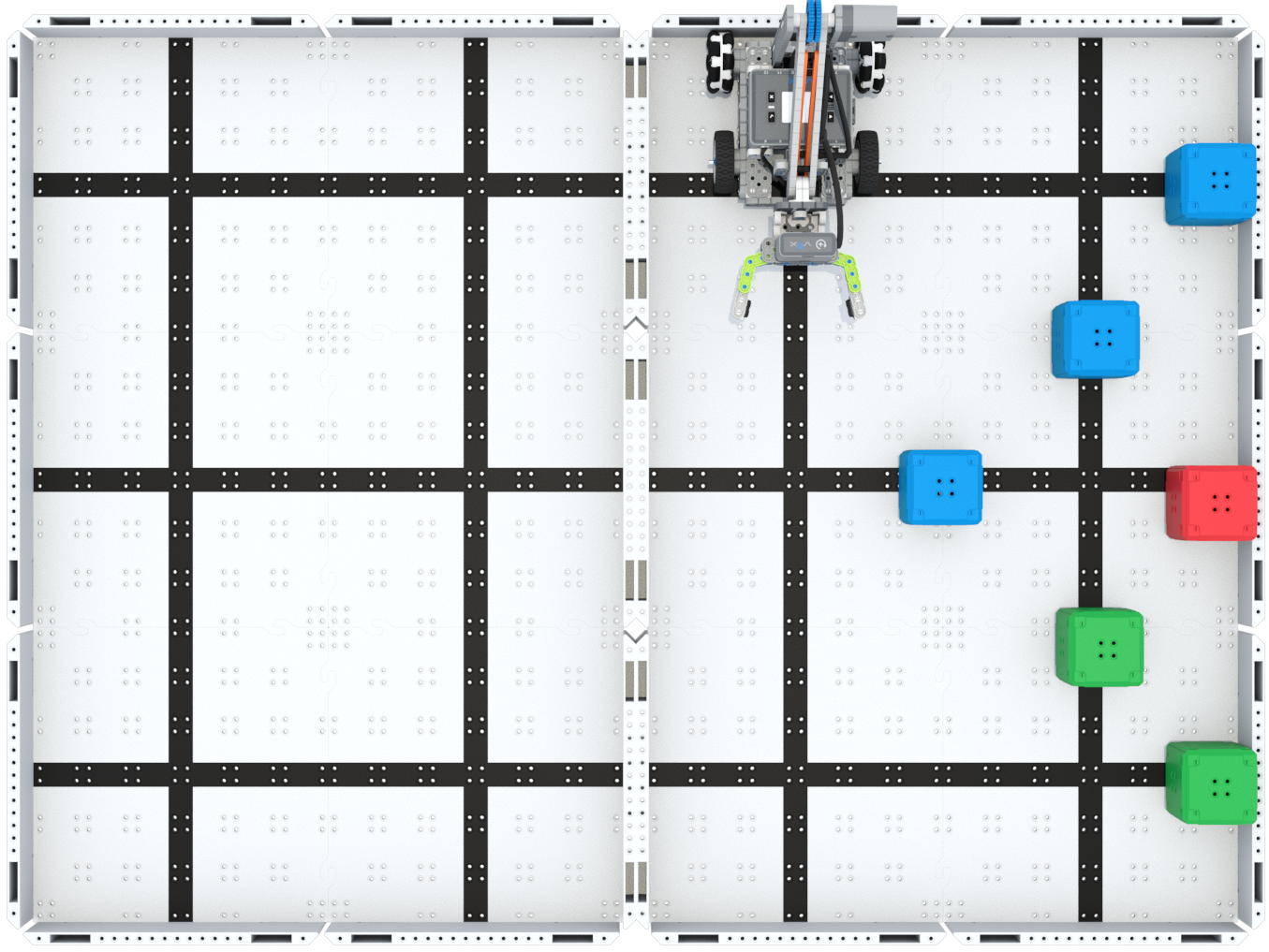
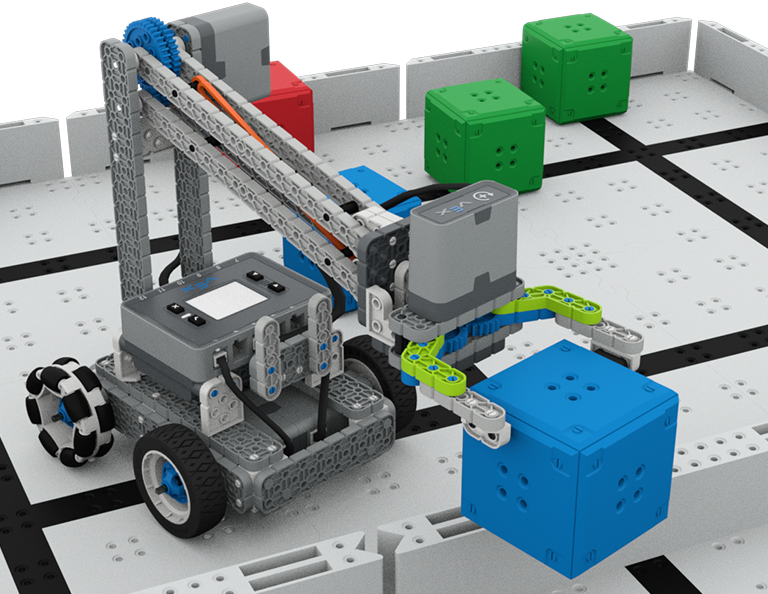
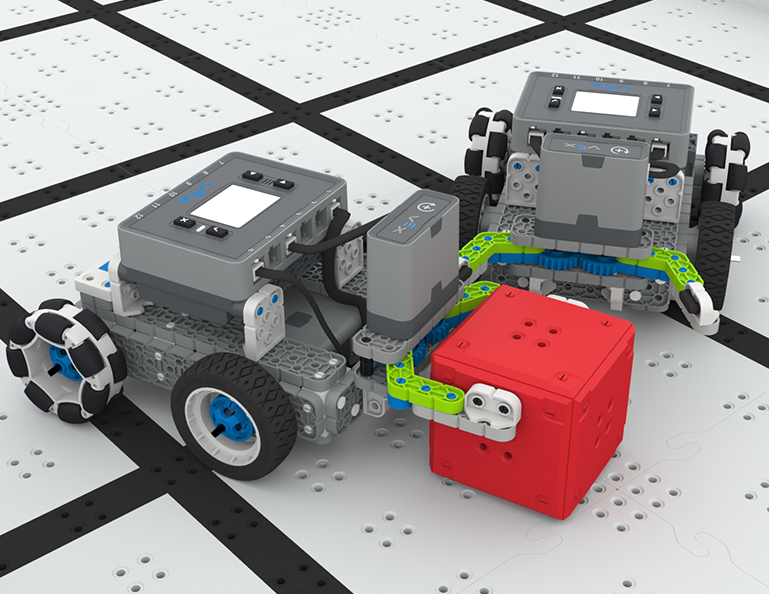
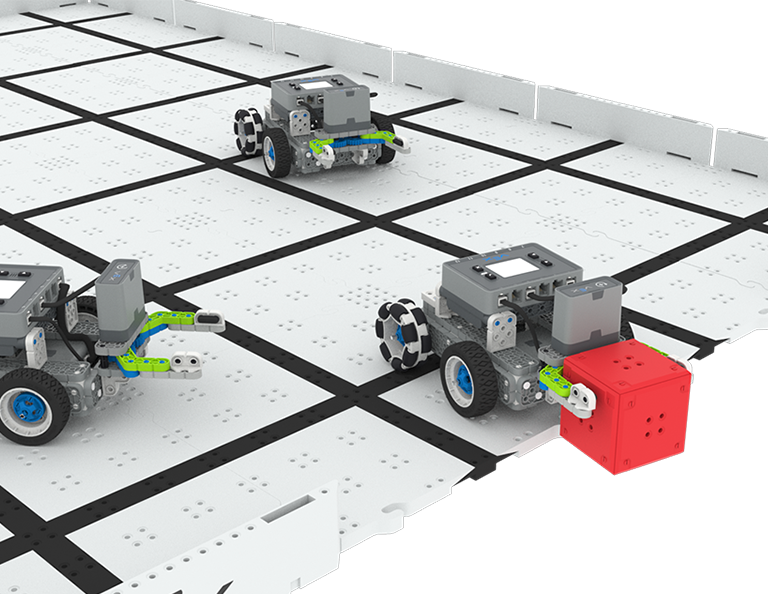
このユニットでは、Up and Over 競技でキューブを収集、拾い上げ、フィールドの片側から反対側へ移動するクローボットの設計方法を学びます。
教師向けポータルにアクセスして、アップ アンド オーバー レッスンの内容と進行に関する教師サポート資料とビデオをご覧ください。
Lesson 1: Introduction
In this Lesson, you will be introduced to the Up and Over competition, set up the Battery and Controller, get ready to code, and build the Clawbot.
Lesson 2: Claw Design
In this Lesson, you will learn what a claw is, how an effective claw works, and how scouting can benefit your team's designs and strategy. Then, you will apply what you have learned in the Grab and Go challenge.
Lesson 3: Arm Designs
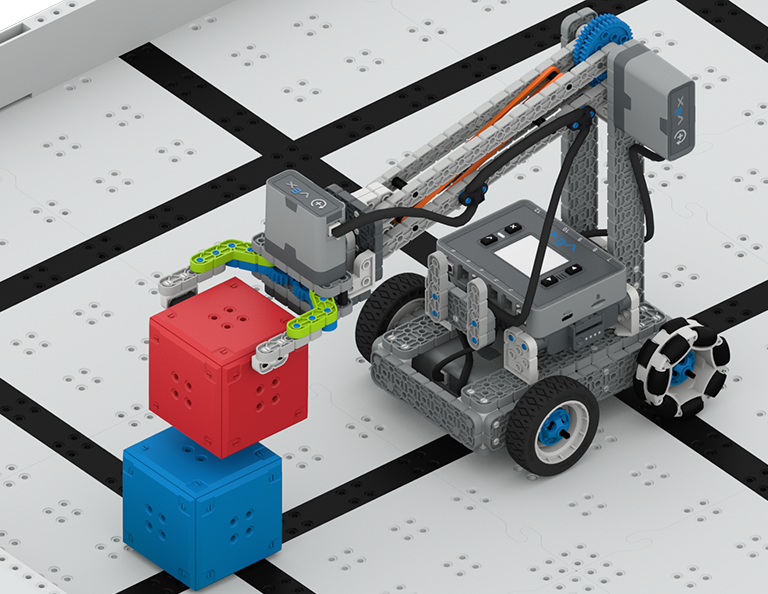
In this Lesson, you will learn about different elements of robotic arms, how they work, and what makes an effective arm design, in order to stack as many cubes as you can within a minute in the Stacked Up challenge.
Lesson 4: Motor Groups
In this Lesson, you will learn what motor groups are, how they can be helpful, and how to configure motor groups in VEXcode IQ in order to iterate on your robot to complete the Up and Over challenge.
Lesson 5: Up and Over Competition
In this Lesson, you will apply your learning from the previous Lessons to compete in the Up and Over competition!
Lesson 6: Conclusion
In this Lesson, you will reflect on the Unit and identify connections between what you have done and a STEM career.
4 レッスン
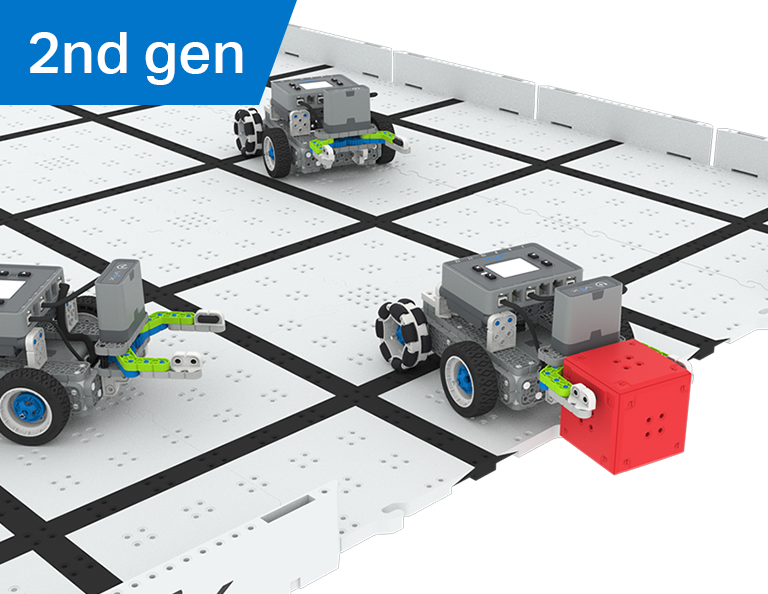
この単元では、ロボット サッカー競技会でロボット サッカー選手として最も多くのゴールを奪い、パスし、得点するためのマニピュレーターをロボットに作成する方法を学びます。
教師用ポータルにアクセスして、ロボット サッカー レッスンの内容と進行に関する教師サポート資料やビデオをご覧ください。
レッスン 1: はじめに
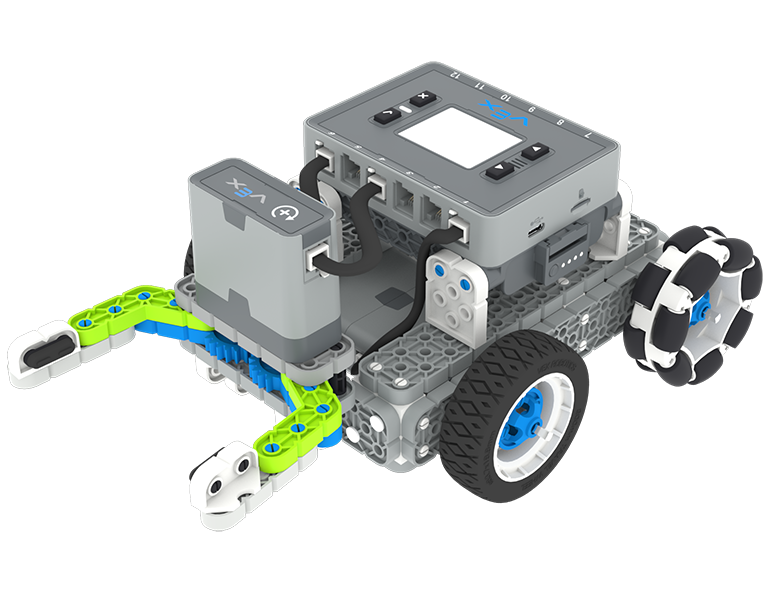
このレッスンでは、シンプルなクローボットを組み立て、コントローラーとバッテリーを充電し、コーディングの準備をします。
レッスン 2: マニピュレーター
このレッスンでは、ロボット設計を繰り返し、1対1のロボットサッカー チャレンジで競うために、パッシブおよびアクティブ マニピュレーターとインテーク設計について学習します。
レッスン3: ロボットサッカー大会
このレッスンでは、前回のレッスンで学んだことを応用して、ロボットサッカー競技に参加します。
レッスン4: 結論
このレッスンでは、ユニットを振り返り、自分が行ったことと関連する STEM キャリアとのつながりを特定します。
6 レッスン
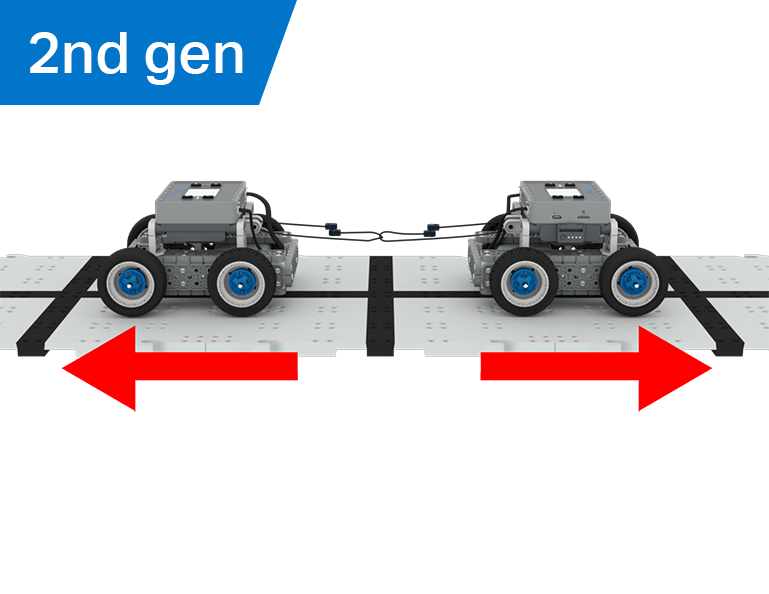
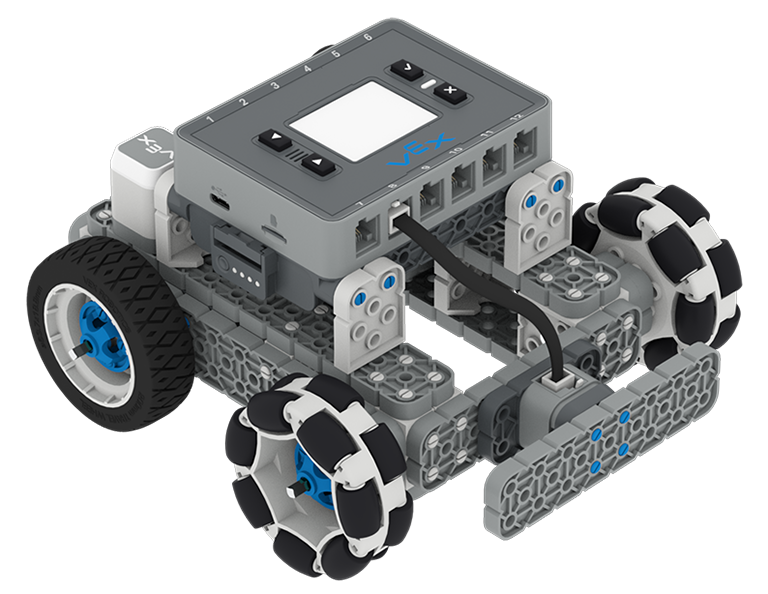
この単元では、機械的利点と質量の中心が BaseBot の物体を引っ張る能力にどのように影響するかを探り、綱引きゲームに最適なロボットを設計します。
教師用ポータルにアクセスして、綱引きのレッスンの内容と促進に関する教師向けサポート資料やビデオをご覧ください。
Lesson 1: Introduction
In this Lesson, you will be introduced to the Tug of War competition and build the BaseBot.
Lesson 2: Pulling Objects with the BaseBot
In this Lesson, you will design a rope attachment to practice pulling objects with your BaseBot. Then you will compete in a Robot Tractor Pull challenge.
Lesson 3: Using a Gear Train
In this Lesson, you will add a gear train to your BaseBot to explore how different gear configurations affect your robot's ability to pull an object. Then you will compete in a Gear Train Tractor Pull challenge.
Lesson 4: Adding Mass
In this Lesson, you will add mass to your BaseBot to explore how changing the center of mass affects your robot's ability to pull an object. Then you will compete in a Tug of War challenge.
Lesson 5: Tug of War Competition
In this Lesson, you will apply your learning from the previous Lessons to compete in a Tug of War competition!
Lesson 6: Conclusion
In this Lesson, you will reflect on your learning in this Unit and identify connections between what you have done and a STEM career.
6 レッスン
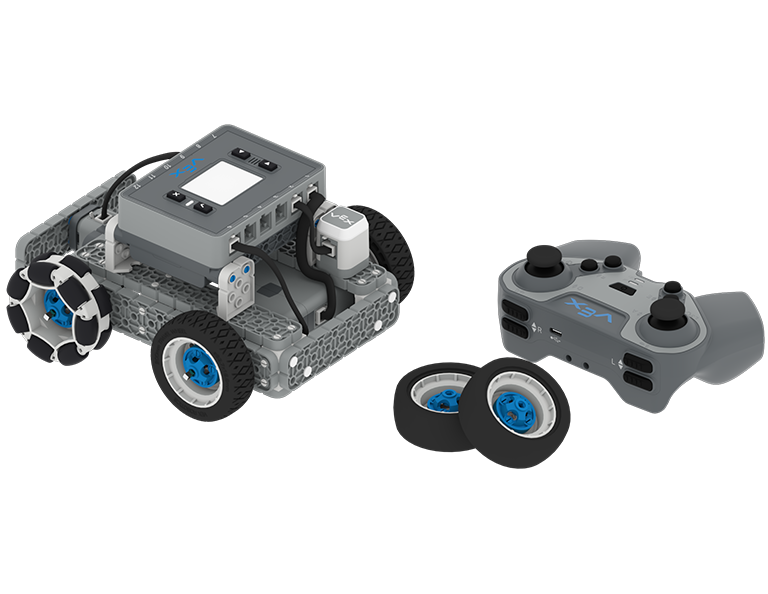
このユニットでは、IQ コントローラーを使用して BaseBot を操作し、ホイールを選択し、センサーを追加して、Team Freeze Tag コンテストに参加します。
教師用ポータルにアクセスして、チーム フリーズ タグ レッスンの内容とファシリテーションに関する教師サポート資料とビデオをご覧ください。
Lesson 1: Introduction
In this Lesson, you will be introduced to the Team Freeze Tag competition, set up the Battery and Controller, and build the BaseBot.
Lesson 2: Driving with the IQ Controller
In this Lesson, you will learn how to drive the BaseBot using the IQ Controller and practice your driving to compete in a challenge activity as you drive in a figure eight!
Lesson 3: Changing the Wheels
In this Lesson, you will learn how to change the wheels of the BaseBot, and experiment with different wheel combinations to improve the robot's ability to play Tag.
Lesson 4: Adding the Bumper Switch and Touch LED
In this Lesson, you will add a Bumper Switch and Touch LED to your BaseBot and compete in 1-on-1 Freeze Tag!
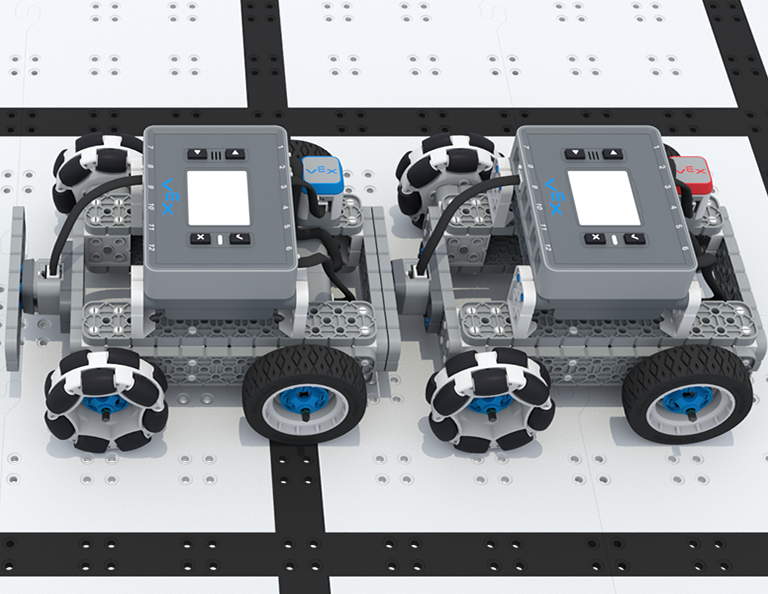
Lesson 5: Team Freeze Tag Competition
In this Lesson, you will combine all the skills learned in previous Lessons to play a game of Team Freeze Tag!
Lesson 6: Conclusion
In this Lesson, you will reflect on the Unit and identify connections between what you have done and a STEM career.