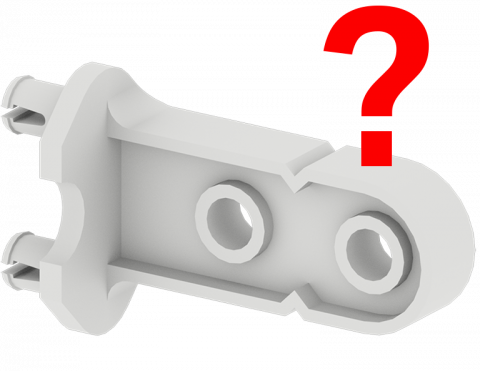
VEX IQ жинағының бөліктерімен белгіні жасай аласыз ба?
VEX IQ жинағының бөліктерін табу үшін ойын ойнаңыз!
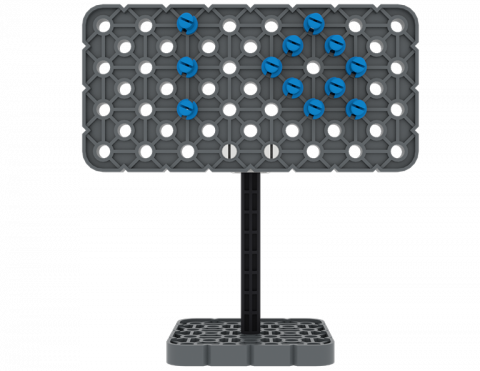
VEX IQ бөліктерін қолданатын қарапайым машиналарды қамтитын пинбол ойынын жасаңыз!
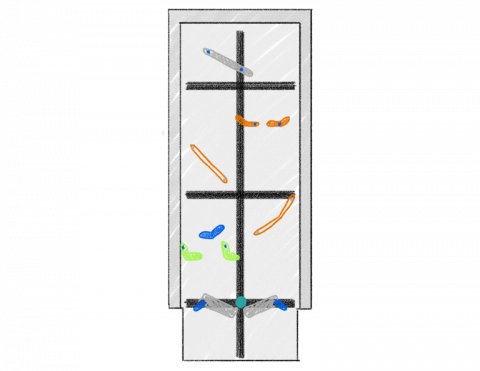
Объектіні жылжытқанда қай бағыт жылдамырақ болады?
Үш блокты жаңа орынға қаншалықты жылдам жылжытуға болады?
IQ текшесін көлбеу жазықтықта көтеру үшін BaseBot қосымшасын жасаңыз!
6 Дәрістер
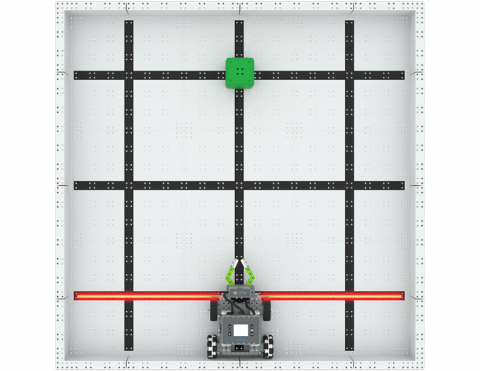
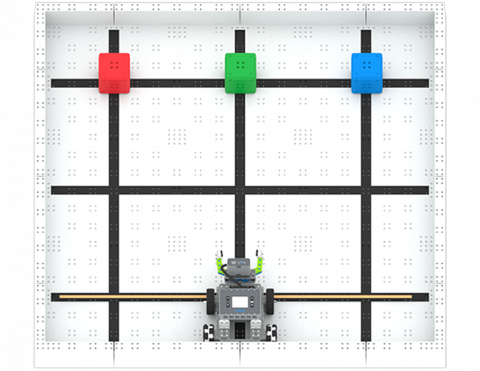
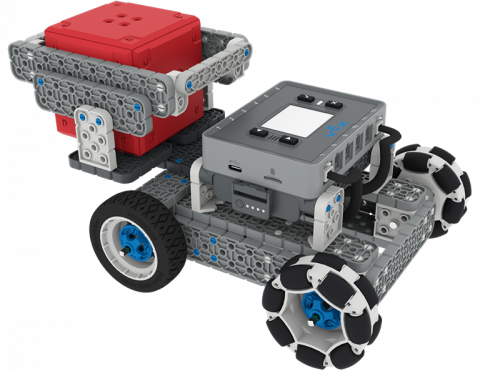
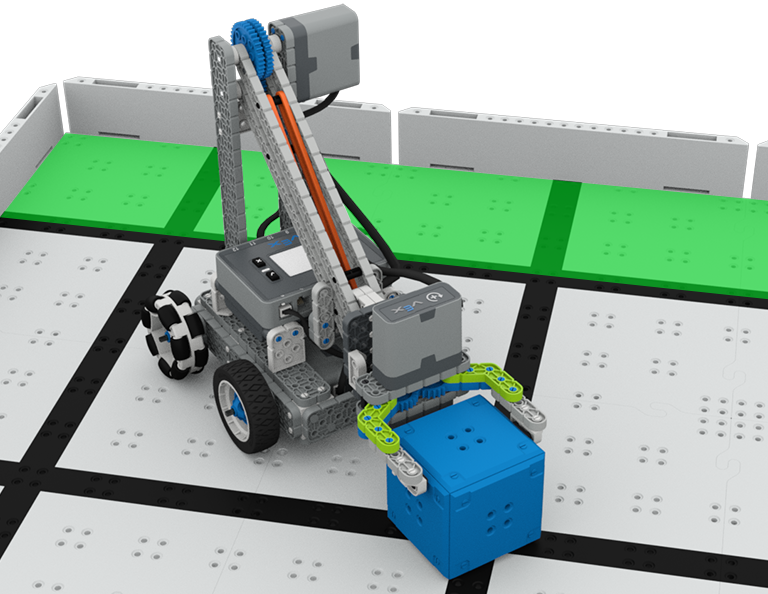
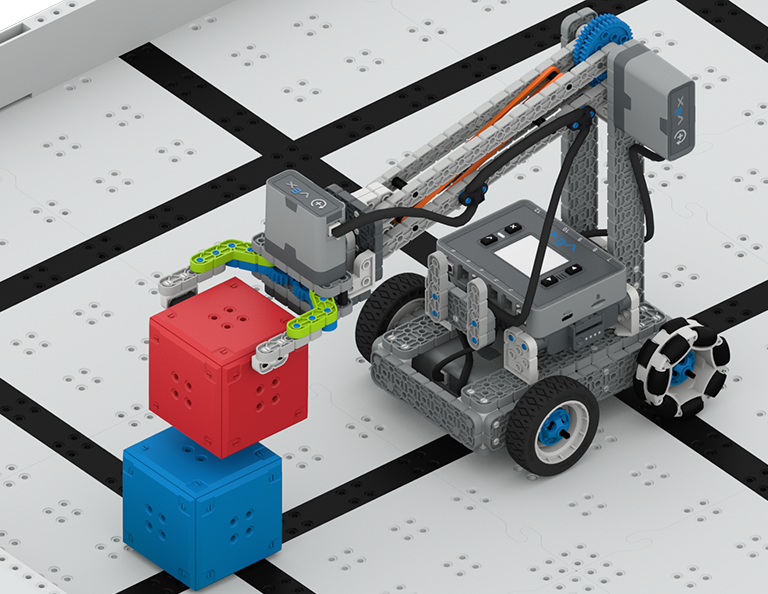
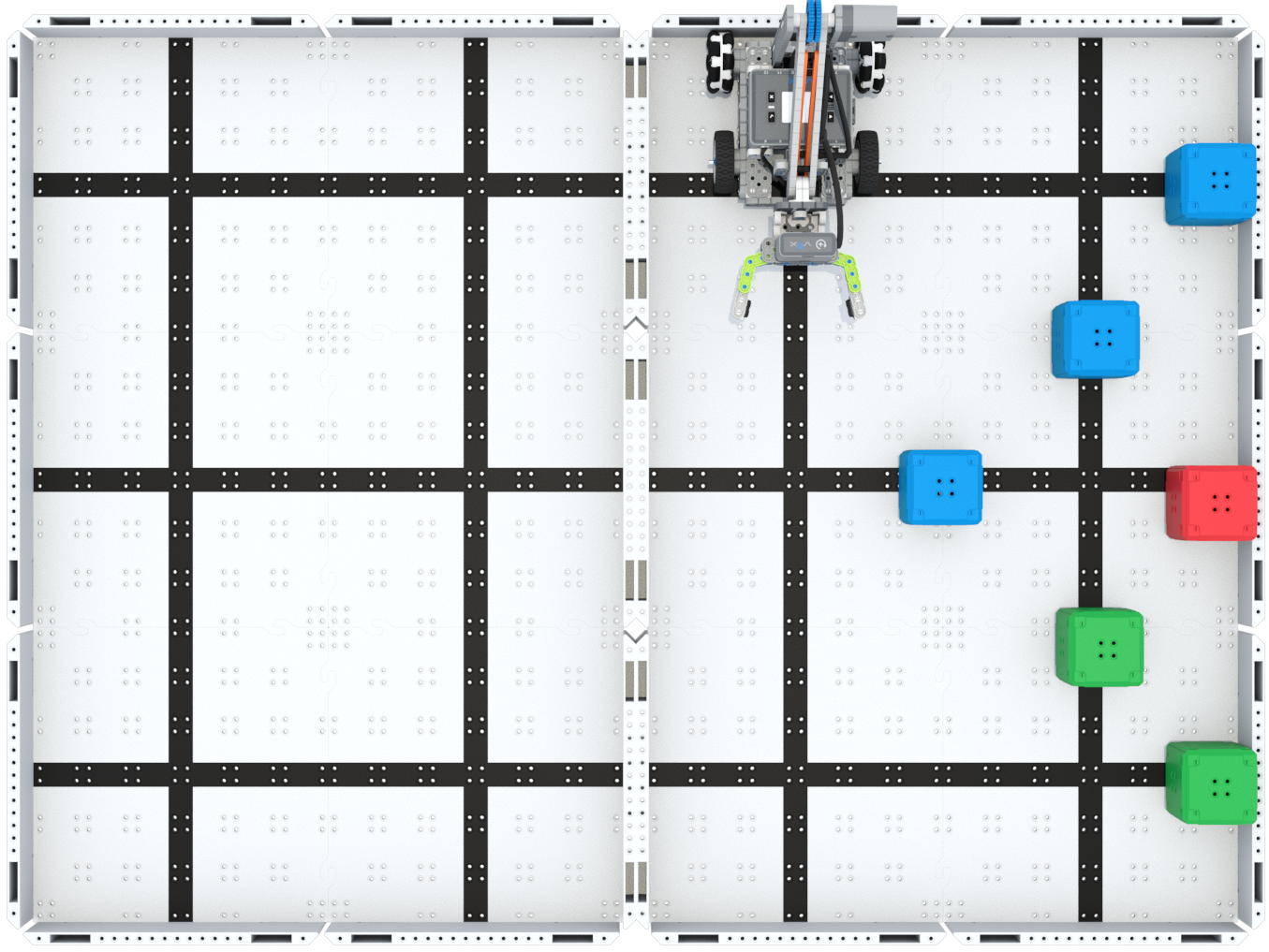
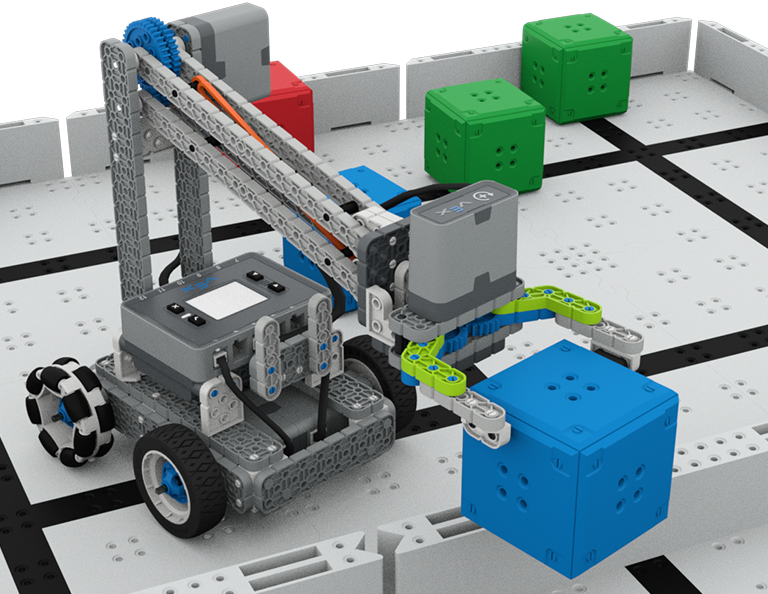
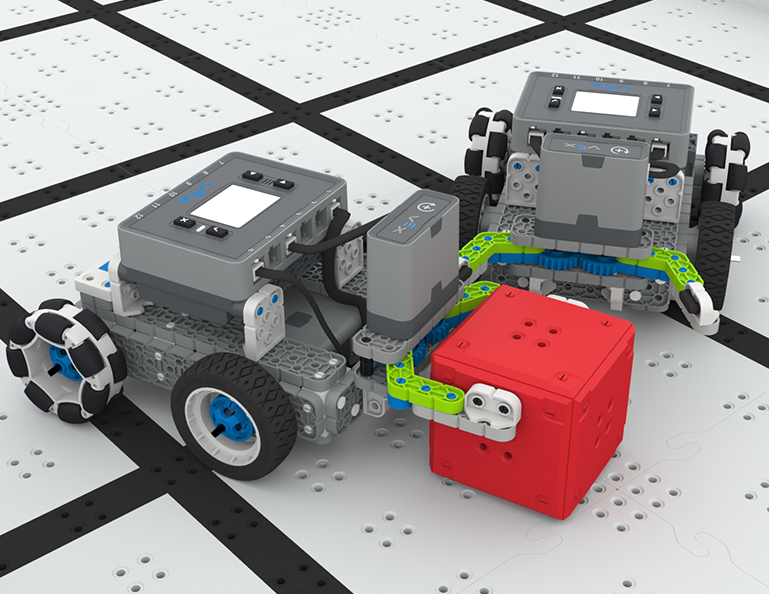
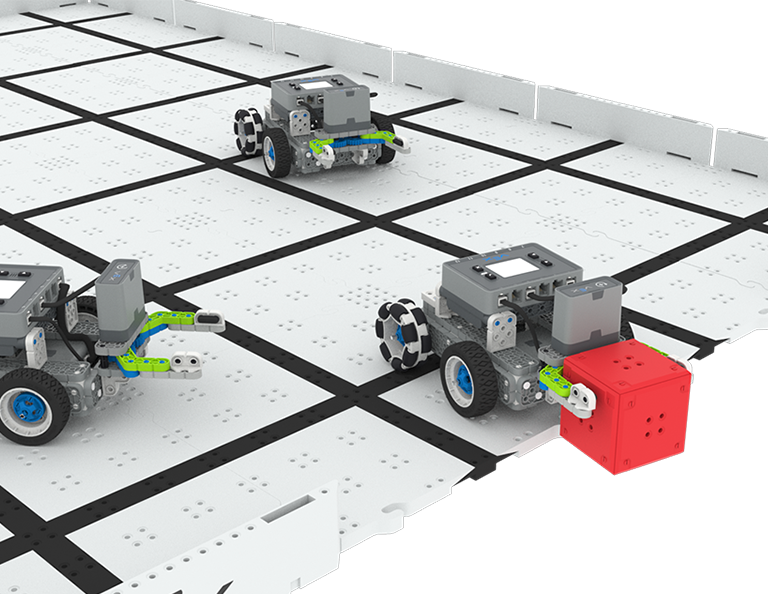
Бұл бөлімде сіз «Жоғары» және «Жоғары» сайысында текшелерді жинау, алу және өрістің бір жағынан екінші жағына жылжыту үшін Clawbot дизайнын зерттейсіз!
Жоғары және жоғары сабақтардың мазмұны мен жеңілдігі туралы мұғалімдерге қолдау көрсету материалдары мен бейнелер үшін Мұғалім порталына кіріңіз.
Lesson 1: Introduction
In this Lesson, you will be introduced to the Up and Over competition, set up the Battery and Controller, get ready to code, and build the Clawbot.
Lesson 2: Claw Design
In this Lesson, you will learn what a claw is, how an effective claw works, and how scouting can benefit your team's designs and strategy. Then, you will apply what you have learned in the Grab and Go challenge.
Lesson 3: Arm Designs
In this Lesson, you will learn about different elements of robotic arms, how they work, and what makes an effective arm design, in order to stack as many cubes as you can within a minute in the Stacked Up challenge.
Lesson 4: Motor Groups
In this Lesson, you will learn what motor groups are, how they can be helpful, and how to configure motor groups in VEXcode IQ in order to iterate on your robot to complete the Up and Over challenge.
Lesson 5: Up and Over Competition
In this Lesson, you will apply your learning from the previous Lessons to compete in the Up and Over competition!
Lesson 6: Conclusion
In this Lesson, you will reflect on the Unit and identify connections between what you have done and a STEM career.
4 Дәрістер
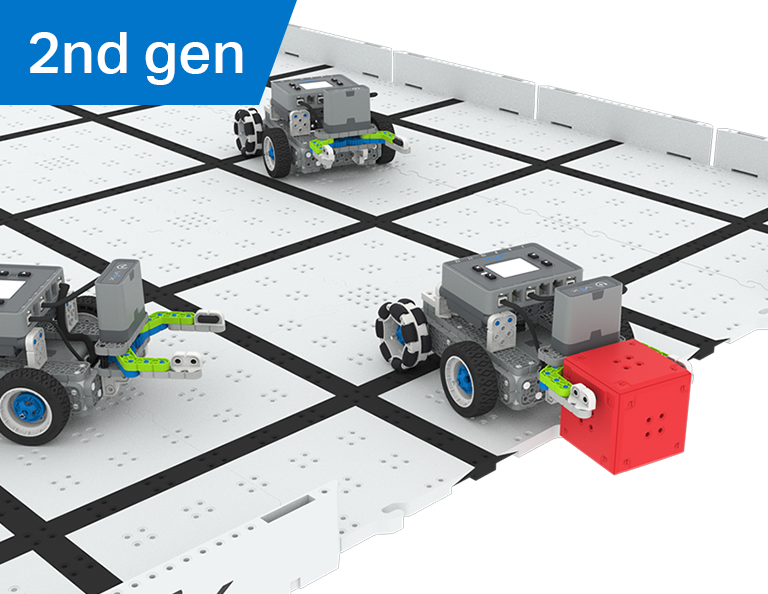
Бұл бөлімде сіз робот футболшысы ретінде Robot Soccer жарысында ең көп голдарды ұстап алу, беру және соғу үшін роботта манипуляторды қалай жасау керектігін зерттейсіз!
Робот футбол сабақтарының мазмұны мен жеңілдігі туралы мұғалімдерге қолдау көрсететін материалдар мен бейнелер үшін Мұғалім порталына кіріңіз.
1-сабақ: Кіріспе
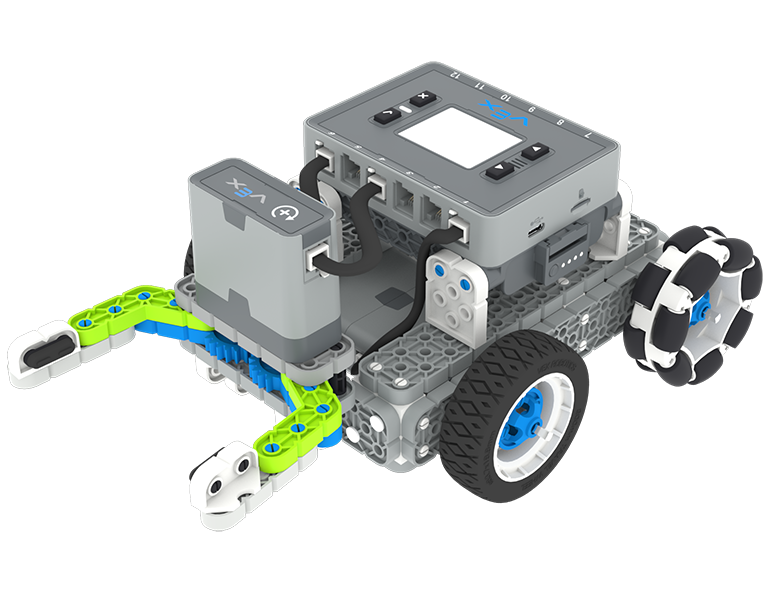
Бұл сабақта сіз Қарапайым Clawbot құрастырасыз, контроллер мен батареяны зарядтайсыз және кодтауға дайын боласыз.
2-сабақ: Манипуляторлар
Бұл Сабақта сіз робот дизайнын қайталау және «Бір-бірден робот футболы» сайысында бәсекелесу үшін пассивті және белсенді манипуляторлар және қабылдау дизайны туралы біле аласыз!
3-сабақ: Робот футбол жарысы
Бұл сабақта сіз алдыңғы сабақтан алған біліміңізді робот футбол жарысында қолданасыз!
4-сабақ: Қорытынды
Бұл сабақта сіз бөлім туралы ойланасыз және сіз жасаған іс пен байланысты STEM мансабы арасындағы байланыстарды анықтайсыз.
6 Дәрістер
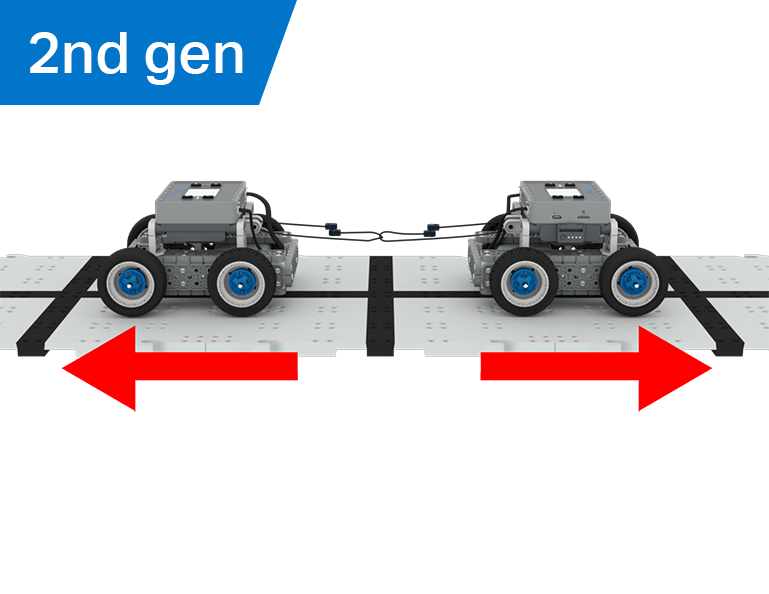
Бұл бөлімде сіз механикалық артықшылық пен масса центрінің BaseBot-тың заттарды тарту қабілетіне қалай әсер ететінін зерттейсіз және Арқан тартыс ойыны үшін ең жақсы роботты құрастырасыз!
Арқан тарту сабақтарының мазмұны мен жеңілдігі туралы мұғалімдерге қолдау көрсететін материалдар мен бейнелер үшін Мұғалім порталына кіріңіз.
Lesson 1: Introduction
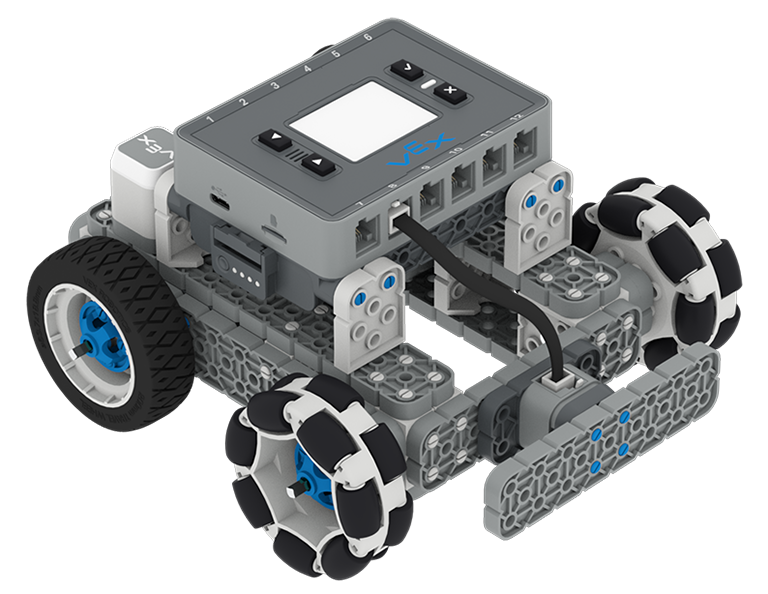
In this Lesson, you will be introduced to the Tug of War competition and build the BaseBot.
Lesson 2: Pulling Objects with the BaseBot
In this Lesson, you will design a rope attachment to practice pulling objects with your BaseBot. Then you will compete in a Robot Tractor Pull challenge.
Lesson 3: Using a Gear Train
In this Lesson, you will add a gear train to your BaseBot to explore how different gear configurations affect your robot's ability to pull an object. Then you will compete in a Gear Train Tractor Pull challenge.
Lesson 4: Adding Mass
In this Lesson, you will add mass to your BaseBot to explore how changing the center of mass affects your robot's ability to pull an object. Then you will compete in a Tug of War challenge.
Lesson 5: Tug of War Competition
In this Lesson, you will apply your learning from the previous Lessons to compete in a Tug of War competition!
Lesson 6: Conclusion
In this Lesson, you will reflect on your learning in this Unit and identify connections between what you have done and a STEM career.
6 Дәрістер
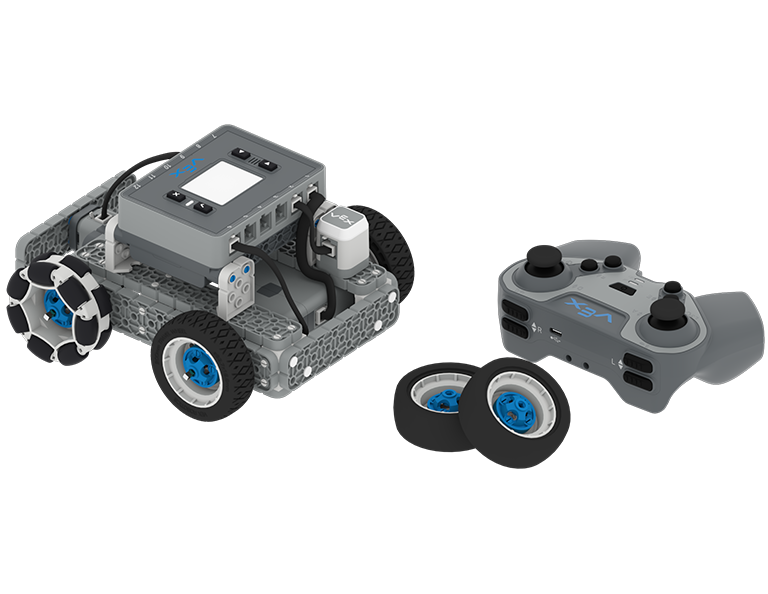
Бұл блокта сіз BaseBot-ті IQ контроллері арқылы жүргізесіз, дөңгелектерді таңдайсыз және Team Freeze Tag жарысында бәсекелесу үшін сенсорларды қосасыз!
Team Freeze Tag Lessons мазмұны мен жеңілдету туралы мұғалімдерге қолдау көрсететін материалдар мен бейнелер үшін Мұғалім порталына кіріңіз.
Lesson 1: Introduction
In this Lesson, you will be introduced to the Team Freeze Tag competition, set up the Battery and Controller, and build the BaseBot.
Lesson 2: Driving with the IQ Controller
In this Lesson, you will learn how to drive the BaseBot using the IQ Controller and practice your driving to compete in a challenge activity as you drive in a figure eight!
Lesson 3: Changing the Wheels
In this Lesson, you will learn how to change the wheels of the BaseBot, and experiment with different wheel combinations to improve the robot's ability to play Tag.
Lesson 4: Adding the Bumper Switch and Touch LED
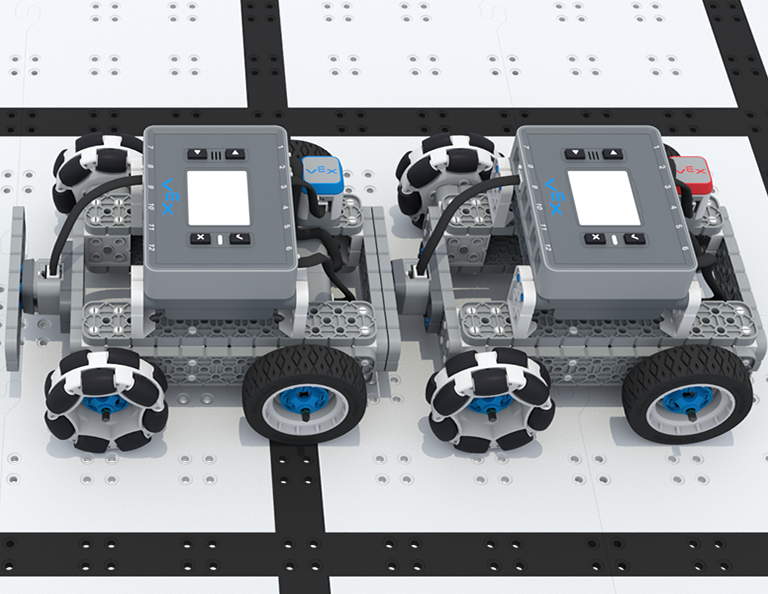
In this Lesson, you will add a Bumper Switch and Touch LED to your BaseBot and compete in 1-on-1 Freeze Tag!
Lesson 5: Team Freeze Tag Competition
In this Lesson, you will combine all the skills learned in previous Lessons to play a game of Team Freeze Tag!
Lesson 6: Conclusion
In this Lesson, you will reflect on the Unit and identify connections between what you have done and a STEM career.