สร้างโปรเจ็กต์ VEXcode IQ โดยใช้เซ็นเซอร์ Touch LED

Activity Image
Image
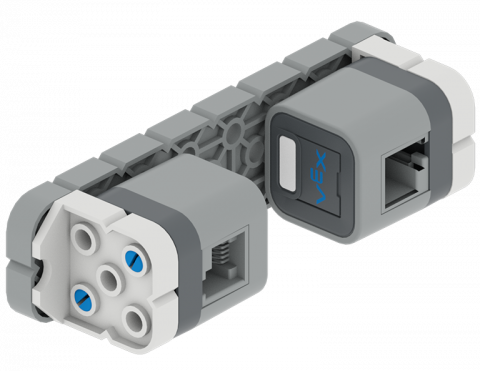
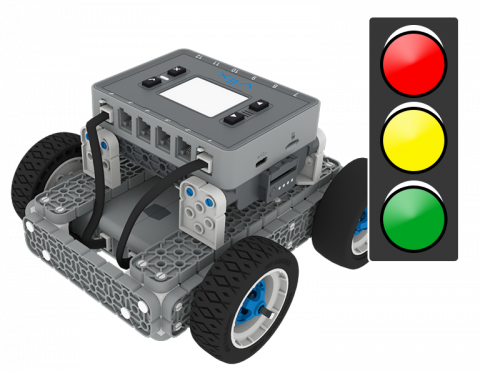
1 2 3 GreenLight
VEX Platform
Activity PDF Link
https://content.vexrobotics.com/assets/education/stem-labs/docs/iq/Activities/IQ Activity - 123 Green Light.pdf

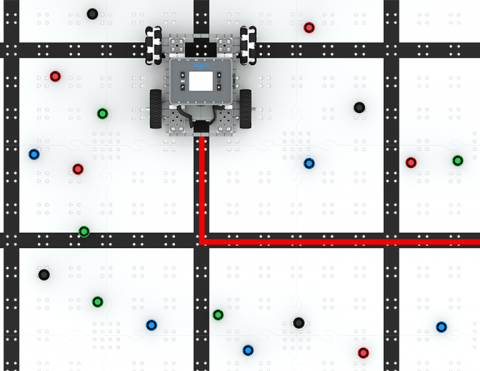
BaseBot ของคุณสามารถหมุนในมุมที่ถูกต้องเพื่อหลีกเลี่ยงการกระแทกเครื่องหมายได้หรือไม่?

Activity Image
Image
Marker Maze tile
VEX Platform
Activity PDF Link
https://content.vexrobotics.com/assets/education/stem-labs/docs/iq/Activities/IQ Activity - Marker Maze.pdf

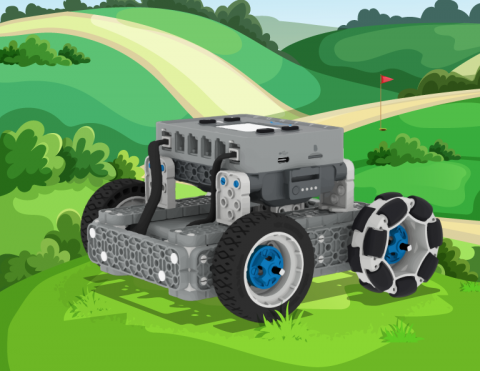
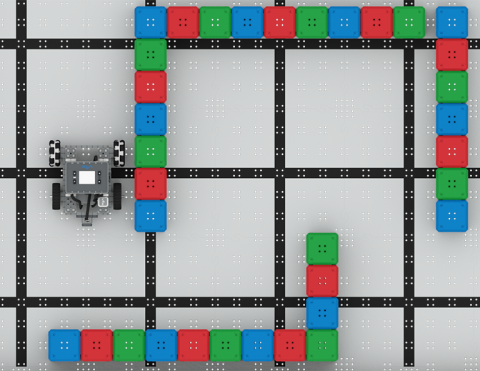
เขียนโค้ด BaseBot ของคุณเพื่อขับไปทั่วทั้งสนามกอล์ฟ ขณะเดียวกันก็หลีกเลี่ยงบ่อทราย!

Activity Image
Image
Golf Course Mower
VEX Platform
Builds
Activity PDF Link
https://content.vexrobotics.com/assets/education/stem-labs/docs/iq/Activities/IQ Activity - Golf Course Mower.pdf

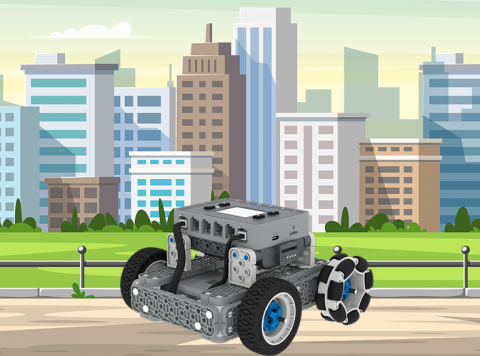
นำทางเขาวงกตในเมืองโดยใช้คอนโทรลเลอร์ ขั้นแรก สร้างเมือง จากนั้นจึงขับเข้าไป!

Activity Image
Image
Basebot Driver
VEX Platform
Builds
Activity PDF Link
https://content.vexrobotics.com/assets/education/stem-labs/docs/iq/Activities/IQ Activity - BaseBot Driver.pdf

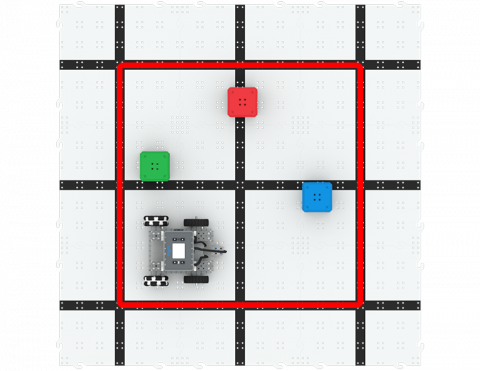
เขียนโค้ด BaseBot เพื่อดันลูกบาศก์ออกจากสี่เหลี่ยม!

Activity Image
Image
Cuber Pusher Tile
VEX Platform
Builds
Activity PDF Link
https://content.vexrobotics.com/assets/education/stem-labs/docs/iq/Activities/IQ Activity - Cube Pusher.pdf

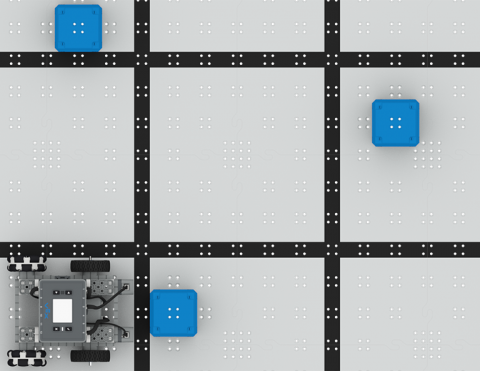
ใช้ออปติคัลเซนเซอร์เพื่อเดินทางจากลูกบาศก์หนึ่งไปอีกลูกบาศก์หนึ่ง!

Activity Image
Image
Color Sensing Activity Tile
VEX Platform
Builds
Activity PDF Link
https://content.vexrobotics.com/assets/education/stem-labs/docs/iq/Activities/IQ Activity - Color Sensing .pdf

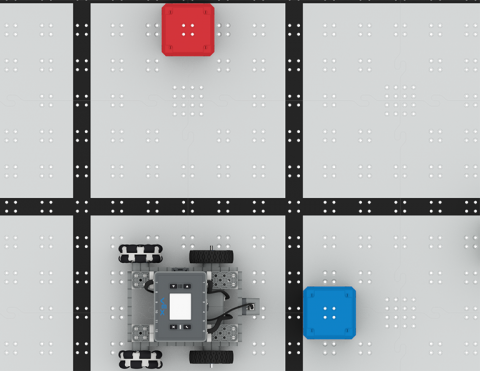
เขียนโค้ด BaseBot เพื่อเดินทางไปยังสถานที่ต่างๆ!

Activity Image
Image
Stop and Go Activity Tile
VEX Platform
Builds
Activity PDF Link
https://content.vexrobotics.com/assets/education/stem-labs/docs/iq/Activities/IQ Activity - Stop and Go.pdf

ใช้เซ็นเซอร์วัดระยะเพื่อหลีกเลี่ยงลูกบาศก์!

Activity Image
Image
At a Distance Activity Tile
VEX Platform
Builds
Activity PDF Link
https://content.vexrobotics.com/assets/education/stem-labs/docs/iq/Activities/IQ Activity - At a Distance.pdf

ใช้สวิตช์กันชนเพื่อแก้เขาวงกตลูกบาศก์!

Activity Image
Image
Navigate the Maze
VEX Platform
Builds
Activity PDF Link
https://content.vexrobotics.com/assets/education/stem-labs/docs/iq/Activities/IQ Activity - Navigate the Maze.pdf

นักสะสมคิวบ์

6 บทเรียน

ในบทนี้ คุณจะได้สำรวจความแตกต่างระหว่างการควบคุมคนขับและความท้าทายแบบอัตโนมัติ ขณะที่คุณเรียนรู้การขับเคลื่อน Clawbot และเขียนโค้ดเพื่อจัดเรียงและซ้อนลูกบาศก์ในการแข่งขัน Cube Collector!

ไปที่พอร์ทัลครูเพื่อดูสื่อและวิดีโอสนับสนุนครูเกี่ยวกับเนื้อหาและการอำนวยความสะดวกของบทเรียน Cube Collector

นักสะสมคิวบ์ พอร์ทัลของครู  >

VEX IQ 2nd generation Clawbot build.

บทที่ 1: บทนำ

ในบทเรียนนี้คุณจะได้รับการแนะนำให้รู้จักกับการแข่งขัน Cube Collector สร้าง Clawbot และเตรียมพร้อมที่จะเขียนโค้ด

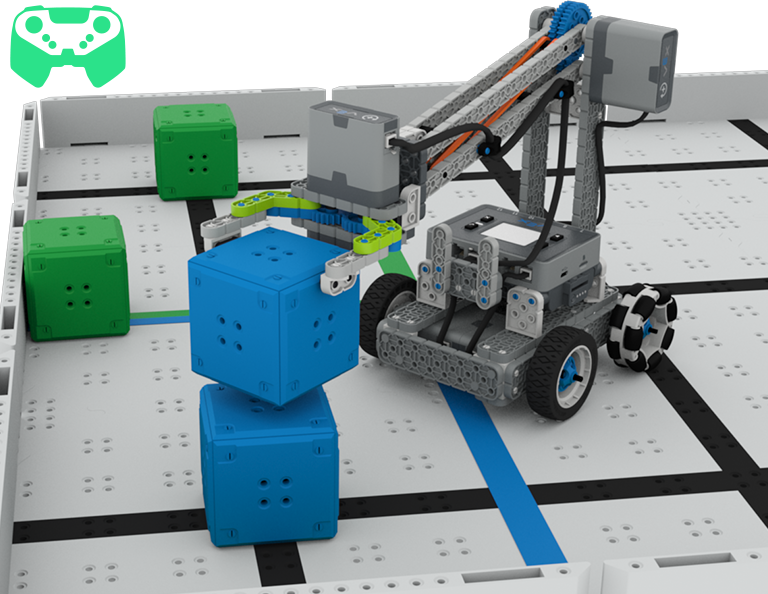
A close up view of the Clawbot on the Cube Collector Field stacking a second blue cube on top of the one attached to the Field. In the upper left corner a controller icon indicates this is done with driver control.

Lesson 2: Driver Control

In this Lesson, you will learn about using the Driver Control program on the IQ Brain so that you can drive the Clawbot to stack and score cubes on the Field and participate in the Speed Stack Challenge.

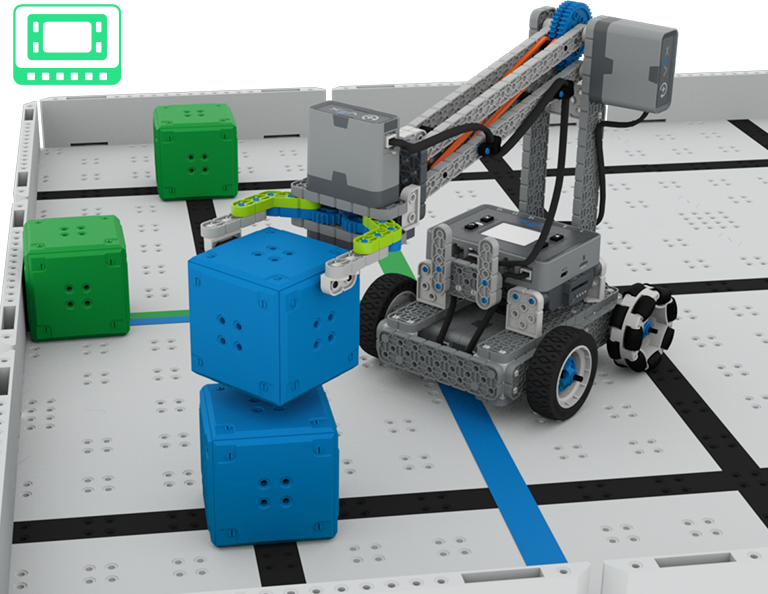
A close up view of the Clawbot on the Cube Collector Field stacking a second blue cube on top of the one attached to the Field. In the upper left corner a Brain icon indicates this is done autonomously.

บทที่ 3: การเข้ารหัสสำหรับการเคลื่อนไหวอัตโนมัติ

ในบทเรียนนี้คุณจะได้เรียนรู้เกี่ยวกับการเข้ารหัสหุ่นยนต์ของคุณสำหรับการเคลื่อนไหวอัตโนมัติรวมถึงวิธีการวางแผนเส้นทางของหุ่นยนต์ของคุณ จากนั้นคุณจะสร้างโครงการ VEXcode IQ เพื่อทำคะแนนและเรียงคิวบ์ในการเข้ารหัสสำหรับคิวบ์ท้าทายอัตโนมัติ

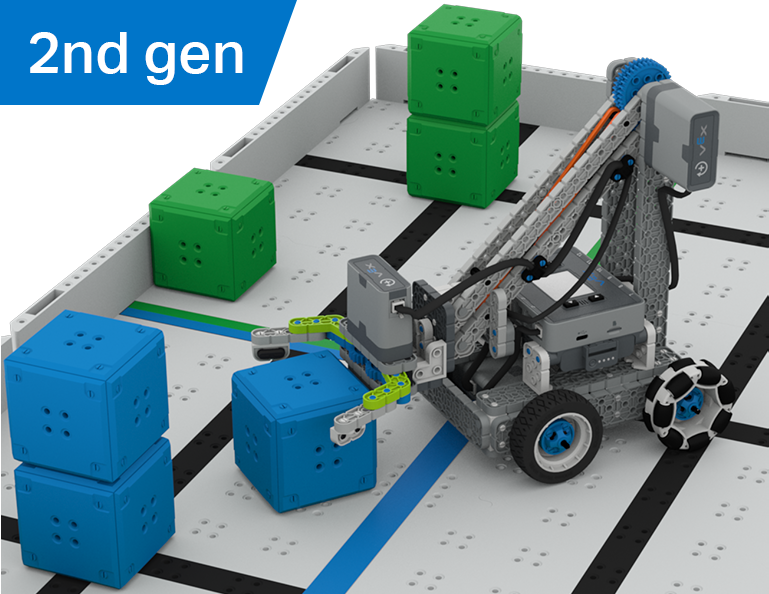
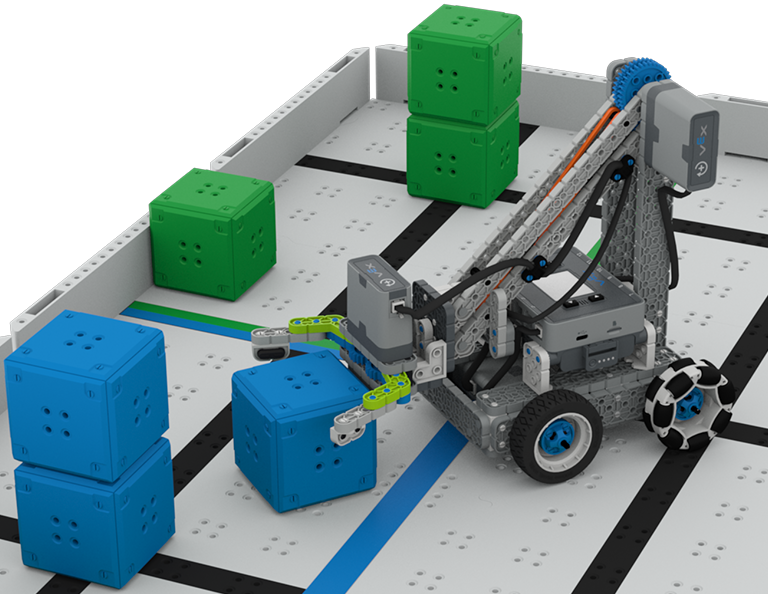
A close up view of the scoring area with the Clawbot placing a blue cube in the blue area beside a stack of 2 blue cubes. Behind the robot a single green cube and a stack of two green cubes are in the green area.

บทที่ 4: การใช้โปรแกรมหลายโปรแกรม (อัตโนมัติและไดรเวอร์)

ในบทเรียนนี้คุณจะได้เรียนรู้เกี่ยวกับการปรับแต่งการควบคุมไดรเวอร์และวิธีที่คุณสามารถใช้ Controller และ VEXcode IQ เพื่อเพิ่มประสิทธิภาพกลยุทธ์ไดรเวอร์ของคุณสำหรับการแข่งขันในความท้าทายด้วยการควบคุมไดรเวอร์และการทำงานอัตโนมัติ

A close up image of a Clawbot stacking a fourth blue Cube on top of a pyramid of three in the blue scoring area. Behind it 3 single green Cubes and a stack of 2 are in the green area.

บทที่ 5: การแข่งขันสะสมลูกบาศก์

ในบทเรียนนี้คุณจะใช้การเรียนรู้จากบทเรียนก่อนหน้านี้เพื่อแข่งขันในการแข่งขัน Cube Collector!

Blue light bulb icon.

บทที่ 6: บทสรุป

ในบทเรียนนี้ คุณจะได้สะท้อนถึงหน่วยการเรียนรู้และระบุความเชื่อมโยงระหว่างสิ่งที่คุณได้ทำกับอาชีพ STEM ที่เกี่ยวข้อง