

ล่าสมบัติ

5 บทเรียน

ในหน่วยการเรียนรู้นี้ คุณจะสร้างและเขียนโค้ด Clawbot ด้วยเซ็นเซอร์ออปติคอลเพื่อจดจำและรวบรวม Buckyballs สีแดงเพื่อแข่งขันในการแข่งขัน Treasure Hunt!

ไปที่พอร์ทัลครูเพื่อดูสื่อและวิดีโอสนับสนุนครูเกี่ยวกับเนื้อหาและการอำนวยความสะดวกของบทเรียน Treasure Hunt

ล่าสมบัติ พอร์ทัลของครู  >

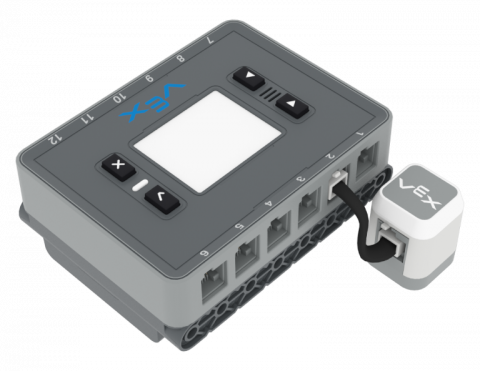
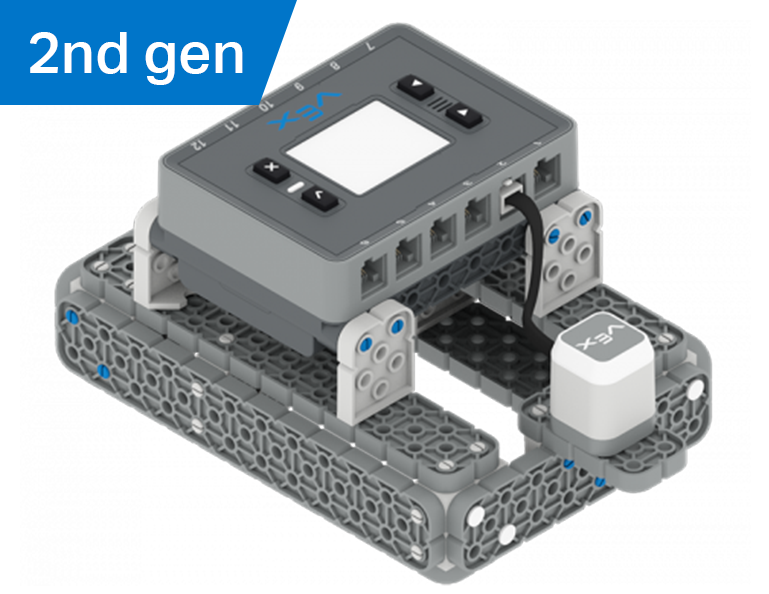
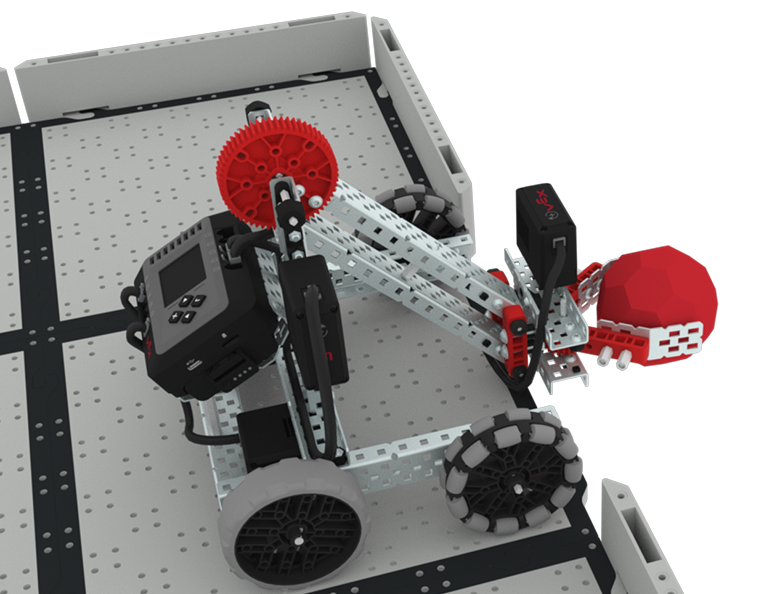
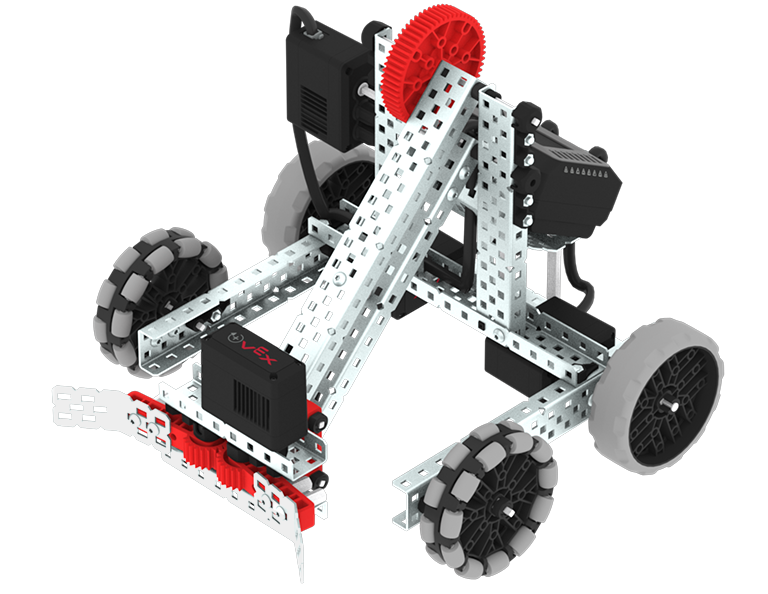
VEX EXP Clawbot build.

บทที่ 1: บทนำ

คุณจะได้รับการแนะนำให้รู้จักกับการแข่งขันล่าสมบัติสร้าง Clawbot และเตรียมพร้อมที่จะเขียนโค้ด

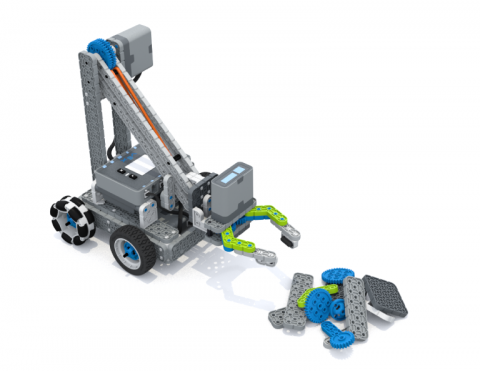
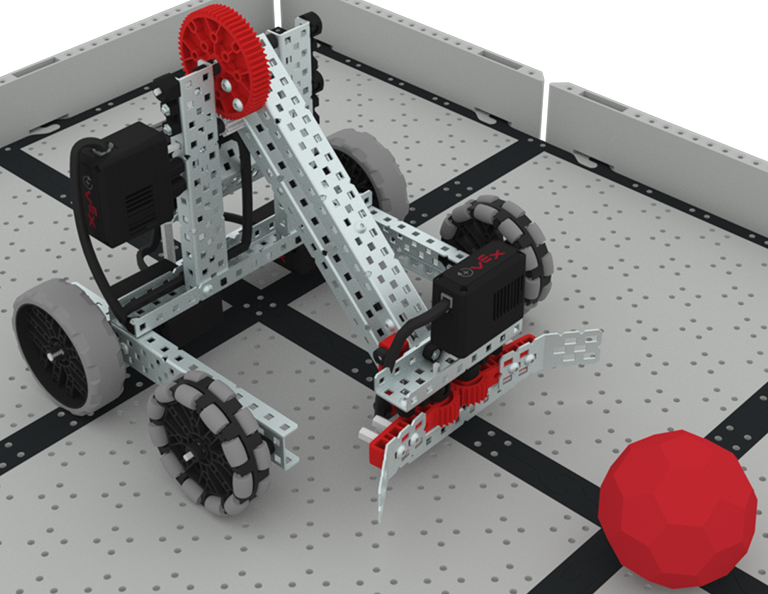
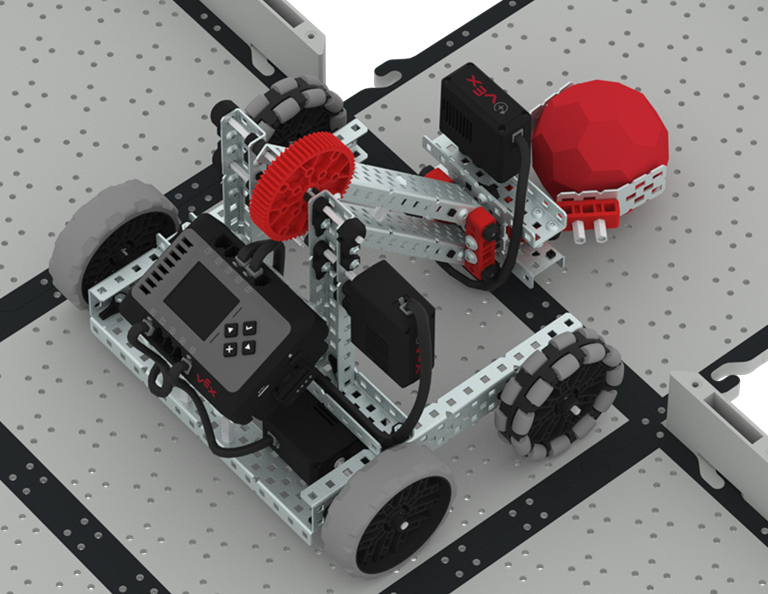
The Clawbot approaches a red buckyball on the field with its claw open and arm lowered, ready to grasp it.

บทที่ 2: กรงเล็บไม่มีเซ็นเซอร์

ในบทเรียนนี้คุณจะได้เรียนรู้เกี่ยวกับการใช้ Drivetrain และ Motion blocks ใน VEXcode EXP เพื่อเข้ารหัส Clawbot ของคุณเพื่อรวบรวมและย้าย Buckyballs ใน Collector Challenge

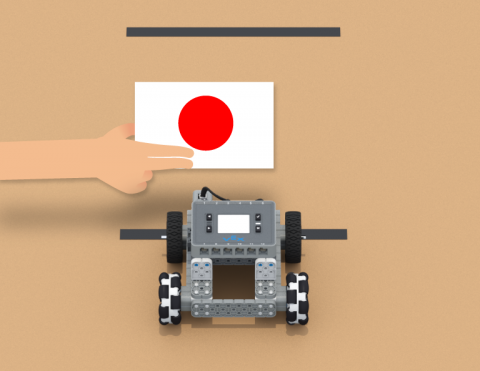
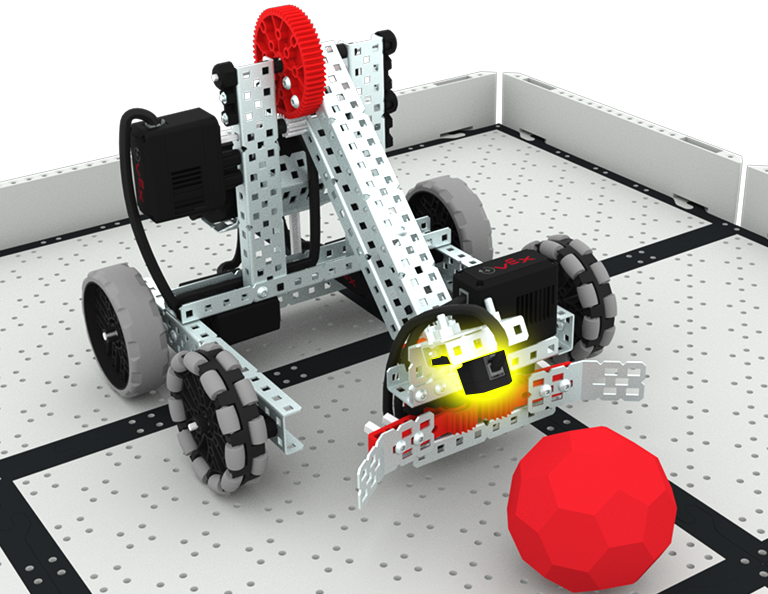
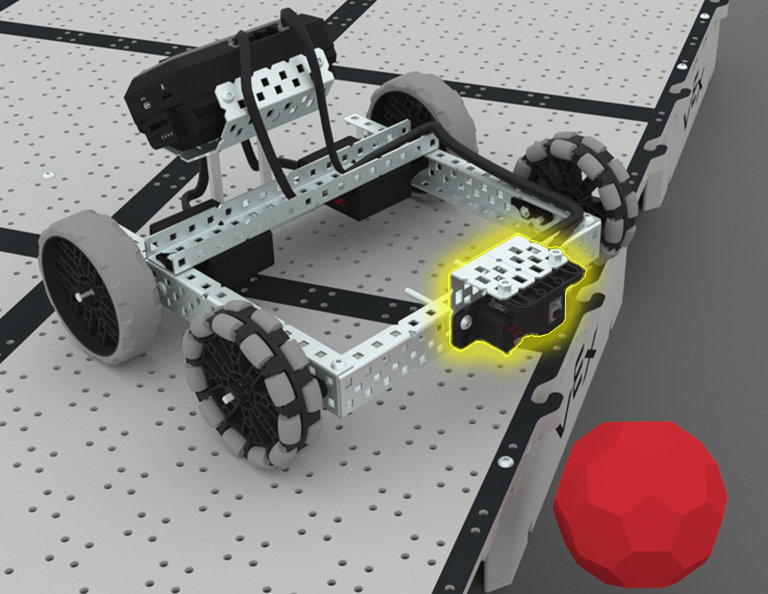
The Clawbot approaches a red Buckyball with the claw open and arm lowered, with the optical sensor mounted at the top of the claw highlighted in yellow.

บทที่ 3: กรงเล็บพร้อมเซนเซอร์

ในบทเรียนนี้คุณจะได้เรียนรู้เกี่ยวกับการเข้ารหัสเซ็นเซอร์แสงเพื่อตรวจจับรวบรวมและเคลื่อนย้ายบัคกี้บอลสีแดงในการท้าทาย Treasure Mover!

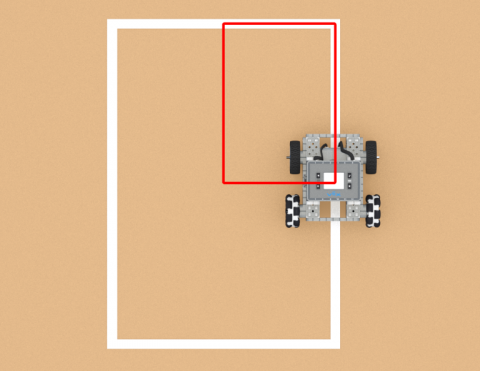
A top down view of the Clawbot delivering a red buckyball to the treasure box area on the field.

บทเรียนที่ 4: การแข่งขันล่าสมบัติ

ในบทเรียนนี้คุณจะใช้การเรียนรู้ของคุณจากบทเรียนก่อนหน้านี้เพื่อแข่งขันในการแข่งขันล่าสมบัติ!

A red light bulb icon.

บทที่ 5: บทสรุป

ในบทเรียนนี้คุณจะได้ทบทวนหน่วยและระบุความเชื่อมโยงระหว่างสิ่งที่คุณทำกับอาชีพ STEM

ปราสาทแครชเชอร์

6 บทเรียน

ในบทนี้ คุณจะได้สำรวจวิธีการใช้เซ็นเซอร์แบบออปติคัลและระยะทางเพื่อค้นหา ชน และเคลียร์ 'ปราสาท' ของ Buckyball เพื่อทำคะแนนในการแข่งขัน Castle Crasher!

ไปที่พอร์ทัลครูเพื่อดูสื่อและวิดีโอสนับสนุนครูเกี่ยวกับเนื้อหาและการอำนวยความสะดวกของบทเรียน Castle Crasher

ปราสาทแครชเชอร์ พอร์ทัลของครู  >

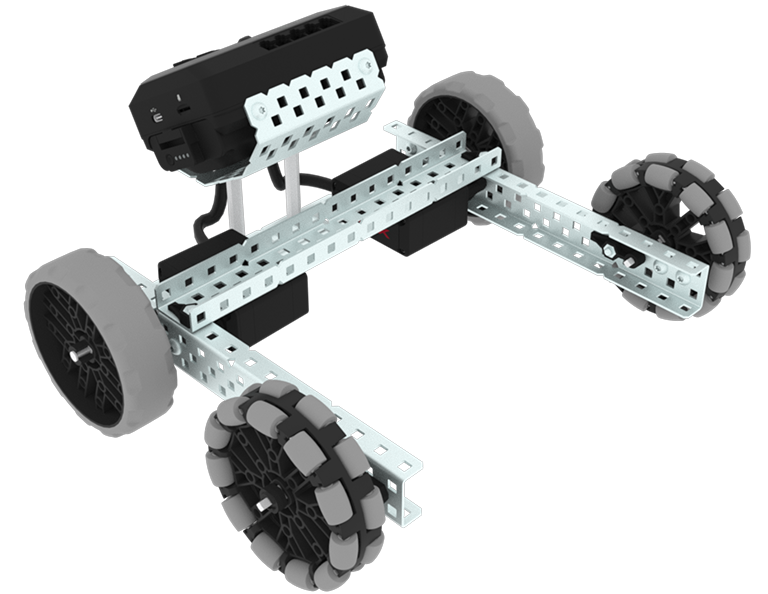
VEX EXP BaseBot build.

บทที่ 1: บทนำ

ในบทเรียนนี้คุณจะได้รับการแนะนำให้รู้จักกับการแข่งขัน Castle Crasher สร้าง BaseBot และเตรียมพร้อมสำหรับการเขียนโค้ด

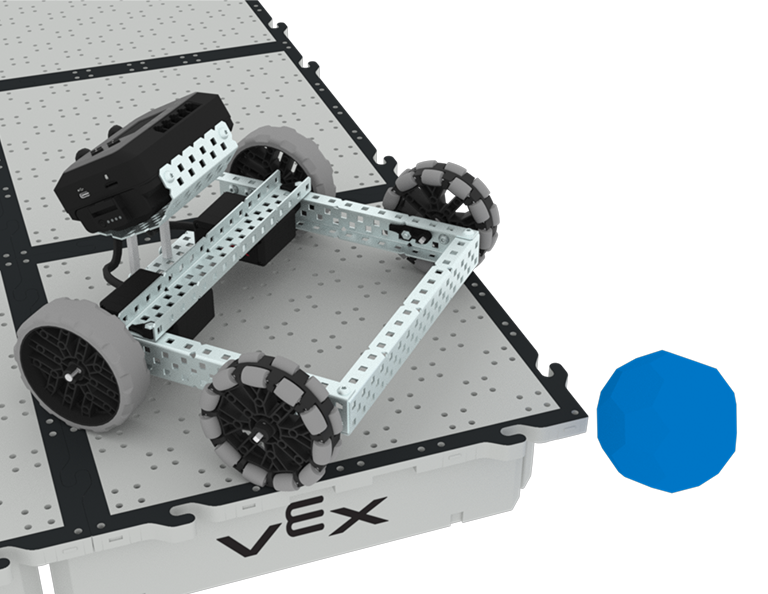
A close up view of the BaseBot pushing a blue buckyball off the corner of the raised field.

บทที่ 2: Castle Crasher ไม่มีเซ็นเซอร์

ในบทเรียนนี้คุณจะได้เรียนรู้เกี่ยวกับการคำนวณมุมและการเปลี่ยนความเร็วของหุ่นยนต์ของคุณเพื่อให้คุณสามารถแข่งขันใน Buckyball Blitz Challenge

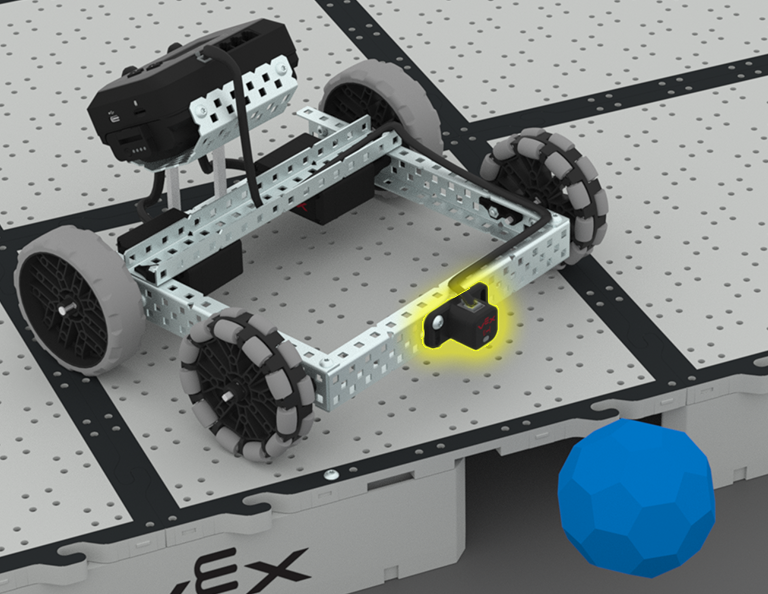
A close up view of the BaseBot pushing a blue buckyball off the edge of the raised Field, with the Distance Sensor on the front of the robot highlighted in yellow.

บทที่ 3: Castle Crasher + เซ็นเซอร์ระยะทาง

ในบทเรียนนี้คุณจะได้เรียนรู้เกี่ยวกับเซ็นเซอร์ระยะทางคืออะไรและสามารถใช้กับหุ่นยนต์ของคุณได้อย่างไร นอกจากนี้คุณยังจะได้เรียนรู้เกี่ยวกับบล็อก [รอจนกว่า] และวิธีใช้ในโครงการ VEXcode EXP จากนั้นคุณจะนำสิ่งที่คุณได้เรียนรู้ไปใช้ในการแข่งขันใน Sense and Sweep Challenge!

A close up view of the Clawbot pushing a red buckyball off the edge of the raised Field, with the Distance and Optical Sensors attached to the front of the robot highlighted in yellow. The Distance Sensor faces forward and the Optical Sensor faces downward above it.

บทที่ 4: การสร้างอัลกอริทึม

ในบทเรียนนี้คุณจะได้เรียนรู้เกี่ยวกับออปติคัลเซนเซอร์และวิธีการสร้างอัลกอริทึมที่ใช้ข้อเสนอแนะของเซ็นเซอร์ จากนั้นคุณจะต้องตั้งรหัสให้หุ่นยนต์ของคุณค้นหา Buckyballs โดยอัตโนมัติและผลักพวกมันออกจากสนามในการแข่งขัน Sweep the Field

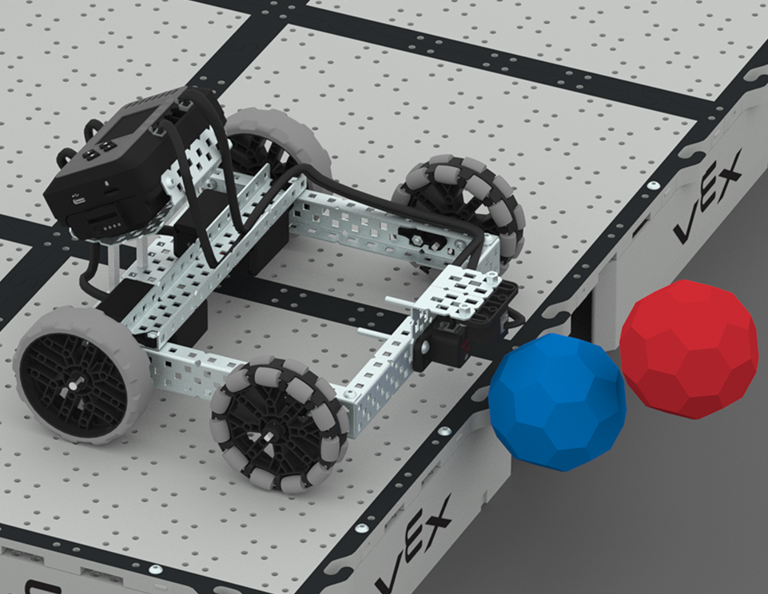
A close up view of the BaseBot with the Distance and Optical Sensors attached to the front of the robot pushing two buckyballs off the edge of the raised field.

บทเรียนที่ 5: การแข่งขัน Castle Crasher

ในบทเรียนนี้คุณจะใช้การเรียนรู้ของคุณจากบทเรียนก่อนหน้านี้เพื่อแข่งขันในการแข่งขัน Castle Crasher!

A red light bulb icon.

Lesson 6: Conclusion

In this Lesson, you will reflect on the Unit and identify connections between what you have done and a STEM career.

ส่งข้อความลับโดยใช้ Touch LED

Activity Image
Image
Code a Code
VEX Platform
Activity PDF Link
https://content.vexrobotics.com/assets/education/stem-labs/docs/iq/Activities/IQ Python Activity - Code a Code.pdf

ต้องใช้ไพ่กี่ใบจึงจะถึงเส้นชัย?

Activity Image
Image
traffic signals
VEX Platform
Activity PDF Link
https://content.vexrobotics.com/assets/education/stem-labs/docs/iq/Activities/IQ Python Activity - Green Light Red Light.pdf

ใช้ Clawbot ของคุณเพื่อกำจัดชิ้นส่วน VEX ออกจากกองอย่างมีกลยุทธ์

Activity Image
Image
The Claw
VEX Platform
Activity PDF Link
https://content.vexrobotics.com/assets/education/stem-labs/docs/iq/Activities/IQ Activity - The Claw.pdf

ใช้การคูณเพื่อลดขนาดแบบจำลอง

Activity Image
Image
its all relative
VEX Platform
Activity PDF Link
https://content.vexrobotics.com/assets/education/stem-labs/docs/iq/Activities/IQ Python Activity - Its All Relative.pdf

เซ็นเซอร์ทดสอบ

0 บทเรียน

ตรวจสอบว่าเซ็นเซอร์ VEX IQ ทำงานอย่างไรและเล่นเกมที่ใช้การตอบสนองของเซ็นเซอร์!

ใช้คอนโทรลเลอร์เพื่อส่งข้อความลับด้วยเซ็นเซอร์ Touch LED

Activity Image
Image
Secret Code
VEX Platform
Activity PDF Link
https://content.vexrobotics.com/assets/education/stem-labs/docs/iq/Activities/IQ Activity - Secret Code.pdf

ใช้เซ็นเซอร์วัดระยะเพื่อเคลื่อนย้าย BaseBot ของคุณอย่างน่าอัศจรรย์!

Activity Image
Image
Magic Movement Tile
VEX Platform
Activity PDF Link
https://content.vexrobotics.com/assets/education/stem-labs/docs/iq/Activities/IQ Activity - Magic Movement.pdf

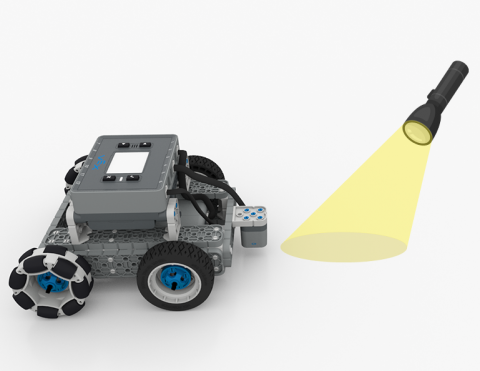
ขับหุ่นยนต์ของคุณโดยใช้ไฟฉาย!

Activity Image
Image
Follow the Light
VEX Platform
Activity PDF Link
https://content.vexrobotics.com/assets/education/stem-labs/docs/iq/Activities/IQ Activity - Follow the Light.pdf