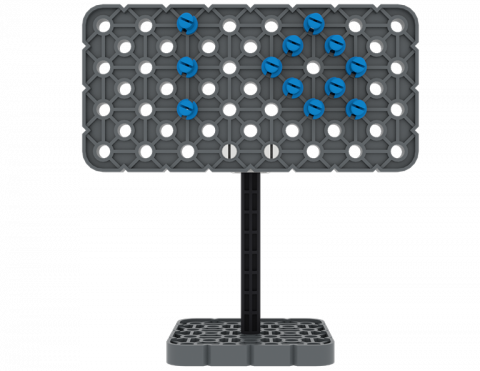
Чи можете ви побудувати знак із частин свого набору VEX IQ?
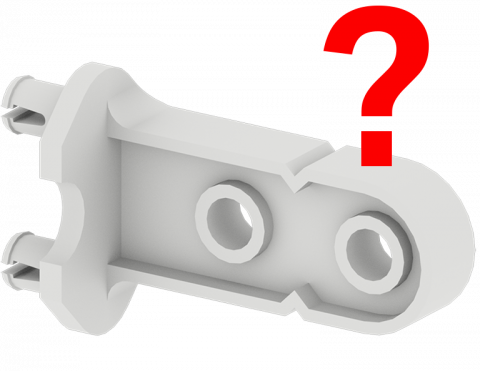
Зіграйте в гру, щоб знайти частини VEX IQ Kit!
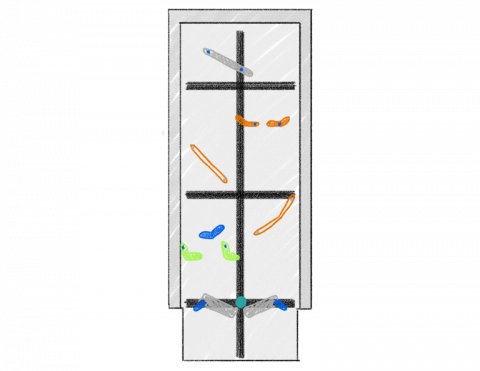
Створіть гру в пінбол, яка включає прості машини з використанням частин VEX IQ!
У якому напрямку швидше рухається предмет?
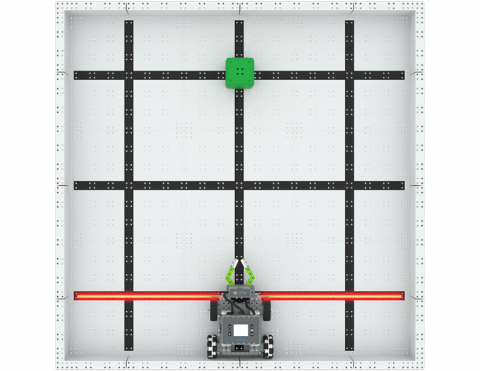
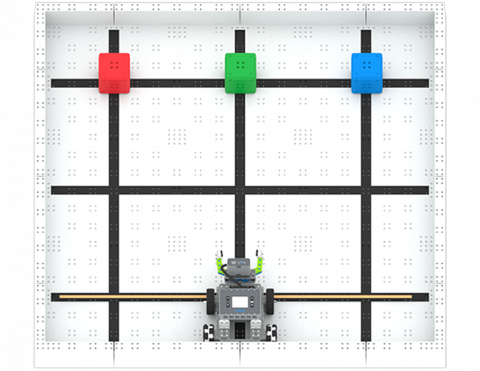
Як швидко ви зможете перемістити три квартали на нове місце?
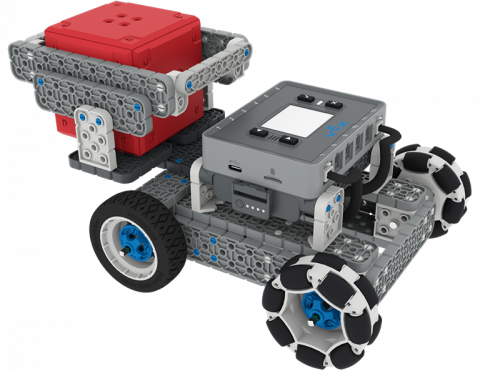
Створіть доповнення до BaseBot, щоб переносити IQ Cube по похилій площині!
6 Уроки
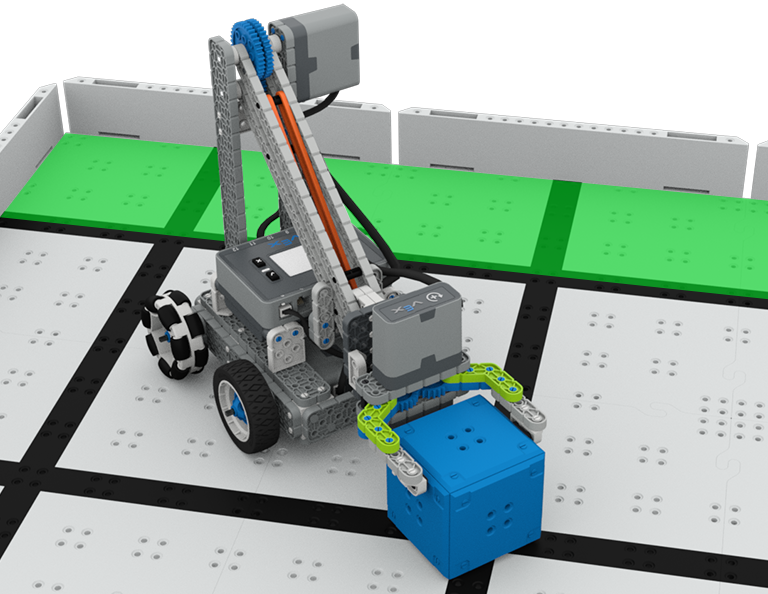
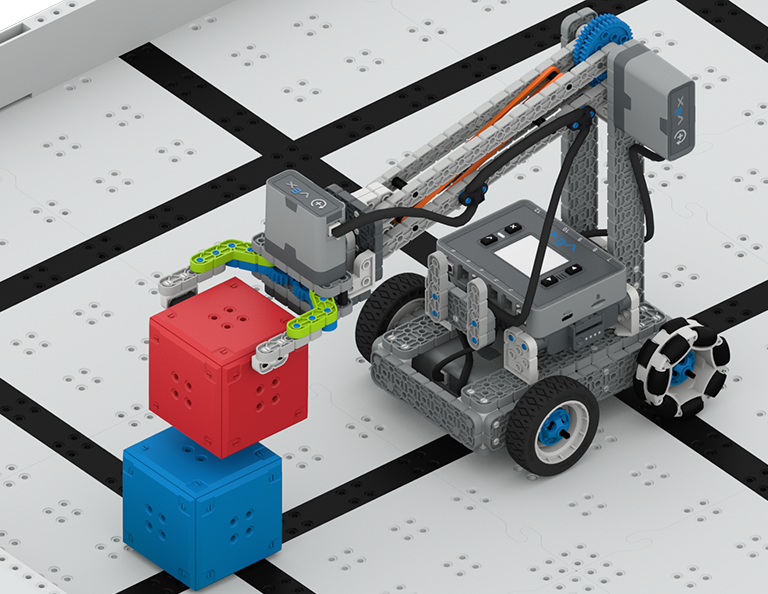
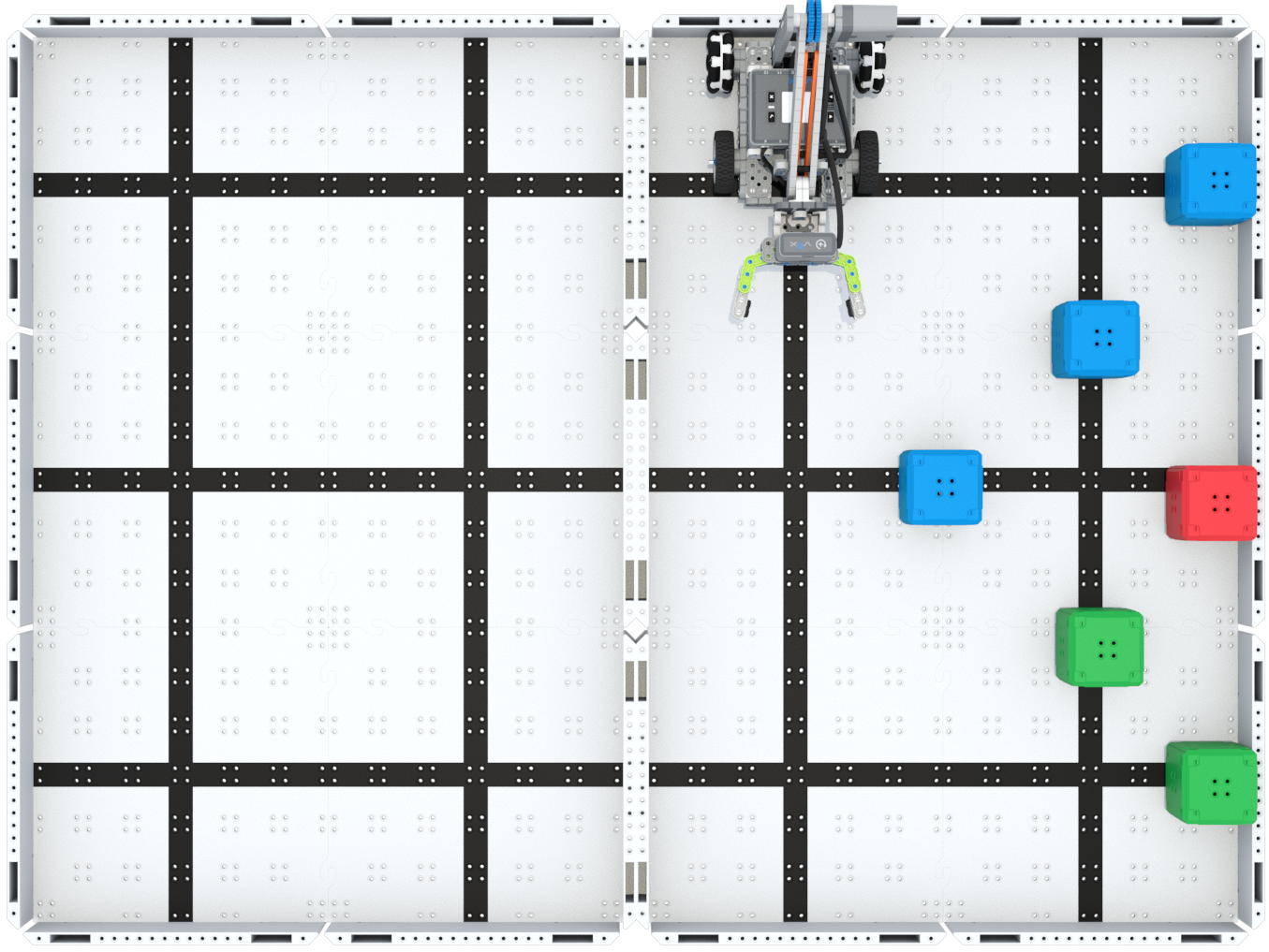
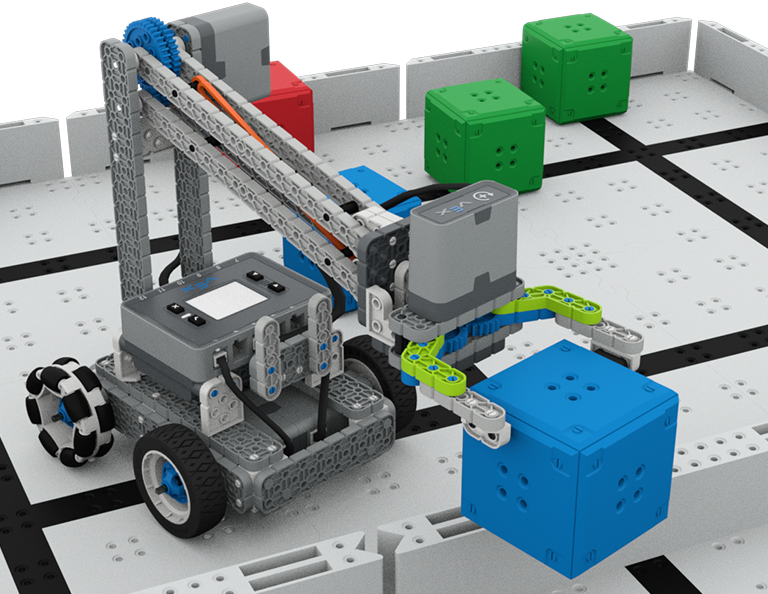
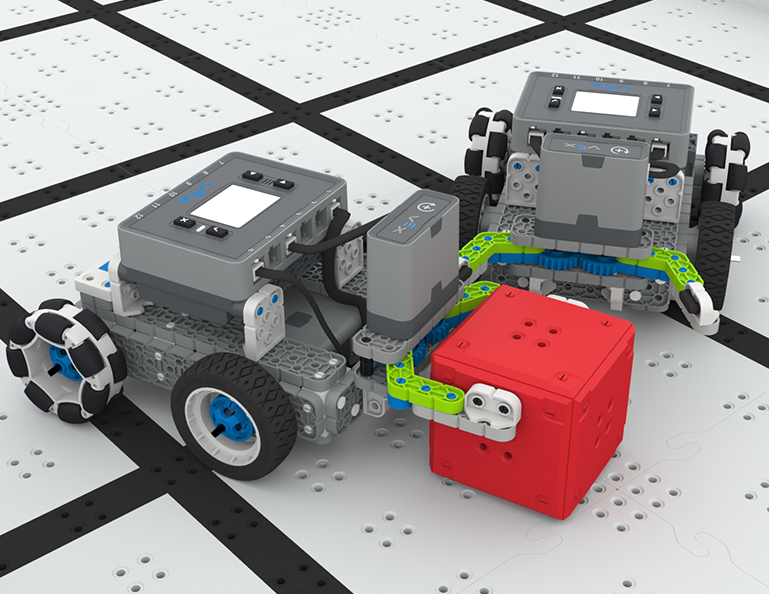
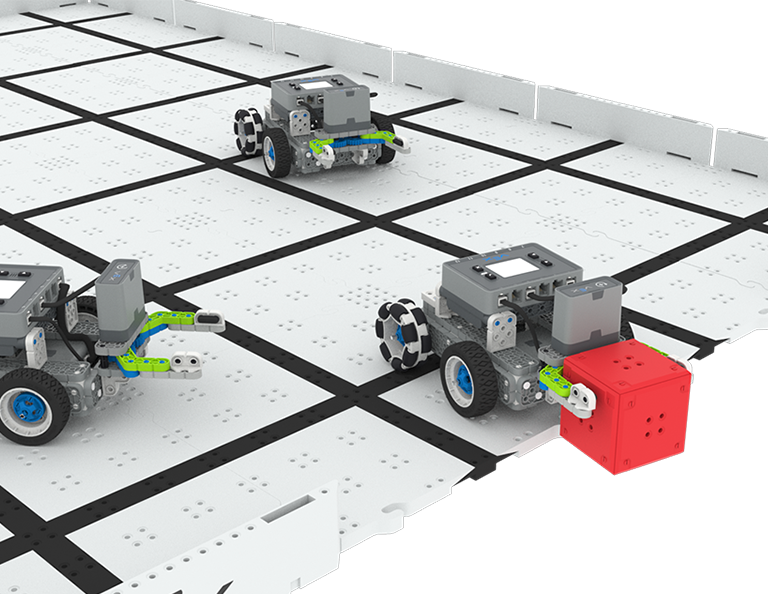
У цьому розділі ви дізнаєтесь, як створити Clawbot, щоб збирати, підбирати та переміщувати кубики з одного боку поля на інший у змаганні Up and Over!
Відвідайте портал для вчителів, щоб отримати допоміжні матеріали для вчителів і відео про зміст і фасилітацію уроків Up and Over.
Lesson 1: Introduction
In this Lesson, you will be introduced to the Up and Over competition, set up the Battery and Controller, get ready to code, and build the Clawbot.
Lesson 2: Claw Design
In this Lesson, you will learn what a claw is, how an effective claw works, and how scouting can benefit your team's designs and strategy. Then, you will apply what you have learned in the Grab and Go challenge.
Lesson 3: Arm Designs
In this Lesson, you will learn about different elements of robotic arms, how they work, and what makes an effective arm design, in order to stack as many cubes as you can within a minute in the Stacked Up challenge.
Lesson 4: Motor Groups
In this Lesson, you will learn what motor groups are, how they can be helpful, and how to configure motor groups in VEXcode IQ in order to iterate on your robot to complete the Up and Over challenge.
Lesson 5: Up and Over Competition
In this Lesson, you will apply your learning from the previous Lessons to compete in the Up and Over competition!
Lesson 6: Conclusion
In this Lesson, you will reflect on the Unit and identify connections between what you have done and a STEM career.
4 Уроки
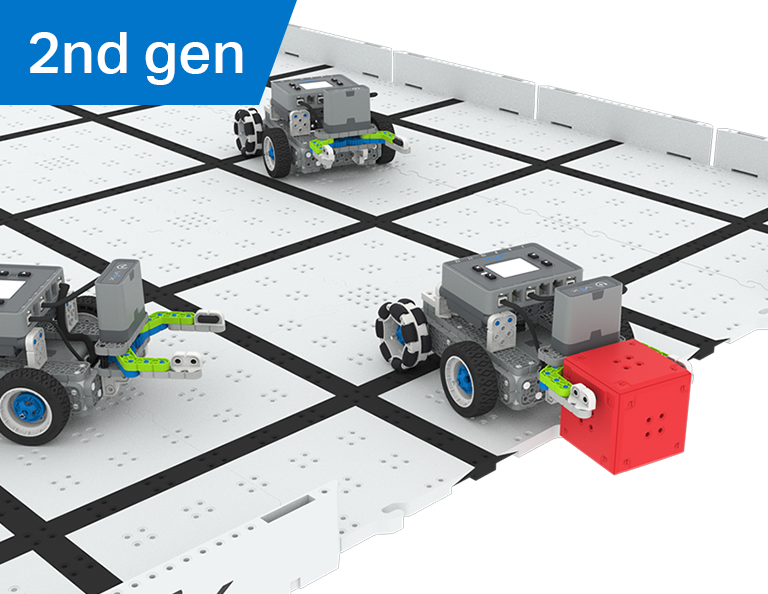
У цьому розділі ви дізнаєтеся, як створити маніпулятор на вашому роботі, щоб захоплювати, пасувати та забивати найбільшу кількість голів як робот-футболіст у змаганні Robot Soccer!
Відвідайте Портал для вчителів, щоб отримати допоміжні матеріали для вчителів і відео про зміст і фасилітацію уроків футбольного робота.
Урок 1: Вступ
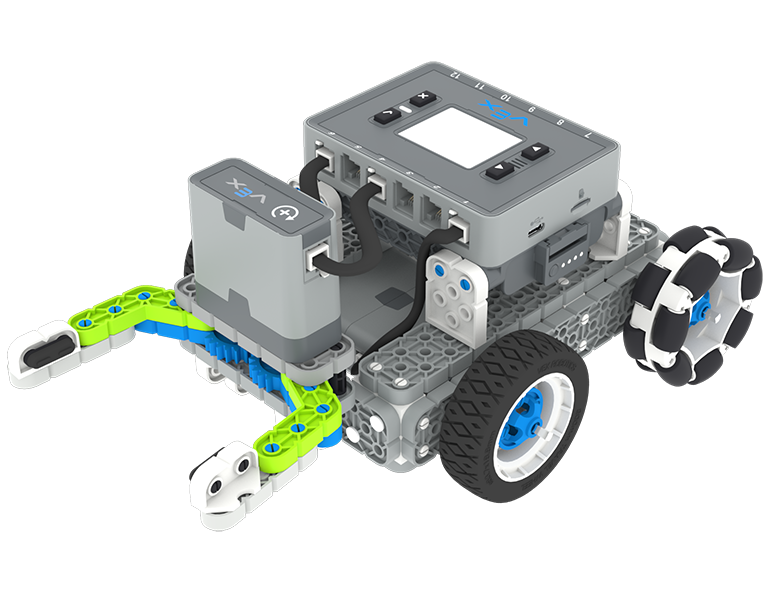
У цьому уроці ви побудуєте Simple Clawbot, зарядите контролер і батарею та підготуєтесь до кодування.
Урок 2: Маніпулятори
У цьому уроці ви дізнаєтеся про пасивні та активні маніпулятори та конструкцію впускного отвору, щоб повторити конструкцію свого робота та змагатися у змаганні з футболу один на один!
Урок 3: Змагання з футболу роботів
У цьому уроці ви застосуєте отримані знання з попереднього уроку, щоб взяти участь у змаганні з футболу роботів!
Урок 4: Висновок
У цьому уроці ви поміркуєте над модулем і визначите зв’язки між тим, що ви зробили, і пов’язаною кар’єрою в STEM.
6 Уроки
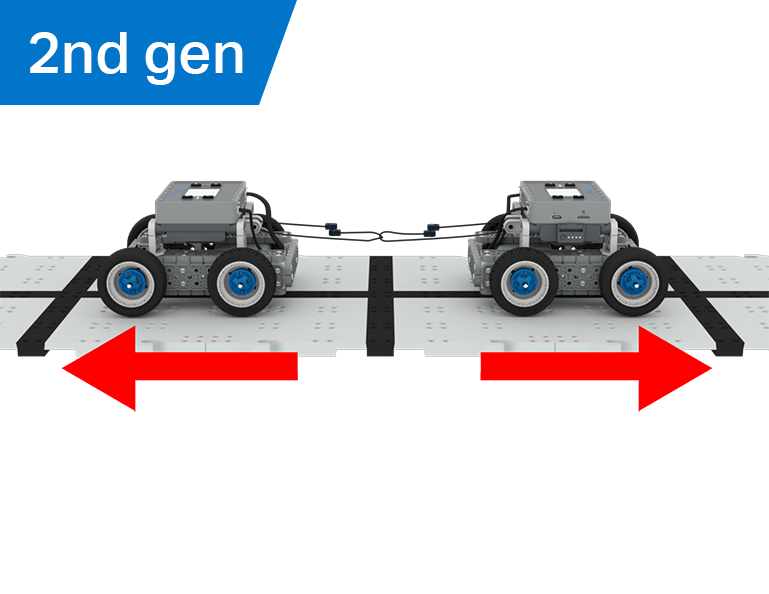
У цьому розділі ви дослідите, як механічна перевага та центр маси впливають на здатність BaseBot тягнути об’єкти, і створите найкращого робота для гри в перетягування канату!
Відвідайте Портал для вчителів, щоб отримати допоміжні матеріали та відео для вчителів про зміст уроків перетягування канату та їх проведення.
Lesson 1: Introduction
In this Lesson, you will be introduced to the Tug of War competition and build the BaseBot.
Lesson 2: Pulling Objects with the BaseBot
In this Lesson, you will design a rope attachment to practice pulling objects with your BaseBot. Then you will compete in a Robot Tractor Pull challenge.
Lesson 3: Using a Gear Train
In this Lesson, you will add a gear train to your BaseBot to explore how different gear configurations affect your robot's ability to pull an object. Then you will compete in a Gear Train Tractor Pull challenge.
Lesson 4: Adding Mass
In this Lesson, you will add mass to your BaseBot to explore how changing the center of mass affects your robot's ability to pull an object. Then you will compete in a Tug of War challenge.
Lesson 5: Tug of War Competition
In this Lesson, you will apply your learning from the previous Lessons to compete in a Tug of War competition!
Lesson 6: Conclusion
In this Lesson, you will reflect on your learning in this Unit and identify connections between what you have done and a STEM career.
6 Уроки
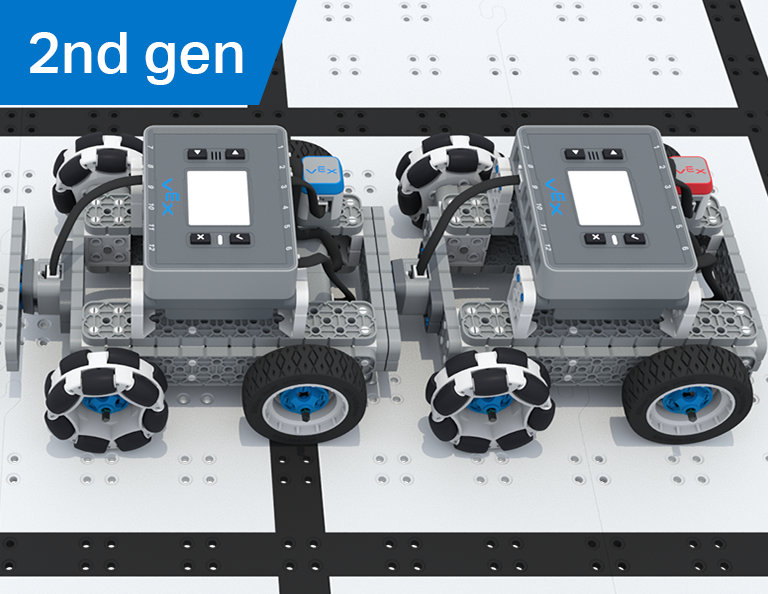
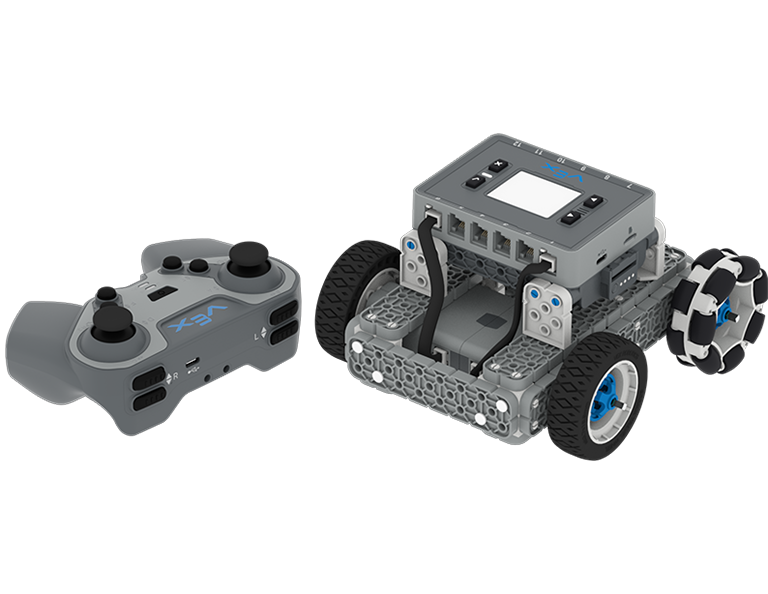
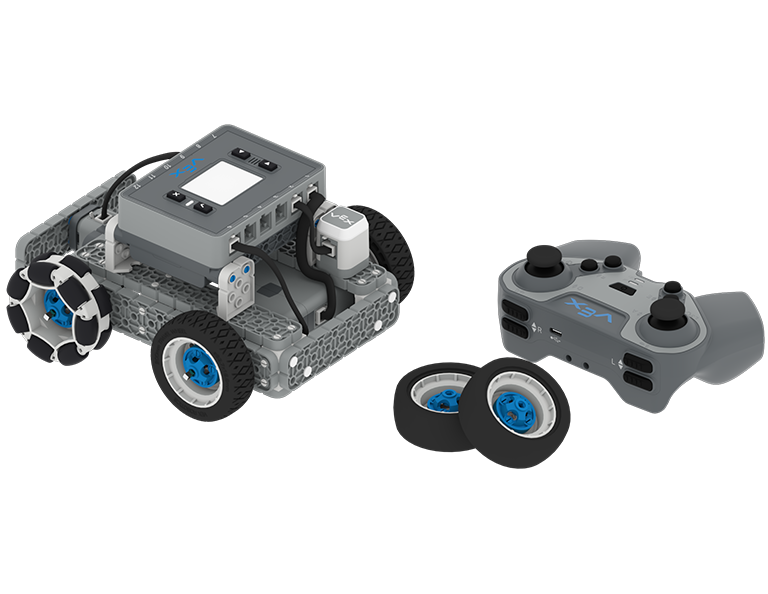
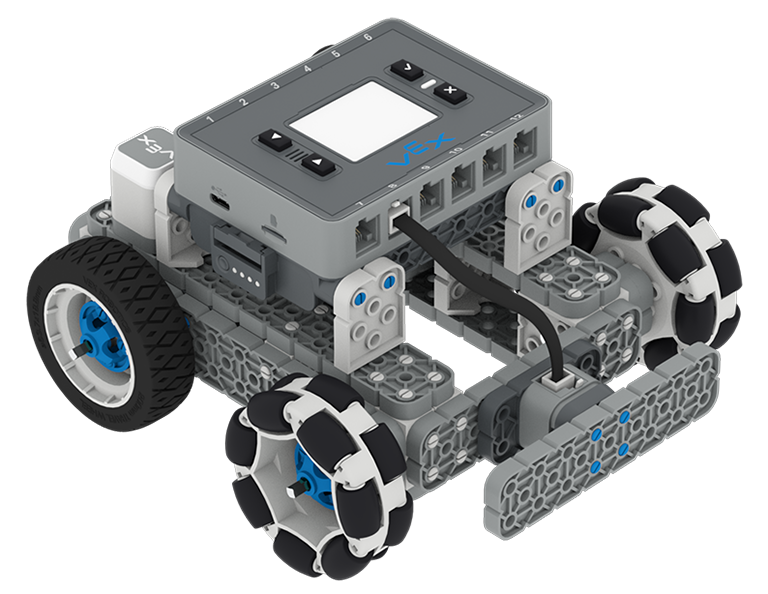
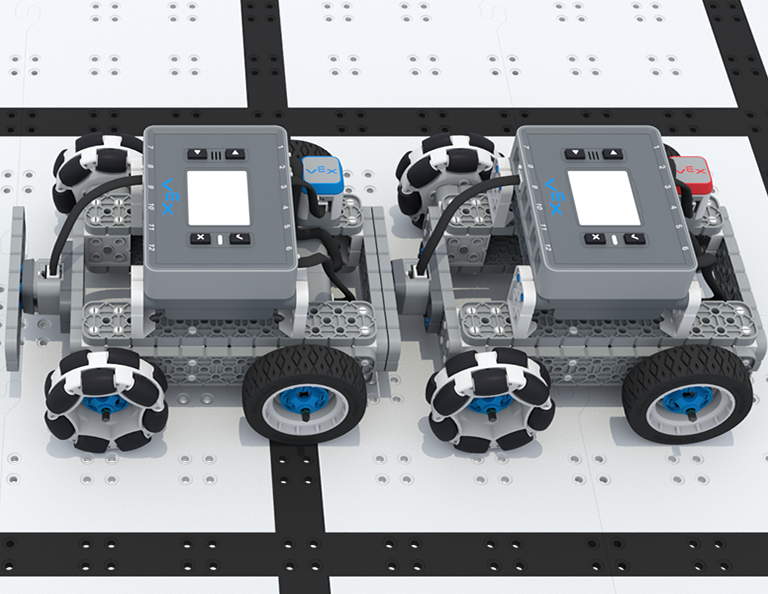
У цьому підрозділі ви будете керувати BaseBot за допомогою контролера IQ, вибирати колеса та додавати датчики, щоб взяти участь у змаганні Team Freeze Tag!
Відвідайте портал для вчителів, щоб отримати допоміжні матеріали для вчителів і відео про зміст і фасилітацію уроків Team Freeze Tag.
Lesson 1: Introduction
In this Lesson, you will be introduced to the Team Freeze Tag competition, set up the Battery and Controller, and build the BaseBot.
Lesson 2: Driving with the IQ Controller
In this Lesson, you will learn how to drive the BaseBot using the IQ Controller and practice your driving to compete in a challenge activity as you drive in a figure eight!
Lesson 3: Changing the Wheels
In this Lesson, you will learn how to change the wheels of the BaseBot, and experiment with different wheel combinations to improve the robot's ability to play Tag.
Lesson 4: Adding the Bumper Switch and Touch LED
In this Lesson, you will add a Bumper Switch and Touch LED to your BaseBot and compete in 1-on-1 Freeze Tag!
Lesson 5: Team Freeze Tag Competition
In this Lesson, you will combine all the skills learned in previous Lessons to play a game of Team Freeze Tag!
Lesson 6: Conclusion
In this Lesson, you will reflect on the Unit and identify connections between what you have done and a STEM career.