
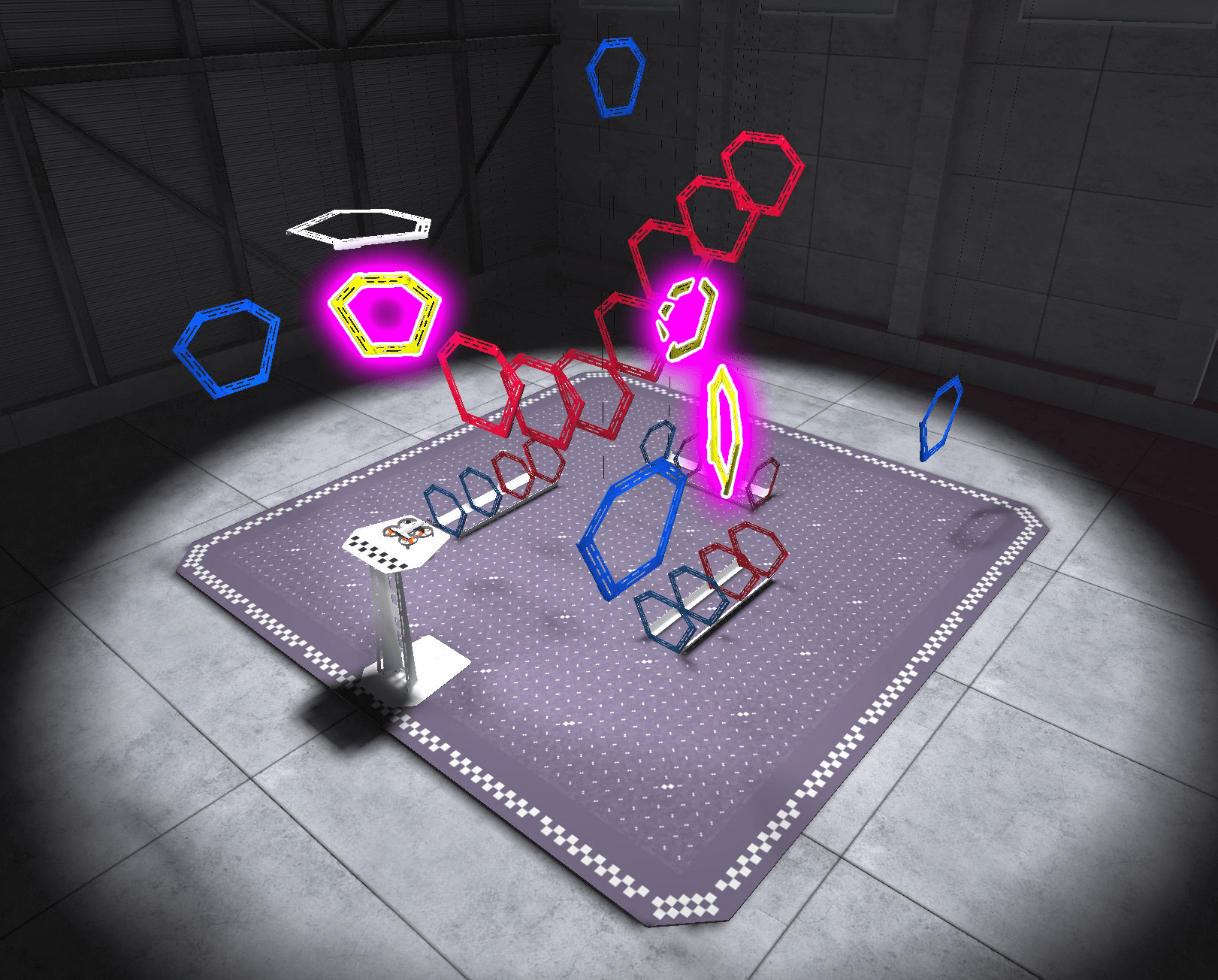
Now that you have practiced using pitch, yaw, and throttle to move the virtual VEX AIR Drone in the VEX AIR Flight Simulator, you are ready to combine these skills in a single mini-challenge! In this challenge, your goal is to apply what you have learned about flying with the VEX AIR Drone Controller to fly through all of the yellow rings in a diamond-shaped path as quickly and accurately as you can.
Mission: Fly in a Diamond
In this mission, you will fly through all of the yellow rings on the field in a diamond-shaped path, then return to the platform to land. Follow these steps to complete the mission:
- Connect your controller to VEXcode AIR and select the Simulator tab. Refer to this article for help with the VEX AIR Flight Simulator.
- Fly the drone to take off, fly through all three yellow rings (as highlighted in the image above), then land on the platform.
- Use a timer to time your flight. You and your partner can take turns timing when you are not piloting.
- Remember that you can change the camera view throughout your flight to help you navigate effectively.
- Use this Mission Log to document your flight (Google Doc / .docx / .pdf). Record the time, number of collisions, and notes about what helped you improve for every attempt.
In this mission, you will fly through all of the yellow rings on the field in a diamond-shaped path, then return to the platform to land. Follow these steps to complete the mission:
- Connect your controller to VEXcode AIR and select the Simulator tab. Refer to this article for help with the VEX AIR Flight Simulator.
- Fly the drone to take off, fly through all three yellow rings (as highlighted in the image above), then land on the platform.
- Use a timer to time your flight. You and your partner can take turns timing when you are not piloting.
- Remember that you can change the camera view throughout your flight to help you navigate effectively.
- Use this Mission Log to document your flight (Google Doc / .docx / .pdf). Record the time, number of collisions, and notes about what helped you improve for every attempt.
Distribute the Mission Logs to students before beginning, and ensure they all understand the task (Google Doc / .docx / .pdf). Be sure students have access to a timer to be able to time their flights.
This mini-challenge brings together the key controls students have learned so far. Because it requires sequencing multiple movements smoothly, students may need several attempts to complete the diamond-shaped path efficiently.
Consider the following prompts as you circulate and talk with students about their progress:
- What part of the path is slowing you down the most?
- Which joystick movements are you adjusting between rings?
- What changed between your first attempt and your fastest attempt?
Encourage students to take turns flying and timing, and to use each other’s observations to refine their approach. Remind them that improvement comes with practice, and that skilled drone pilots often complete the same path many times to build precision and confidence.
Real-World Connections
Practicing helps drone pilots get better at controlling a drone safely, especially when they need to combine skills like smooth movements and careful turning, while staying aware of their surroundings. Professional drone pilots often practice before important flights so they feel confident and can avoid mistakes. They also keep a log of hours flown, when and where they flew, what the conditions were like, and any problems they noticed, similar to how you are completing Mission Logs for each mission in this course.
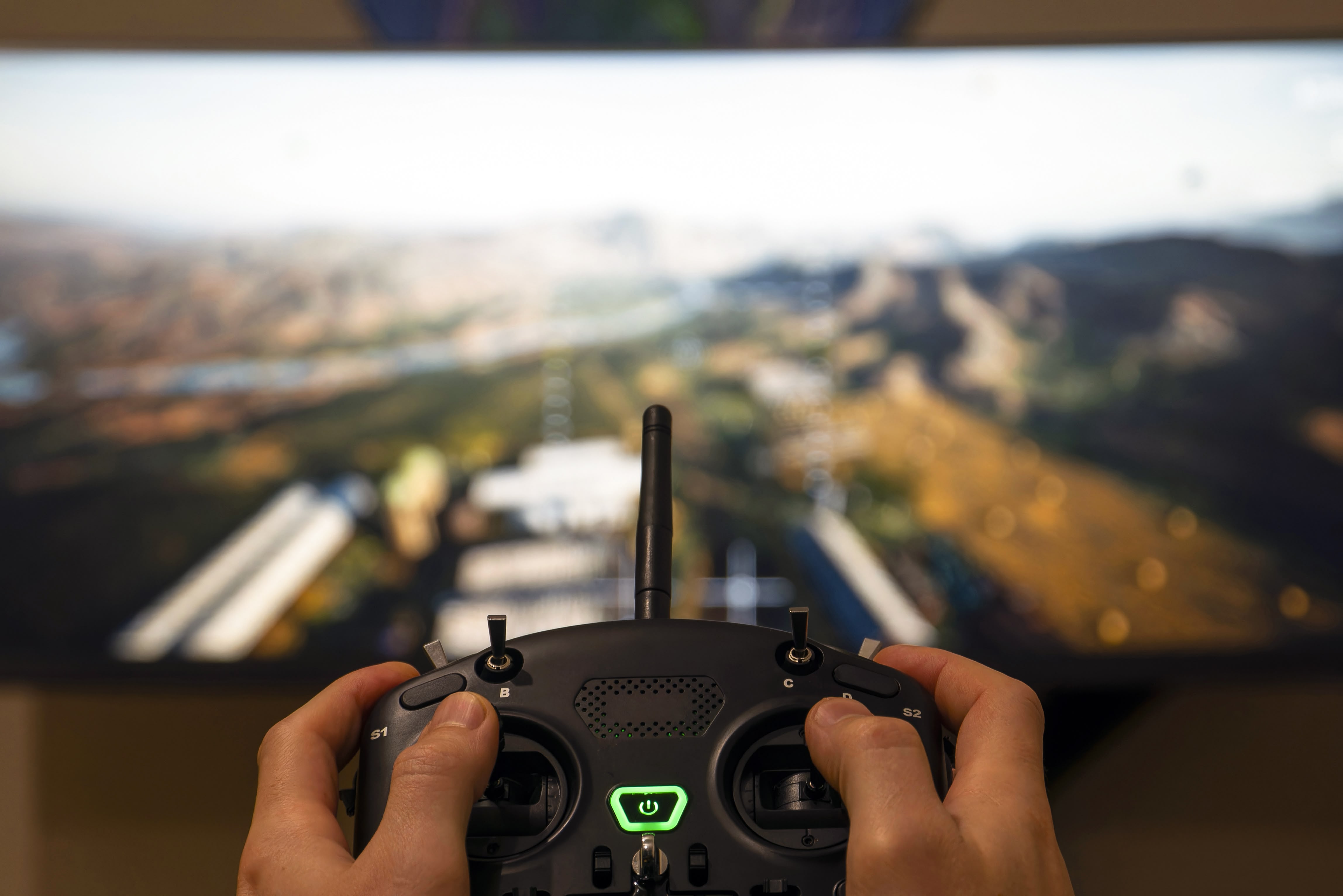
This combination of many hours of practice and careful documentation results in drone pilots who can fly safely and confidently!
Practicing helps drone pilots get better at controlling a drone safely, especially when they need to combine skills like smooth movements and careful turning, while staying aware of their surroundings. Professional drone pilots often practice before important flights so they feel confident and can avoid mistakes. They also keep a log of hours flown, when and where they flew, what the conditions were like, and any problems they noticed, similar to how you are completing Mission Logs for each mission in this course.
This combination of many hours of practice and careful documentation results in drone pilots who can fly safely and confidently!
Many professional pilots and training programs record simulator sessions in a flight log as “training time” because it documents practice, skills worked on, and readiness for real missions. While logging hours in a simulator is not necessarily required to become a professional drone pilot, many employers and insurance companies require simulator hours. What students are doing by flying in the simulator and keeping Mission Log documentation mimics these real-world scenarios. Making these connections for students can help them see their Mission Logs and simulator practice as a more authentic experience.
Select Return to Units > to move to the next unit in the course.