


Virtual Flight
10 Units
Launch your journey into the world of drones with VEX AIR's Virtual Flight course, where you'll learn the basics of drone operation in a safe, simulator-based environment.
Unit 1
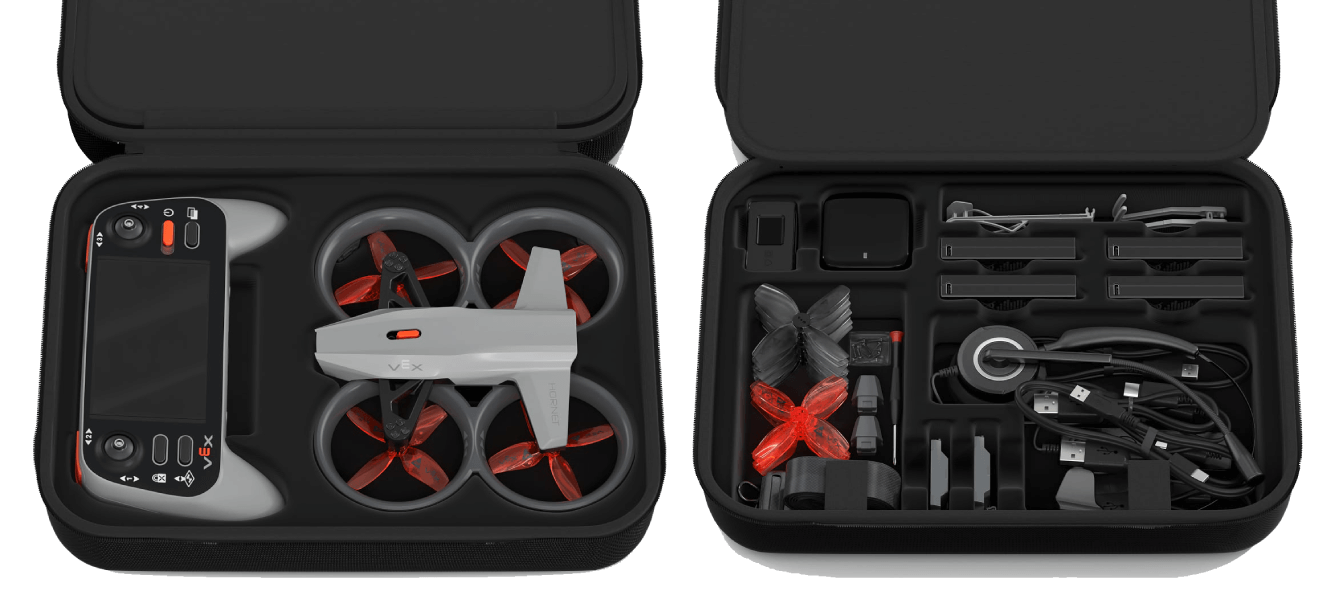
Welcome to VEX AIR
Get off the ground by exploring the VEX AIR Kit, and get your VEX AIR Drone Controller ready for flight.
View Unit 1 >Unit 2
Taking Flight
Start your ascent as you learn the basics of flying in the VEX AIR Flight Simulator. Takeoff, land, and fly to new heights with throttle controls.
View Unit 2 >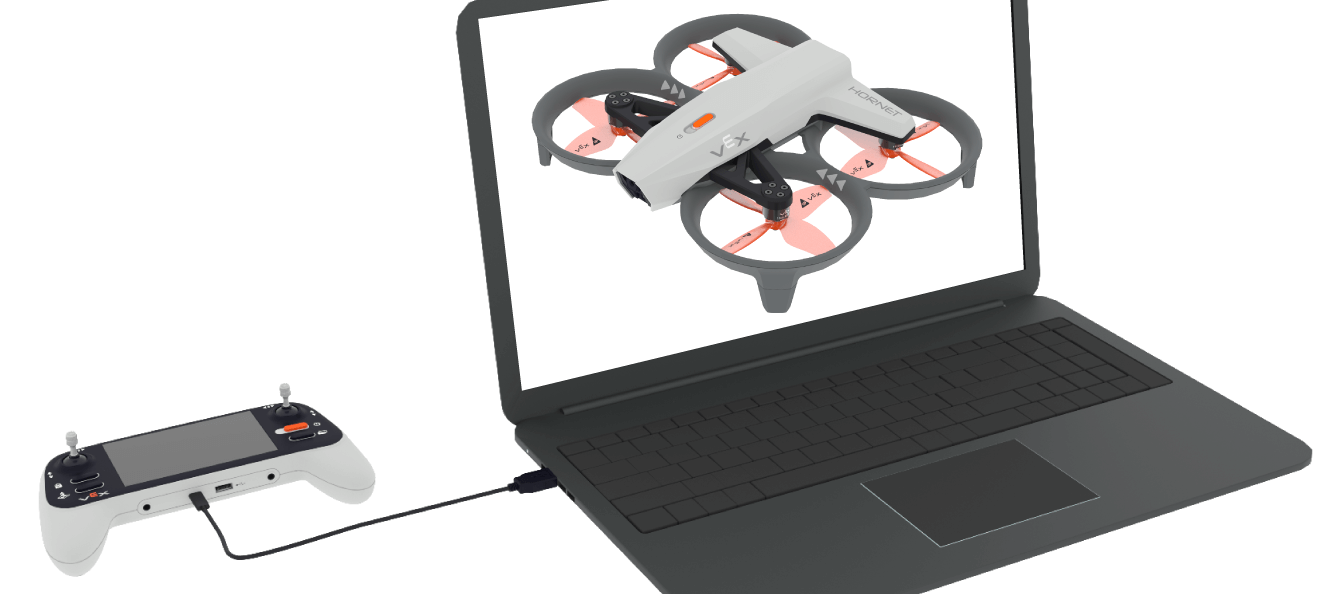
Unit 3
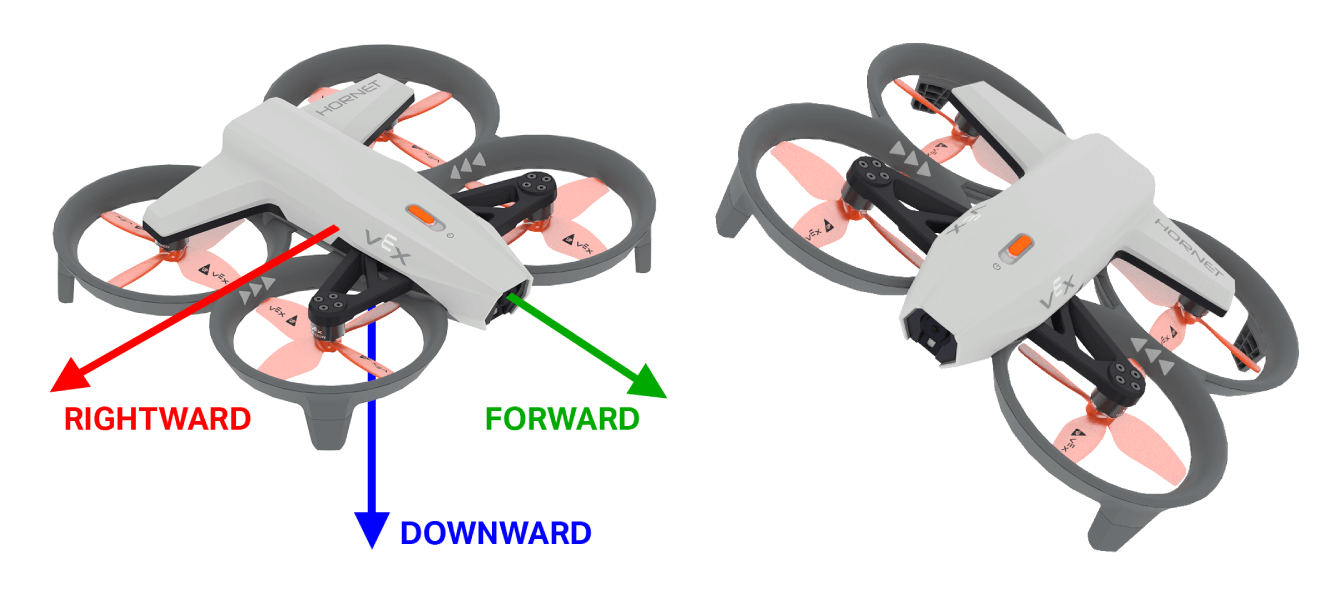
Beginning Flight Controls
Take control of the skies by mastering pitch and yaw. Practice smooth turns and precise movement, then test your skills in a fast-paced simulator challenge.
View Unit 3 >Unit 4
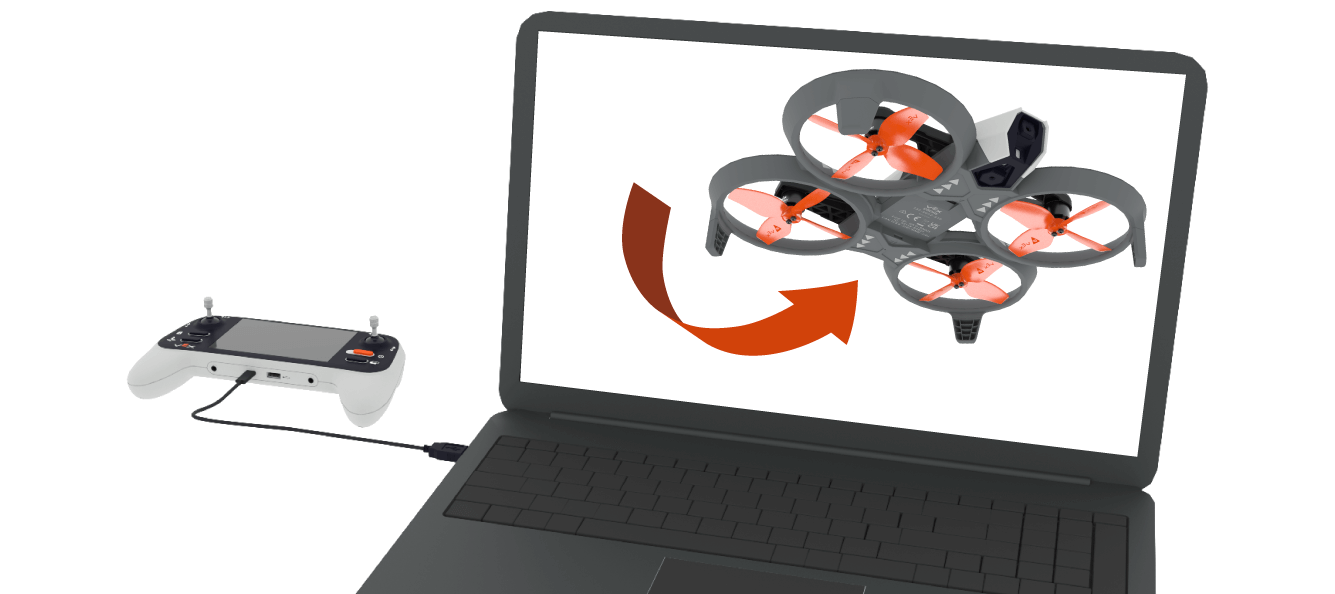
Rolling Along
Level up your flight skills with roll control and advanced steering modes. Try standard and headless flight, then choose your favorite as you tackle dynamic flight paths.
View Unit 4 >Unit 5
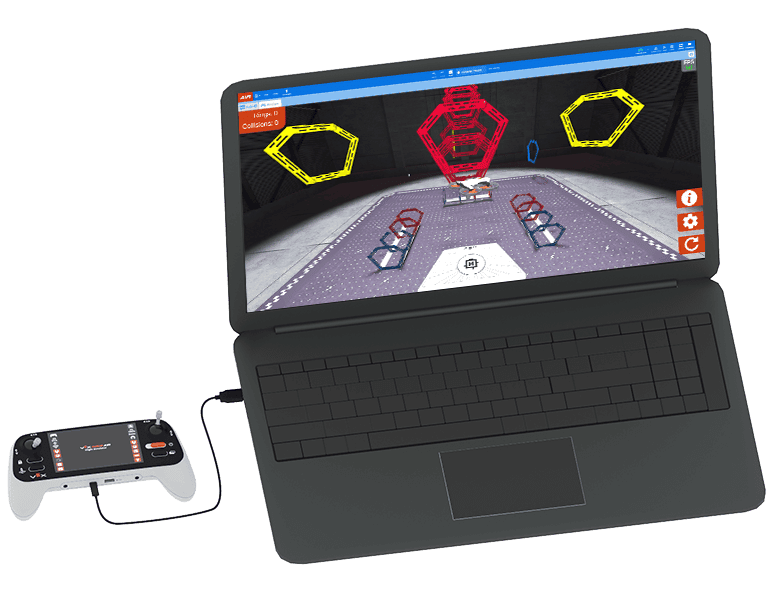
Complex Maneuvering
Take your piloting skills to the next level as you combine multiple flight controls at once to fly smoother, faster, and more precisely.
View Unit 5 >Unit 6
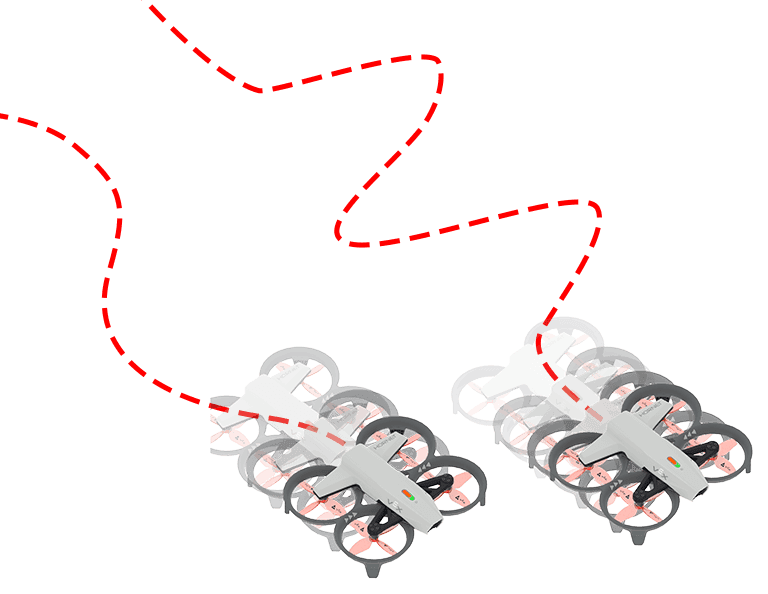
Movement Modes
Choose your ideal mix of speed and precision for the mission at hand as you explore movement modes on the VEX AIR Drone.
View Unit 6 >Unit 7
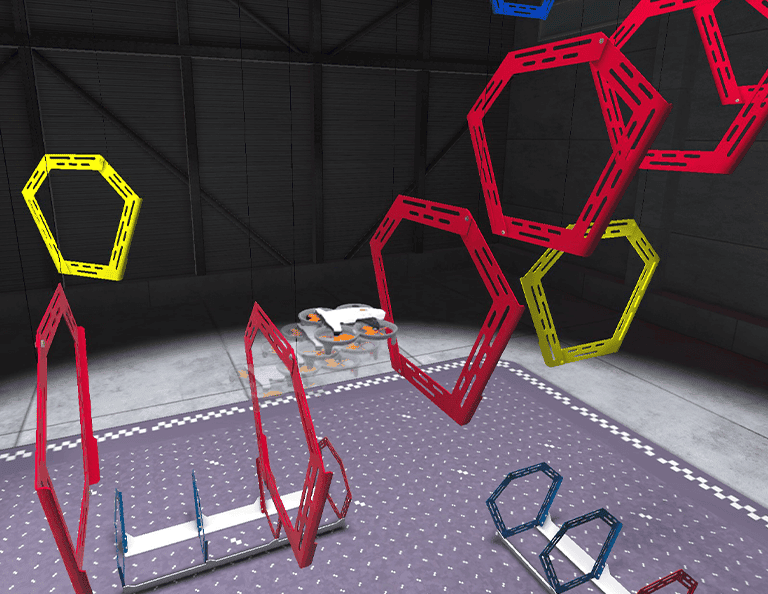
Ring Flight Challenge
Put everything you've learned about controlling the drone to the test in the Ring Flight Challenge!
View Unit 7 >Unit 8
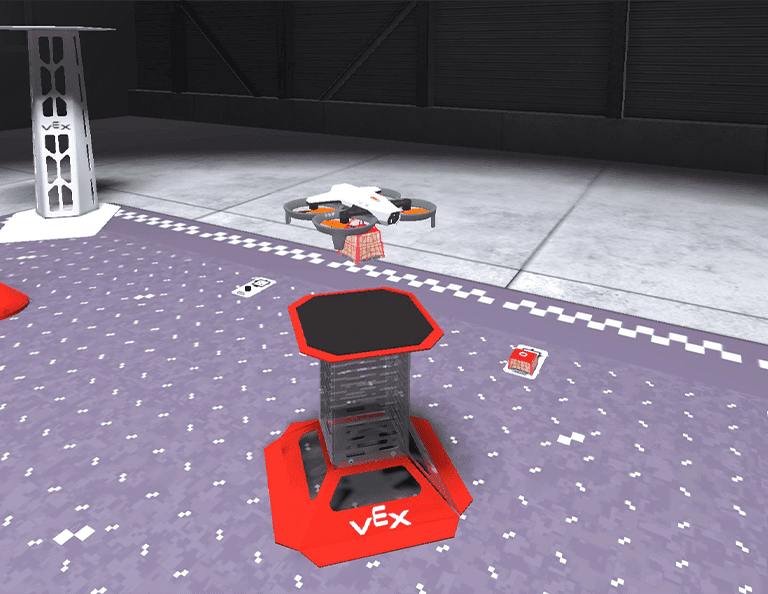
Delivering Cargo
Fly your drone on a cargo delivery mission as you pick up and drop off cargo using the Magnet Module.
View Unit 8 >Unit 9
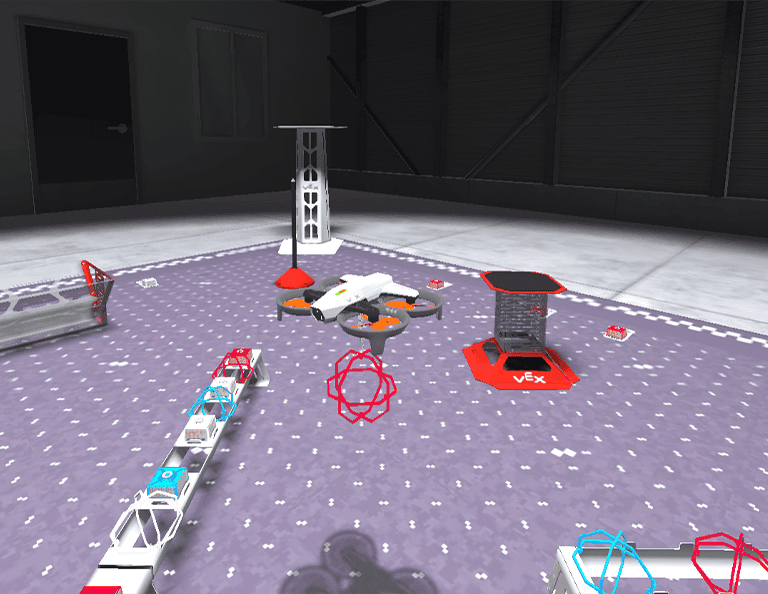
Payload Precision
Transport orbit balls with the Motorized Hook Module as you practice safely and efficiently delivering suspended payloads with the VEX AIR Drone.
View Unit 9 >Capstone
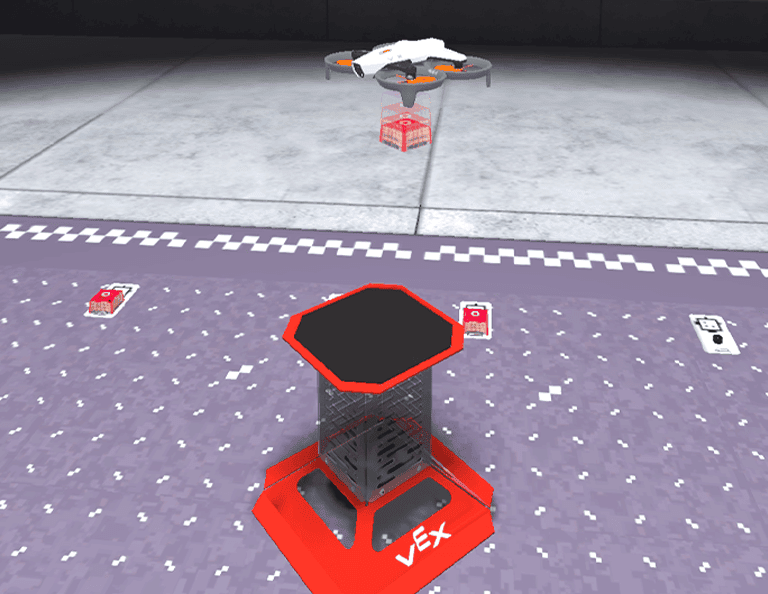
Capstone Challenge
Combine all the new knowledge and skills gained throughout the course to complete an open-ended challenge!
View Capstone >