
Build
Build the CatapultBot
Now that you have all the materials to get started, follow along with the build instructions to build the CatapultBot. Once the build is complete, you will follow along with the steps to document the CatapultBot build in your engineering notebook.
Choose one of the following and follow along with the steps in the build instructions to build the CatapultBot:
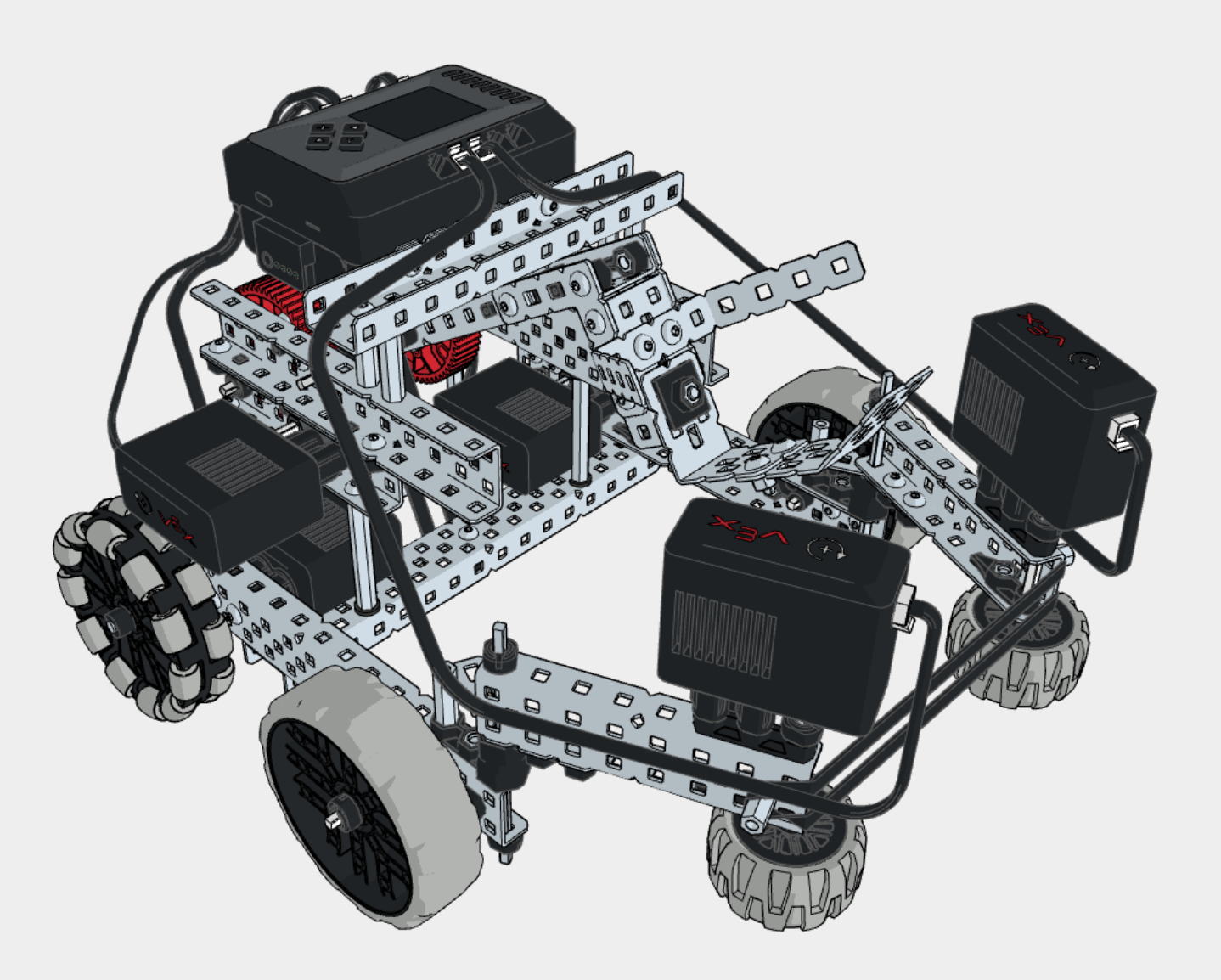
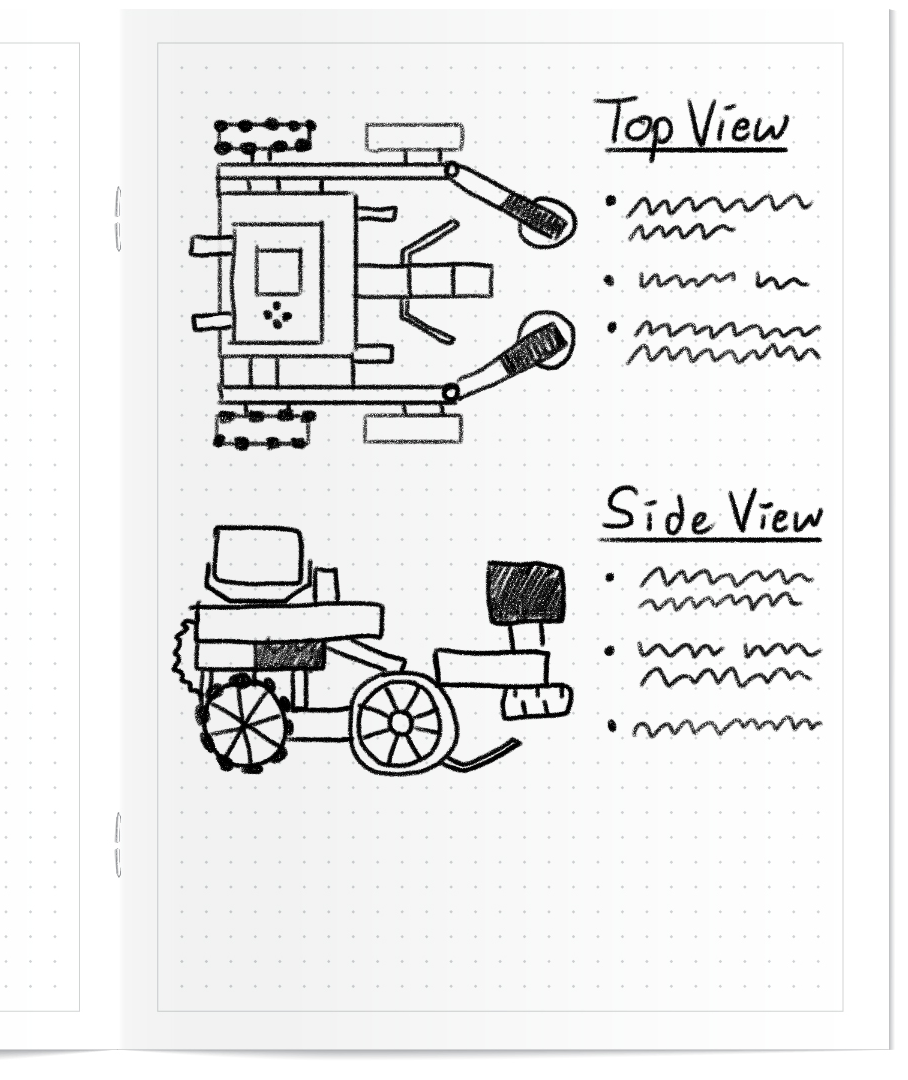
After you have completed the CatapultBot build, document it in your engineering notebook.
Include a sketch or picture of the build.
Build the Bucky Basketball Hoop
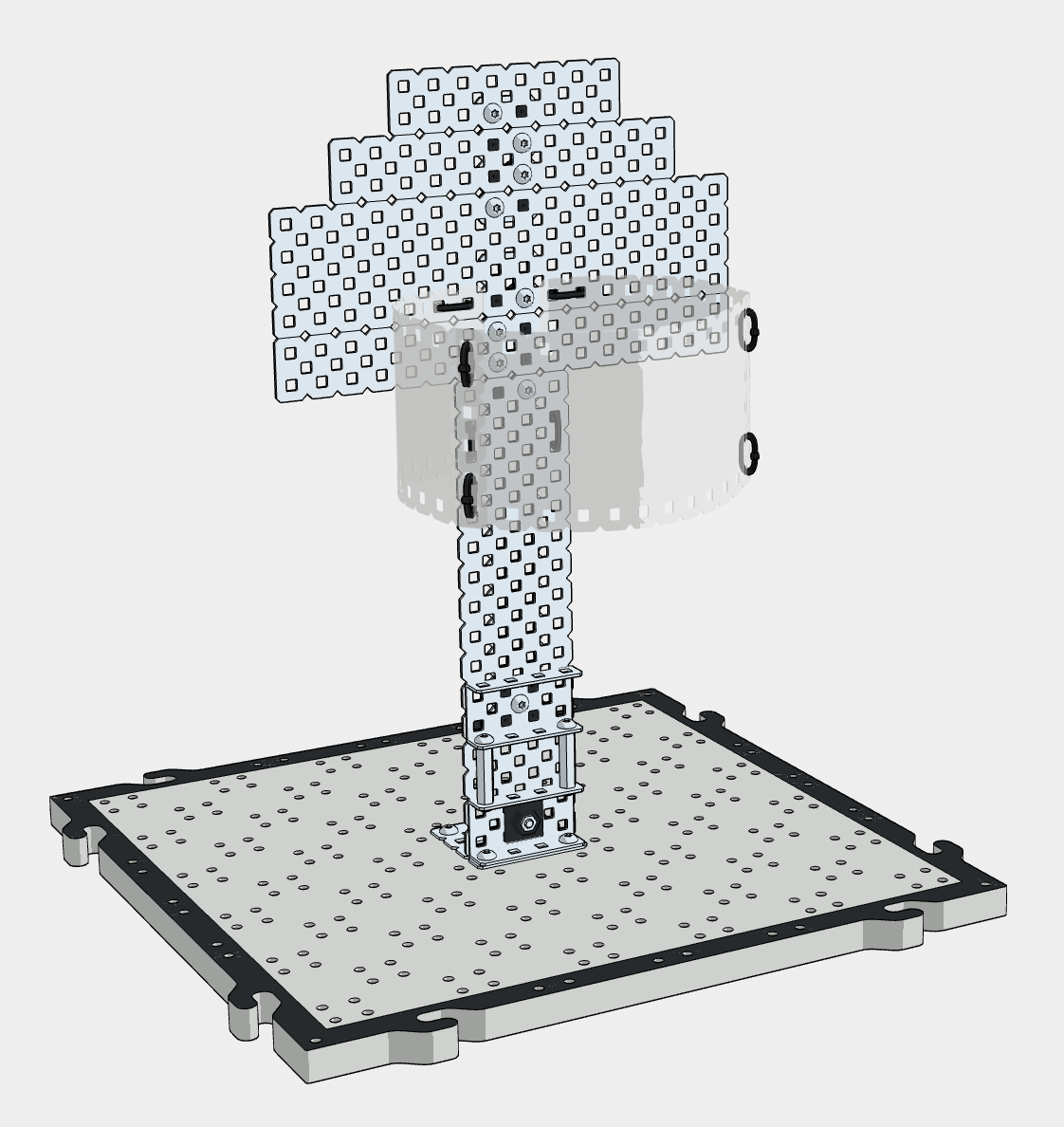
Now that you have built the CatapultBot and documented the build in your engineering notebook, follow along with the build instructions to build the Bucky Basketball Hoop that you will use throughout this Unit.
The Bucky Basketball Hoop is built using pieces from your EXP Kit.
Follow along with the steps in the build instructions to build the Bucky Basketball Hoop.
Note: there are optional steps at the end of the Bucky Basketball Hoop build instructions for an alternative base. Check in with your teacher on which base to build.
What is Next?
In this Lesson, you built the CatapultBot and charged your Battery.
In the next Lesson, you will:
- Learn about the intake and catapult on the CatapultBot.
- Learn how to drive the CatapultBot using the Controller.
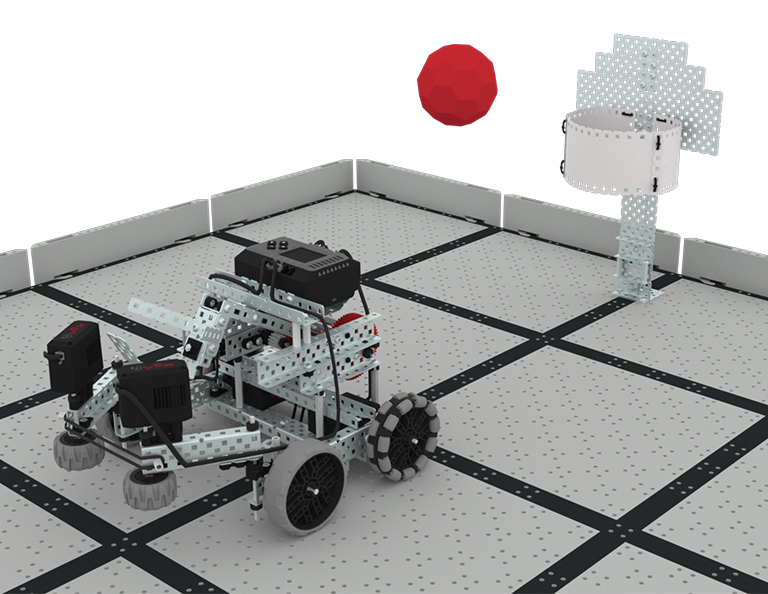
- Compete in the Buckyball Baskets Challenge!
Select < Return to Lessons to go back to the Lesson Overview.
Select Next Lesson > to continue to Lesson 2, and learn about the components of the CatapultBot and how to drive it.