
Step 6: Test Your Course
Step 6: Test Your Course
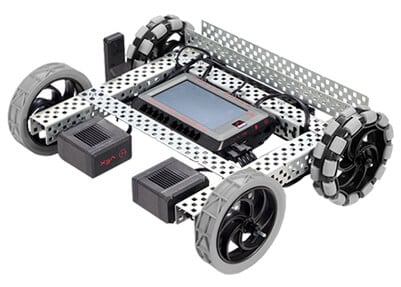
Time to test the course! Do the scaled measurements on the Race Course work? Let's find out!
Follow the following procedure:
- Ensure both the Robot Brain and Controller are turned on.
- Pair the V5 Controller to the V5 Robot Brain.
- Place your Speedbot at the start line on your Race Course.
- Review how to drive the robot using the Controller.
- Run the Drive Program to drive the Speedbot through the Race Course.
- Make note of any places in the Race Course that should be adjusted for size in your engineering notebook.
- After you have driven the robot around the Race Course a few times to test the size, sketch the Race Course again with the improved sizes.
- Re-scale the Race Course, document the changes made and why in your engineering notebook, and test it again!