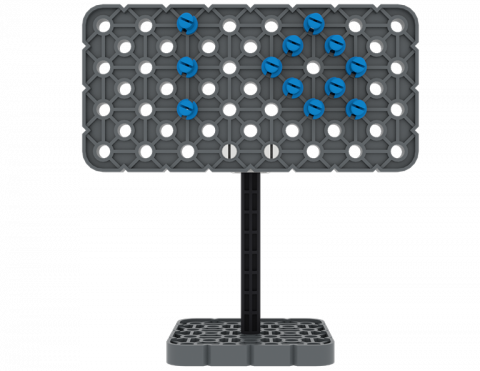
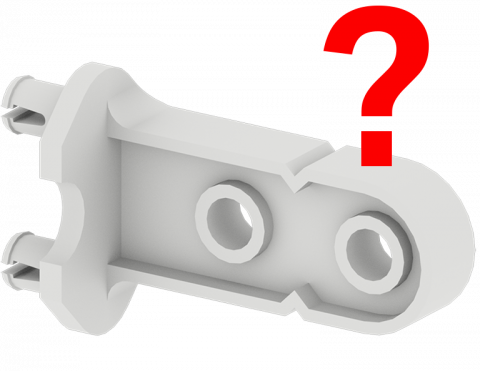
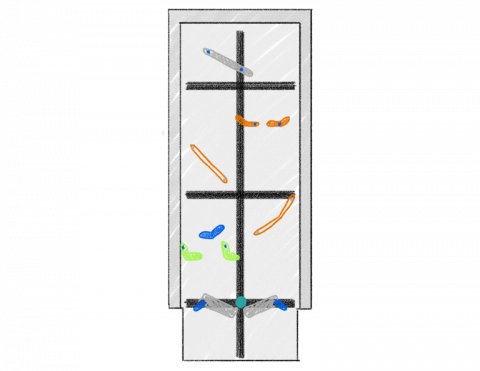
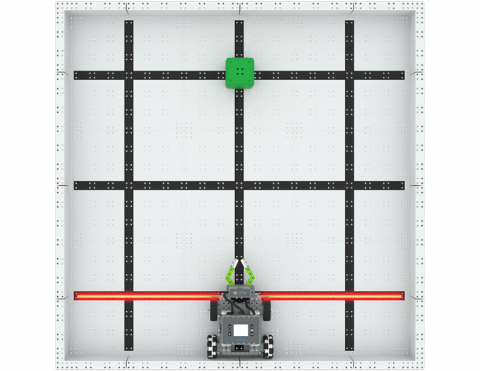
Ar galite sukurti ženklą iš dalių iš savo VEX IQ rinkinio?
Žaiskite ir raskite VEX IQ rinkinio dalis!
Sukurkite pinball žaidimą, kuriame yra paprastos mašinos, naudojant VEX IQ dalis!
Kuria kryptimi judant objektas greičiau?
Kaip greitai galite perkelti tris blokus į naują vietą?
Sukurkite priedą prie „BaseBot“, kad galėtumėte nešti IQ kubą nuožulnia plokštuma!
6 Pamokos
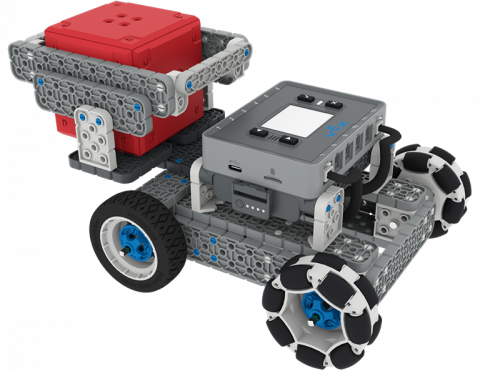
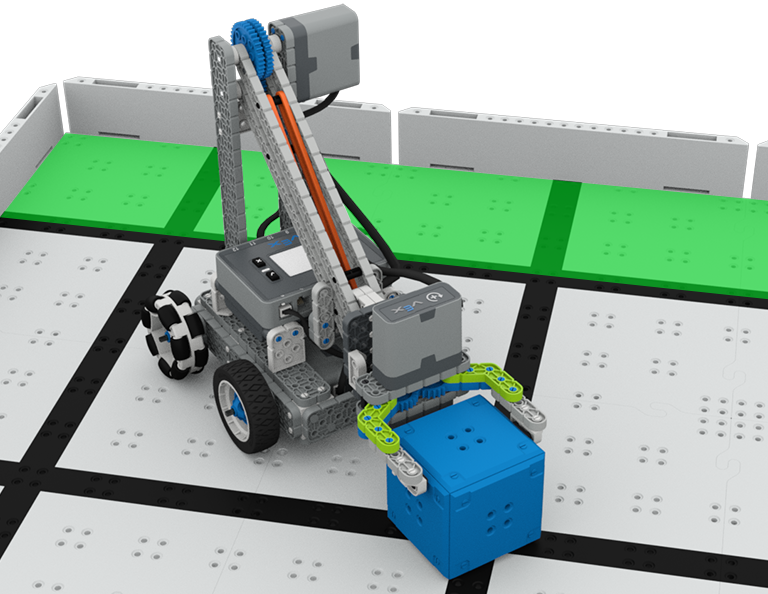
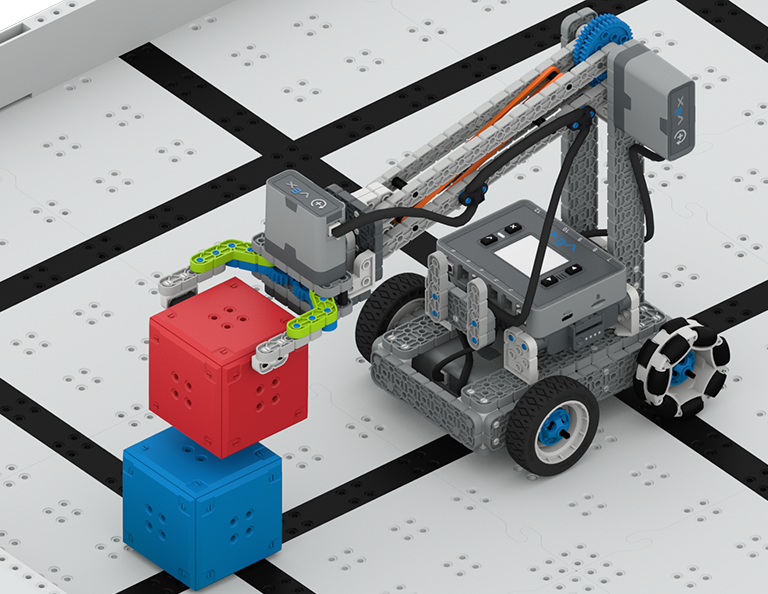
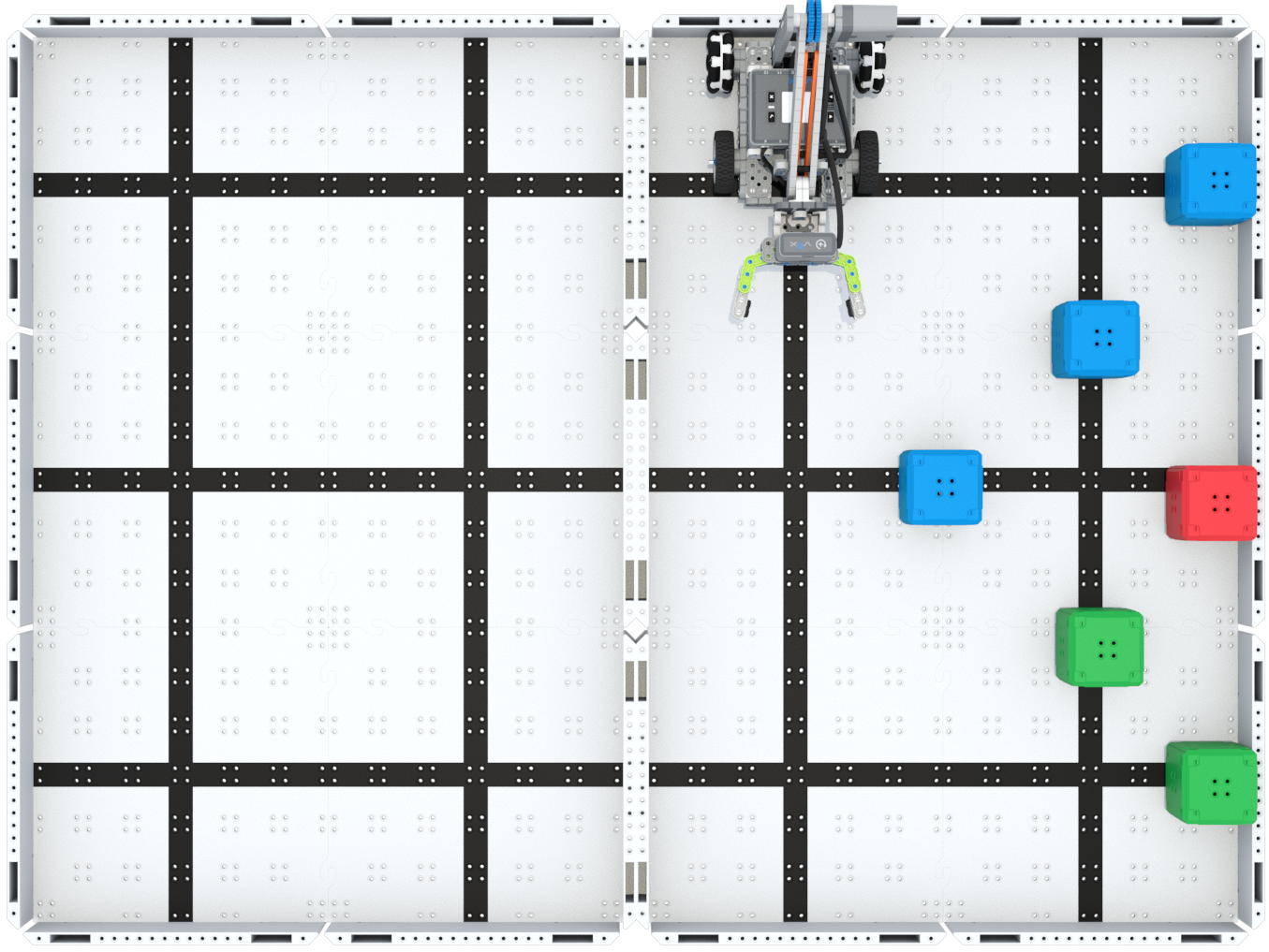
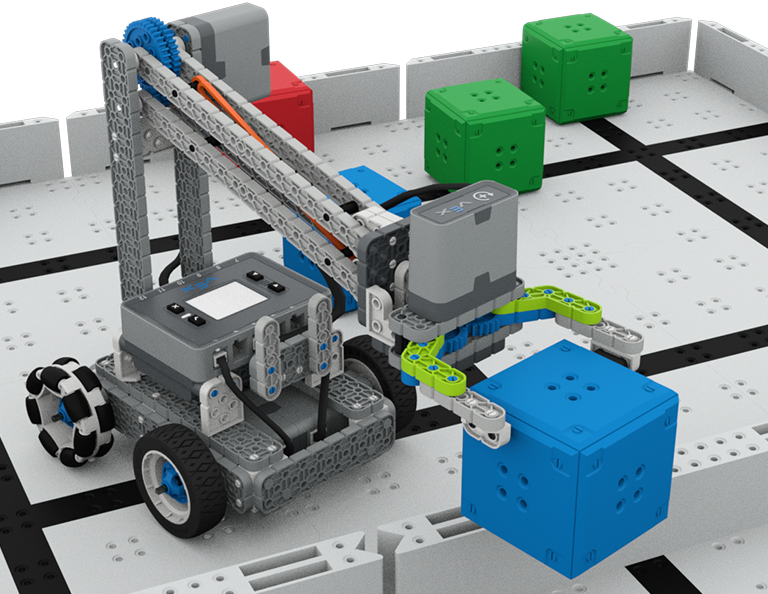
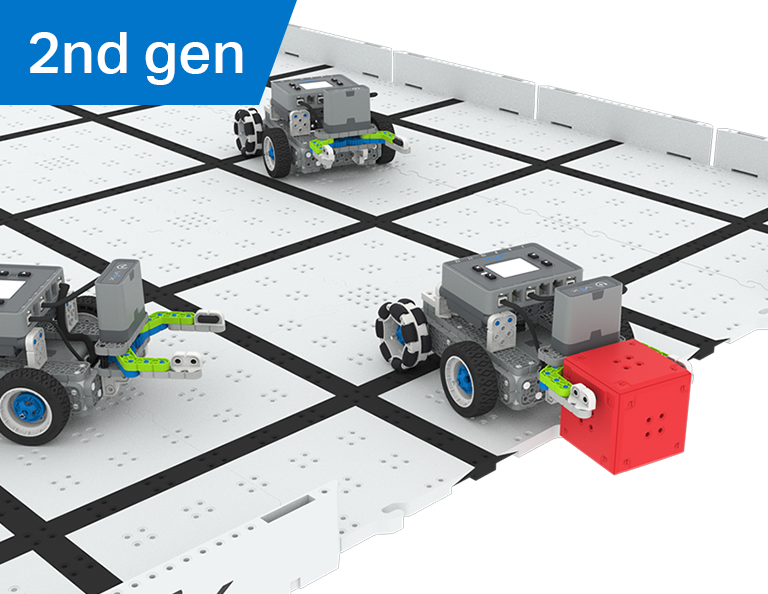
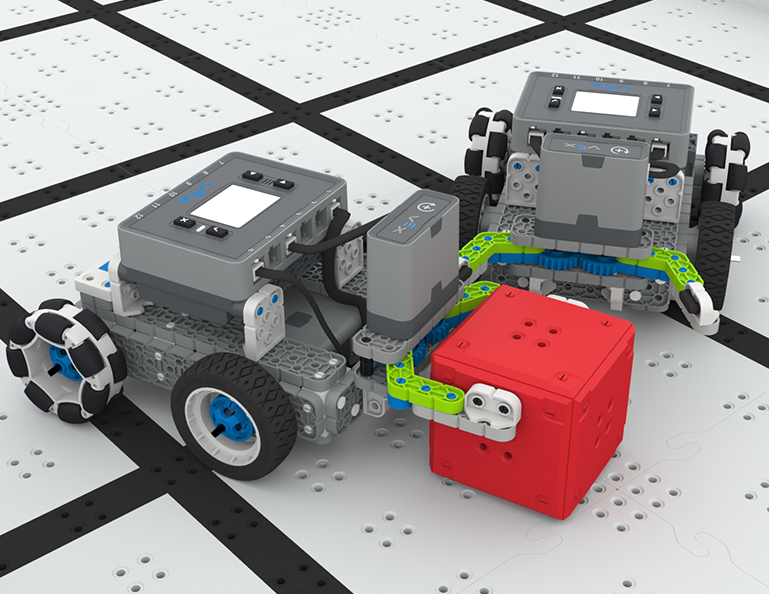
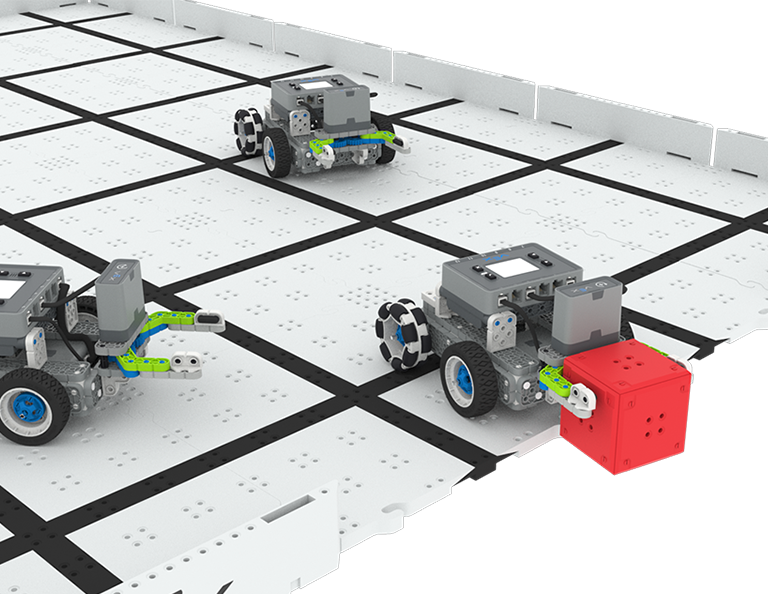
Šiame skyriuje tyrinėsite, kaip sukurti „Clawbot“, kad būtų galima rinkti, paimti ir perkelti kubelius iš vienos lauko pusės į kitą konkurse „Up and Over“!
Apsilankykite Mokytojų portale, kur rasite mokytojų pagalbinės medžiagos ir vaizdo įrašų apie „Up and Over Lessons“ turinį ir palengvinimą.
Lesson 1: Introduction
In this Lesson, you will be introduced to the Up and Over competition, set up the Battery and Controller, get ready to code, and build the Clawbot.
Lesson 2: Claw Design
In this Lesson, you will learn what a claw is, how an effective claw works, and how scouting can benefit your team's designs and strategy. Then, you will apply what you have learned in the Grab and Go challenge.
Lesson 3: Arm Designs
In this Lesson, you will learn about different elements of robotic arms, how they work, and what makes an effective arm design, in order to stack as many cubes as you can within a minute in the Stacked Up challenge.
Lesson 4: Motor Groups
In this Lesson, you will learn what motor groups are, how they can be helpful, and how to configure motor groups in VEXcode IQ in order to iterate on your robot to complete the Up and Over challenge.
Lesson 5: Up and Over Competition
In this Lesson, you will apply your learning from the previous Lessons to compete in the Up and Over competition!
Lesson 6: Conclusion
In this Lesson, you will reflect on the Unit and identify connections between what you have done and a STEM career.
4 Pamokos
Šiame skyriuje sužinosite, kaip sukurti manipuliatorių savo robote, kad galėtumėte patraukti, perduoti ir įmušti daugiausiai įvarčių kaip futbolo žaidėjas robotas Robotų futbolo varžybose!
Apsilankykite mokytojų portale, kur rasite mokytojų pagalbos medžiagos ir vaizdo įrašų apie robotų futbolo pamokų turinį ir palengvinimą.
1 pamoka: Įvadas
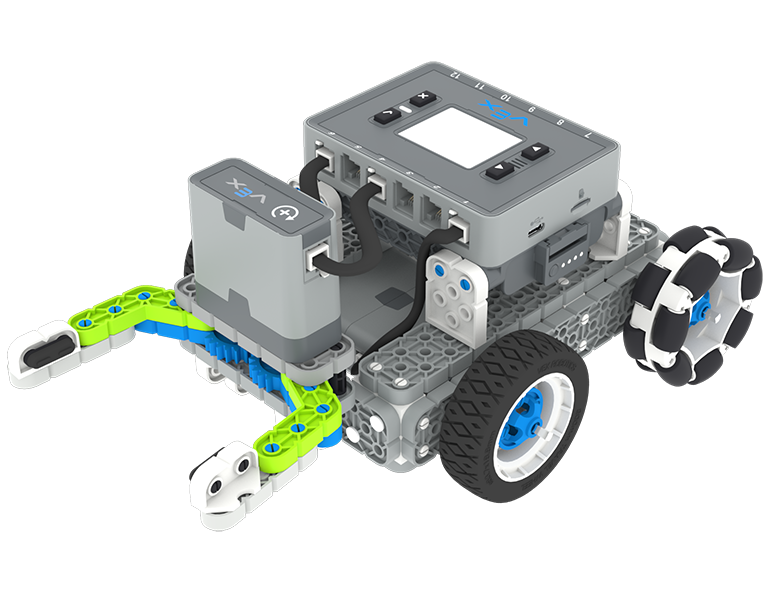
Šioje pamokoje sukursite „Simple Clawbot“, įkrausite valdiklį bei bateriją ir pasiruošite koduoti.
2 pamoka: Manipuliatoriai
Šioje pamokoje sužinosite apie pasyvius ir aktyvius manipuliatorius bei įsiurbimo konstrukciją, kad galėtumėte pakartoti savo roboto dizainą ir varžytis „One-on-One Robot Soccer“ iššūkyje!
3 pamoka: Robotų futbolo varžybos
Šioje pamokoje pritaikysite ankstesnėje pamokoje įgytas žinias, kad galėtumėte konkuruoti Robotų futbolo varžybose!
4 pamoka: Išvada
Šioje pamokoje apmąstysite skyrių ir nustatysite ryšius tarp to, ką padarėte, ir susijusios STEM karjeros.
6 Pamokos
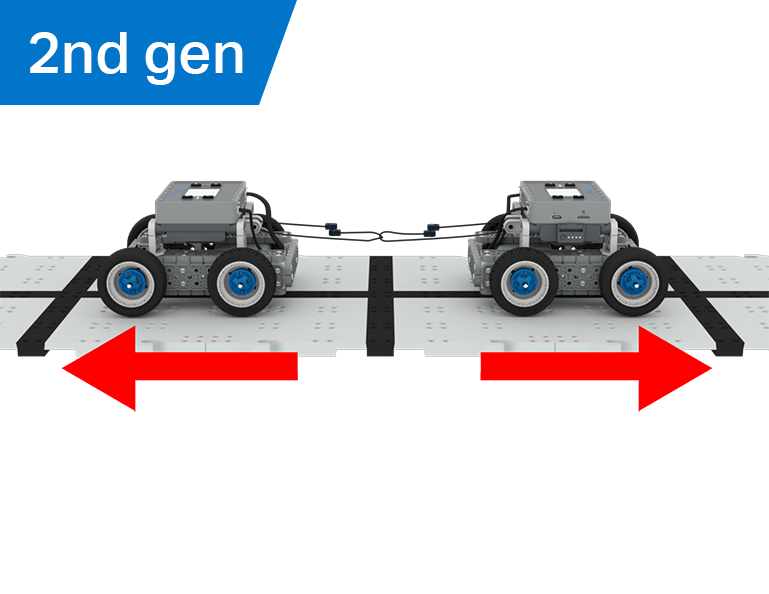
Šiame skyriuje sužinosite, kaip mechaninis pranašumas ir masės centras veikia „BaseBot“ gebėjimą traukti objektus, ir sukursite geriausią robotą „Tug of War“ žaidimui!
Apsilankykite mokytojų portale, kur rasite mokytojų pagalbinės medžiagos ir vaizdo įrašų apie Virvės vilkimo pamokų turinį ir palengvinimą.
Lesson 1: Introduction
In this Lesson, you will be introduced to the Tug of War competition and build the BaseBot.
Lesson 2: Pulling Objects with the BaseBot
In this Lesson, you will design a rope attachment to practice pulling objects with your BaseBot. Then you will compete in a Robot Tractor Pull challenge.
Lesson 3: Using a Gear Train
In this Lesson, you will add a gear train to your BaseBot to explore how different gear configurations affect your robot's ability to pull an object. Then you will compete in a Gear Train Tractor Pull challenge.
Lesson 4: Adding Mass
In this Lesson, you will add mass to your BaseBot to explore how changing the center of mass affects your robot's ability to pull an object. Then you will compete in a Tug of War challenge.
Lesson 5: Tug of War Competition
In this Lesson, you will apply your learning from the previous Lessons to compete in a Tug of War competition!
Lesson 6: Conclusion
In this Lesson, you will reflect on your learning in this Unit and identify connections between what you have done and a STEM career.
6 Pamokos
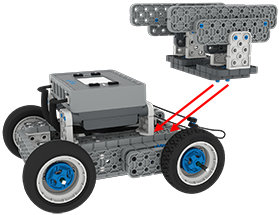
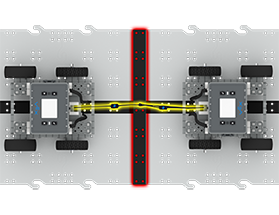
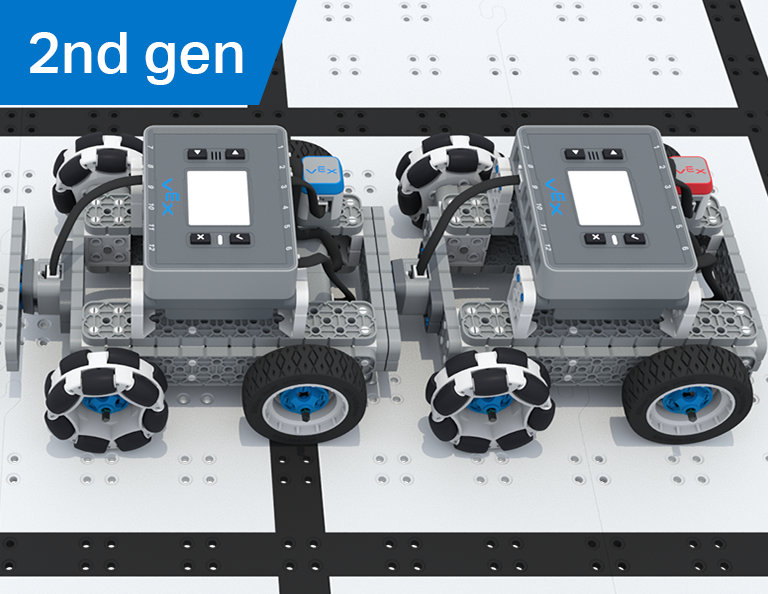
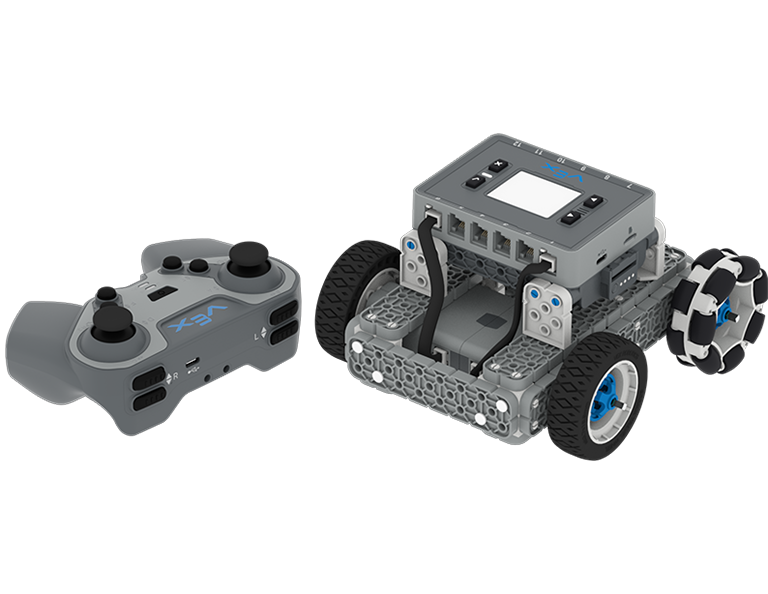
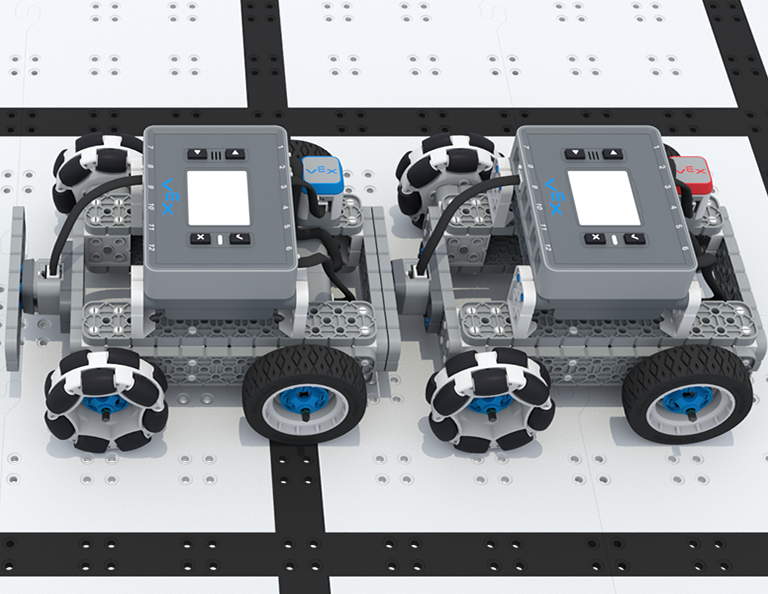
Šiame skyriuje jūs vairuosite „BaseBot“ naudodami IQ valdiklį, pasirinksite ratus ir pridėsite jutiklius, kad galėtumėte konkuruoti „Team Freeze Tag“ konkurse!
Apsilankykite Mokytojų portale, kur rasite mokytojų pagalbinės medžiagos ir vaizdo įrašų apie Team Freeze Tag Lessons turinį ir palengvinimą.
Lesson 1: Introduction
In this Lesson, you will be introduced to the Team Freeze Tag competition, set up the Battery and Controller, and build the BaseBot.
Lesson 2: Driving with the IQ Controller
In this Lesson, you will learn how to drive the BaseBot using the IQ Controller and practice your driving to compete in a challenge activity as you drive in a figure eight!
Lesson 3: Changing the Wheels
In this Lesson, you will learn how to change the wheels of the BaseBot, and experiment with different wheel combinations to improve the robot's ability to play Tag.
Lesson 4: Adding the Bumper Switch and Touch LED
In this Lesson, you will add a Bumper Switch and Touch LED to your BaseBot and compete in 1-on-1 Freeze Tag!
Lesson 5: Team Freeze Tag Competition
In this Lesson, you will combine all the skills learned in previous Lessons to play a game of Team Freeze Tag!
Lesson 6: Conclusion
In this Lesson, you will reflect on the Unit and identify connections between what you have done and a STEM career.