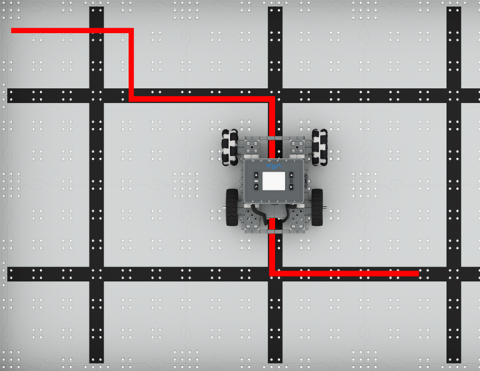
Kodējiet BaseBot, lai ceļotu uz dažādām vietām!
Izmantojiet attāluma sensoru, lai izvairītos no kubiņiem!
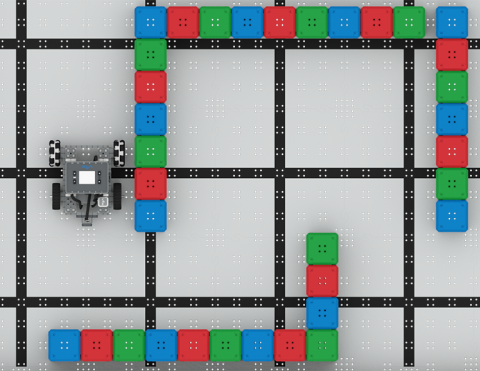
Izmantojiet bufera slēdzi, lai atrisinātu kubu labirintu!
6 Nodarbības
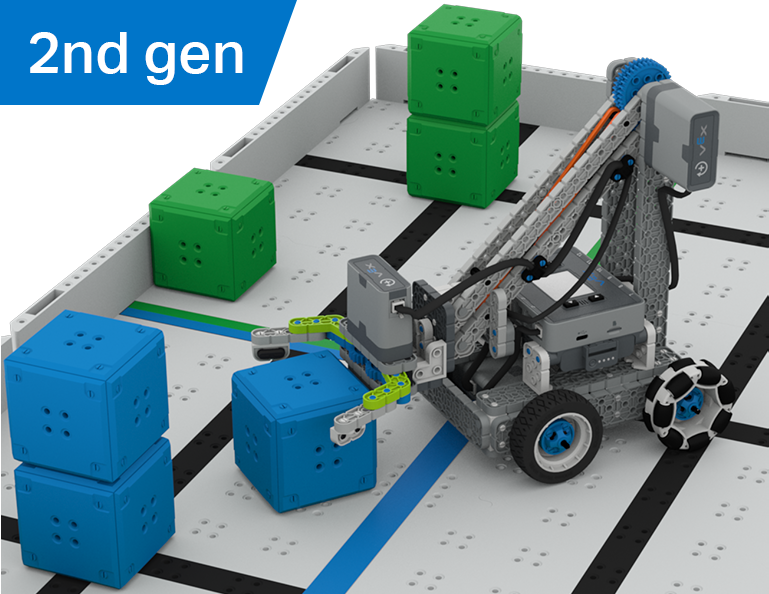
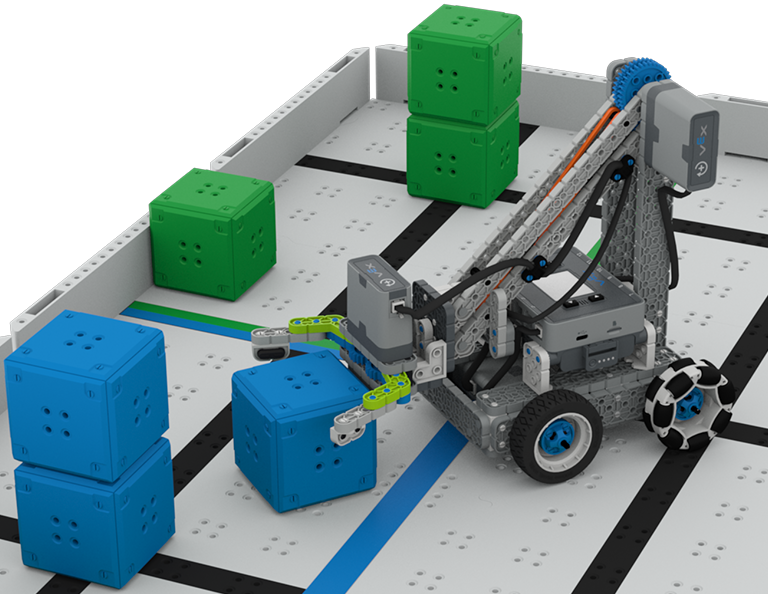
Šajā vienībā jūs izpētīsit atšķirību starp vadītāja vadību un autonomiem izaicinājumiem, mācoties vadīt Clawbot un kodēt to, lai kārtotu un sakrautu kubus Cube Collector konkursā!
Apmeklējiet skolotāju portālu, lai skatītu skolotāju atbalsta materiālus un videoklipus par kubu kolekcionēšanas stundu saturu un atvieglojumiem.
Lesson 1: Introduction
In this Lesson, you will be introduced to the Cube Collector competition, build the Clawbot, and get ready to code.
Lesson 2: Driver Control
In this Lesson, you will learn about using the Driver Control program on the IQ Brain so that you can drive the Clawbot to stack and score cubes on the Field and participate in the Speed Stack Challenge.
Lesson 3: Coding for Autonomous Movements
In this Lesson, you will learn about coding your robot for autonomous movements, including how to plan the path of your robot. Then, you will create a VEXcode IQ project to score and stack cubes in the Coding for Cubes autonomous challenge.
Lesson 4: Using Multiple Programs (Autonomous & Driver)
In this Lesson, you will learn about customizing driver controls and how you can use the Controller and VEXcode IQ to optimize your driver strategy for competing in a challenge with driver control and autonomous runs.
Lesson 5: Cube Collector Competition
In this Lesson, you will apply your learning from the previous Lessons to compete in the Cube Collector competition!
Lesson 6: Conclusion
In this Lesson, you will reflect on the Unit and identify connections between what you have done and a related STEM career.
6 Nodarbības
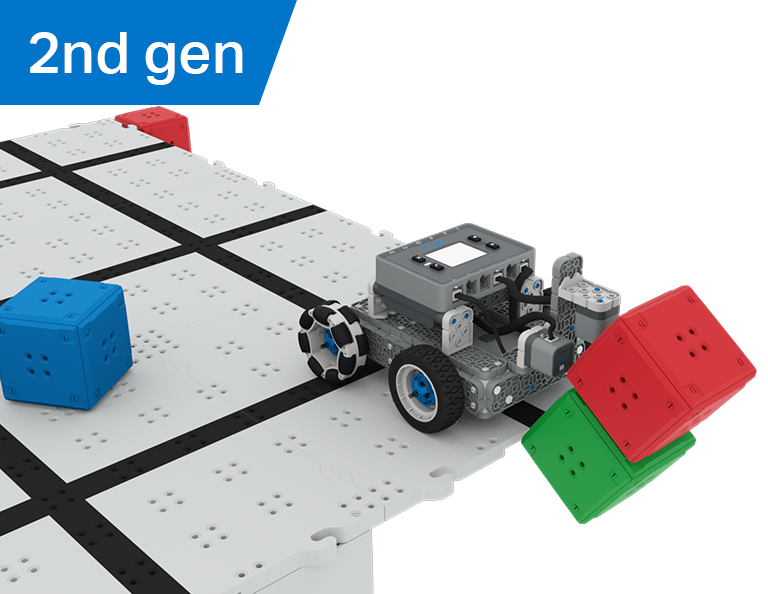
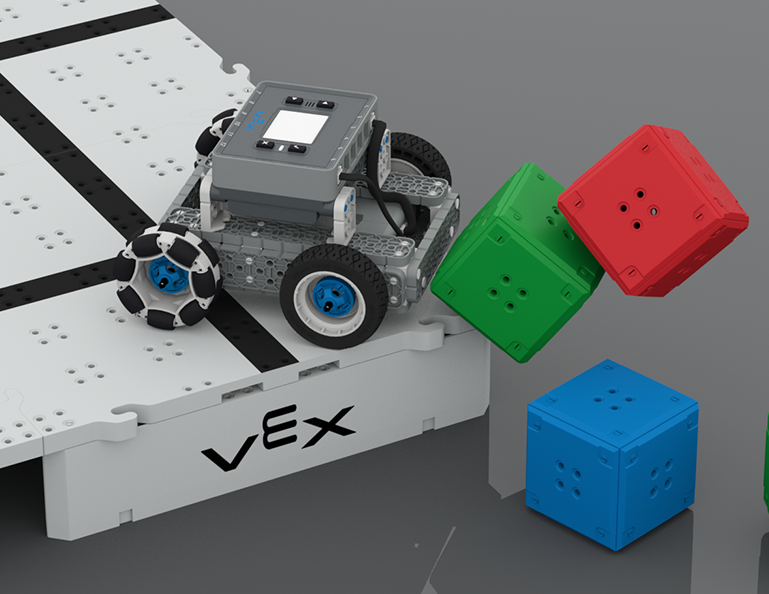
Šajā nodaļā jūs izpētīsiet, kā izmantot optiskos un attāluma sensorus, lai meklētu, sadursmē un notīrītu kubu "pilis", lai iegūtu punktus Castle Crasher konkursā!
Apmeklējiet skolotāju portālu, lai skatītu skolotāju atbalsta materiālus un video par Castle Crasher nodarbību saturu un atvieglošanu.
Lesson 1: Introduction
In this Lesson, you will be introduced to the Castle Crasher Competition, build the BaseBot, and get ready to code.
Lesson 2: Castle Crasher No Sensors
In this Lesson, you will learn about calculating angles and changing the velocity of your robot so that you can compete in the Tower Over Challenge.
Lesson 3: Castle Crasher + Distance Sensor
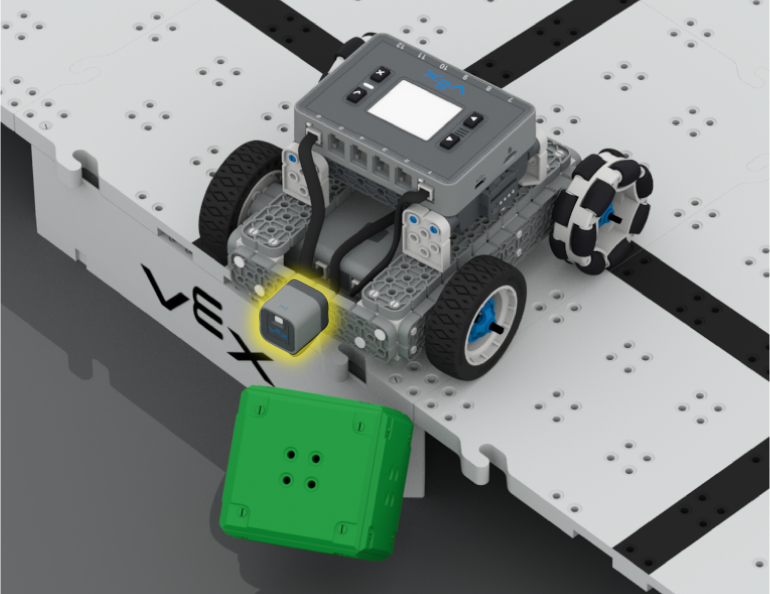
In this Lesson you will learn about what the Distance Sensor is and how it can be used on your robot. You will also learn about the [Wait until] block and how it can be used in a VEXcode IQ project. Then you will apply what you have learned to compete in the Cube Crasher Challenge!
Lesson 4: Creating Algorithms
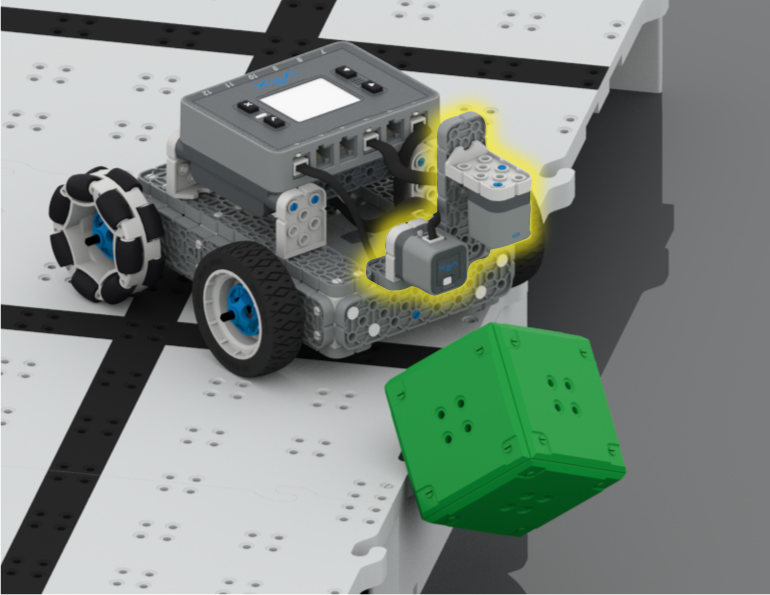
In this Lesson, you will learn about the Optical Sensor, and about how to create an algorithm that uses sensor feedback. Then you will code your robot to autonomously find cubes and push them off the Field in the Sweep the Field Challenge.
Lesson 5: Castle Crasher Competition
In this Lesson you will apply your learning from the previous Lessons to compete in a Castle Crasher competition!
Lesson 6: Conclusion
In this Lesson, you will reflect on the Unit and identify connections between what you have done and a STEM career.
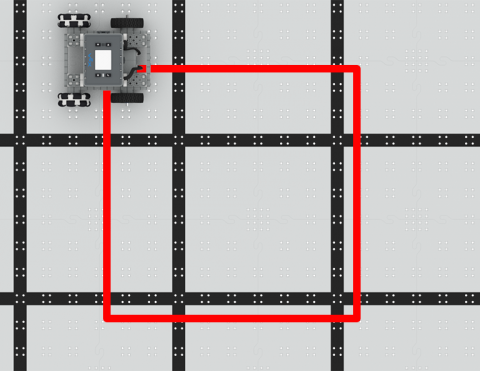
Iekodējiet BaseBot, lai brauktu kvadrātā!
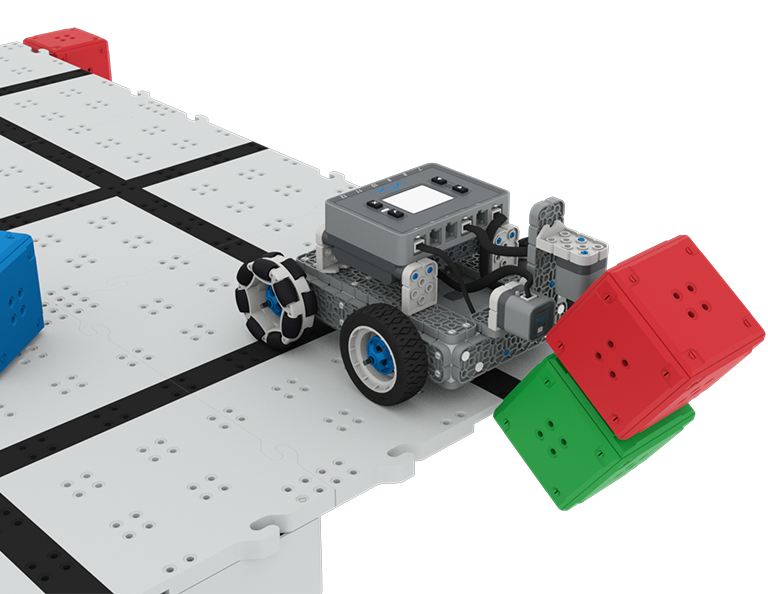
Kodējiet BaseBot, lai notriektu kubus!
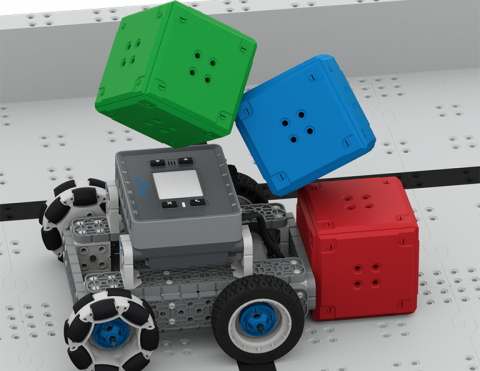
Uzziniet par BaseBot virzienu stumt kubus!
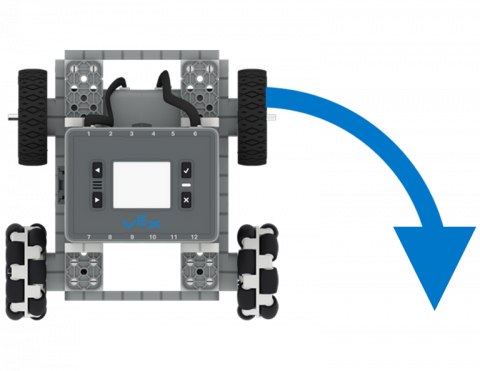
Kodējiet BaseBot, lai pagrieztos pa kreisi un pa labi.
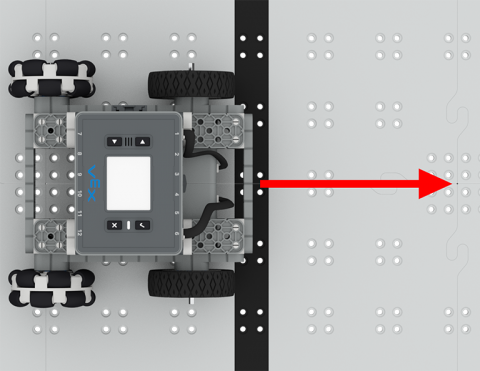
Autonomi pārvietojiet savu robotu uz priekšu un atpakaļ!