
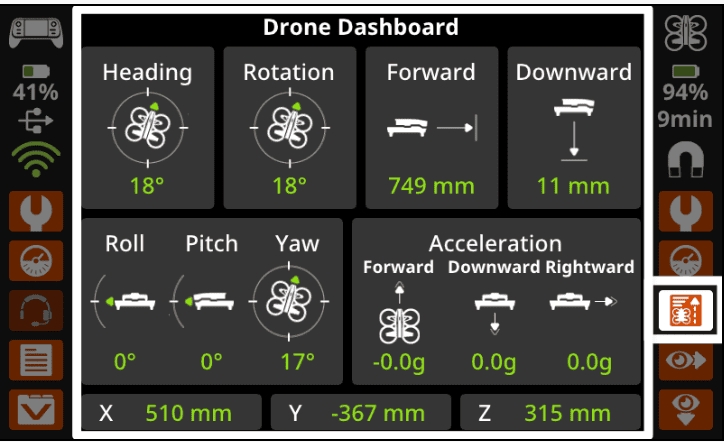
In this lesson, you will build on your flight skills by learning how to use roll to move the VEX AIR Drone left and right with the VEX AIR Drone Controller. You will also use the controller dashboard to view coordinate data for roll, to help you understand where the drone is in space. By the end of the lesson, you will be rolling left and right with your drone with precision.
Watch the video below to learn about:
- How to use the controller to roll the drone to the left and right.
- How to use the coordinate data on the controller's Drone Dashboard to roll to a specific location.
>>VIDEO HERE<<
Mission: Roll to Position
Real World Connections
In real-world drone operations, pilots rely on instrument data to fly safely and accurately. Instead of depending only on what they can see, pilots use information like position coordinates, altitude, direction, speed, and battery level to understand how the drone is moving and where it is in space.
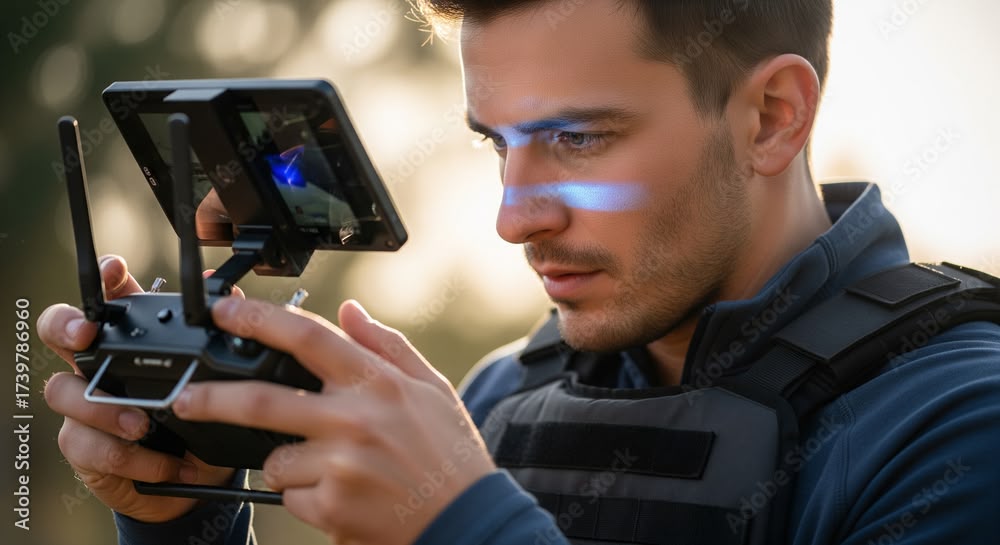
For example, a drone pilot inspecting a building may use coordinates and alignment guides to roll left or right and stay lined up with a wall, even when the drone is several meters away. Emergency response pilots may monitor altitude and battery data to make sure the drone can reach its destination and return safely. By using instrument data, drone pilots can make precise adjustments, avoid obstacles, and complete missions accurately and with fewer crashes.
Select Next > to move on to the following lesson.