
Test the Sensor Disk Project
Now that all of the conditions have been added, the project can now be tested.
- Place a red disk in the disk pick up location.
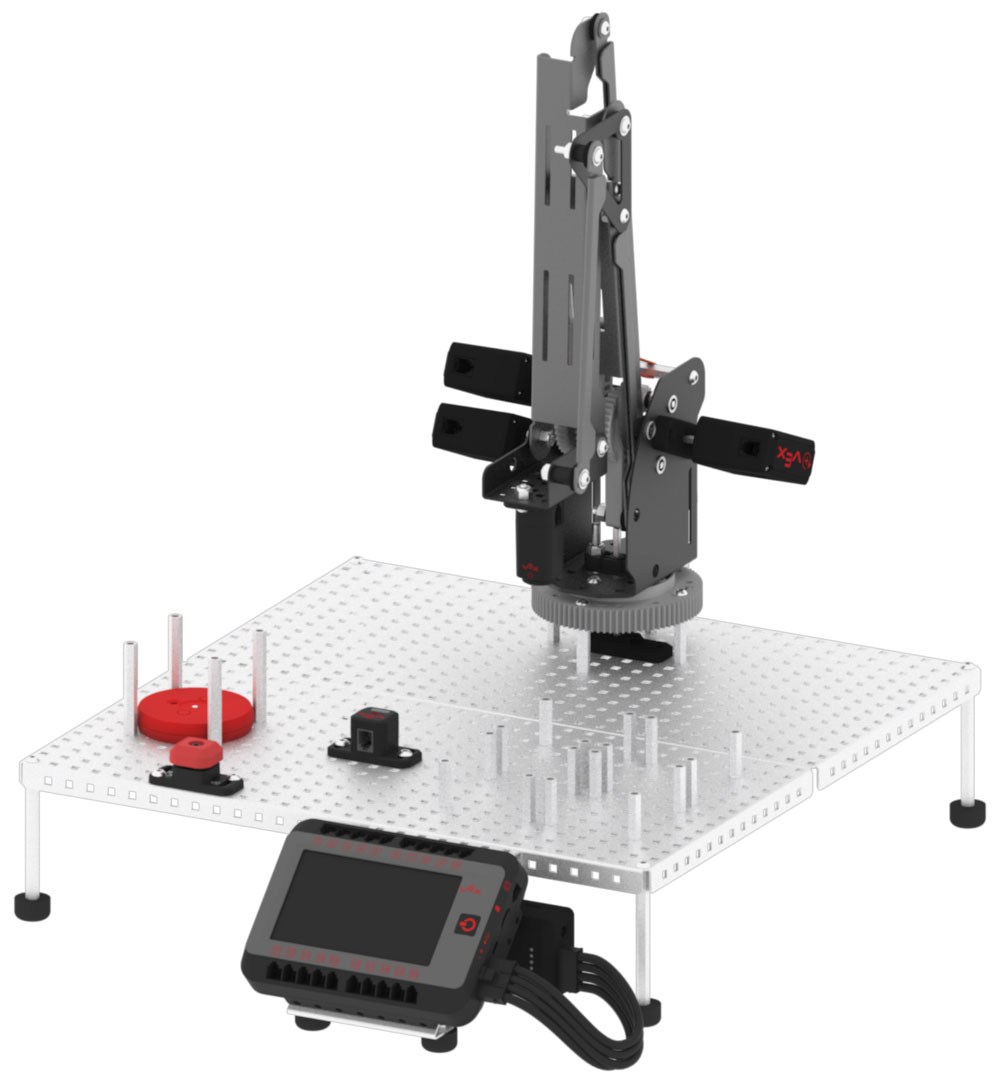
- Download and run the project.

- Press the V5 Brain’s screen to execute the stack of blocks to move the V5 Robotic Arm to pick up the red disk and place it over the Optical Sensor for detection.

- Once the Optical Sensor detects the color red, observe the V5 Robotic Arm move to the red disk drop off location to drop the red disk.
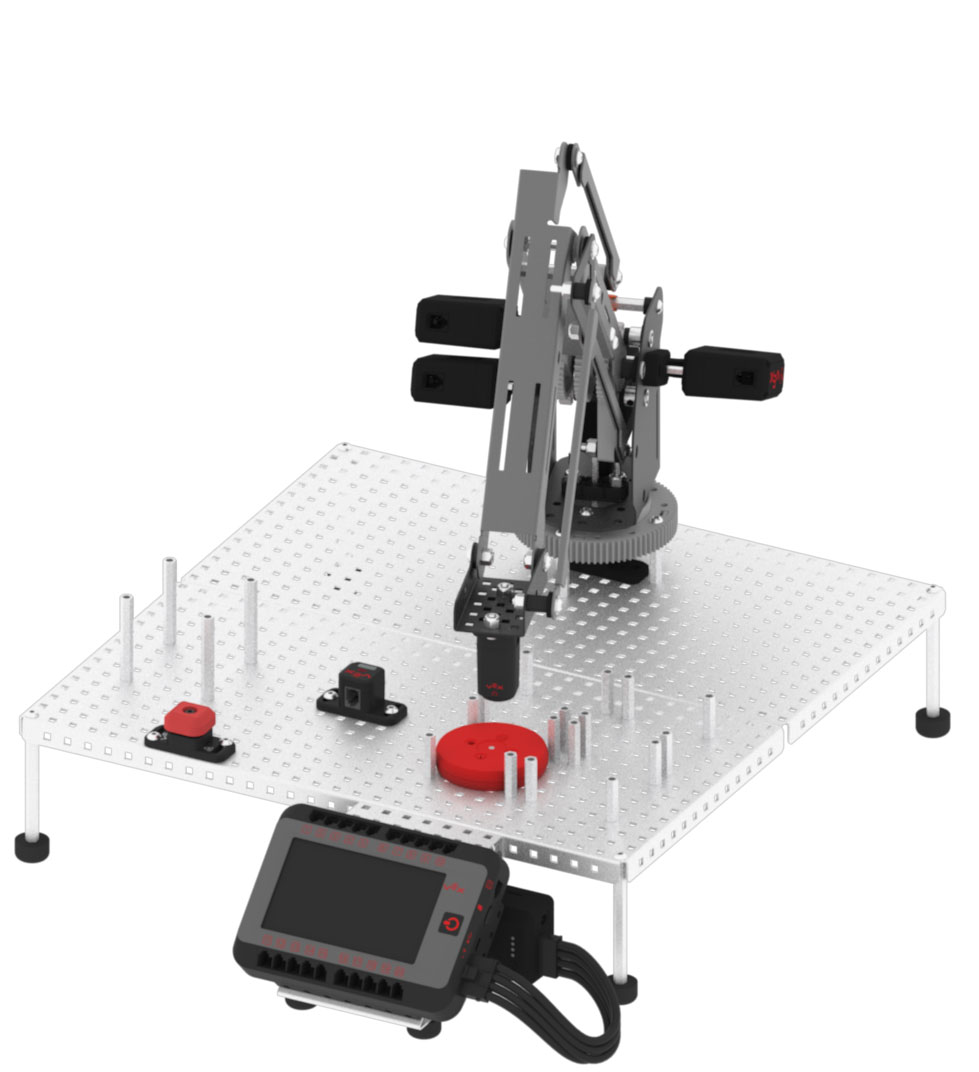
- Place a blue disk in the disk pick up location.
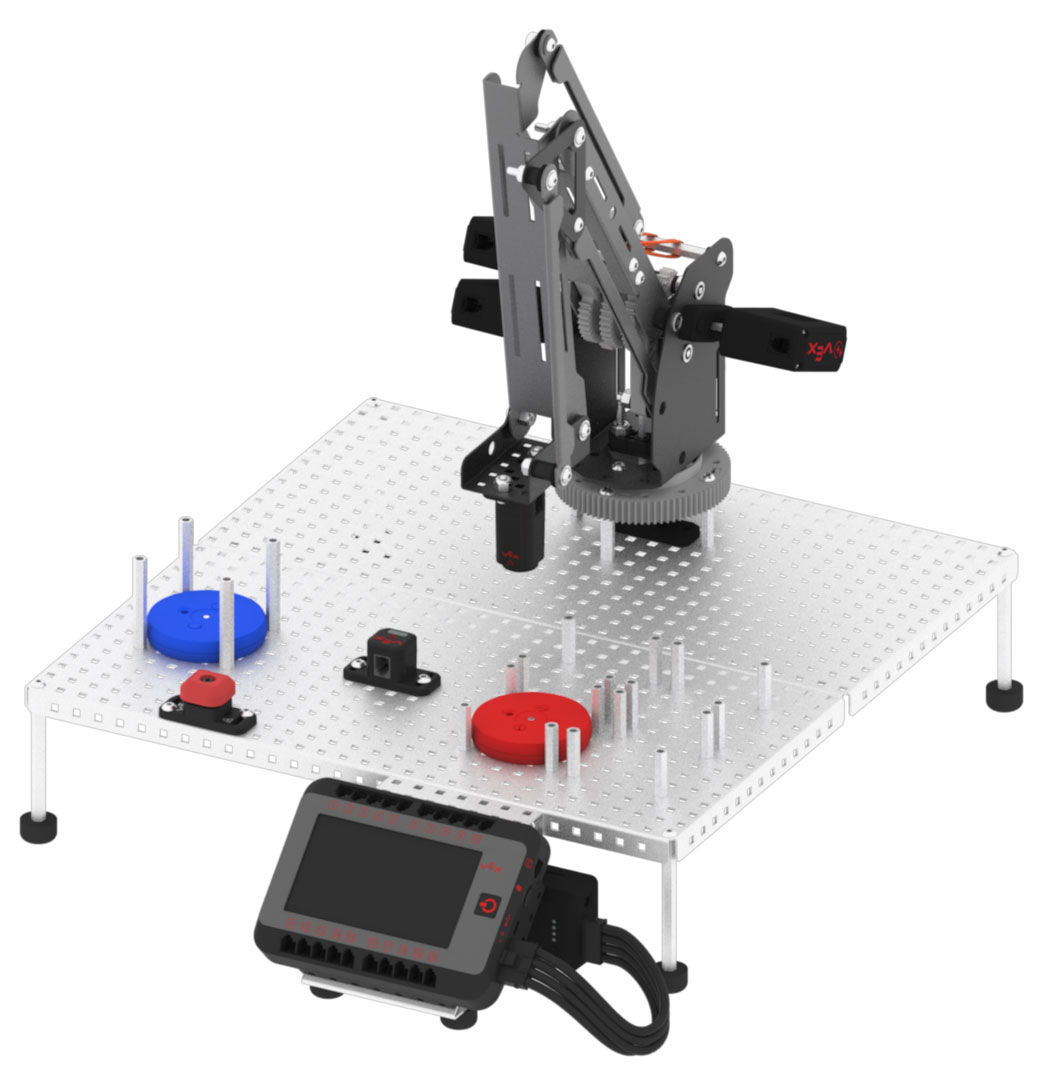
- Press the V5 Brain’s screen to execute the stack of blocks to move the V5 Robotic Arm to pick up the blue disk and place it over the Optical Sensor for detection.
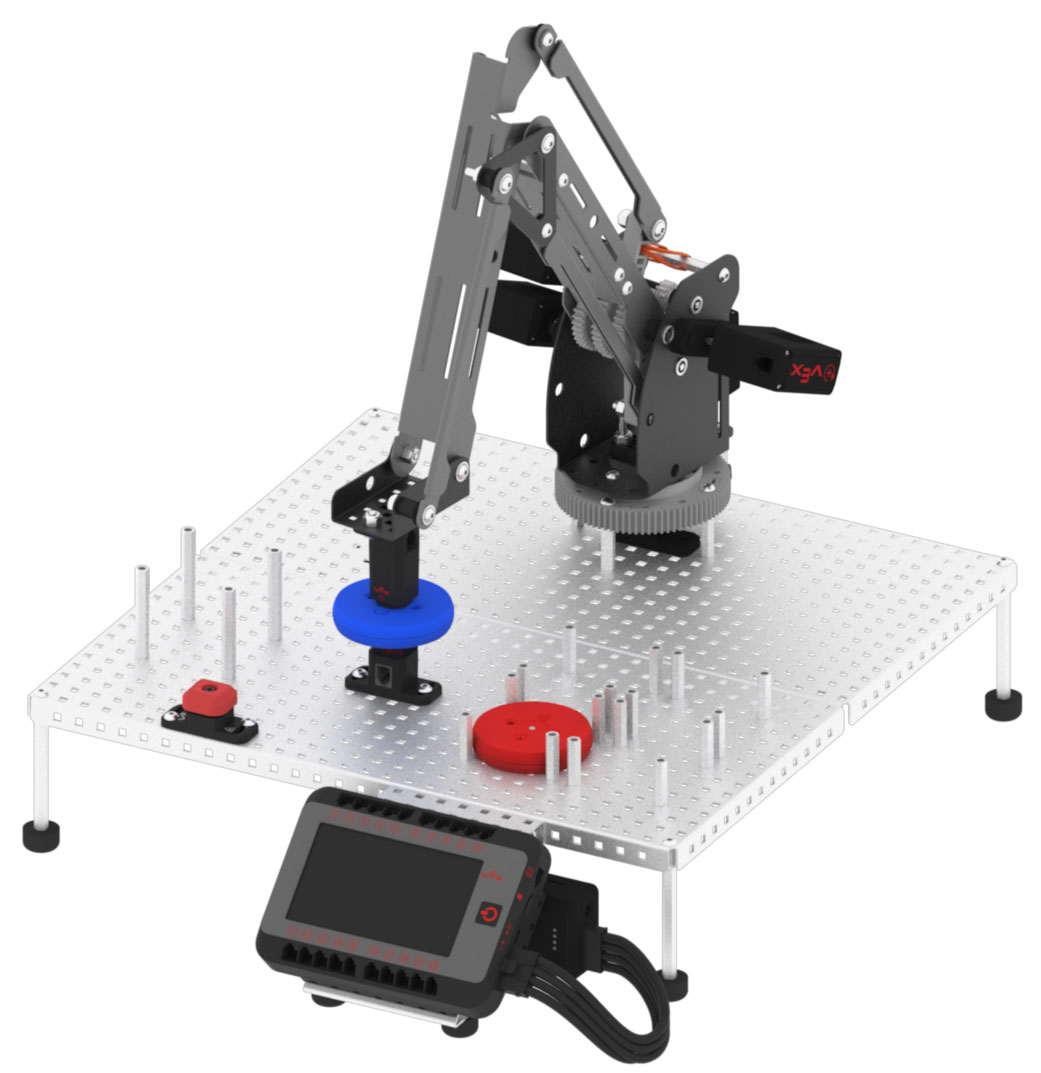
- Once the Optical Sensor detects the color blue, observe the V5 Robotic Arm move to the blue disk drop off location to drop the blue disk.
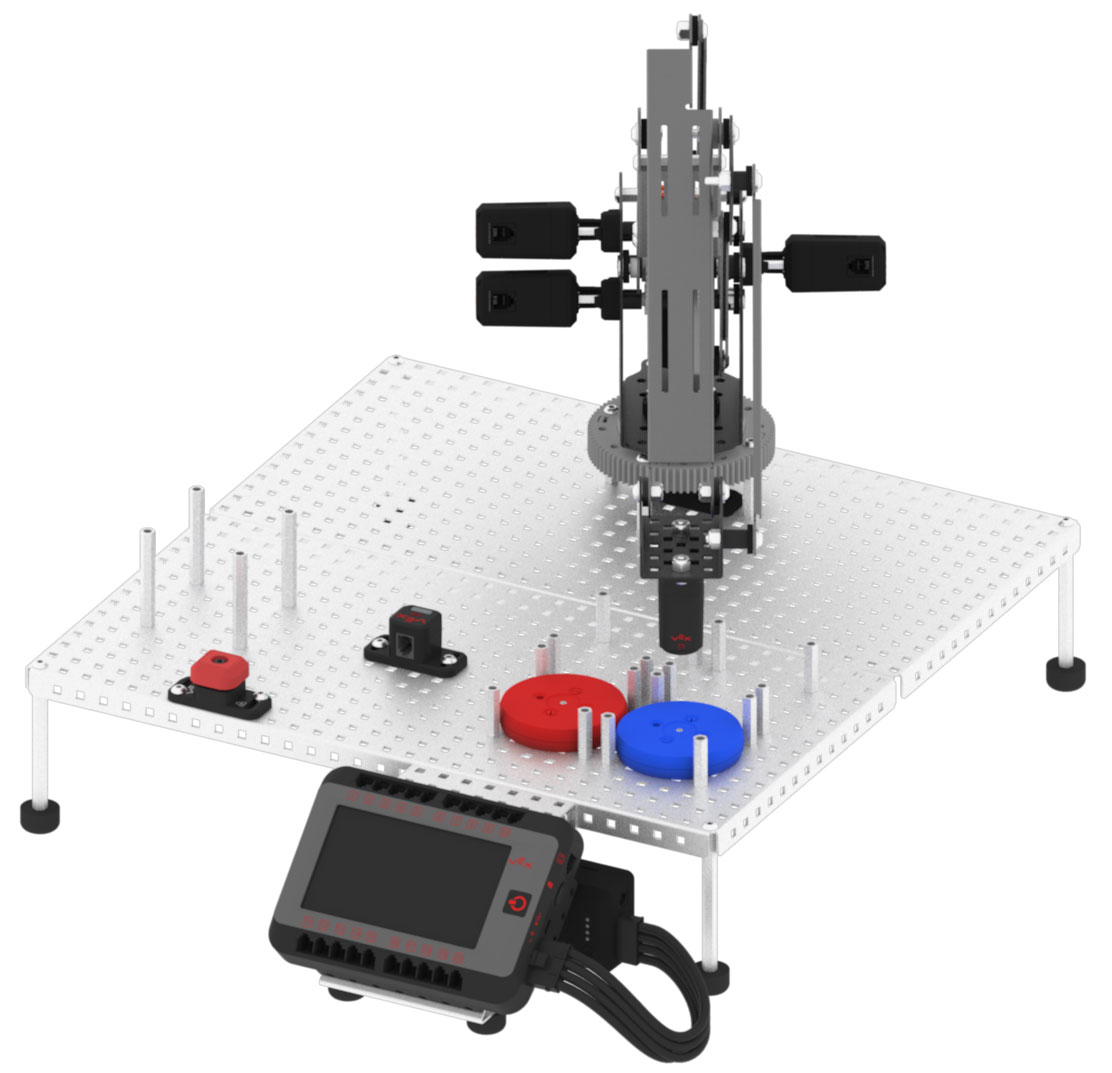
- Place a green disk in the disk pick up location.
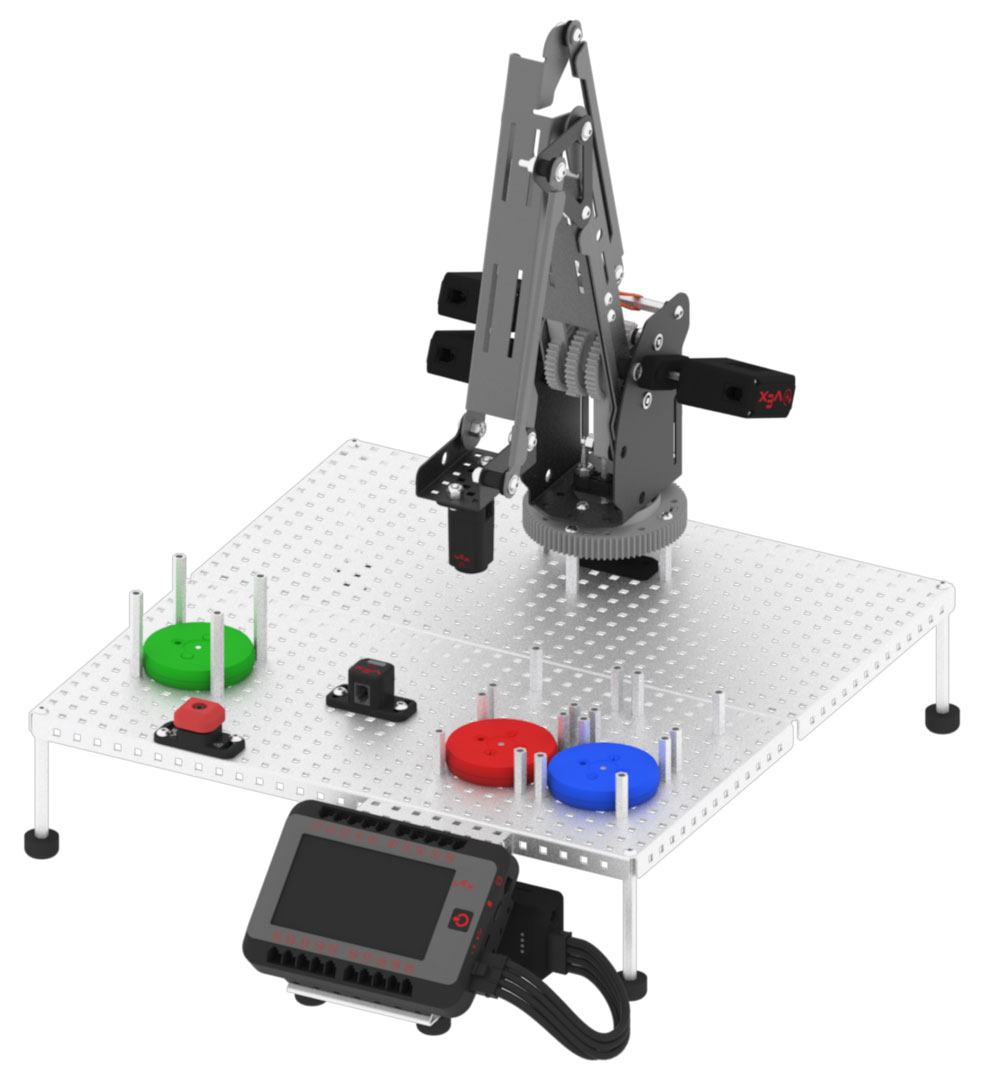
- Press the V5 Brain’s screen to execute the stack of blocks to move the V5 Robotic Arm to pick up the green disk and place it over the Optical Sensor for detection.
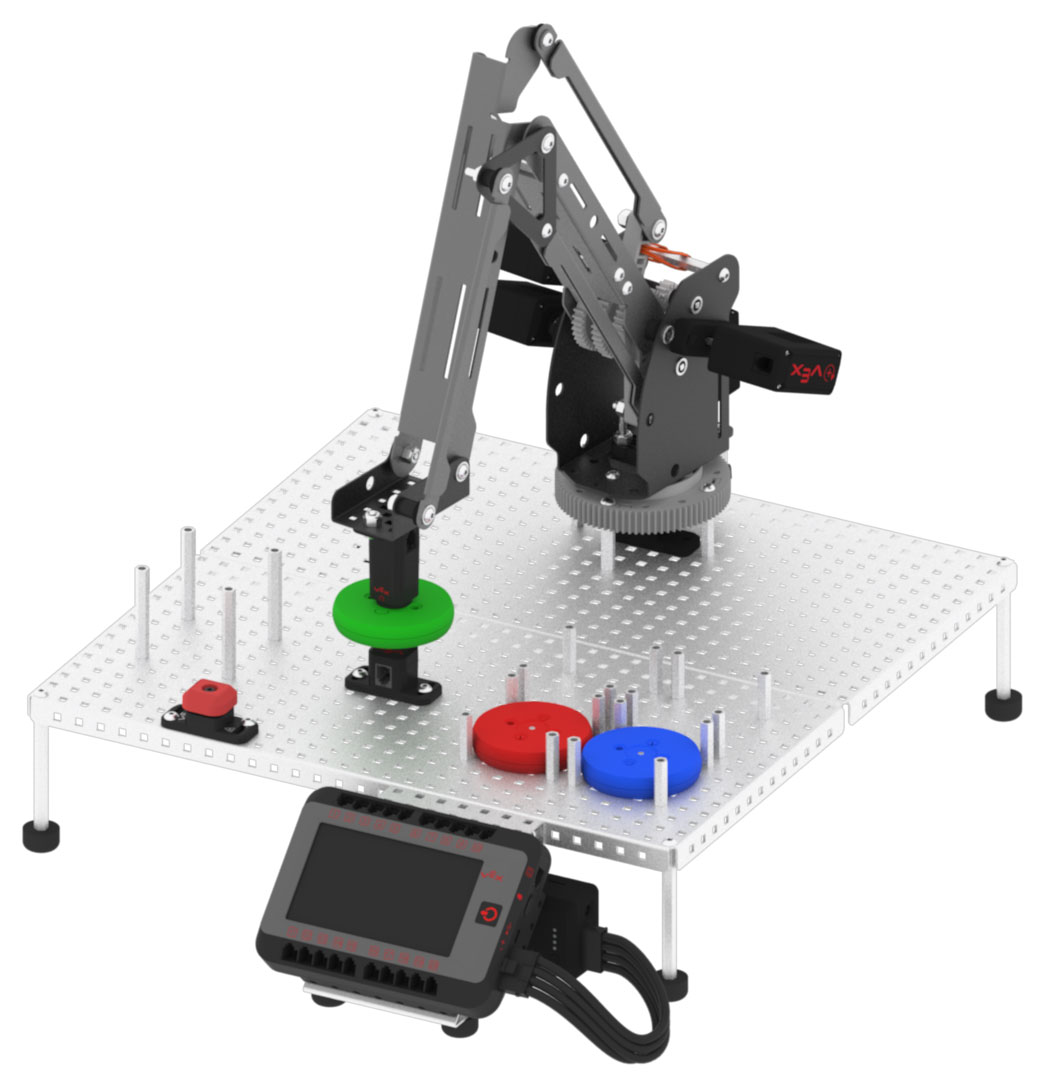
- Once the Optical Sensor detects the color green, observe the V5 Robotic Arm move to the green disk drop off location to drop the green disk.
