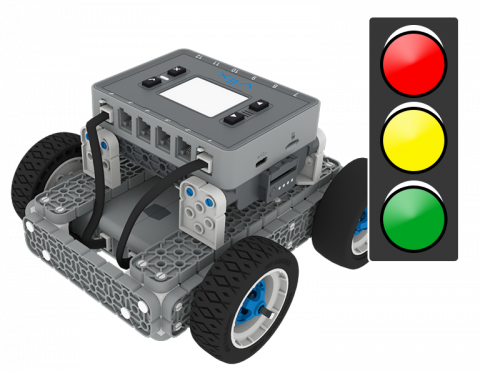
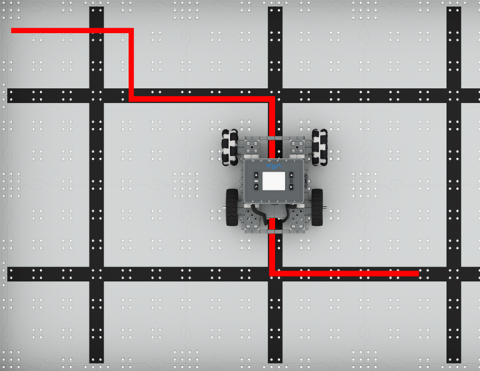
BaseBot をコーディングして、さまざまな場所に移動します。
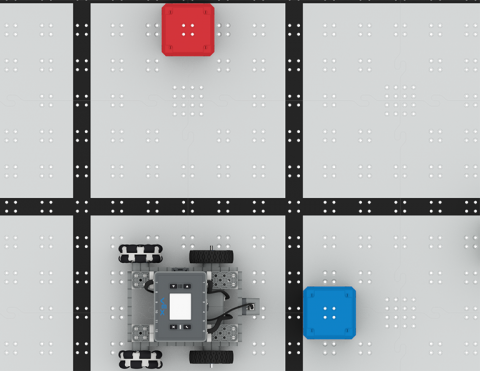
距離センサーを使って立方体を避けよう!
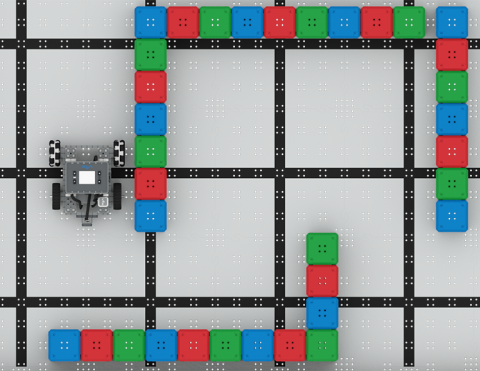
バンパースイッチを使って立方体の迷路を解け!
6 レッスン
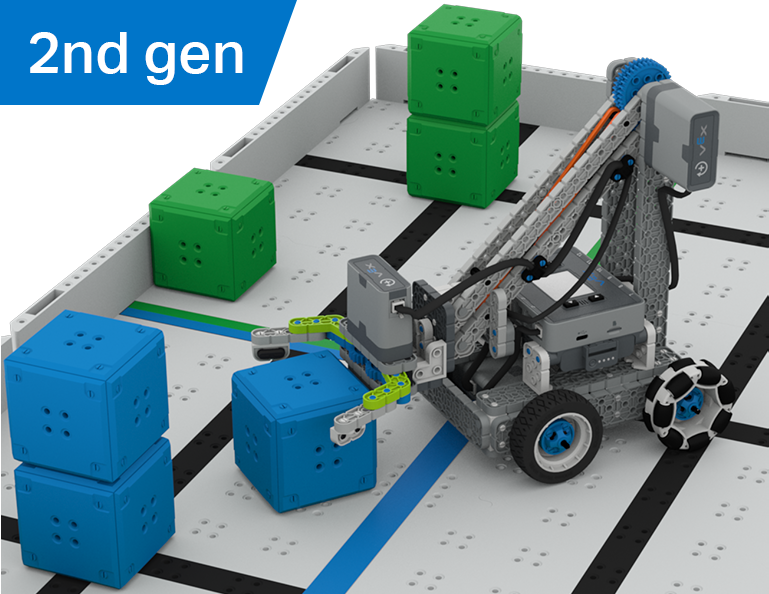
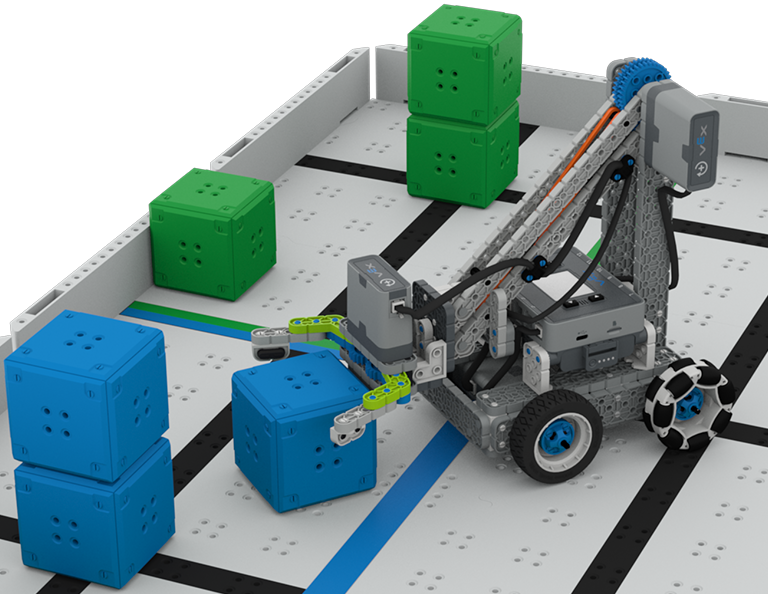
この単元では、Clawbot の運転方法を学び、Cube Collector コンテストでキューブを並べ替えたり積み重ねたりするコードを作成しながら、ドライバー制御と自律型チャレンジの違いを探ります。
教師用ポータルにアクセスして、キューブ コレクター レッスンの内容と進行に関する教師サポート資料やビデオをご覧ください。
Lesson 1: Introduction
In this Lesson, you will be introduced to the Cube Collector competition, build the Clawbot, and get ready to code.
Lesson 2: Driver Control
In this Lesson, you will learn about using the Driver Control program on the IQ Brain so that you can drive the Clawbot to stack and score cubes on the Field and participate in the Speed Stack Challenge.
Lesson 3: Coding for Autonomous Movements
In this Lesson, you will learn about coding your robot for autonomous movements, including how to plan the path of your robot. Then, you will create a VEXcode IQ project to score and stack cubes in the Coding for Cubes autonomous challenge.
Lesson 4: Using Multiple Programs (Autonomous & Driver)
In this Lesson, you will learn about customizing driver controls and how you can use the Controller and VEXcode IQ to optimize your driver strategy for competing in a challenge with driver control and autonomous runs.
Lesson 5: Cube Collector Competition
In this Lesson, you will apply your learning from the previous Lessons to compete in the Cube Collector competition!
Lesson 6: Conclusion
In this Lesson, you will reflect on the Unit and identify connections between what you have done and a related STEM career.
6 レッスン
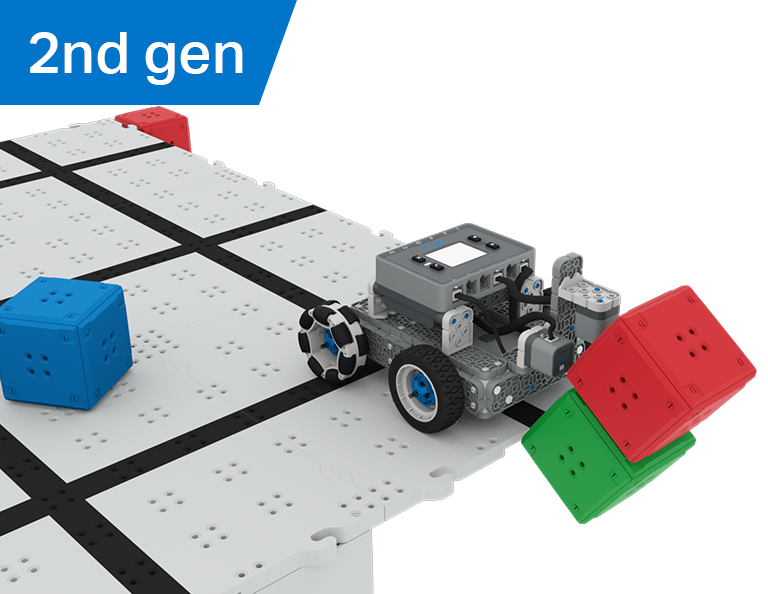
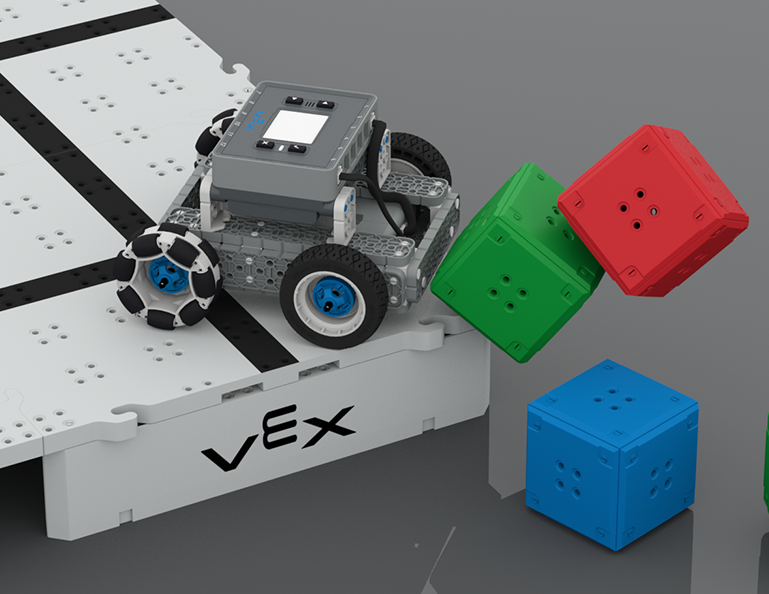
このユニットでは、光学センサーと距離センサーを使用してキューブの「城」を探し、破壊し、クリアして、Castle Crasher コンテストでポイントを獲得する方法を学びます。
教師用ポータルにアクセスして、キャッスル クラッシャー レッスンの内容と進行に関する教師サポート資料とビデオをご覧ください。
Lesson 1: Introduction
In this Lesson, you will be introduced to the Castle Crasher Competition, build the BaseBot, and get ready to code.
Lesson 2: Castle Crasher No Sensors
In this Lesson, you will learn about calculating angles and changing the velocity of your robot so that you can compete in the Tower Over Challenge.
Lesson 3: Castle Crasher + Distance Sensor
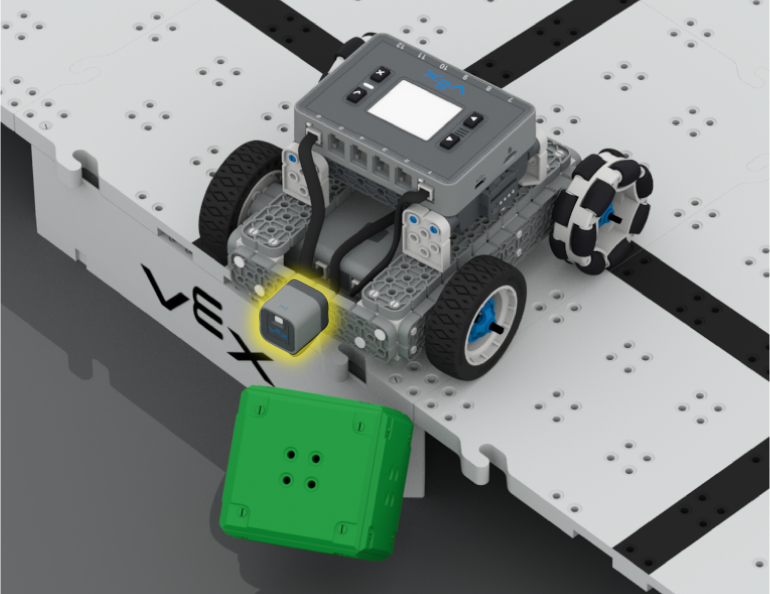
In this Lesson you will learn about what the Distance Sensor is and how it can be used on your robot. You will also learn about the [Wait until] block and how it can be used in a VEXcode IQ project. Then you will apply what you have learned to compete in the Cube Crasher Challenge!
Lesson 4: Creating Algorithms
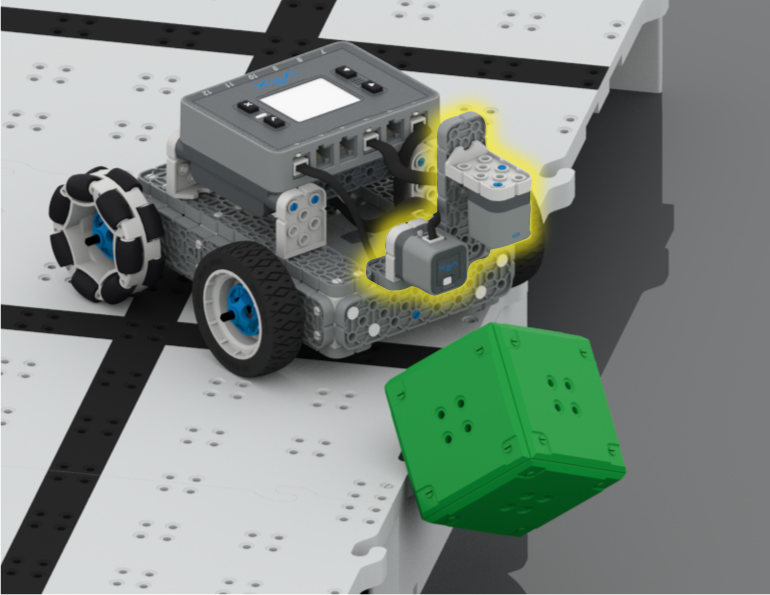
In this Lesson, you will learn about the Optical Sensor, and about how to create an algorithm that uses sensor feedback. Then you will code your robot to autonomously find cubes and push them off the Field in the Sweep the Field Challenge.
Lesson 5: Castle Crasher Competition
In this Lesson you will apply your learning from the previous Lessons to compete in a Castle Crasher competition!
Lesson 6: Conclusion
In this Lesson, you will reflect on the Unit and identify connections between what you have done and a STEM career.
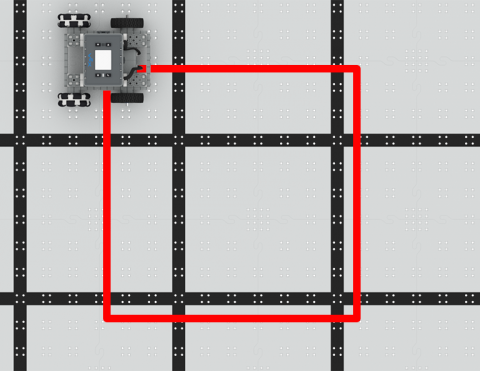
BaseBot をコーディングして四角形に走行させます。
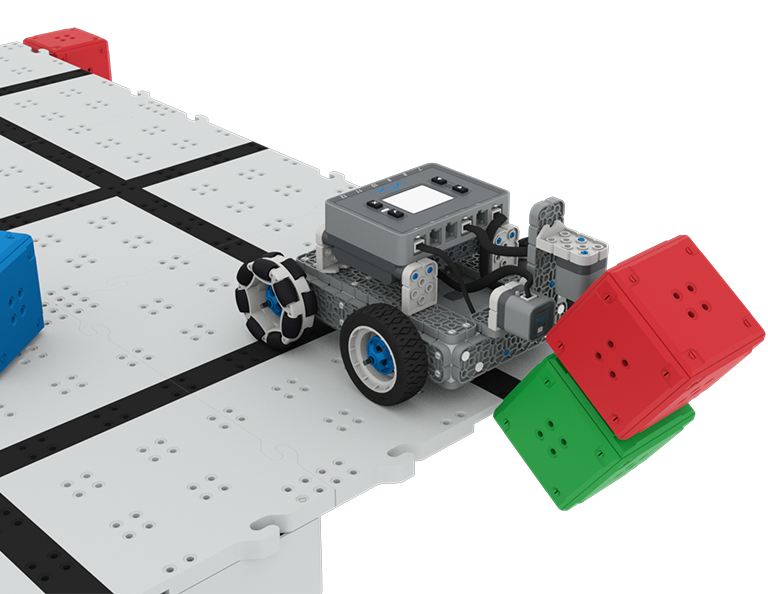
BaseBot をコーディングしてキューブを倒しましょう!
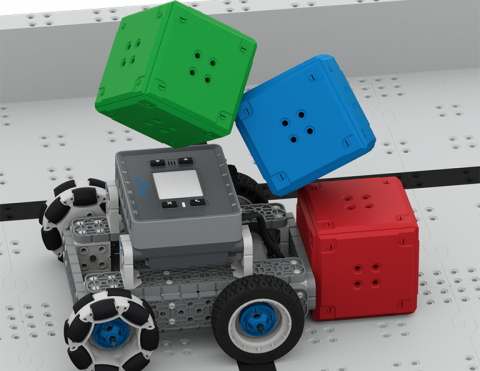
BaseBot がキューブを押し出す方向について学びましょう。
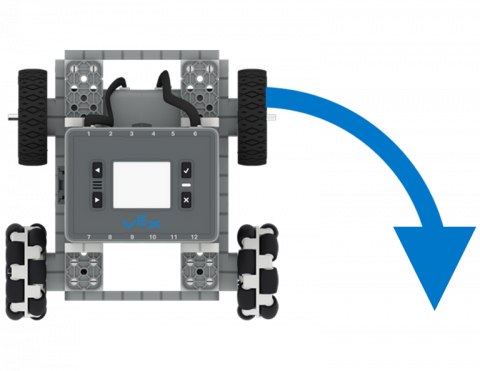
BaseBot をコーディングして左右に回転させます。
ロボットを自律的に前後に動かします!