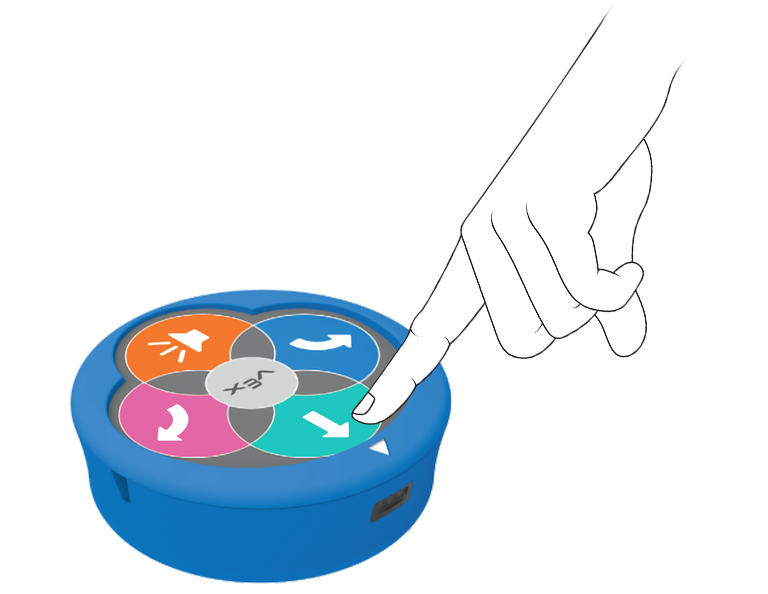
타일 모서리에서 123 로봇을 빛나게 하세요.

Activity Image
이미지
Corner Color
VEX Platform
Subject
Coding Method
Activity PDF Link
https://content.vexrobotics.com/assets/education/stem-labs/docs/123/Activities/VEX 123 Activity - Corner Color.pdf
Activity Image Alt
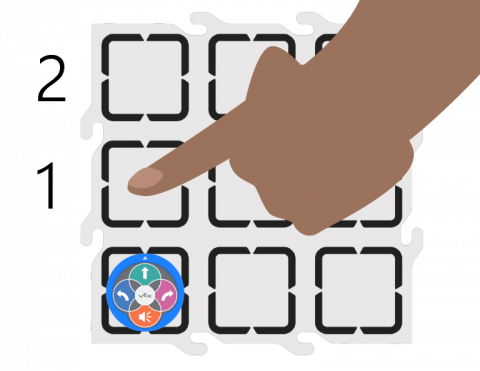
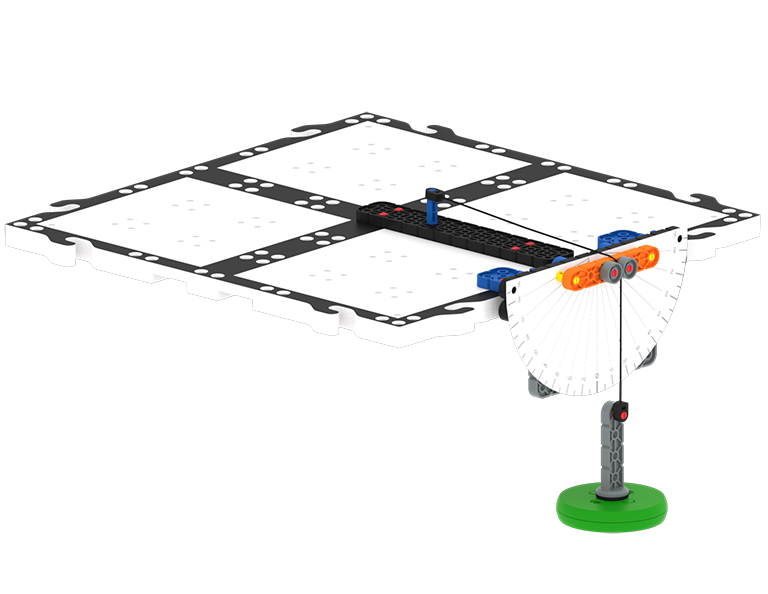
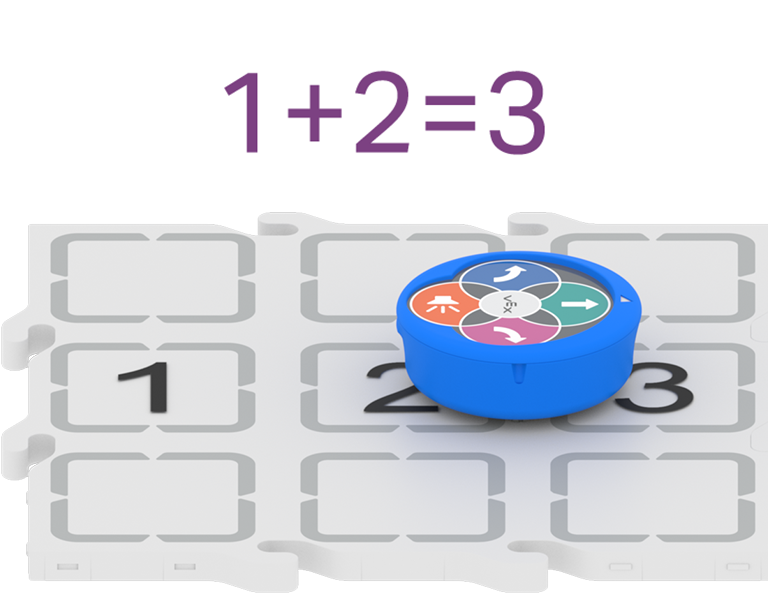
필드 타일의 모서리에 배치된 123 로봇의 위에서 내려다본 모습이며, 손이 다음 모서리까지의 공간을 2로 세고 있는 모습이 표현되어 있습니다.

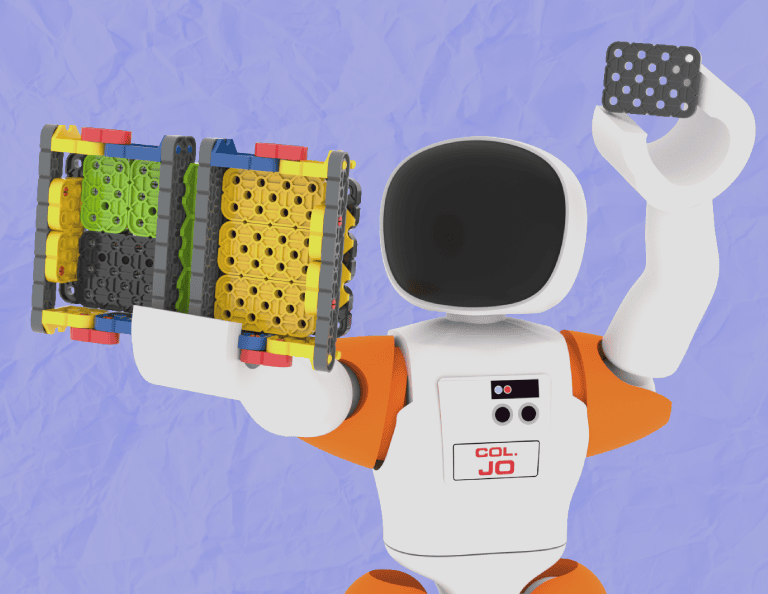
VEX GO 레버를 팬 밸런스로 바꿔서 몇 가지 방정식을 작성해 보세요!

Activity Image
이미지
Equation Balancer VEX GO Activity Tile
VEX Platform
Subject
Activity PDF Link
https://content.vexrobotics.com/assets/education/stem-labs/docs/go/Activities/GO Activity - Equation Balancer.pdf
Activity Image Alt
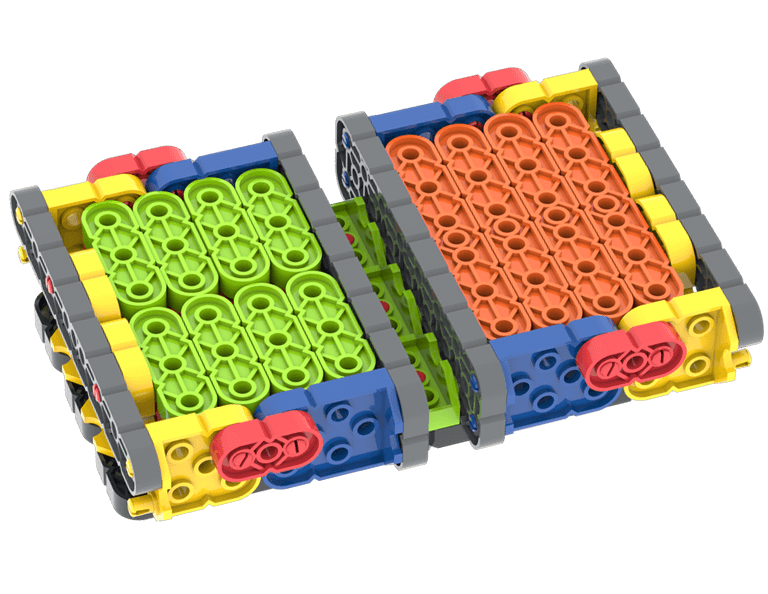
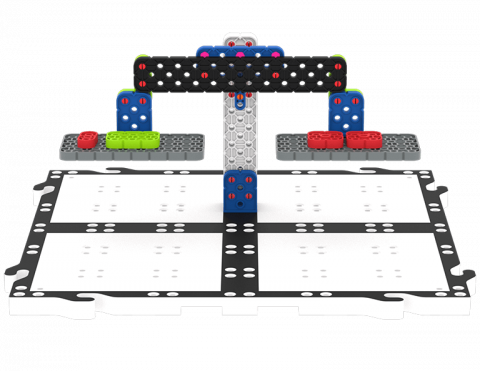
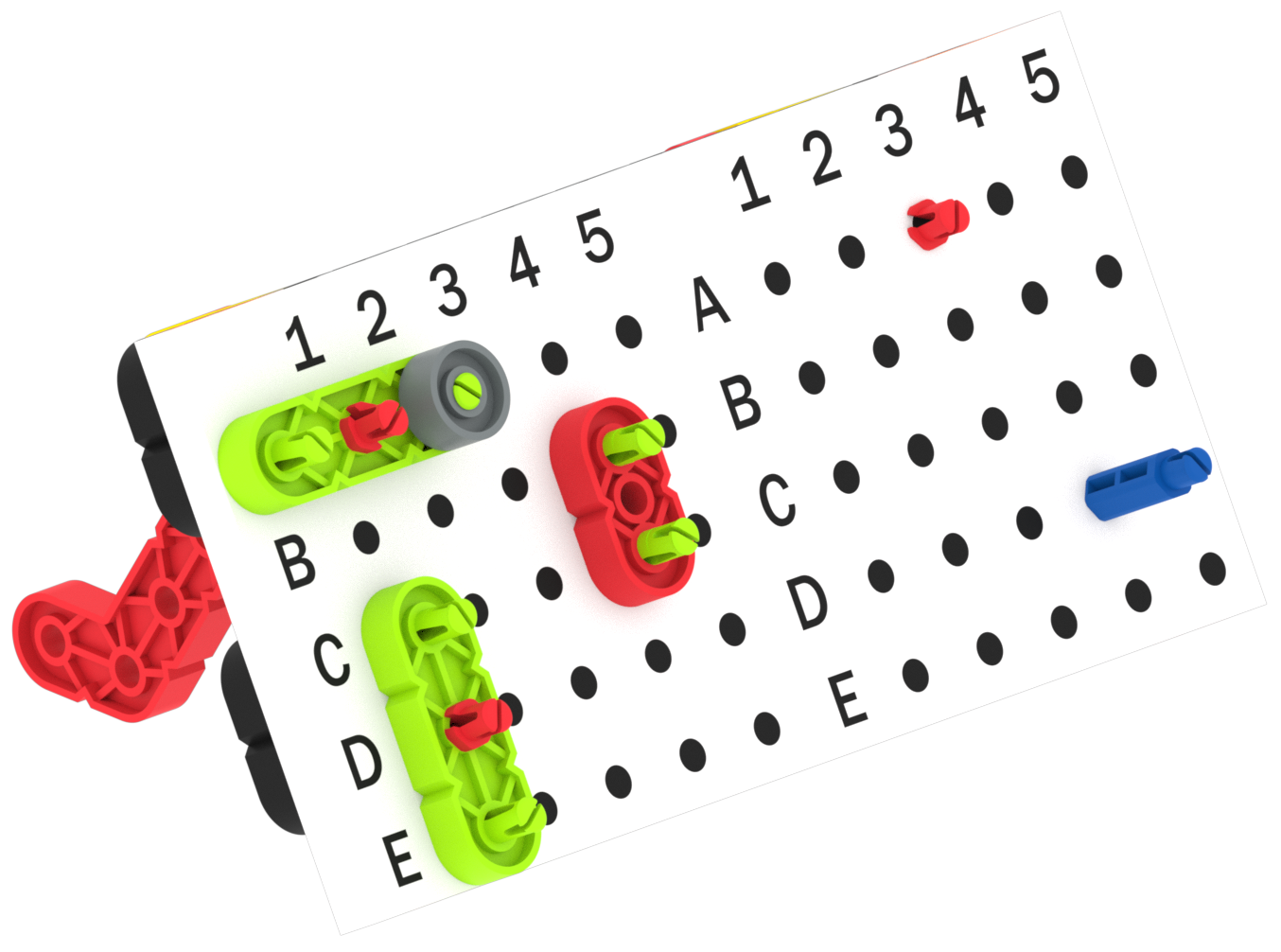
GO 조각 그룹의 무게를 비교하는 데 사용되는 GO 스케일 레버를 수정한 방정식 밸런서 빌드입니다.

VEX GO 조각을 사용하여 사물 간의 유사점과 차이점을 찾는 연습을 하세요.

Activity Image
이미지
Venn Diagram! VEX GO Activity Icon
VEX Platform
Subject
Activity PDF Link
https://content.vexrobotics.com/assets/education/stem-labs/docs/go/Activities/GO Activity - Venn Diagram.pdf
Activity Image Alt
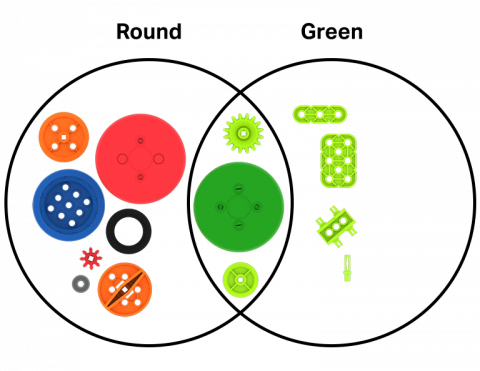
두 개의 원은 벤 다이어그램을 나타내며, 하나는 둥글고 다른 하나는 녹색으로 표시됩니다. GO 말은 각 구역에 배치되고 원의 기준에 맞게 분류됩니다.

15분 단위로 시간을 표현하는 방법을 알아보세요.

Activity Image
이미지
Hickery Dickory Clock tile
VEX Platform
Subject
Builds
Activity PDF Link
https://content.vexrobotics.com/assets/education/stem-labs/docs/go/Activities/GO Activity - Hickory Dickory Clock.pdf
Activity Image Alt
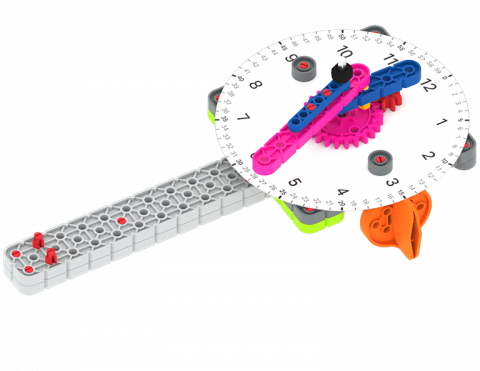
시계면 출력물을 부착한 GO 시계 조립체의 각도별 보기입니다.

수학 게임 운영

2 실험실

다양한 수학 게임을 통해 순서와 조건문 등의 코딩 개념을 연습해 보세요!