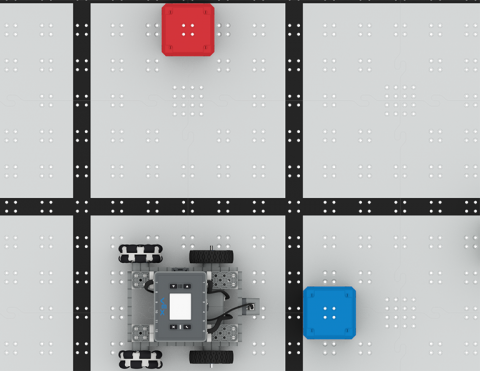
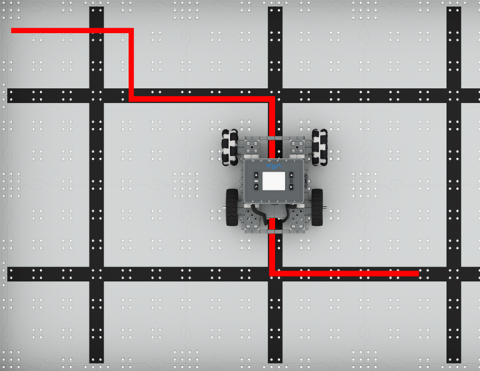
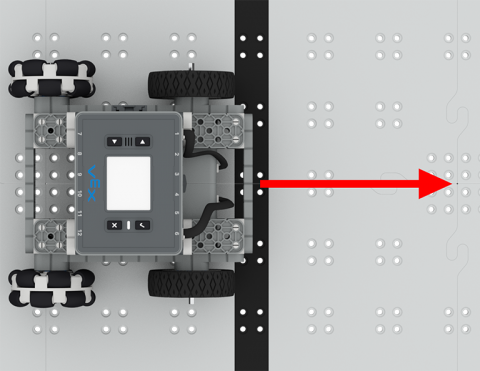
Užkoduokite „BaseBot“, kad galėtumėte keliauti į skirtingas vietas!
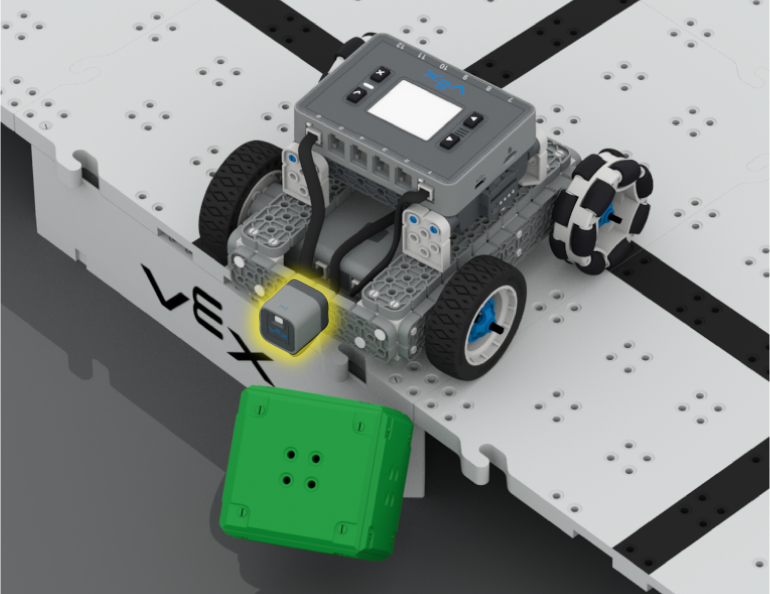
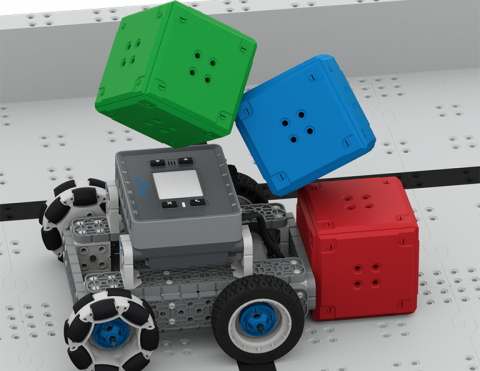
Naudokite atstumo jutiklį, kad išvengtumėte kubelių!
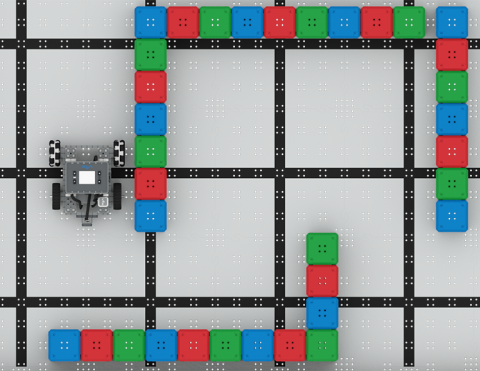
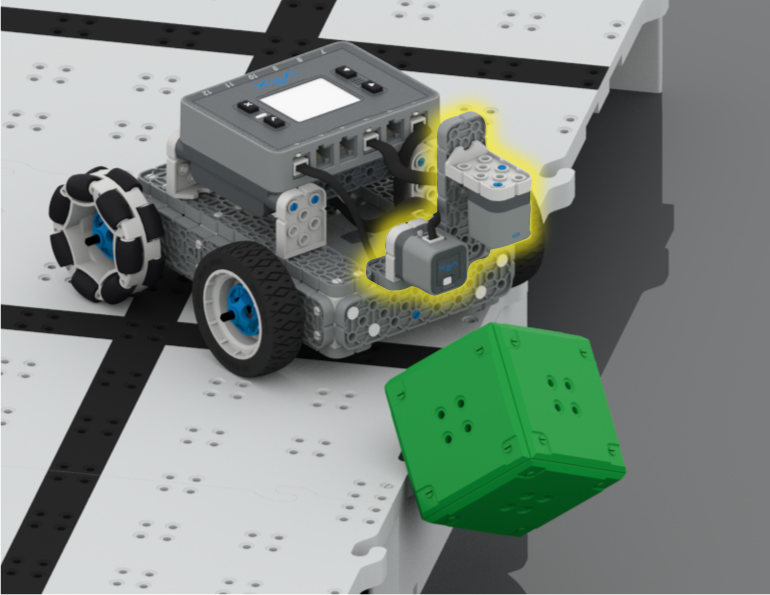
Naudokite buferio jungiklį, kad išspręstumėte kubo labirintą!
6 Pamokos
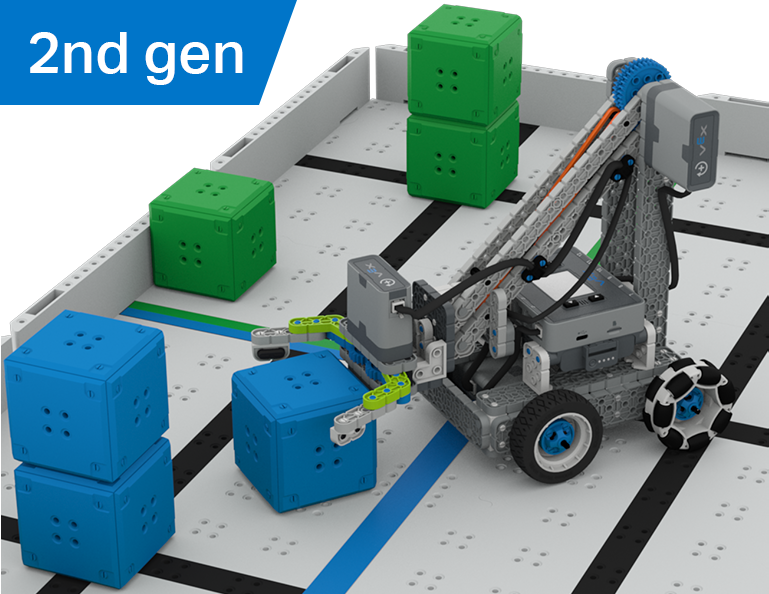
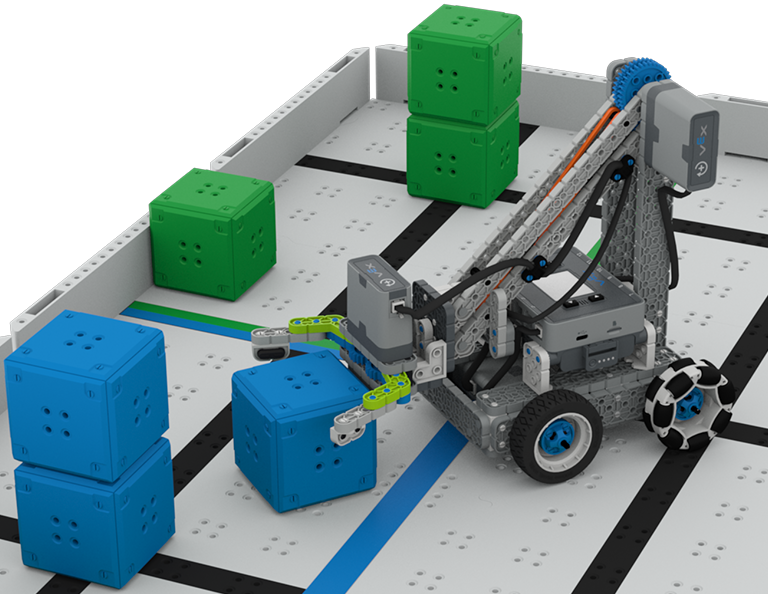
Šiame skyriuje jūs tyrinėsite skirtumą tarp vairuotojo valdymo ir autonominių iššūkių, kai išmoksite vairuoti „Clawbot“ ir koduoti jį, kad galėtumėte rūšiuoti ir sukrauti kubus „Cube Collector“ konkurse!
Apsilankykite Mokytojų portale, kur rasite mokytojų pagalbinės medžiagos ir vaizdo įrašų apie kubų rinkimo pamokų turinį ir palengvinimą.
Lesson 1: Introduction
In this Lesson, you will be introduced to the Cube Collector competition, build the Clawbot, and get ready to code.
Lesson 2: Driver Control
In this Lesson, you will learn about using the Driver Control program on the IQ Brain so that you can drive the Clawbot to stack and score cubes on the Field and participate in the Speed Stack Challenge.
Lesson 3: Coding for Autonomous Movements
In this Lesson, you will learn about coding your robot for autonomous movements, including how to plan the path of your robot. Then, you will create a VEXcode IQ project to score and stack cubes in the Coding for Cubes autonomous challenge.
Lesson 4: Using Multiple Programs (Autonomous & Driver)
In this Lesson, you will learn about customizing driver controls and how you can use the Controller and VEXcode IQ to optimize your driver strategy for competing in a challenge with driver control and autonomous runs.
Lesson 5: Cube Collector Competition
In this Lesson, you will apply your learning from the previous Lessons to compete in the Cube Collector competition!
Lesson 6: Conclusion
In this Lesson, you will reflect on the Unit and identify connections between what you have done and a related STEM career.
6 Pamokos
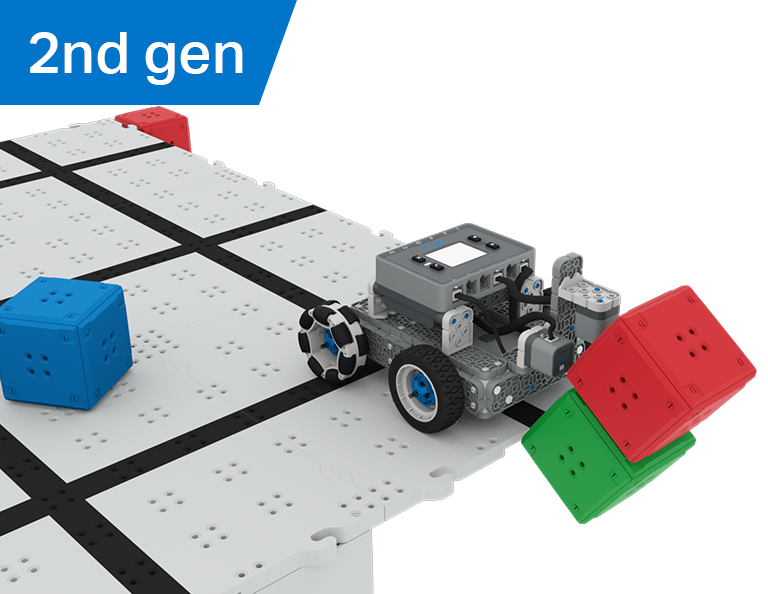
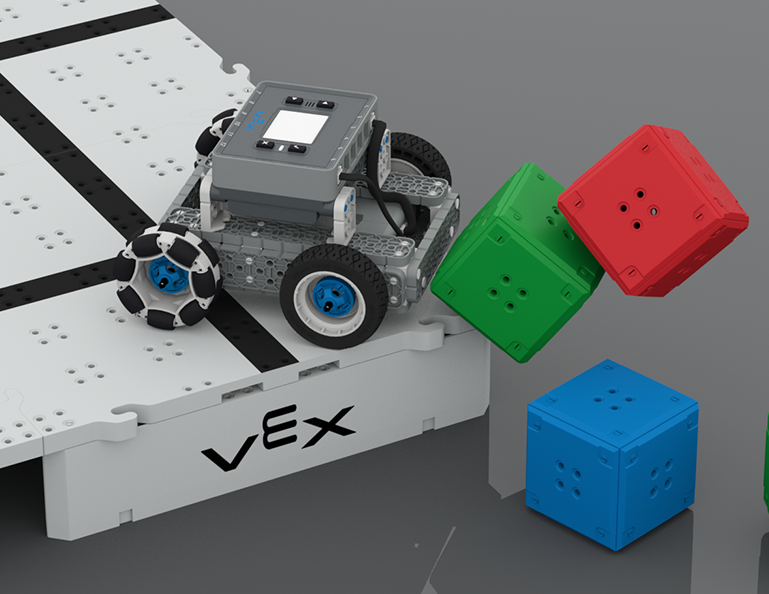
Šiame skyriuje sužinosite, kaip naudoti optinius ir atstumo jutiklius ieškant, sudaužant ir išvalant kubo „pilis“, kad surinktumėte taškų „Castle Crasher“ varžybose!
Apsilankykite mokytojų portale, kur rasite mokytojų pagalbos medžiagos ir vaizdo įrašų apie „Castle Crasher“ pamokų turinį ir palengvinimą.
Lesson 1: Introduction
In this Lesson, you will be introduced to the Castle Crasher Competition, build the BaseBot, and get ready to code.
Lesson 2: Castle Crasher No Sensors
In this Lesson, you will learn about calculating angles and changing the velocity of your robot so that you can compete in the Tower Over Challenge.
Lesson 3: Castle Crasher + Distance Sensor
In this Lesson you will learn about what the Distance Sensor is and how it can be used on your robot. You will also learn about the [Wait until] block and how it can be used in a VEXcode IQ project. Then you will apply what you have learned to compete in the Cube Crasher Challenge!
Lesson 4: Creating Algorithms
In this Lesson, you will learn about the Optical Sensor, and about how to create an algorithm that uses sensor feedback. Then you will code your robot to autonomously find cubes and push them off the Field in the Sweep the Field Challenge.
Lesson 5: Castle Crasher Competition
In this Lesson you will apply your learning from the previous Lessons to compete in a Castle Crasher competition!
Lesson 6: Conclusion
In this Lesson, you will reflect on the Unit and identify connections between what you have done and a STEM career.
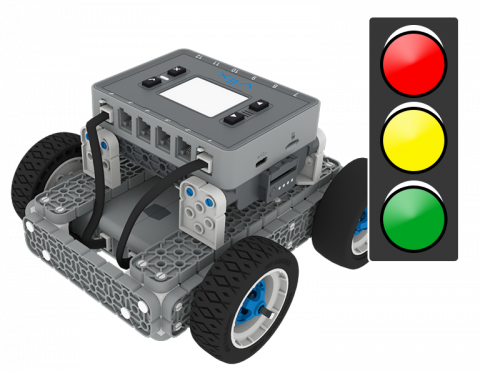
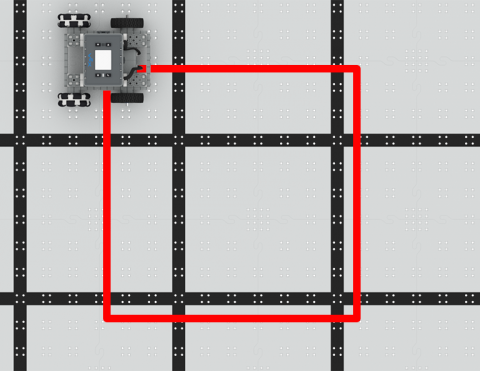
Užkoduokite BaseBot, kad galėtumėte važiuoti kvadratu!
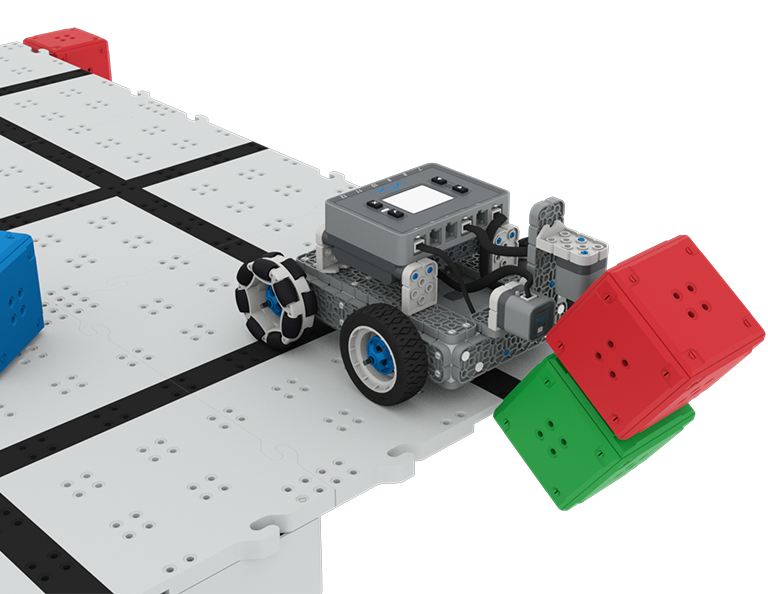
Užkoduokite „BaseBot“, kad numuštumėte kubus!
Sužinokite apie „BaseBot“ antraštę stumti kubus!
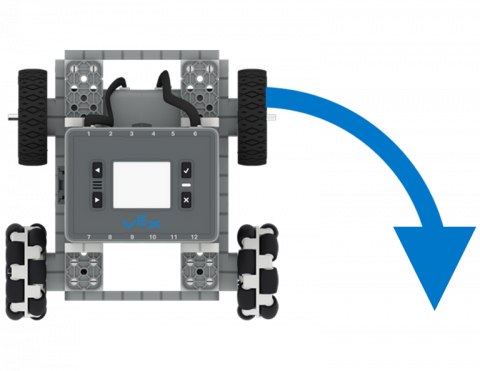
Užkoduokite „BaseBot“, kad pasuktumėte į kairę ir į dešinę.
Savarankiškai judinkite savo robotą pirmyn ir atgal!