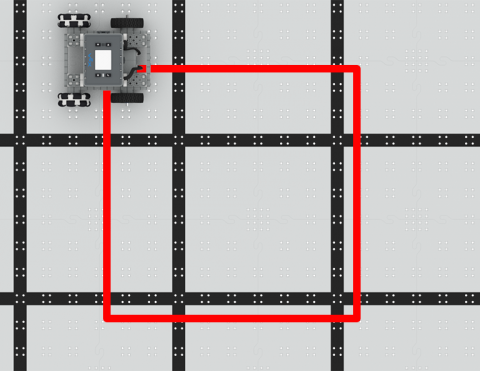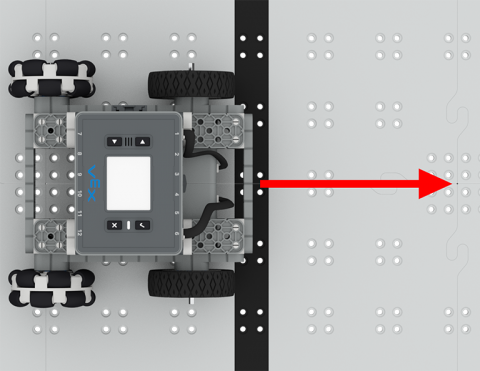


Codeer de BaseBot om in een vierkant te rijden!
6 Lessen
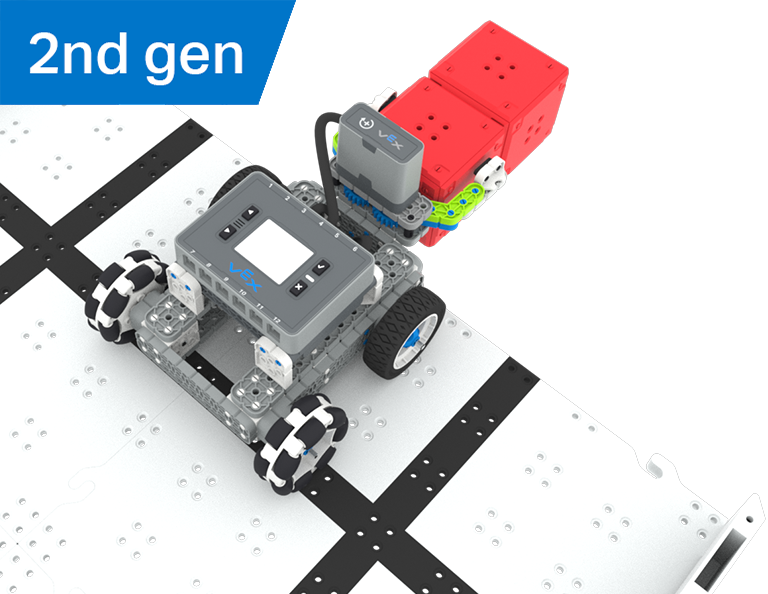
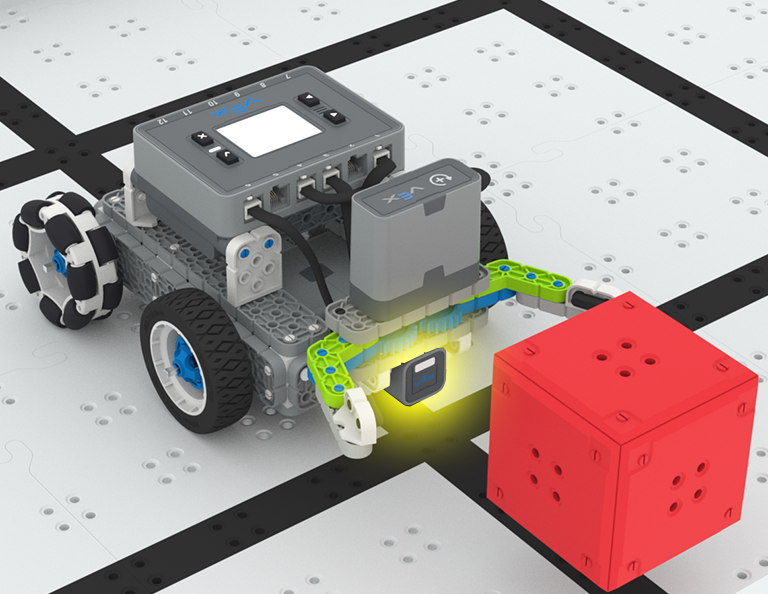
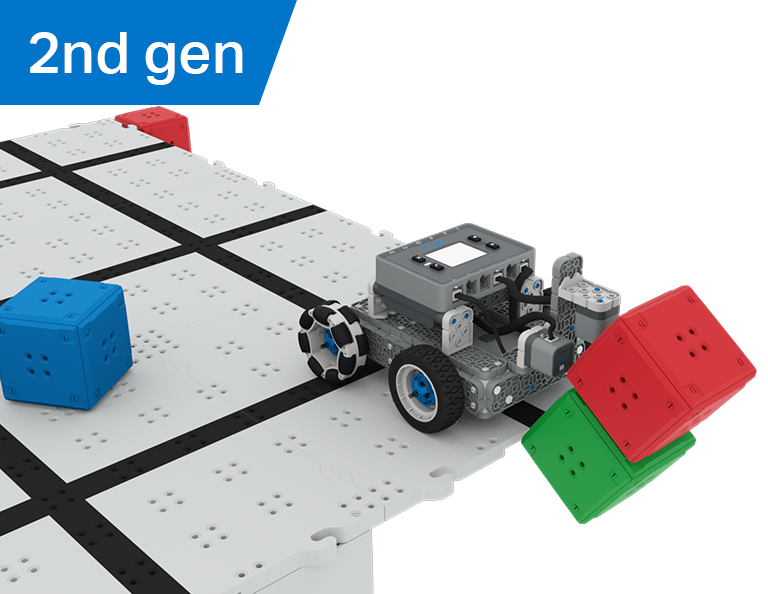
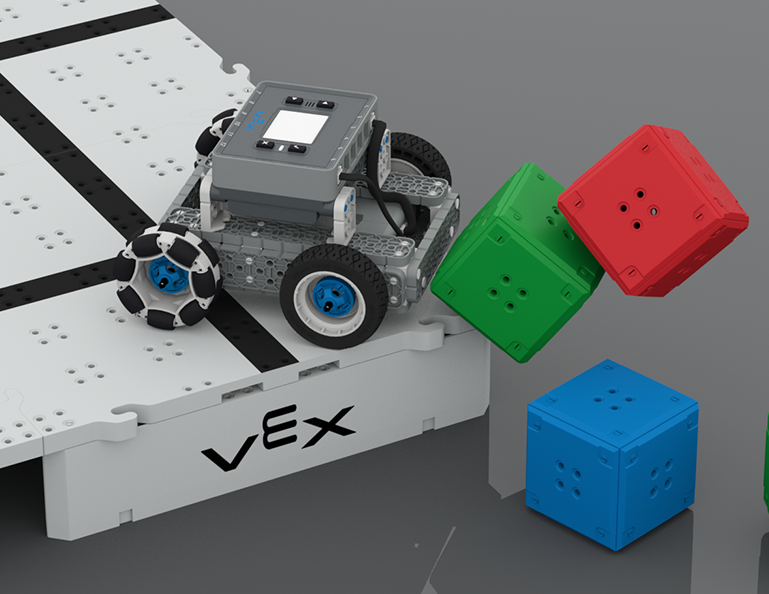
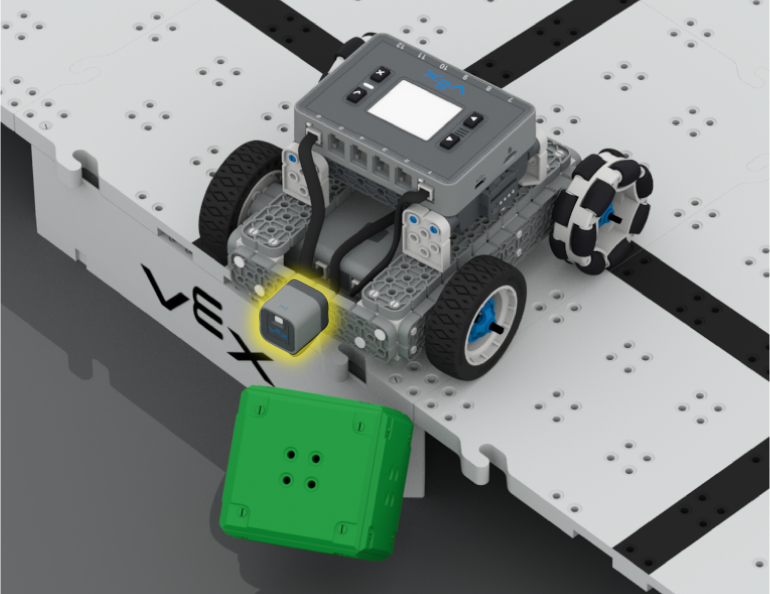
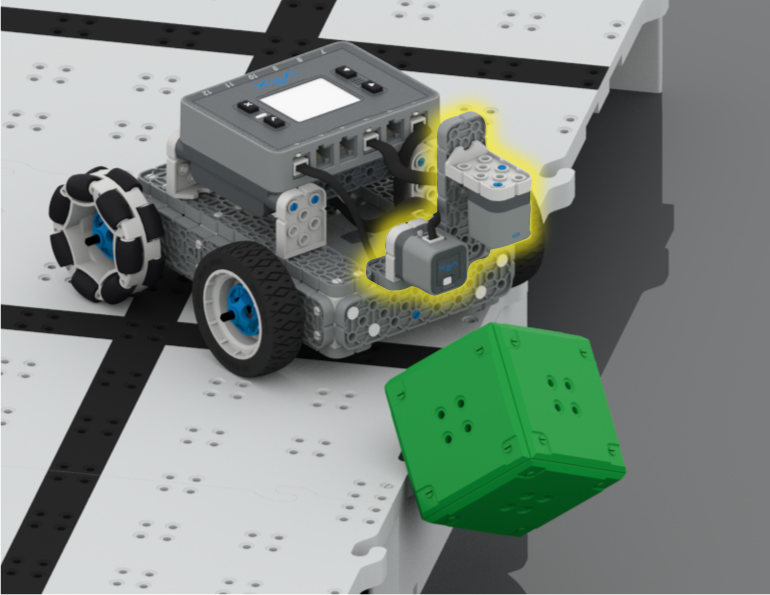
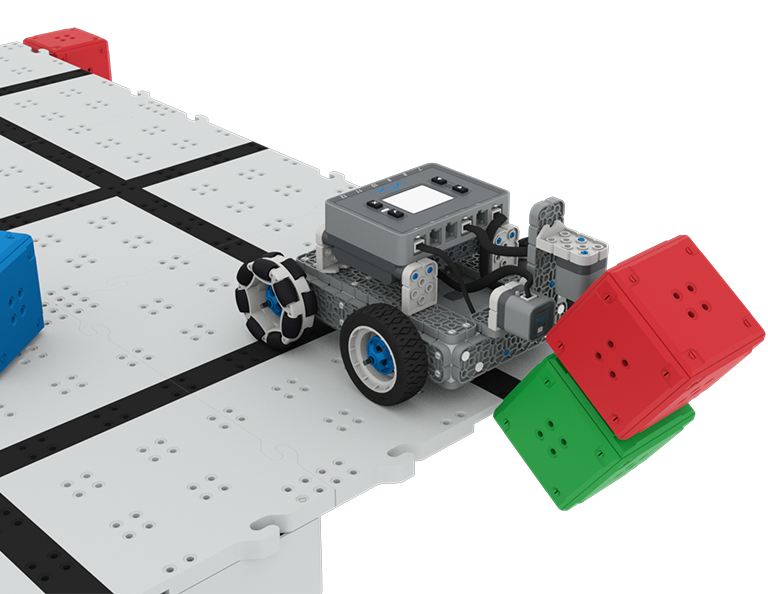
In deze unit ontdek je hoe je de optische en afstandssensoren kunt gebruiken om kubuskastelen te zoeken, te laten neerstorten en te ontruimen om punten te scoren in de Castle Crasher-competitie!
Bezoek het docentenportaal voor ondersteuningsmateriaal voor docenten en video's over de inhoud en het faciliteren van de Castle Crasher-lessen.
Lesson 1: Introduction
In this Lesson, you will be introduced to the Castle Crasher Competition, build the BaseBot, and get ready to code.
Lesson 2: Castle Crasher No Sensors
In this Lesson, you will learn about calculating angles and changing the velocity of your robot so that you can compete in the Tower Over Challenge.
Lesson 3: Castle Crasher + Distance Sensor
In this Lesson you will learn about what the Distance Sensor is and how it can be used on your robot. You will also learn about the [Wait until] block and how it can be used in a VEXcode IQ project. Then you will apply what you have learned to compete in the Cube Crasher Challenge!
Lesson 4: Creating Algorithms
In this Lesson, you will learn about the Optical Sensor, and about how to create an algorithm that uses sensor feedback. Then you will code your robot to autonomously find cubes and push them off the Field in the Sweep the Field Challenge.
Lesson 5: Castle Crasher Competition
In this Lesson you will apply your learning from the previous Lessons to compete in a Castle Crasher competition!
Lesson 6: Conclusion
In this Lesson, you will reflect on the Unit and identify connections between what you have done and a STEM career.
Codeer de BaseBot om in een vierkant te rijden!
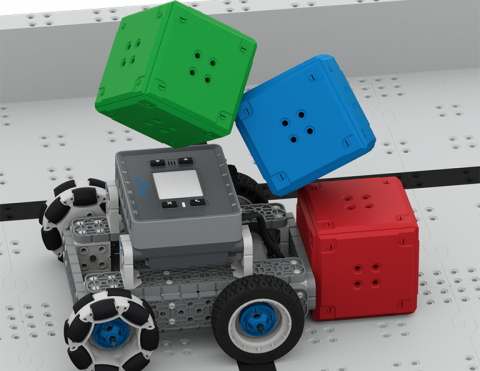
Codeer de BaseBot om kubussen neer te halen!
Leer meer over de koers van de BaseBot om kubussen te duwen!
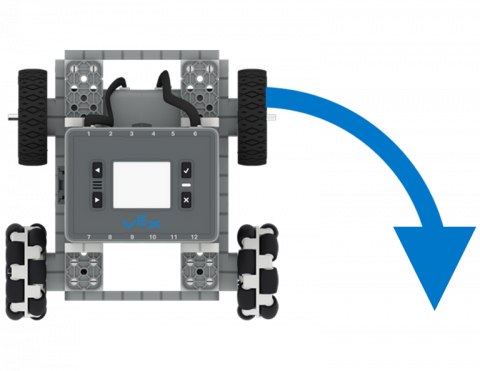
Codeer de BaseBot om naar links en rechts te draaien.
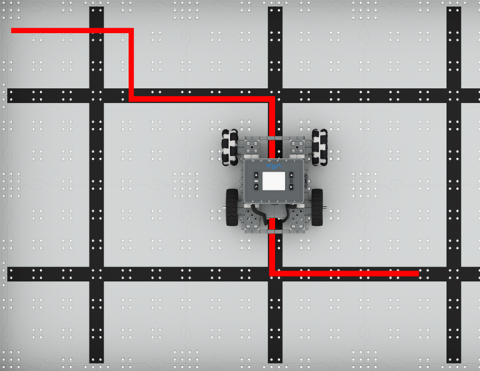
Beweeg uw robot autonoom vooruit en achteruit!
5 Lessen
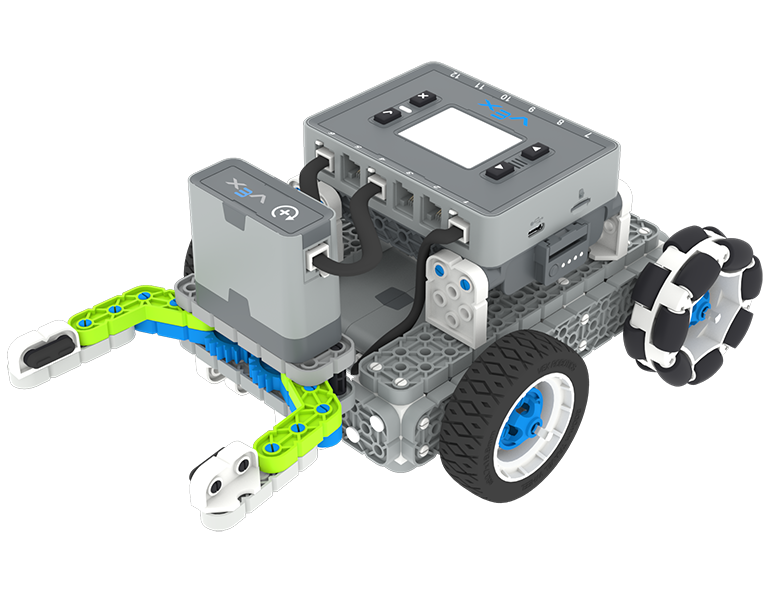
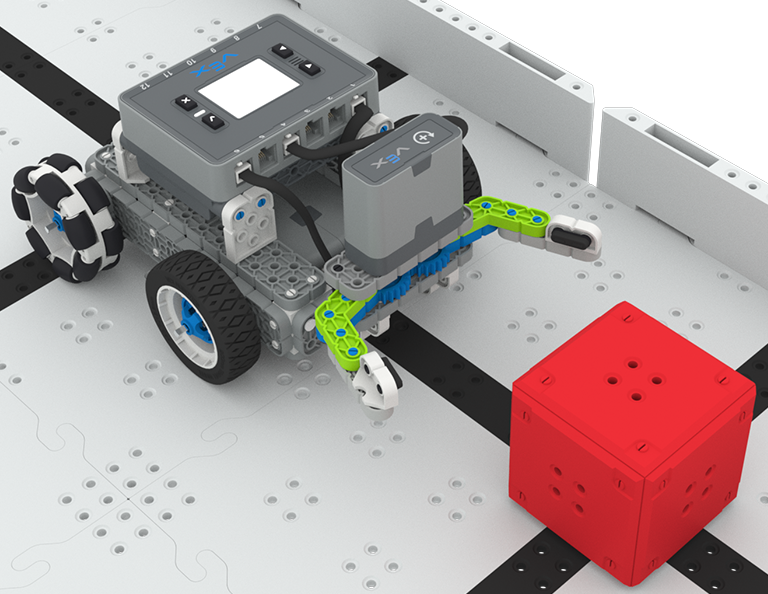
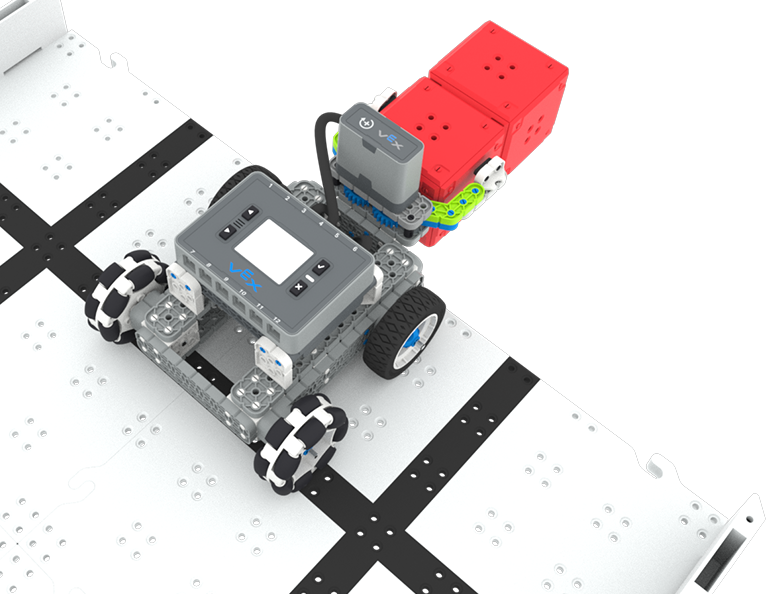
In deze unit bouw en codeer je de Simple Clawbot met de optische sensor om rode blokjes te herkennen en te verzamelen om mee te doen aan de Treasure Hunt-competitie!
Bezoek het docentenportaal voor ondersteunend materiaal voor docenten en video's over de inhoud en het faciliteren van de schattenjachtlessen.
Lesson 1: Introduction
You will be introduced to the Treasure Hunt competition, build the Simple Clawbot, and get ready to code.
Lesson 2: Claw No Sensor
In this Lesson, you will learn about using Drivetrain and Motion blocks in VEXcode IQ to code your Simple Clawbot to collect and move cubes in the Clawbot Collector challenge.
Lesson 3: Claw With Sensor
In this Lesson, you will learn about coding the Optical Sensor in order to detect, collect, and move a red cube in the Treasure Mover challenge!
Lesson 4: Treasure Hunt Competition
In this Lesson you will apply your learning from the previous Lessons to compete in a Treasure Hunt competition!
Lesson 5: Conclusion
In this Lesson, you will reflect on the Unit and identify connections between what you have done and a STEM career.
0 Laboratoria
Programmeer je zelfrijdende Code Base om een oogsensor te gebruiken om helderheid en kleuren te detecteren in deze activiteitenserie.
0 Lessen
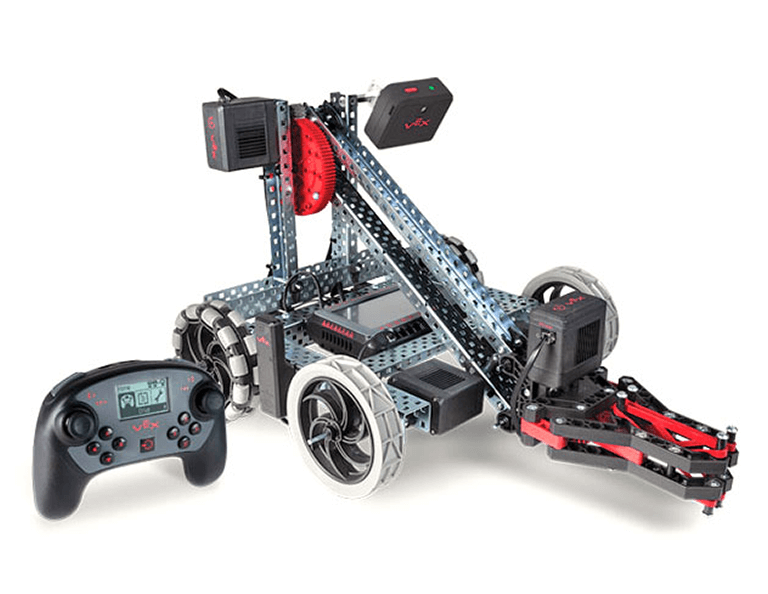
Programmeer de VEX-controller om de Clawbot door verschillende boeiende uitdagingen te leiden met behulp van lussen en gebeurtenissen.
0 Lessen
Programmeer uw robot om op voorwaarden te handelen en creëer een gebruikersinterface (UI).