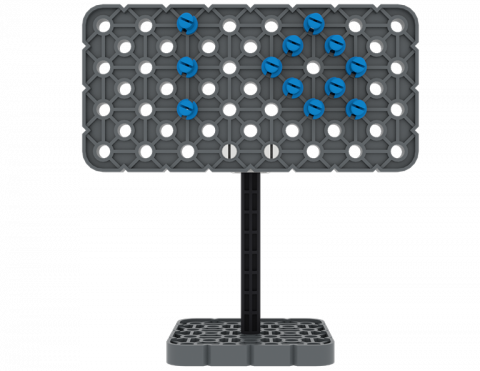
Czy możesz zbudować znak z części z zestawu VEX IQ?
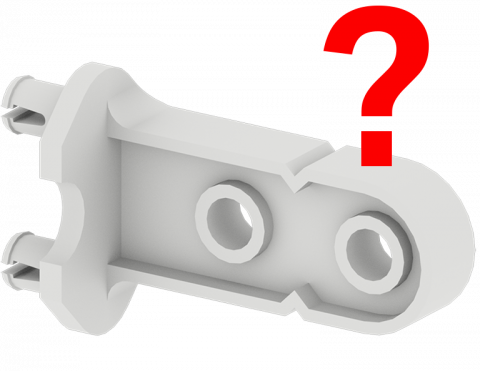
Zagraj w grę, aby znaleźć części zestawu VEX IQ!
Stwórz grę pinball zawierającą proste maszyny przy użyciu części VEX IQ!
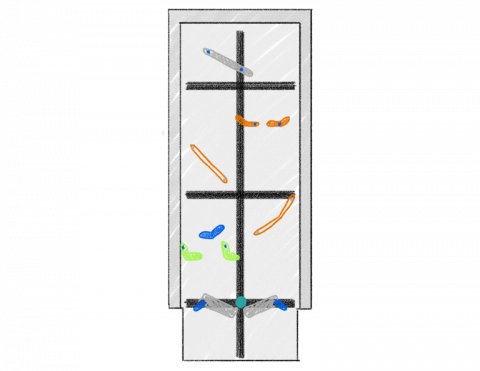
Który kierunek jest szybszy podczas poruszania się obiektu?
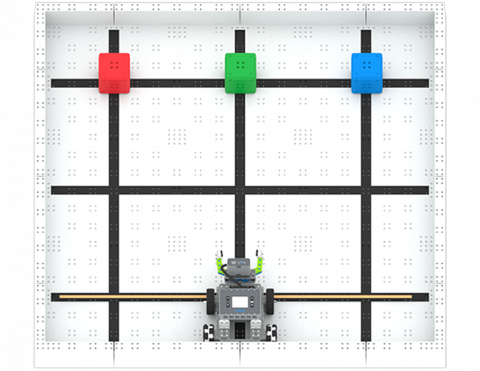
Jak szybko możesz przenieść trzy bloki w nowe miejsce?
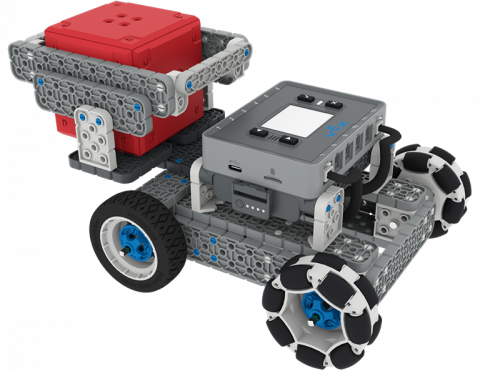
Stwórz dodatek do BaseBota, aby przenosić IQ Cube po pochyłej płaszczyźnie!
6 Lekcje
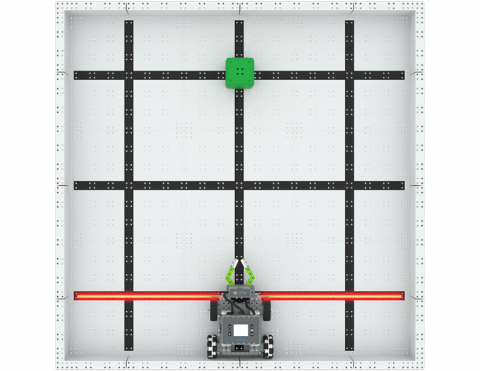
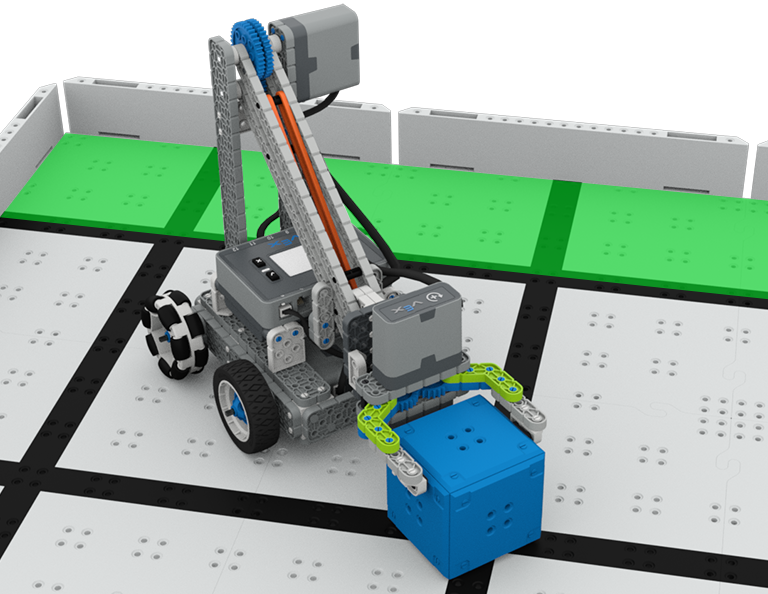
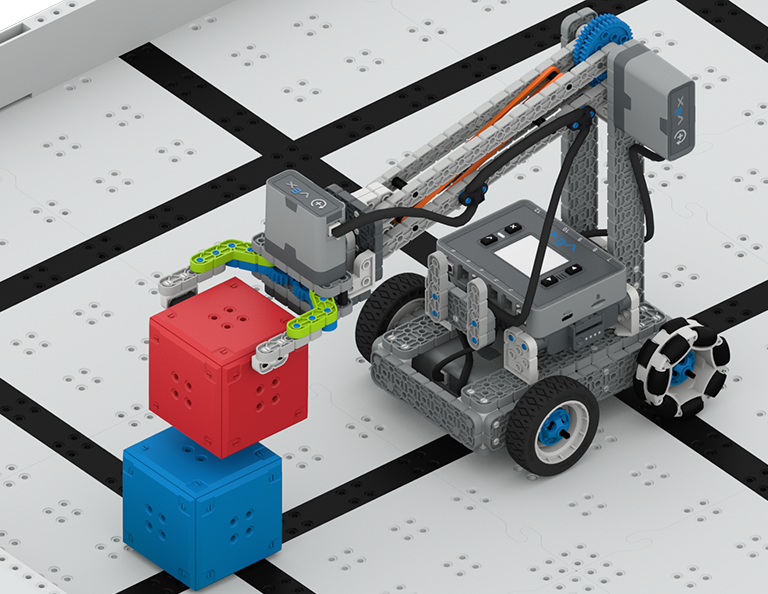
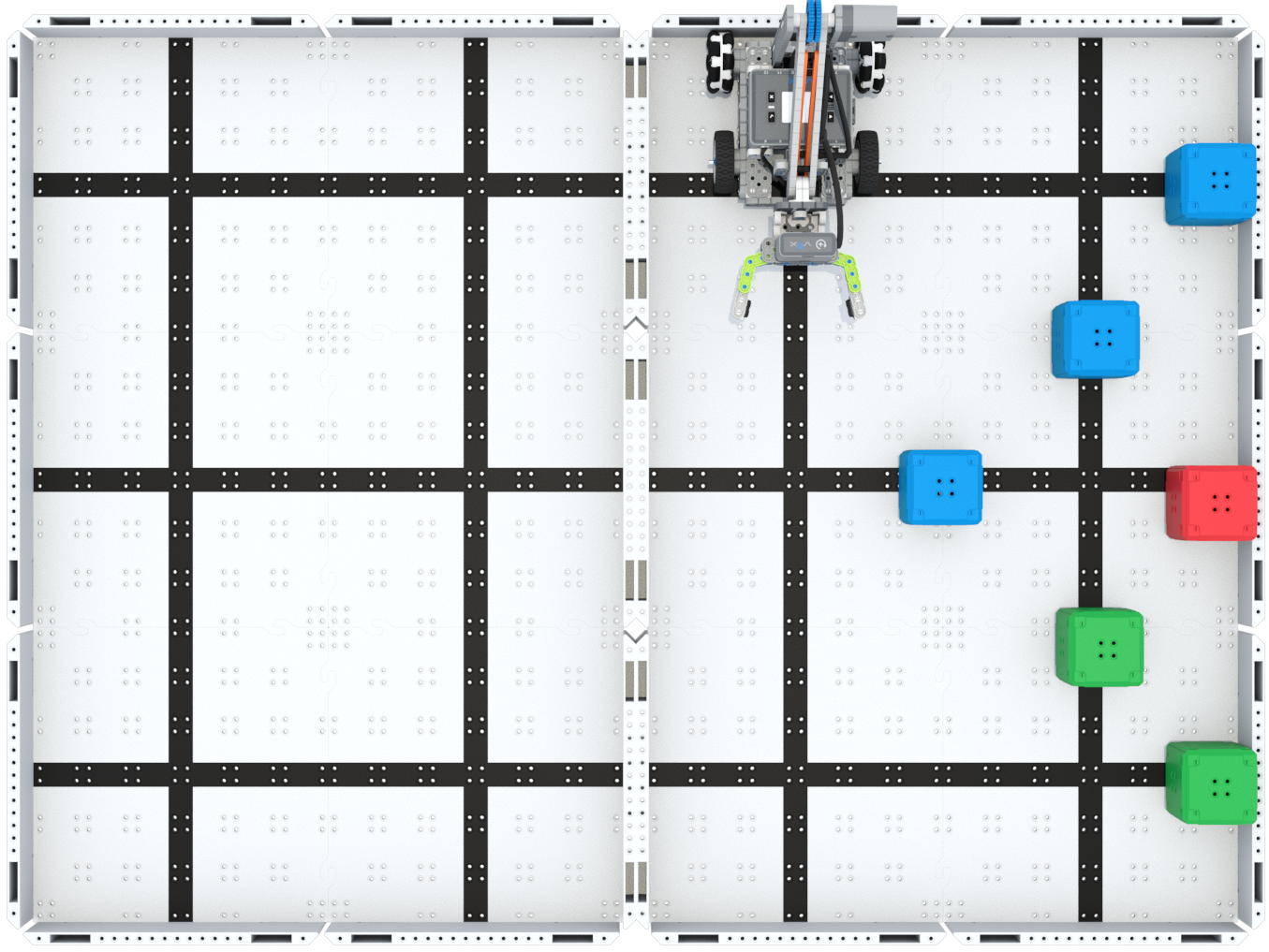
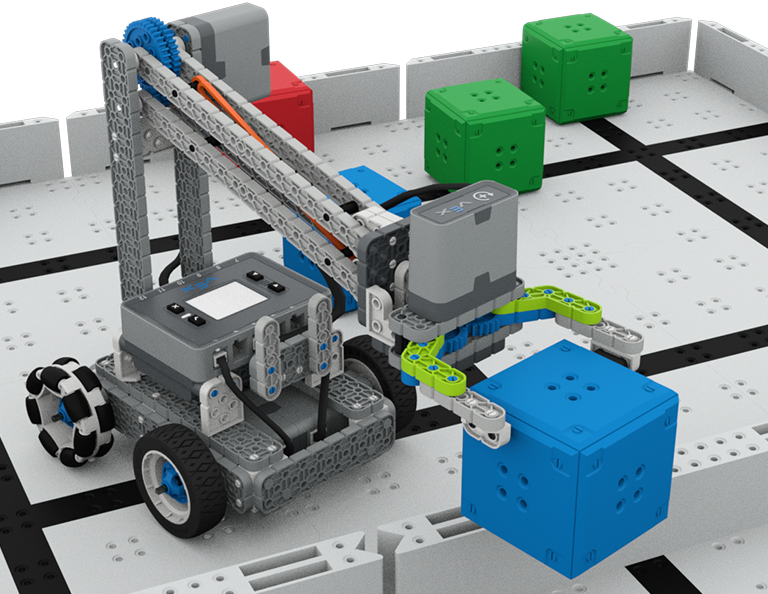
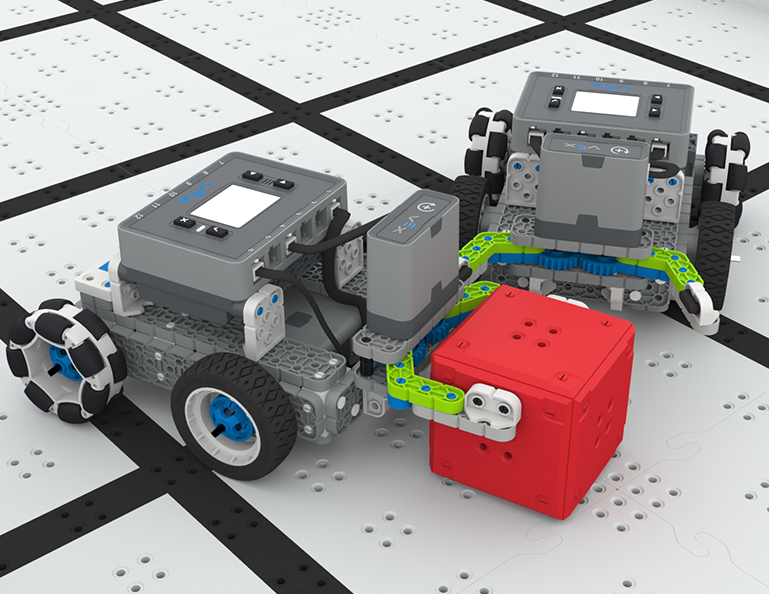
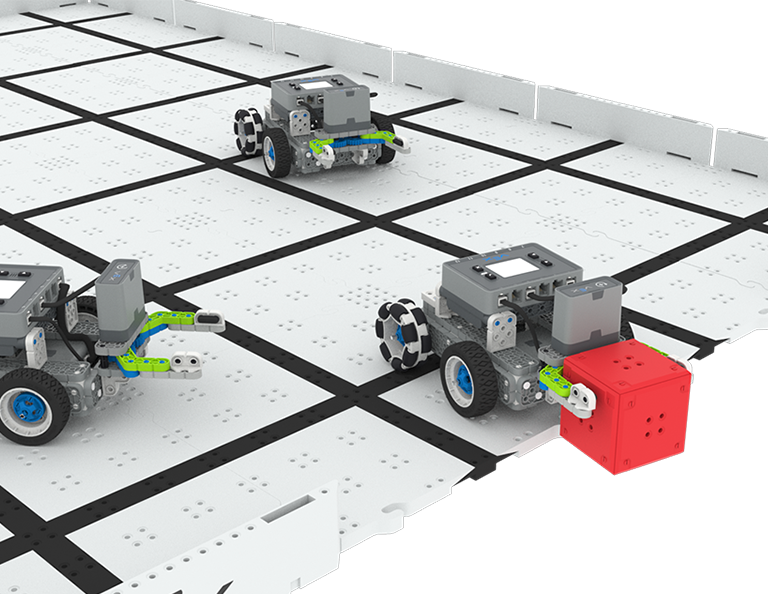
W tej części dowiesz się, jak zaprojektować Clawbota, który będzie zbierał, podnosił i przenosił kostki z jednej strony pola na drugą, w zawodach Up and Over!
Odwiedź Portal nauczyciela, aby uzyskać materiały pomocnicze dla nauczycieli i filmy dotyczące treści i prowadzenia lekcji Up and Over.
Lesson 1: Introduction
In this Lesson, you will be introduced to the Up and Over competition, set up the Battery and Controller, get ready to code, and build the Clawbot.
Lesson 2: Claw Design
In this Lesson, you will learn what a claw is, how an effective claw works, and how scouting can benefit your team's designs and strategy. Then, you will apply what you have learned in the Grab and Go challenge.
Lesson 3: Arm Designs
In this Lesson, you will learn about different elements of robotic arms, how they work, and what makes an effective arm design, in order to stack as many cubes as you can within a minute in the Stacked Up challenge.
Lesson 4: Motor Groups
In this Lesson, you will learn what motor groups are, how they can be helpful, and how to configure motor groups in VEXcode IQ in order to iterate on your robot to complete the Up and Over challenge.
Lesson 5: Up and Over Competition
In this Lesson, you will apply your learning from the previous Lessons to compete in the Up and Over competition!
Lesson 6: Conclusion
In this Lesson, you will reflect on the Unit and identify connections between what you have done and a STEM career.
4 Lekcje
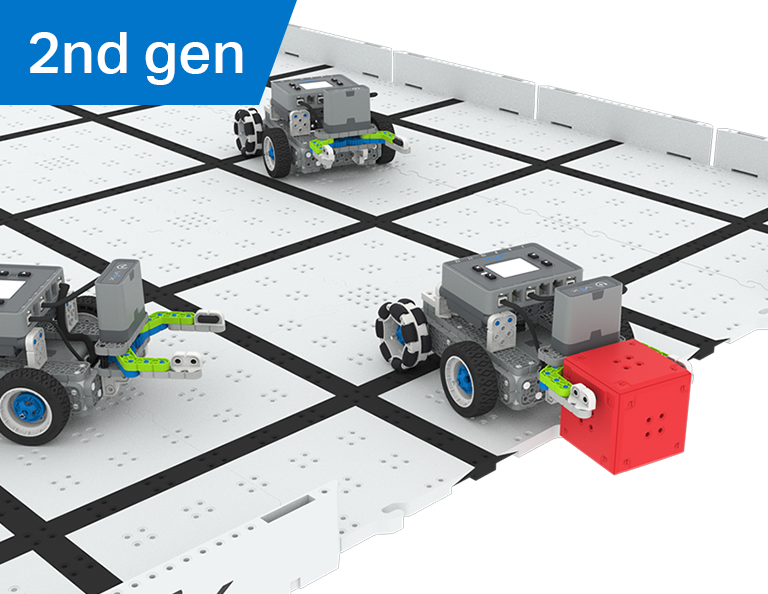
W tej części dowiesz się, jak stworzyć manipulator na swoim robocie, aby łapał, podawał i zdobywał najwięcej bramek jako robot-piłkarz w zawodach Robot Soccer!
Odwiedź Portal nauczyciela, aby uzyskać materiały pomocnicze dla nauczycieli i filmy dotyczące treści i prowadzenia lekcji Robot Soccer.
Lekcja 1: Wprowadzenie
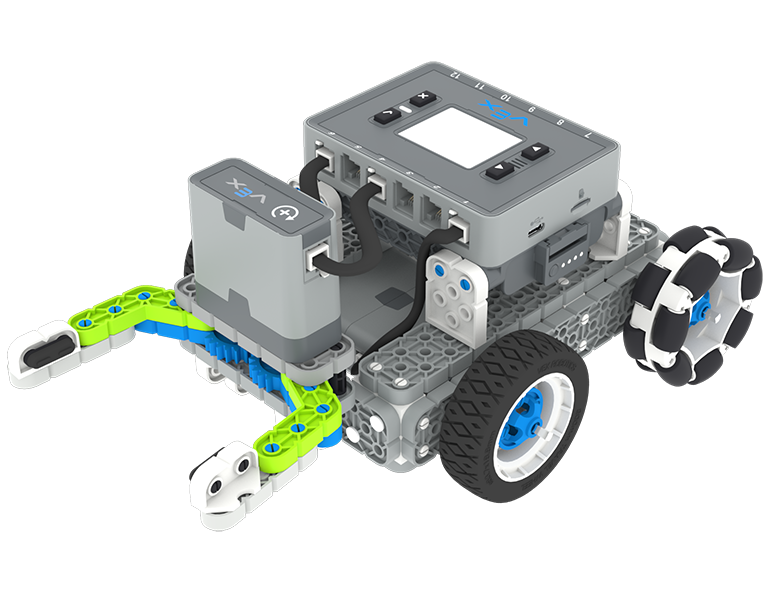
Podczas tej lekcji zbudujesz prostego Clawbota, naładujesz kontroler i baterię oraz przygotujesz się do kodowania.
Lekcja 2: Manipulatory
Podczas tej lekcji dowiesz się o pasywnych i aktywnych manipulatorach oraz projektowaniu wlotów, aby móc powtarzać projekt robota i rywalizować w wyzwaniu Robot Soccer Soccer jeden na jednego!
Lekcja 3: Zawody w piłce nożnej robotów
W tej lekcji wykorzystasz wiedzę z poprzedniej lekcji, aby wziąć udział w zawodach Robot Soccer!
Lekcja 4: Wniosek
Podczas tej lekcji zastanowisz się nad Jednostką i zidentyfikujesz powiązania między tym, co zrobiłeś, a powiązaną karierą w STEM.
6 Lekcje
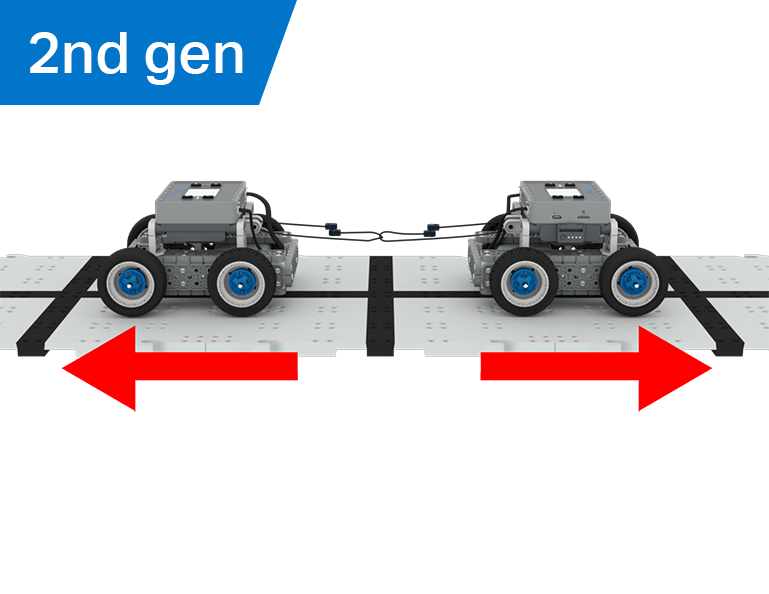
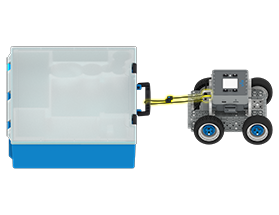
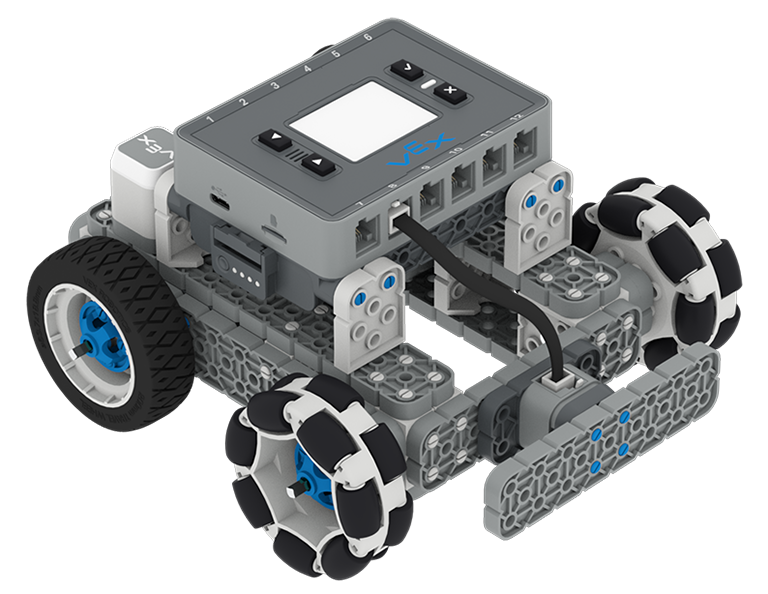
W tej części odkryjesz, jak przewaga mechaniczna i środek masy wpływają na zdolność BaseBota do ciągnięcia obiektów, a także zaprojektujesz najlepszego robota do gry w Przeciąganie liny!
Odwiedź Portal nauczyciela, aby uzyskać materiały pomocnicze dla nauczycieli i filmy dotyczące treści i prowadzenia lekcji przeciągania liny.
Lesson 1: Introduction
In this Lesson, you will be introduced to the Tug of War competition and build the BaseBot.
Lesson 2: Pulling Objects with the BaseBot
In this Lesson, you will design a rope attachment to practice pulling objects with your BaseBot. Then you will compete in a Robot Tractor Pull challenge.
Lesson 3: Using a Gear Train
In this Lesson, you will add a gear train to your BaseBot to explore how different gear configurations affect your robot's ability to pull an object. Then you will compete in a Gear Train Tractor Pull challenge.
Lesson 4: Adding Mass
In this Lesson, you will add mass to your BaseBot to explore how changing the center of mass affects your robot's ability to pull an object. Then you will compete in a Tug of War challenge.
Lesson 5: Tug of War Competition
In this Lesson, you will apply your learning from the previous Lessons to compete in a Tug of War competition!
Lesson 6: Conclusion
In this Lesson, you will reflect on your learning in this Unit and identify connections between what you have done and a STEM career.
6 Lekcje
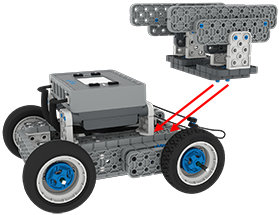
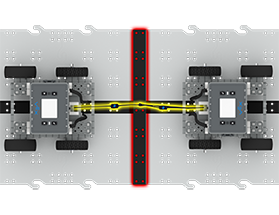
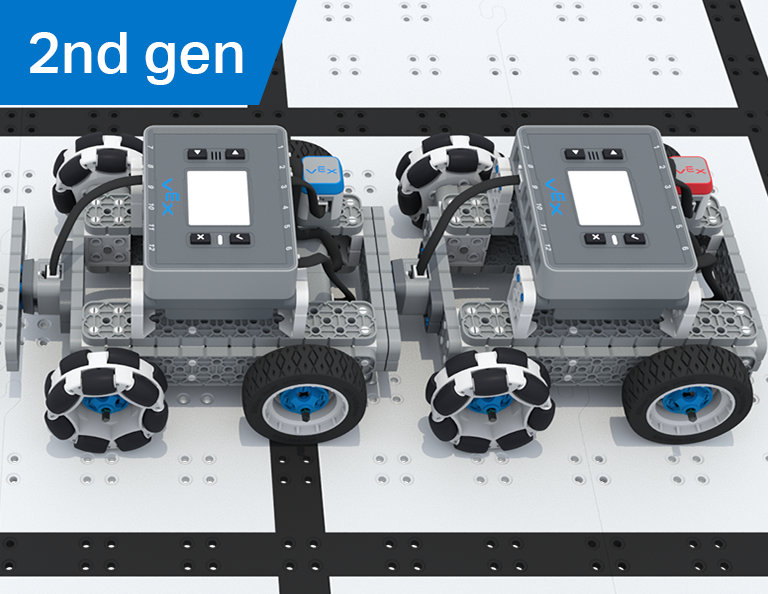
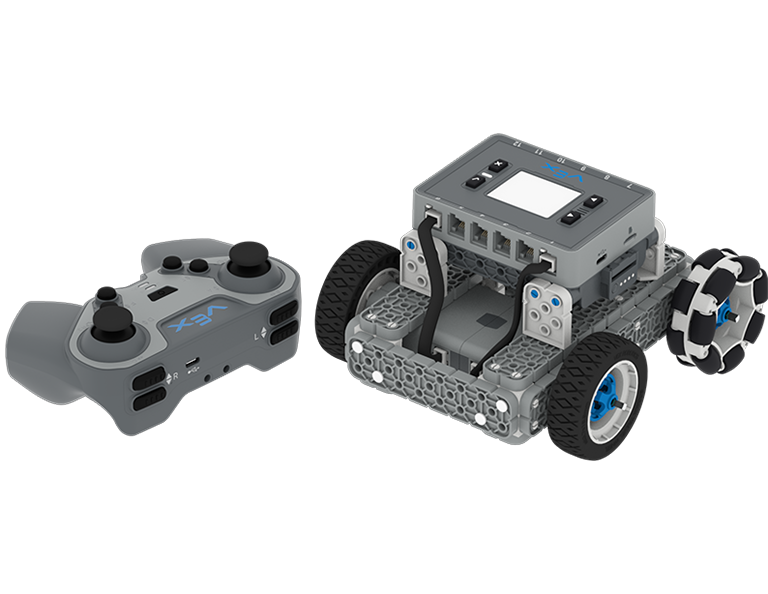
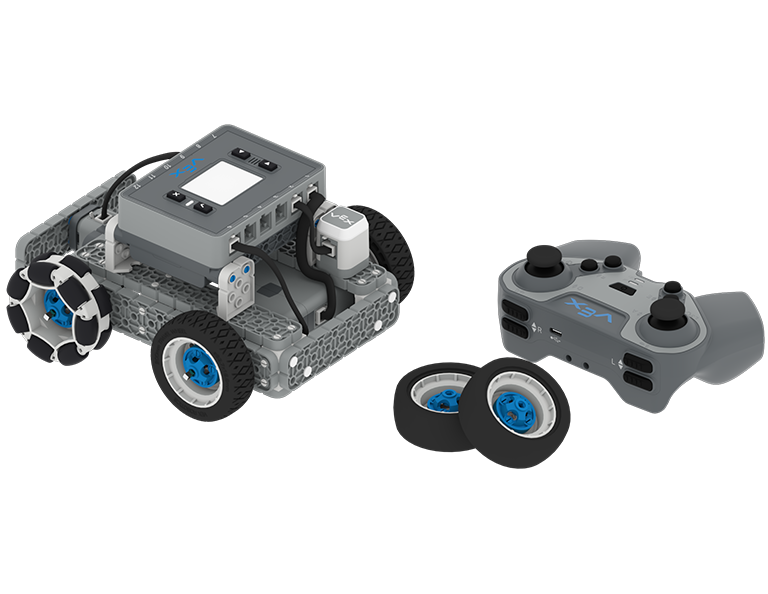
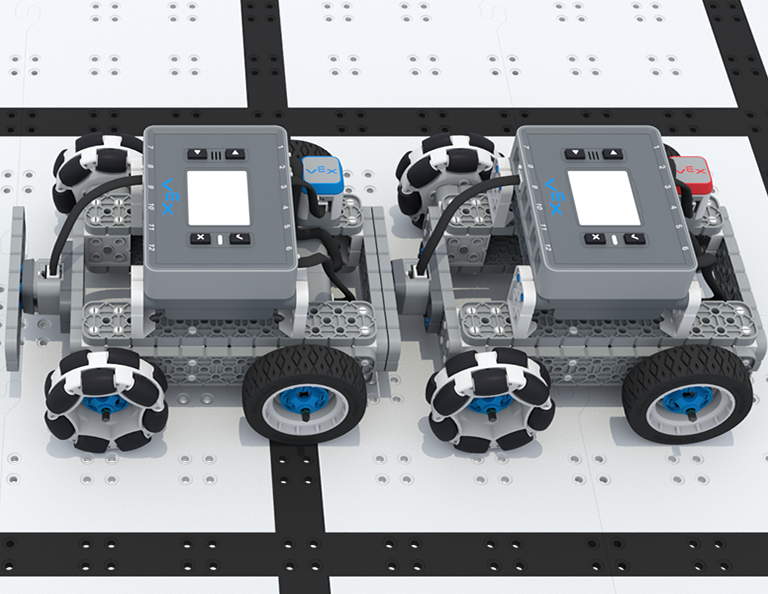
W tej jednostce poprowadzisz BaseBota za pomocą kontrolera IQ, wybierzesz koła i dodasz czujniki, aby wziąć udział w konkursie Team Freeze Tag!
Odwiedź Portal nauczyciela, aby zapoznać się z materiałami pomocniczymi dla nauczycieli i filmami dotyczącymi treści i prowadzenia lekcji Team Freeze Tag.
Lesson 1: Introduction
In this Lesson, you will be introduced to the Team Freeze Tag competition, set up the Battery and Controller, and build the BaseBot.
Lesson 2: Driving with the IQ Controller
In this Lesson, you will learn how to drive the BaseBot using the IQ Controller and practice your driving to compete in a challenge activity as you drive in a figure eight!
Lesson 3: Changing the Wheels
In this Lesson, you will learn how to change the wheels of the BaseBot, and experiment with different wheel combinations to improve the robot's ability to play Tag.
Lesson 4: Adding the Bumper Switch and Touch LED
In this Lesson, you will add a Bumper Switch and Touch LED to your BaseBot and compete in 1-on-1 Freeze Tag!
Lesson 5: Team Freeze Tag Competition
In this Lesson, you will combine all the skills learned in previous Lessons to play a game of Team Freeze Tag!
Lesson 6: Conclusion
In this Lesson, you will reflect on the Unit and identify connections between what you have done and a STEM career.