
Code
Now that you have learned about what a sequence is, and how to apply sequencing to the Coral Reef Cleanup activity, it is time to build your own project to collect trash from the coral reef.
The goal of Coral Reef Cleanup is to collect as much trash as possible from the ocean floor with your VR Robot before the batteries run out. Be careful not to damage the delicate coral around the reef.
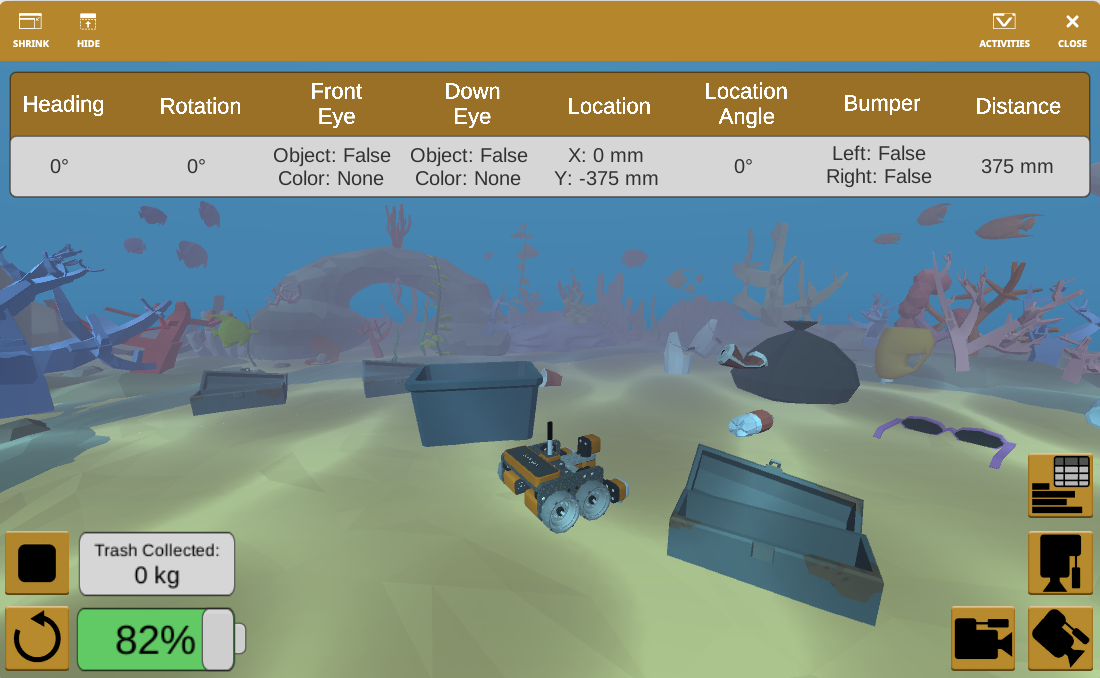
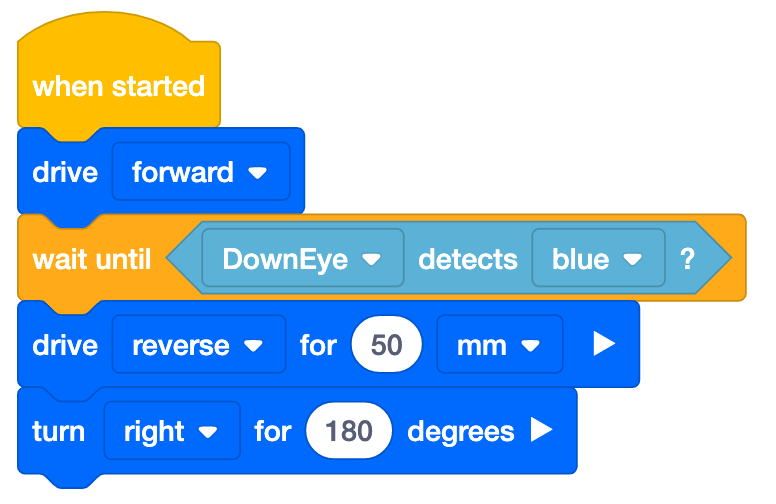
Open the Coral Reef Cleanup playground. Build the project from the Apply video to get started (shown here).
Test the project, and modify it to create a sequence that will collect trash from the coral reef without damaging the coral.
Resources to help you as you code
As you are coding in VEXcode VR, there are several built in resources that can help you as you are working through Coral Reef Cleanup. You can access Tutorial Videos and Help to learn more about things like getting started with a project, how to use a specific block, or how to run your project. You can use Example Projects to see samples of code in action on the playground.
Tutorial Videos
To access tutorials, select the 'Tutorials' icon in the VEXcode VR Toolbar, as shown here.

Built-in Help
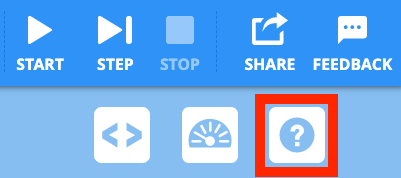
To access Help, select the 'Help' icon in VEXcode VR, as shown here.
Then, select a block or command to learn more about it.
The Help feature offers block or command-specific information, including things like how they can be used in a project.
Example Projects
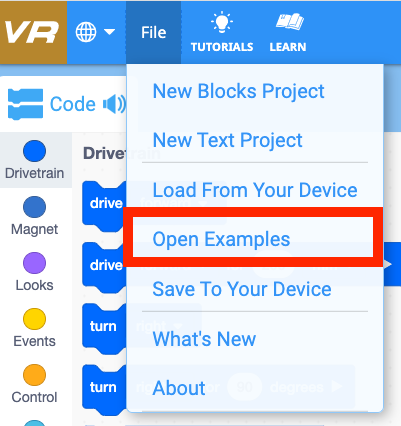
To access example projects, select 'File', then 'Open Examples', as shown here. You can use an example project to help you get started coding, as you begin your project.
Example projects specific to Coral Reef Cleanup are included, as well as sample projects for a variety of features and functions of the VR Robot.
Get Your Certificate!
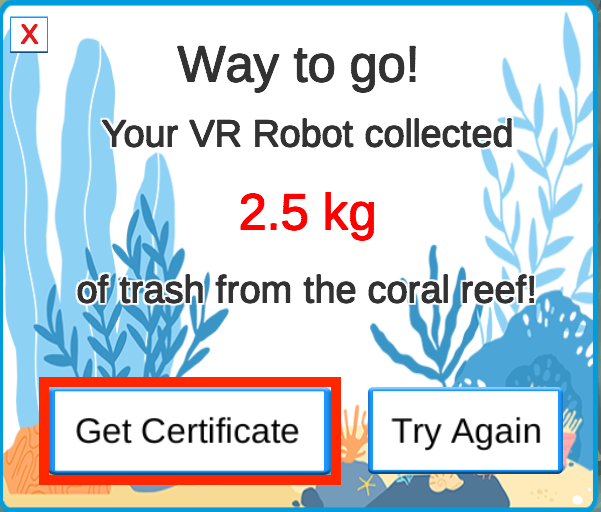
Once you have collected as much trash as you can, select 'Get Certificate'. Share your success with your teacher and class, and keep on trying to beat your total!
Select Next Lesson > to learn about another element of algorithms, iteration.