
It is time to showcase your piloting skills in the Drone Flight Challenge, as you fly your VEX AIR Drone to pick up and score objects with the VEX AIR Drone Controller. You will follow a phased process like the one you used to complete the Capstone Mission in the Virtual Flight Course. You'll begin by developing your flight plan, then practice and refine your strategy based on your experience. Finally, you'll take flight to score as many points as possible over the course of the mission!
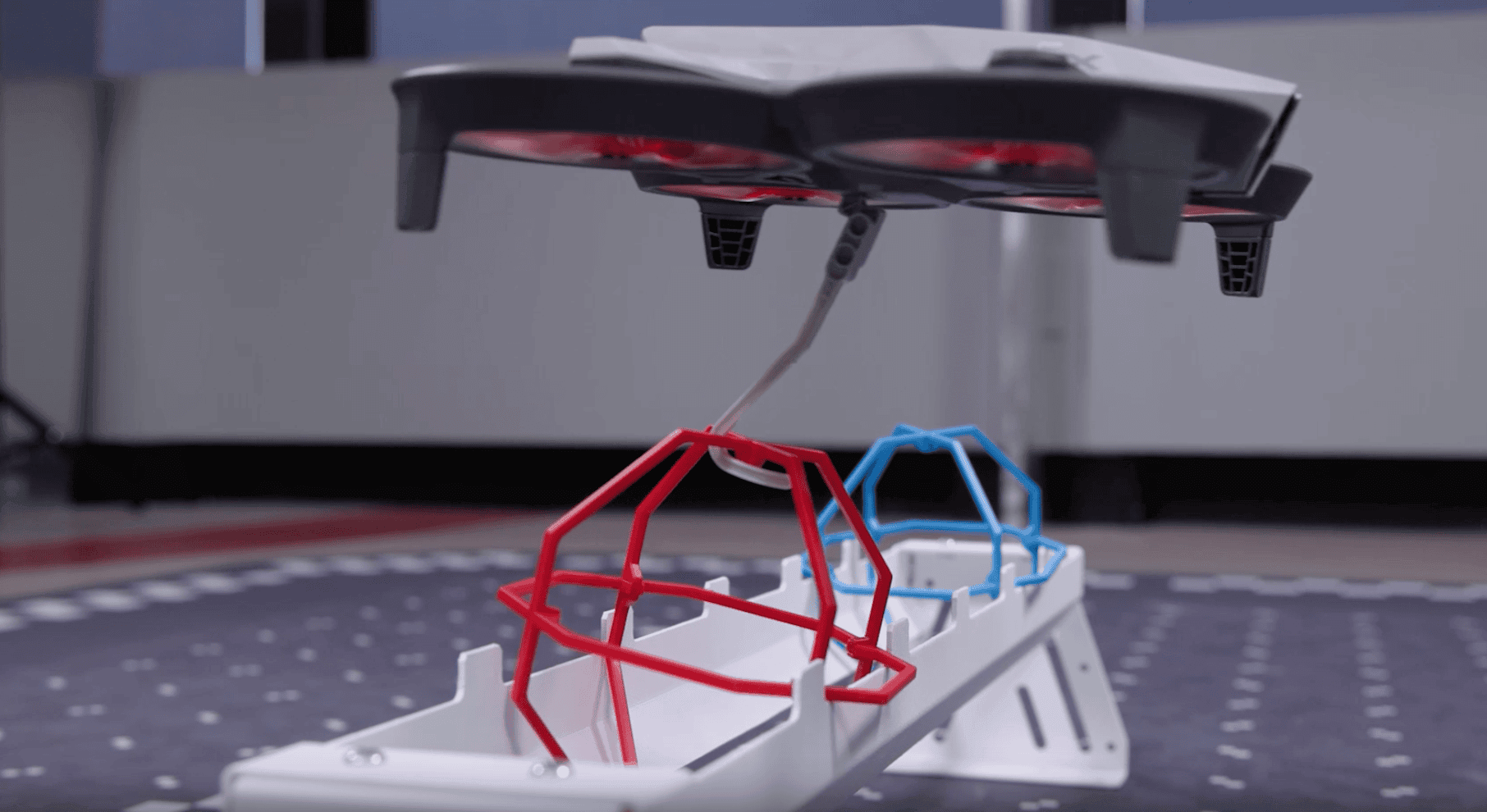
Drone Flight Challenge
Mission Goal: Score as many points as possible over two runs of the mission in your indoor flight area.
- Each run consists of two 90-second periods, with a 60-second break in between.
- You must land between periods. You can use the break to change modules or batteries on your drone.
- You will fly three total runs of the mission. Your challenge score is the sum of your two highest run scores.
The Drone Flight Challenge will take planning and practice to complete. You will follow a multi-step process to help guide you through the mission. Be sure to take your time through each phase of the process. All phases of the process are included in the Mission Log.
Record your progress throughout the challenge in your Mission Log.
- Use this Mission Log if you are using Competition Field elements in your indoor flight area.
- Google Doc / .docx / .pdf
- Use this Mission Log if you are using classroom elements in your indoor flight area.
- Google Doc / .docx / .pdf
Setting Up the Capstone Mission
As previously discussed, your Drone Flight Challenge layout will depend on the VEX AIR Kit you have available (Classroom Bundle or Competition Field). Follow the setup steps that match your materials.
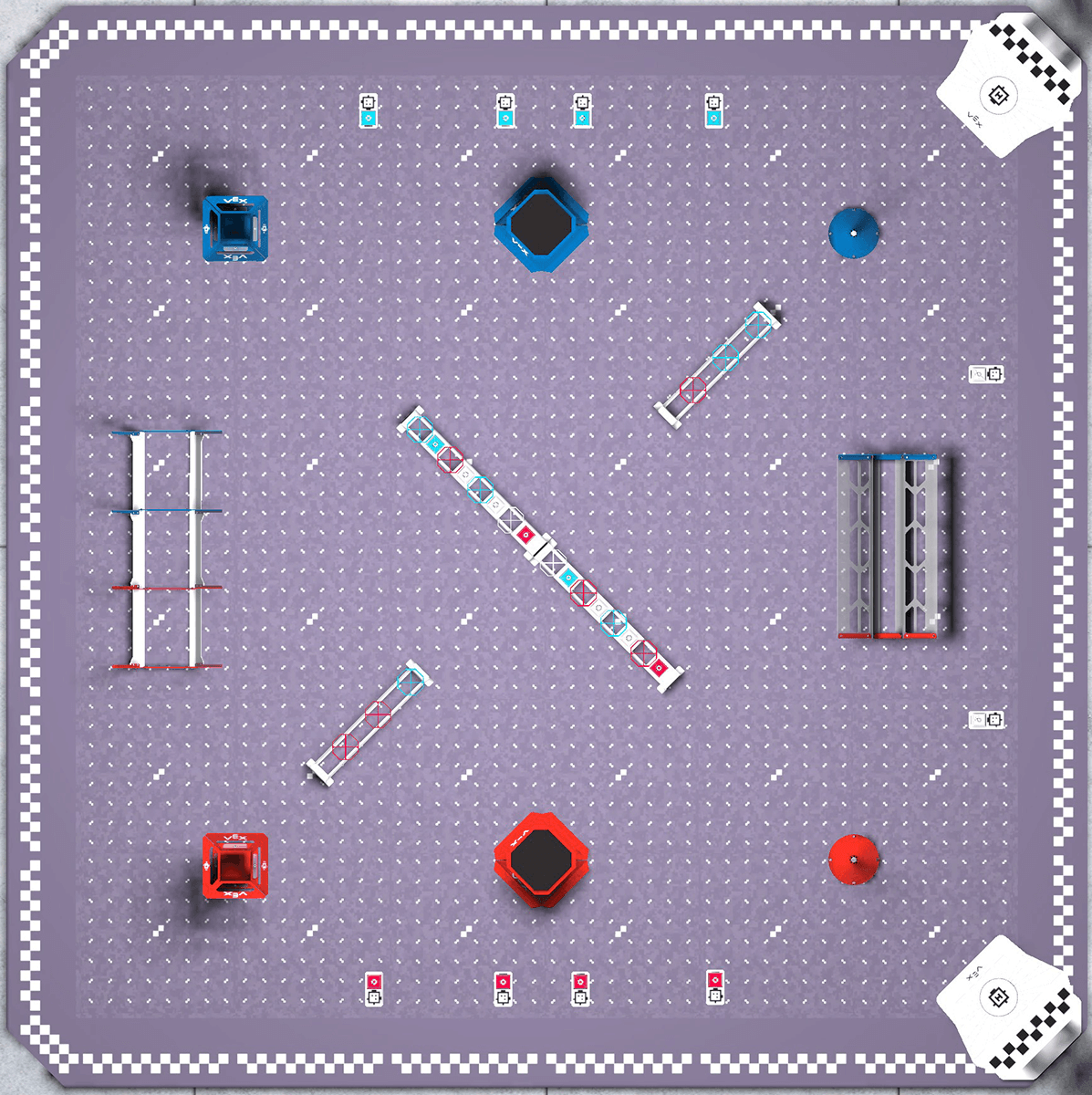
Competition Field Setup
To set up your indoor flight area, use the field assembly instructions found at this link.
Classroom Bundle Setup
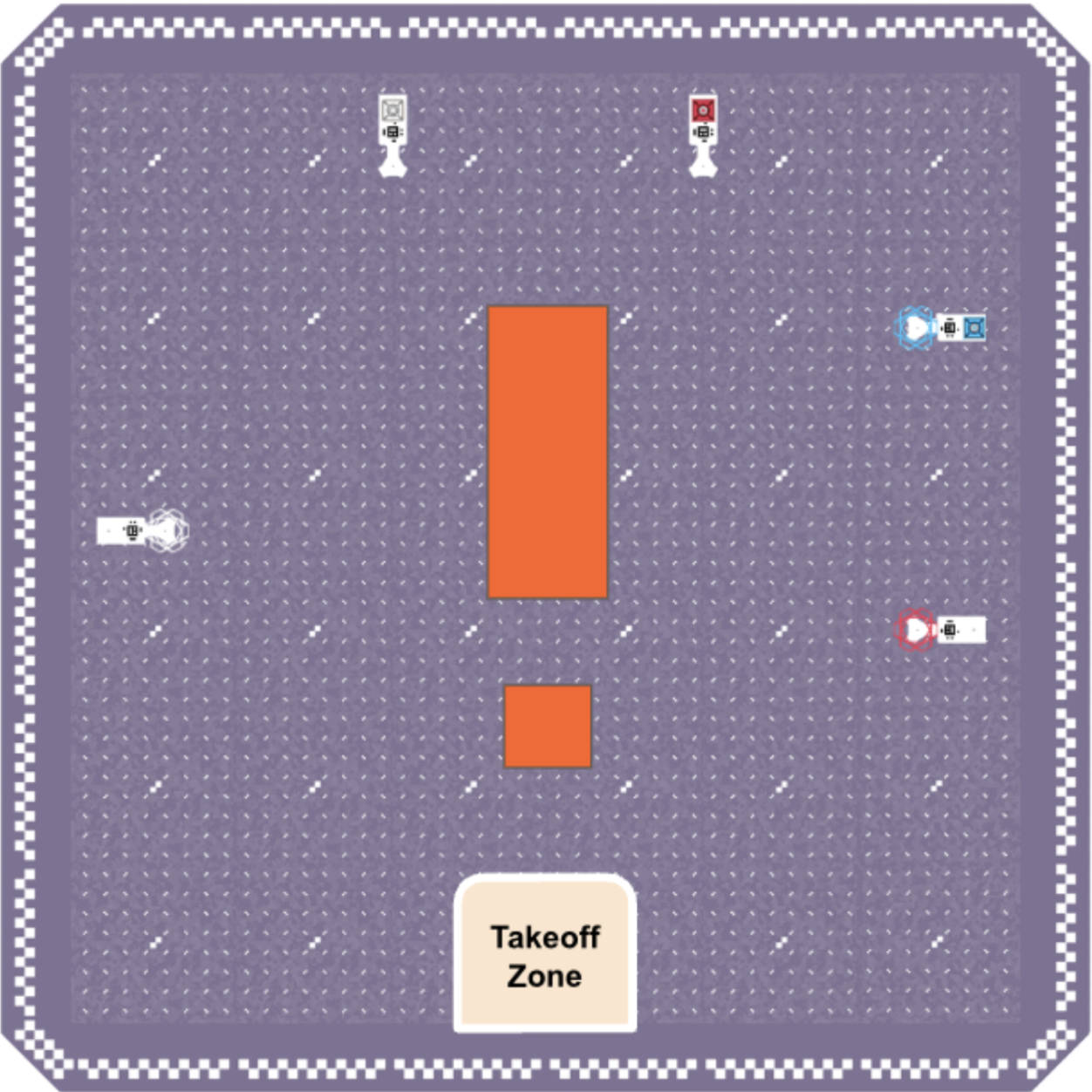
To set up your indoor flight area, place five floor plates for objects. They should be placed as follows:
- Two along the upper edge of the flight area approximately 2 feet (0.6 m) apart from one another, each holding one cargo object.
- Two along the right edge of the flight area approximately 2 feet (0.6 m) apart from one another.
- The plate closer to the upper edge of the flight area should be loaded with one orbit ball and one cargo object as shown in the image below.
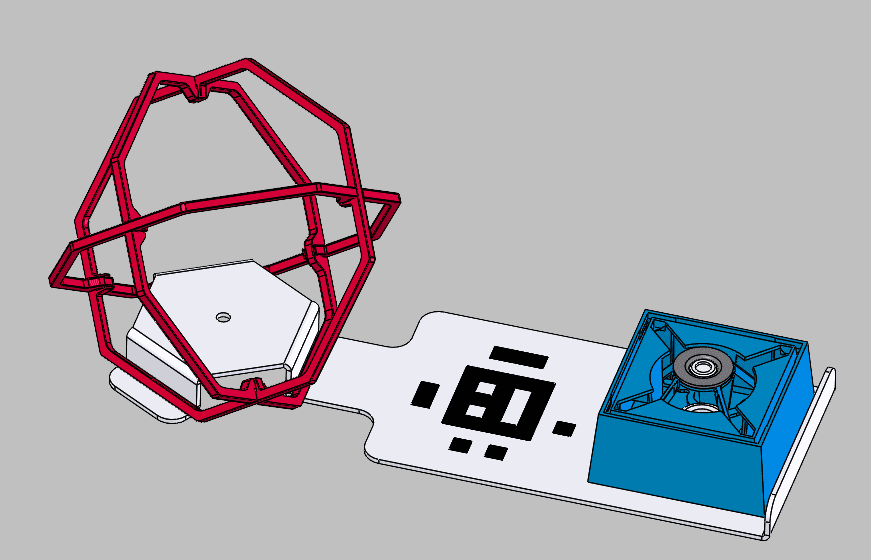
- The other floor plate should be loaded with one orbit ball.
- The plate closer to the upper edge of the flight area should be loaded with one orbit ball and one cargo object as shown in the image below.
- One at the center of the left edge of the flight area holding one orbit ball.
Two goals should be placed in the open center area. Both goals should have raised sides. The large goal should be at least 12 inches by 24 inches (0.3 m by 0.6 m). The small goal should be approximately half the size of the large goal.
Mark a takeoff zone in the center of the bottom of the flight area. Use the image below for reference as you set up your flight area.
Phase 1: Develop a Flight Plan
Creating a flight plan is essential to success in the Drone Flight Challenge. You will need to think strategically about how you will move objects with the different modules in the timed challenge, so that you can optimize your scoring to best suit your strengths as a pilot.
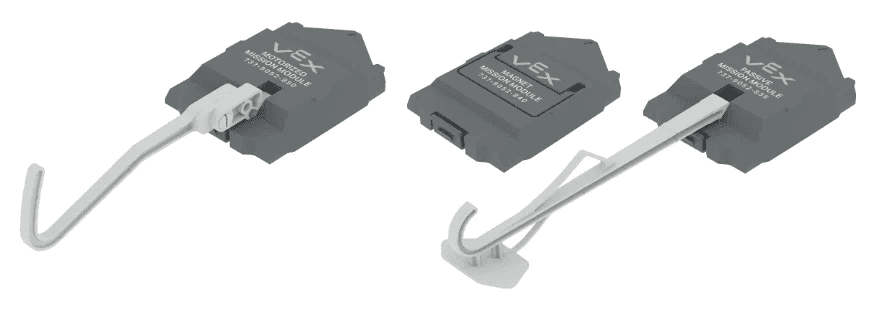
Use the Phase 1 section of the Mission Log to document your flight plan.
- Your flight plan should describe how you intend to fly during both periods of your run. This can include things like where the drone will fly, the module(s) used, the order in which you will pick up and score objects, and the maneuvers needed to complete the flight path.
- Use the legend in the Mission Log for reference to help you communicate your plan.
- Talk with your copilot(s) about your plan, as they can offer valuable perspective and feedback. Your copilot(s) will also be touching the drone during the break.
- Document your decisions and why you chose that approach. Explain why you chose this path to try first and what advantages you think it gives you in the challenge.
Pro Tip: Look back at your Mission Logs to get data about flying with different modules, and use that data to inform your decisions about your plan.
Check in with your instructor to share your flight plan before moving on to the next phase.
Phase 2: Practice Your Plan
Once your initial plan is ready, it is time to test it. You can practice in the VEX AIR Flight Simulator or with the physical drone in your flight area. Practicing will help you determine what adjustments can be made to optimize your ability to score points in each period of the match.
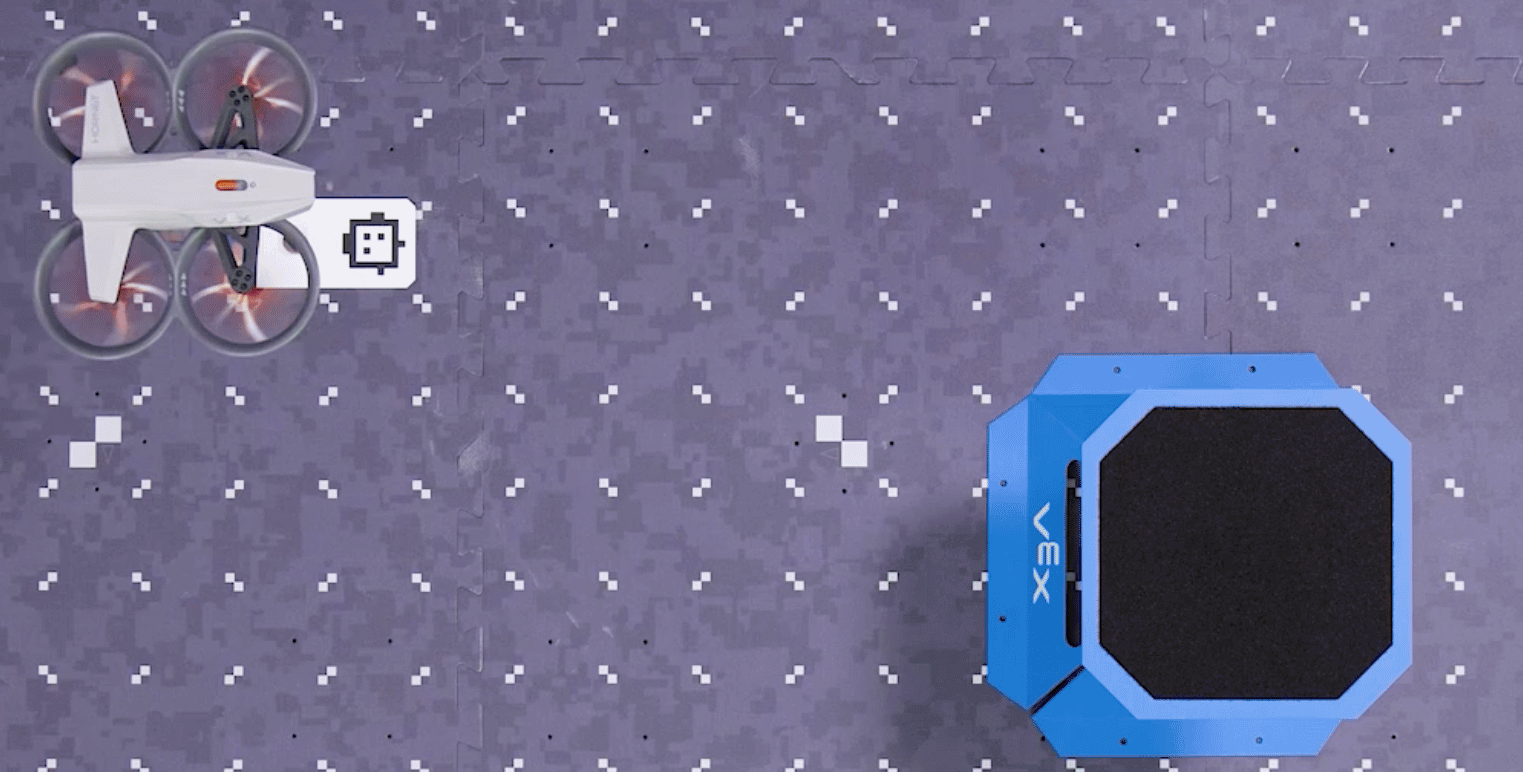
Practice flying your flight plan and record your flights in the Phase 2 section of the Mission Log.
- Document the same way you have in previous missions. Note things you want to change in your plan.
- Record any changes made to the plan as you practice.
- When you practice, make sure you are accurately replicating the two periods. You need to land at the end of the first period, then take off again to start the second.
- Practice multiple times so you can evaluate how effective your flight plan is in the next phase. Be sure to score each run so you can use your scoring data to help you make refinements.
Check in with your instructor after you have completed and documented several practice flights (at least one with the physical drone) and are ready to move on to the next phase.
Phase 3: Refine Your Flight Plan
Now that you have data and documentation about your performance from practicing, you are ready to refine and adjust your plan to optimize it for the Drone Flight Challenge.

Use the Phase 3 section of the Mission Log to document your flight plan adjustments.
- Record any changes to your plan based on practice. You can sketch or write to communicate the changes.
- Document why you are making those changes, and what data (score, observations, copilot feedback, etc.) you used to inform your decisions.
- Remember to talk with your copilots to help you make flight plan adjustments, and to communicate your changes so they know how to help during the break.
Check in with your instructor to share your refined flight plan before going back to practice your new flight plan or moving on to flying the challenge.
Phase 4: Fly the Drone Flight Challenge
Now that you have planned, practiced, and refined your strategy, it is time to fly the Drone Flight Challenge! Your goal is to score as many points as you can over two runs. You will fly the mission three times, and take your two highest scores.
Follow your refined flight plan, and document each run. Focus on incremental improvement with each run.
Use the Phase 4 section of the Mission Log to record your runs.
- Record each flight and note areas where you could improve speed or accuracy to score more points.
- Pay special attention to any problem areas, for example, when the difficulty of scoring an object in a higher-value goal outweighs the benefit.
Select Next > to move on to the next lesson.