
Congratulations! Now that you have completed the Drone Flight Challenge, it is time to reflect on your progress throughout this course. Every mission you've flown has provided you with the opportunity to build your drone piloting skills, as well as your safety practices. Now it is time to reflect on your learning with your class, calculate your total flight data, and complete your course certificate.

Reflect on Your Progress
You have achieved a great deal throughout this course. When you began, you had practiced flying with the VEX AIR Flight Simulator, but had not yet flown the physical VEX AIR Drone. Now you have accumulated many flights with the drone and VEX AIR Drone Controller, and have all the tools you need to become the best pilot you can be. Take time to look back over all the experience you have gained throughout the course, so you can appreciate your progress.
Review the following questions to prepare for a whole-class discussion:
- What is something you can do now that you could not do at the beginning of the course?
- Which mission or activity made you feel the most successful? What happened?
- How did your thinking about drones or drone piloting change during this course?
- What strategies helped you persist when something felt difficult?
- What advice would you give to a student who is about to start this course?
Mission Log Summary
Your Mission Logs are a record of every flight you have taken with the drone. This information is an important record of your drone pilot training. Now that you have completed the VEX AIR Controller Flight course, you can total your flights and flight time using your Mission Logs.
Total Flights and Flight Time
Look back at all of your Mission Logs from the start of the course through the Drone Flight Challenge.
- Add up the total number of flights you completed in the course.
- Add up every flight's duration to determine how many hours, minutes, and seconds you logged in the air.
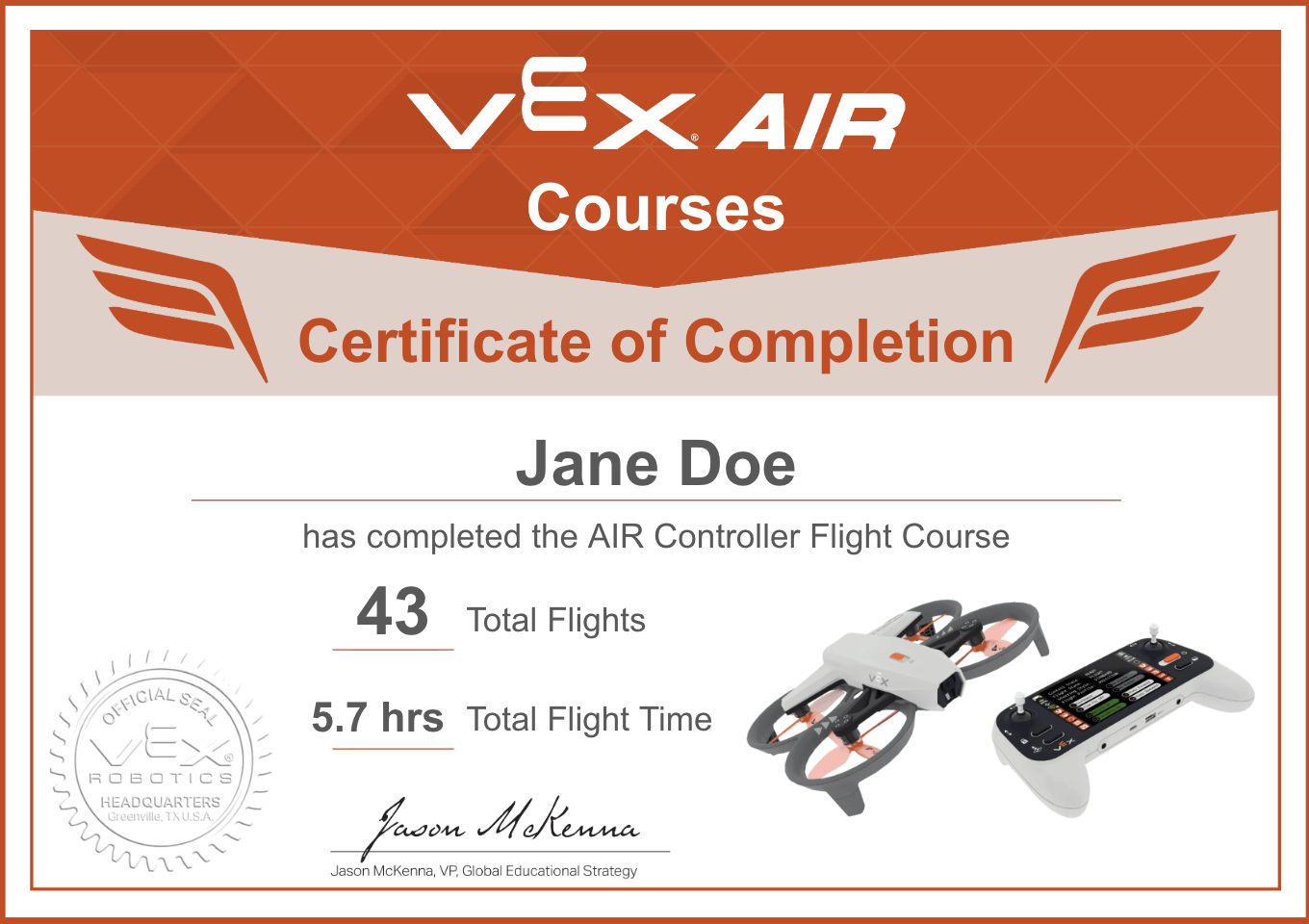
- Record your totals on your Controller Flight Certificate.
Congratulations!
Now that you have your total flights and flight time, you can complete your certificate for this course. Enter your totals on the certificate and celebrate your success! A certificate template can be found here (Google Doc / .pdf).
Select Return to Units > to return to the course overview.