
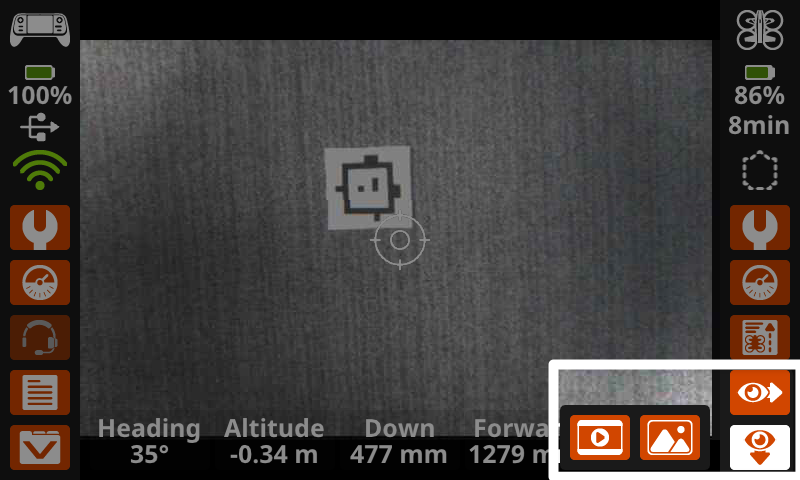
You have previously learned to use two important tools for accurate and precise flight with the VEX AIR Drone — the data on the Drone Dashboard, and the Front and Down Camera views, shown on the VEX AIR Drone Controller. In this unit, you will add to your flight toolkit, as you learn how to capture images and videos during flight.
Vocabulary
The terms below will help you as you learn about camera views. The vocabulary list is here to provide reference for key terms you may not be familiar with.
- Front Camera — The camera on the front of the drone that captures images and video in the direction the drone is facing.
- Down Camera — The camera on the bottom of the drone underneath the nose that captures images below the drone.
Select Next > to move to the next lesson.