
In this lesson, you will explore heading data in the Drone Dashboard on the VEX AIR Drone Controller. As you yaw (turn) the VEX AIR Drone left or right around the z-axis, the controller displays its direction as a heading value. By observing how that value changes with each rotation, you will begin to understand how heading is measured and how it relates to the drone’s starting position.
Watch the video below to learn about:
- How yawing (turning) with the drone affects heading values on the Drone Dashboard.
- How the heading value helps you describe the drone's position as it rotates.
Hover & Discover
In the Virtual Flight Course, you learned about Standard and Headless steering modes. In Standard Mode, the drone moves based on the direction it is facing, so yawing (turning) changes what “forward” means. In Headless Mode, the drone uses heading data to keep the controls the same from your point of view, even after you yaw (turn).
No matter which mode you are using, the drone is always measuring its heading. The difference is how that heading information is used to interpret your joystick inputs.
Mission: Heading Hunt
In this mission, you will take off, then use the data in the Drone Dashboard to yaw (turn) to a series of headings. Follow these steps to complete your mission:
- Mark a takeoff zone in the center of your flight area.
- Ensure all flight team members are clear on their flight roles.
- Use the pre-flight checklist in the Mission Log (Google Doc / .docx / .pdf) to ensure you, your indoor flight environment, and the drone itself are ready and safe for flight.
- Take off and yaw (turn) the drone so its nose faces the first heading in the Mission Log.
- Record what object or area the front of the drone is pointing toward for each given heading.
- Continue to yaw the drone to all given headings, noting what the drone is pointing toward each time.
- Land the drone.
- Make sure the drone is in the original takeoff zone. Rotate it 90° and repeat Step 4 above, rotating to each given heading and recording your observational data in the Mission Log.
Pro Tip: Even in Precision Mode, the drone will respond very quickly when you use the left joystick to yaw (turn). You may not need to move the joysticks as far as you initially think to reach each heading!
Real-World Connections
On the ground, people often use roads, buildings, or landmarks to figure out where they are going. In the air, those reference points are not always available. Pilots cannot rely on streets or signs to guide them, especially when flying over water, forests, or large open areas.
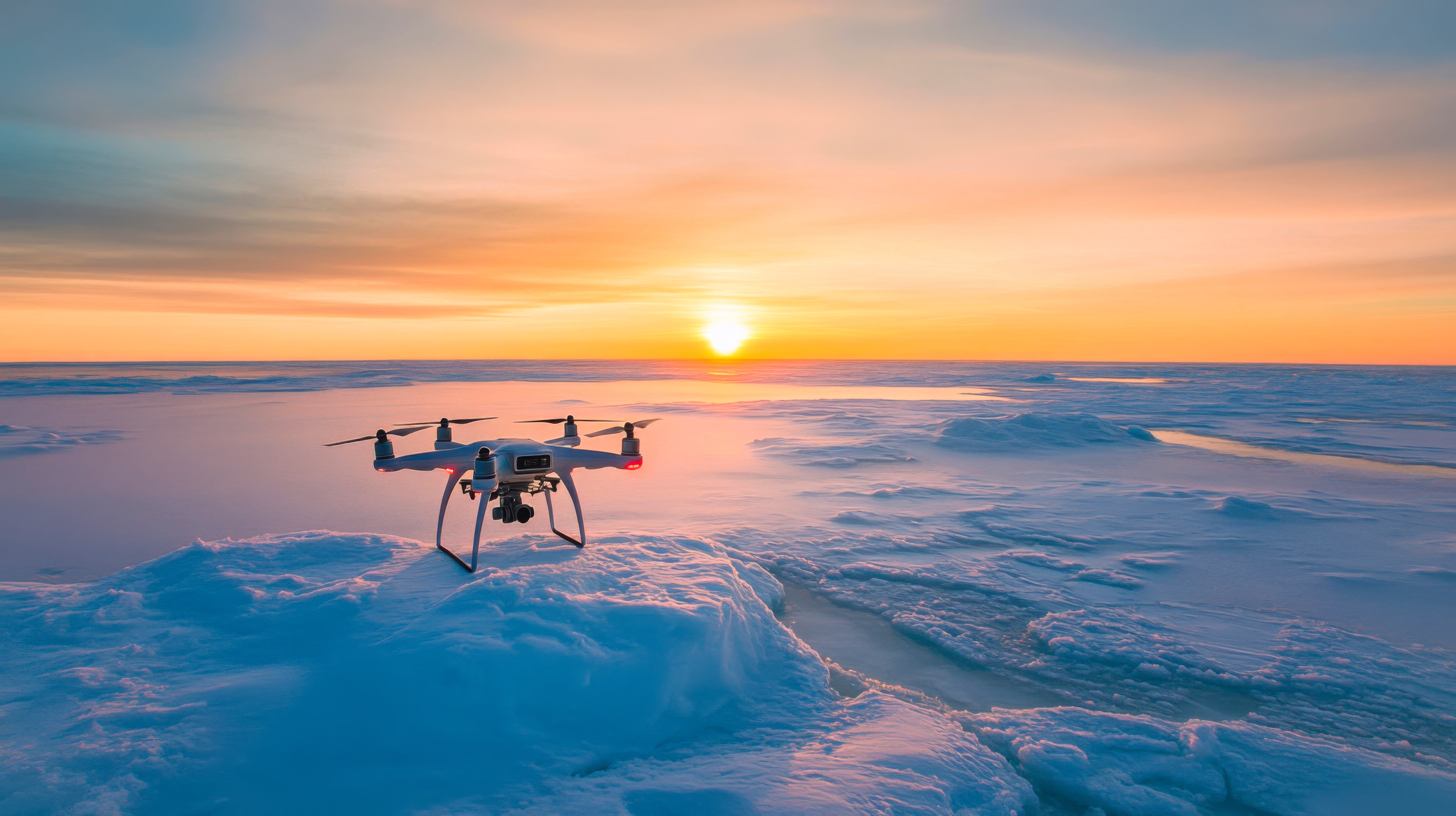
Instead, pilots use heading to know exactly which direction they are facing and where they are traveling. By monitoring heading data, drone pilots can navigate accurately, stay on course, and reach their target safely. Just like professional pilots, you can use heading information to make sure your drone is pointed in the correct direction before moving forward.
As shown in this image, commercial drones may operate in large open environments where pilots rely heavily on heading data to stay oriented and navigate accurately.
Check Your Understanding
Before moving on, ensure that you understand the concepts in this lesson by answering the questions here (Google Doc / .docx / .pdf).
Select Next > to move to the next lesson.