Täysi volyymi
4 Oppitunnit
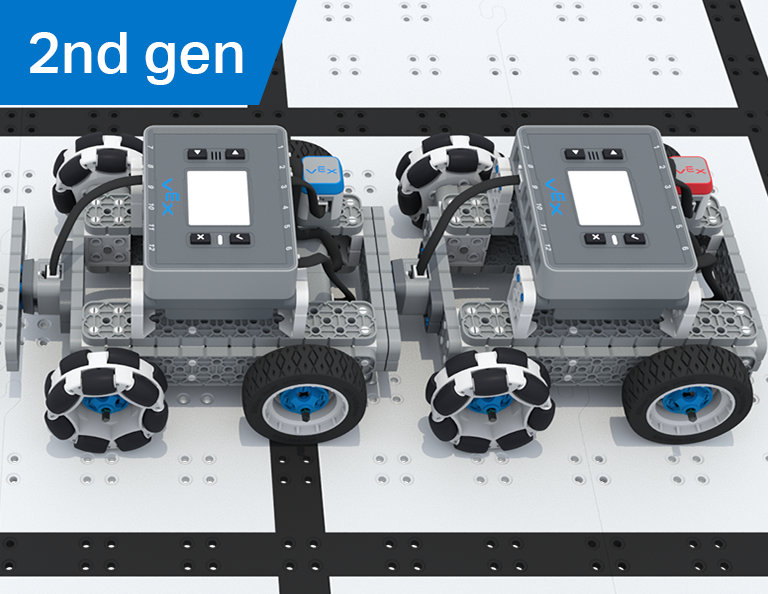
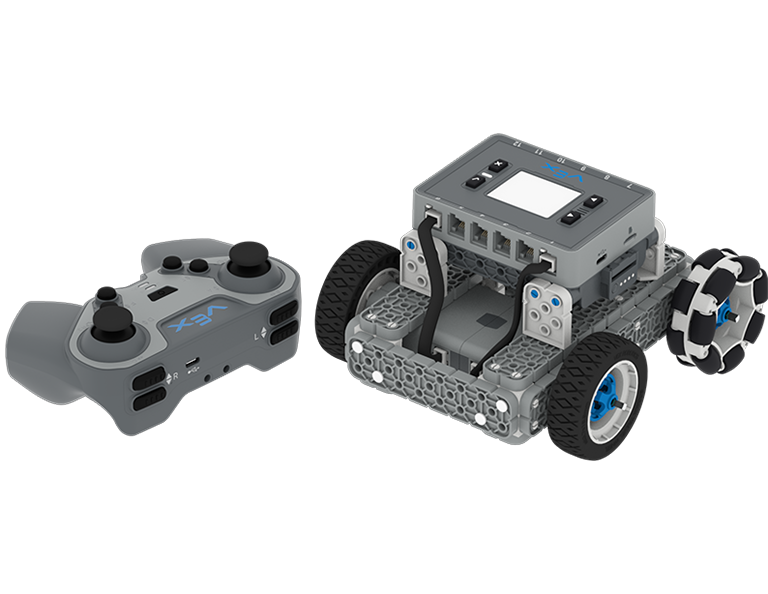
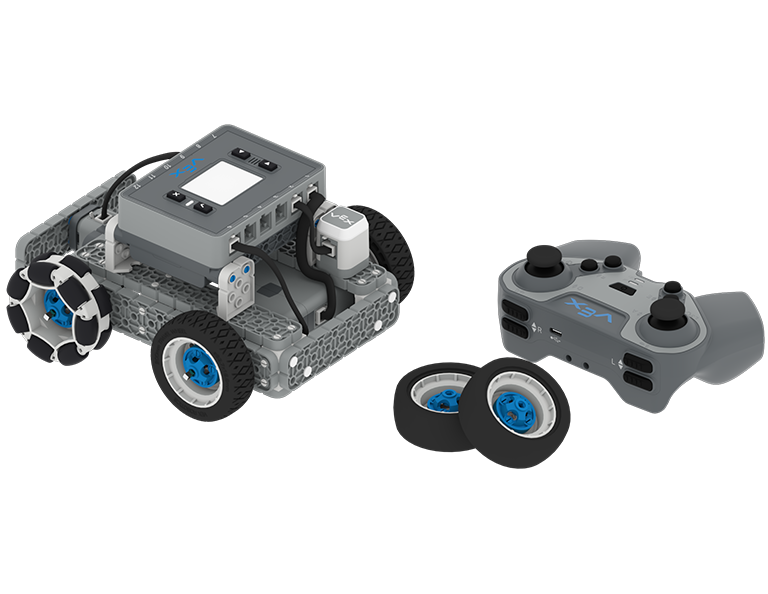
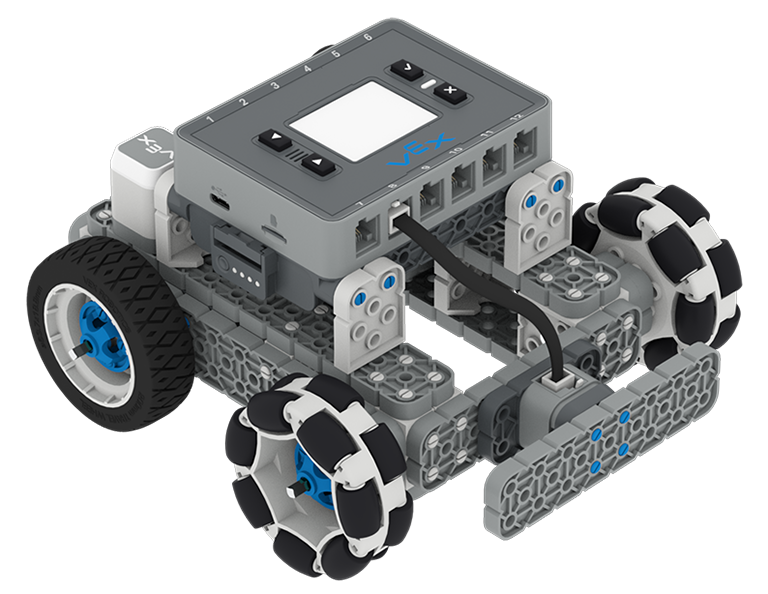
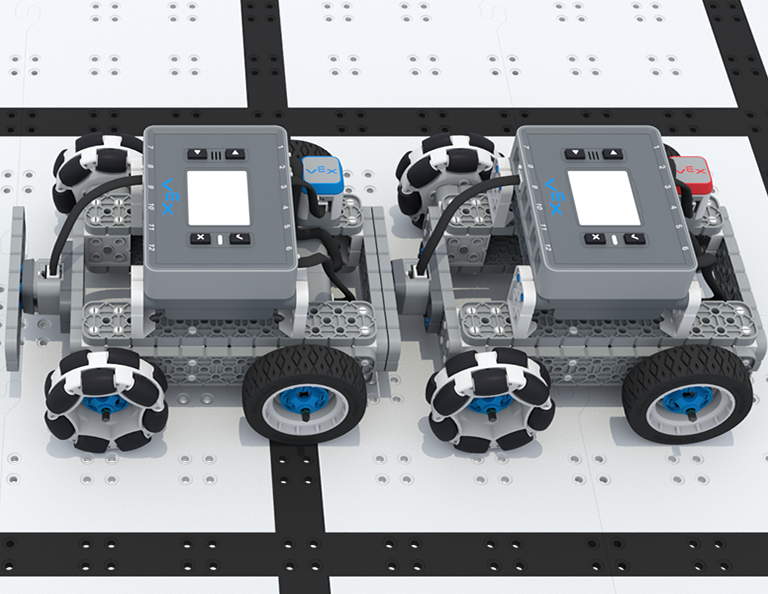
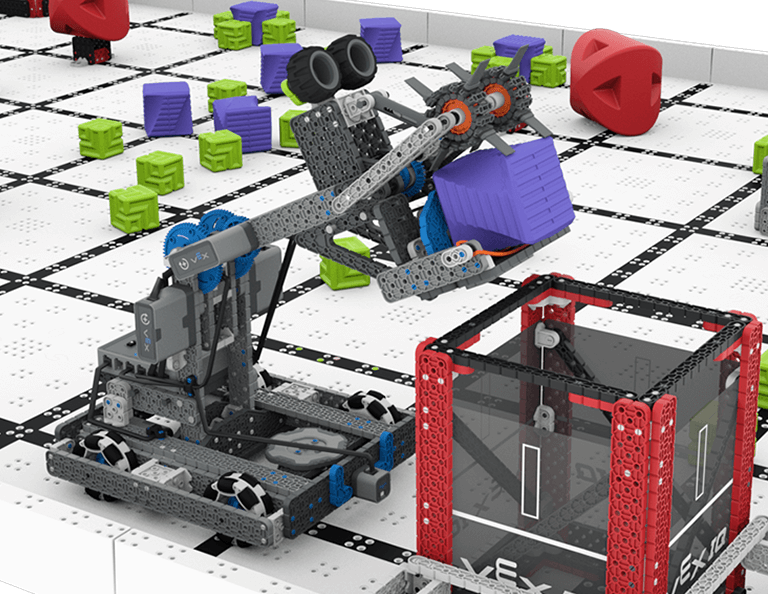
Tässä yksikössä rakennat Byten, HeroBotin 2023-2024 VIQRC Full Volume -peliin ja opit tekemään maalin. Koko yksikön aikana opit tavun ajamisesta ja tavun koodaamisen aloittamisesta autonomista liikettä varten, jotta voit osallistua Robot Skills Challengeen kilpailukauden aikana.
*Edellyttää IQ (2nd gen) Competition Kit
Vieraile opettajaportaalissa, jossa on opettajien tukimateriaaleja ja videoita täysimääräisten oppituntien sisällöstä ja helpottamisesta.
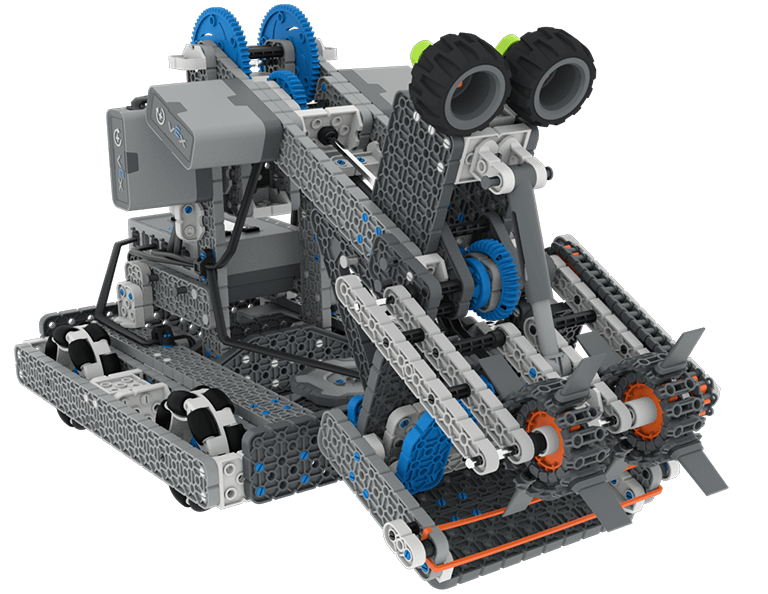
Lesson 1: Building and Driving Byte
In this Lesson you will build Byte, the HeroBot for the 2023-2024 Full Volume game and learn how to drive it with the IQ Controller.
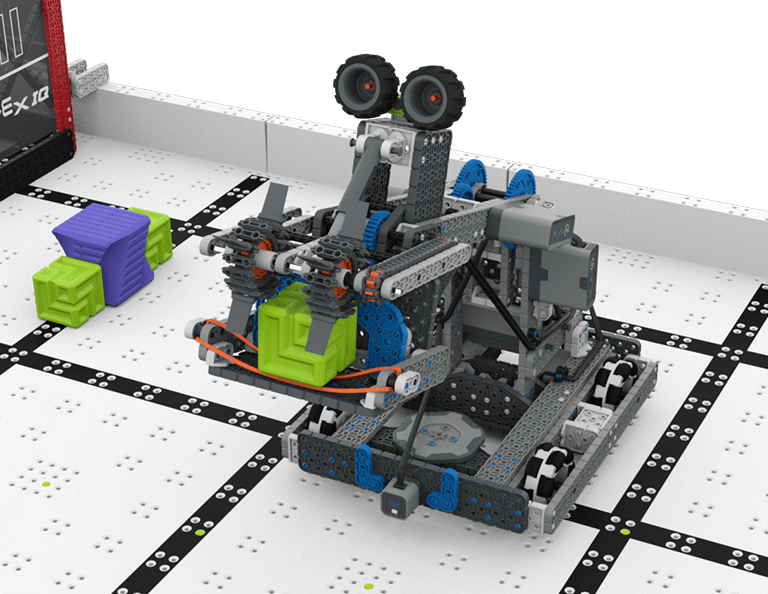
Lesson 2: Driving Skills
In this Lesson, you will learn about the Full Volume Competition so that you can compete in a Driving Skills Match.
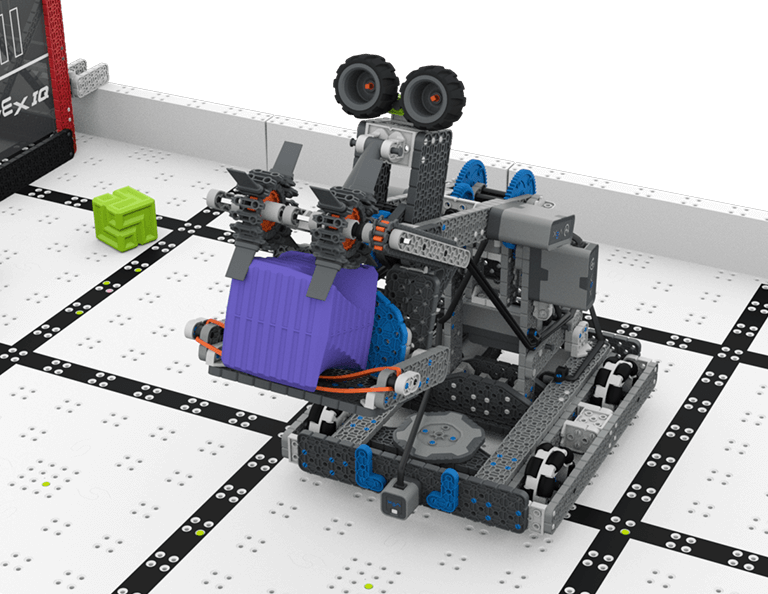
Lesson 3: Autonomous Coding Skills
In this Lesson, you will learn how to code the drivetrain, intake, and arm of Byte so that you can compete in an Autonomous Coding Skills Match.
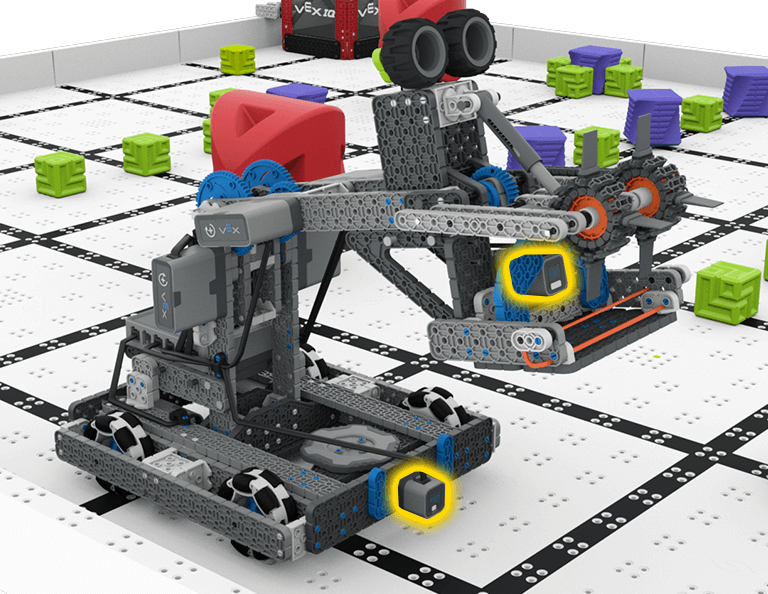
Lesson 4: Sensors on Byte
In this Lesson, you will learn about the sensors that are a part of Byte. Then you will apply your skills from the previous Lessons and participate in a Robot Skills Challenge.

Ylös ja yli
6 Oppitunnit
Tässä osiossa opit suunnittelemaan Clawbotin keräämään, poimimaan ja siirtämään kuutioita kentän puolelta toiselle Ylös ja yli -kilpailussa!
Vieraile Opettajien portaalissa opettajien tukimateriaaleja ja videoita ylös ja yli -tuntien sisällöstä ja helpottamisesta.

Lesson 1: Introduction
In this Lesson, you will be introduced to the Up and Over competition, set up the Battery and Controller, get ready to code, and build the Clawbot.
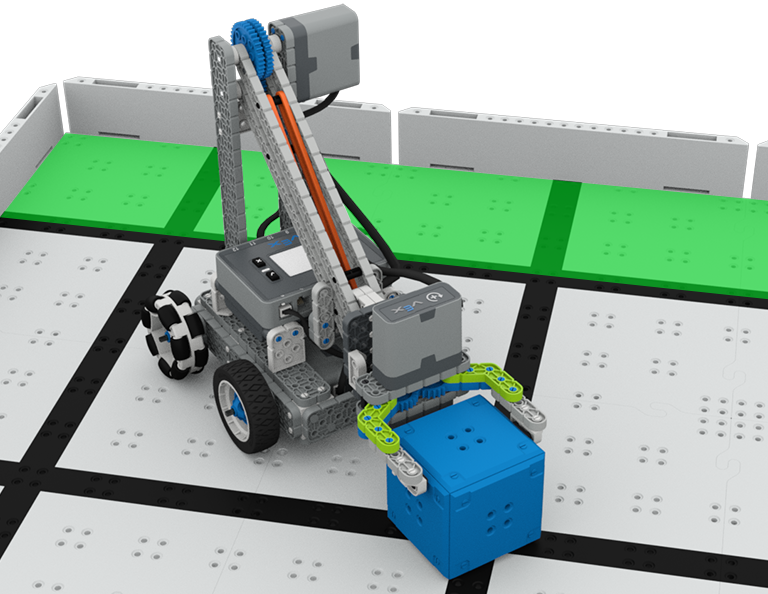
Lesson 2: Claw Design
In this Lesson, you will learn what a claw is, how an effective claw works, and how scouting can benefit your team's designs and strategy. Then, you will apply what you have learned in the Grab and Go challenge.
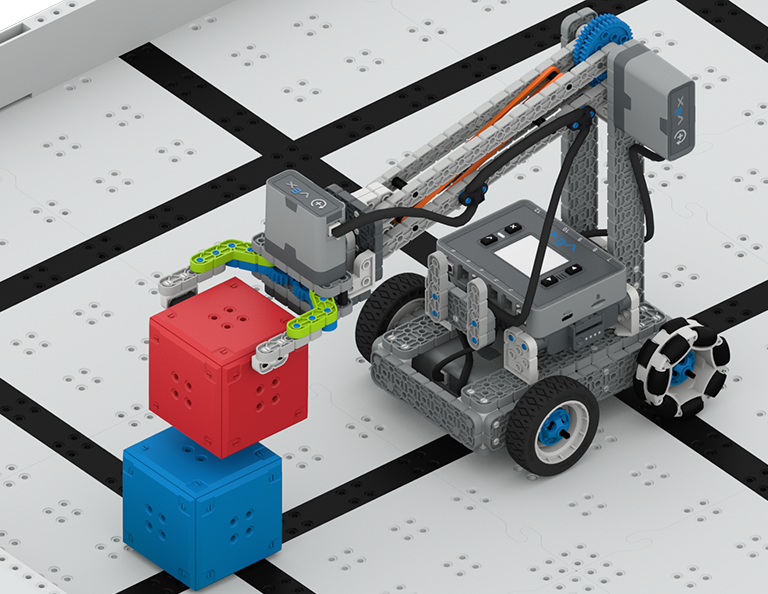
Lesson 3: Arm Designs
In this Lesson, you will learn about different elements of robotic arms, how they work, and what makes an effective arm design, in order to stack as many cubes as you can within a minute in the Stacked Up challenge.
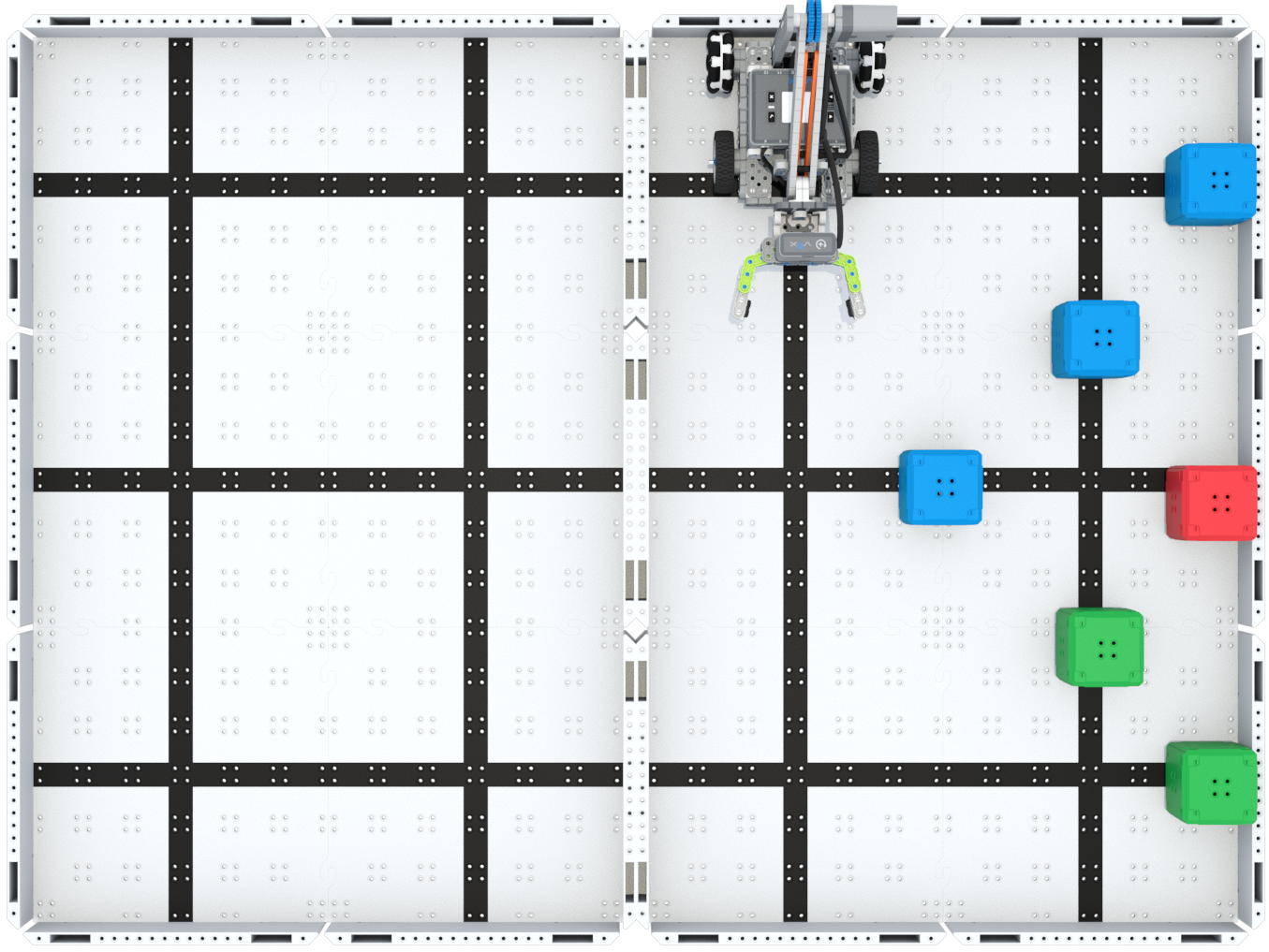
Lesson 4: Motor Groups
In this Lesson, you will learn what motor groups are, how they can be helpful, and how to configure motor groups in VEXcode IQ in order to iterate on your robot to complete the Up and Over challenge.
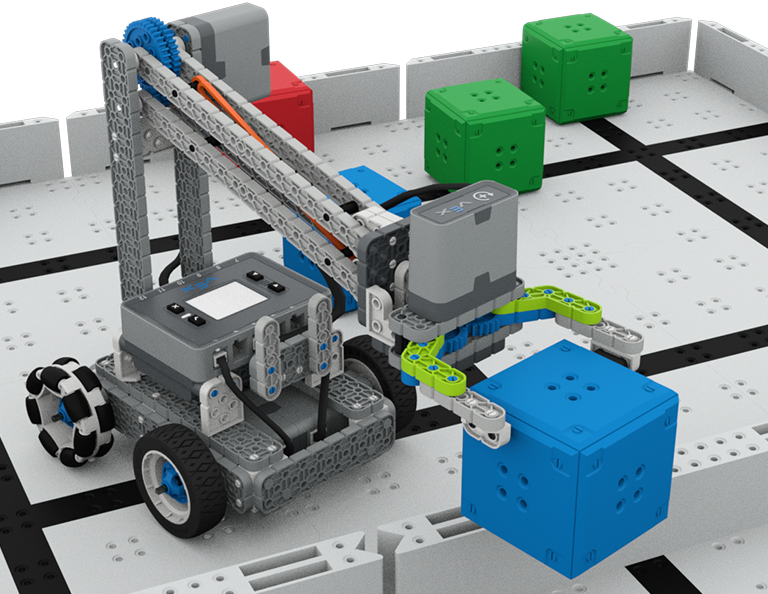
Lesson 5: Up and Over Competition
In this Lesson, you will apply your learning from the previous Lessons to compete in the Up and Over competition!

Lesson 6: Conclusion
In this Lesson, you will reflect on the Unit and identify connections between what you have done and a STEM career.
Robotti jalkapallo
4 Oppitunnit
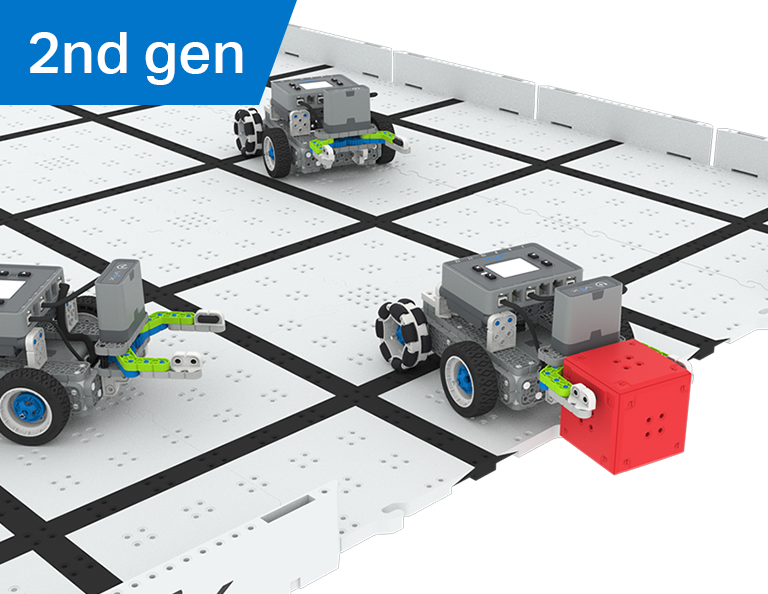
Tässä osiossa tutkit kuinka luoda manipulaattori robottiisi tarttumaan, syöttämään ja tekemään eniten maaleja robottijalkapalloilijana Robot Soccer -kilpailussa!
Opettajien portaalista löydät opettajien tukimateriaaleja ja videoita robottijalkapallotuntien sisällöstä ja helpottamisesta.
Oppitunti 1: Johdanto
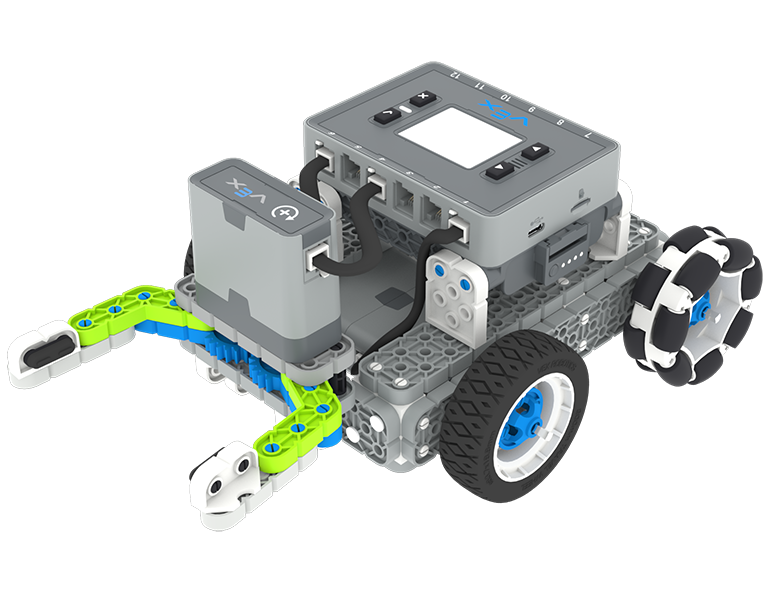
Tällä oppitunnilla rakennat Simple Clawbotin, lataat ohjaimen ja akun sekä valmistaudut koodaamaan.
Oppitunti 2: Manipulaattorit
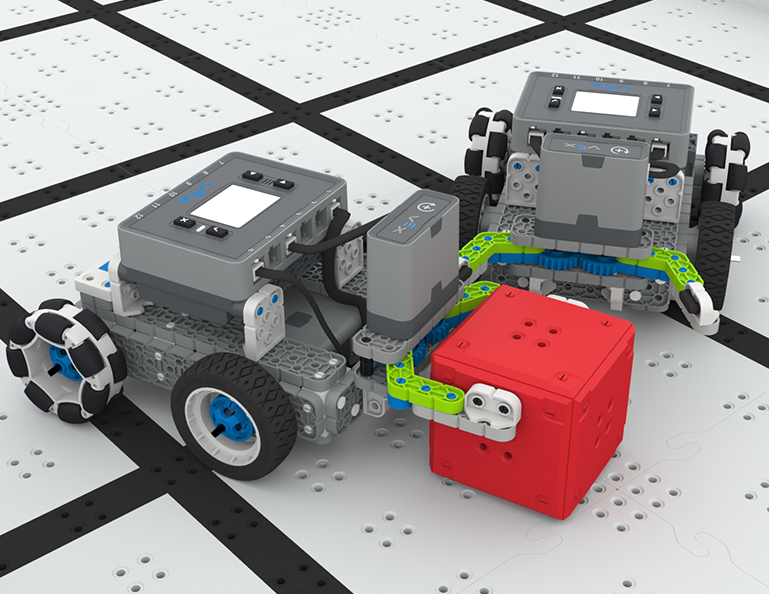
Tällä oppitunnilla opit passiivisista ja aktiivisista manipulaattoreista ja imuaukon suunnittelusta, jotta voit toistaa robottisi suunnittelua ja kilpailla One-on-One Robot Soccer -haasteessa!
Oppitunti 3: Robottijalkapallokilpailu
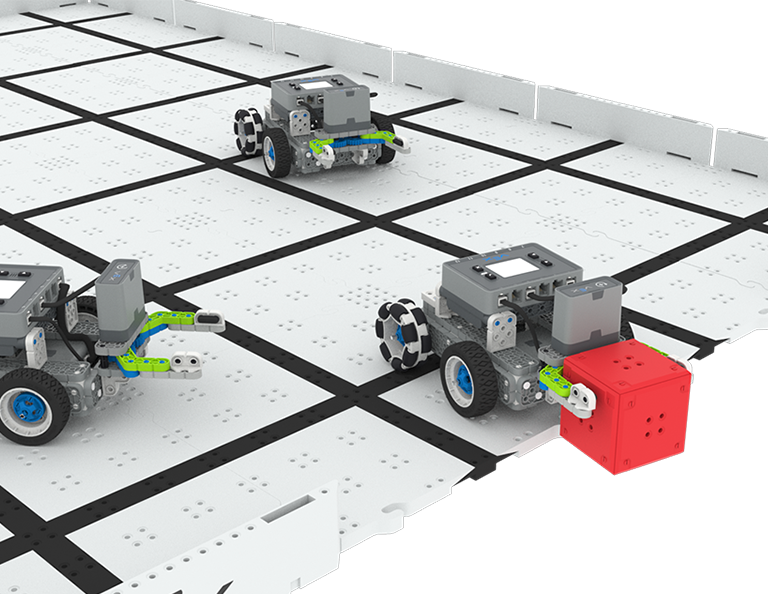
Tällä oppitunnilla käytät edellisen oppitunnin oppimaasi osallistuaksesi Robot Soccer -kilpailuun!
Oppitunti 4: Johtopäätös
Tällä oppitunnilla pohdit yksikköä ja tunnistat tekemiesi yhteyksien ja siihen liittyvän STEM-uran välillä.
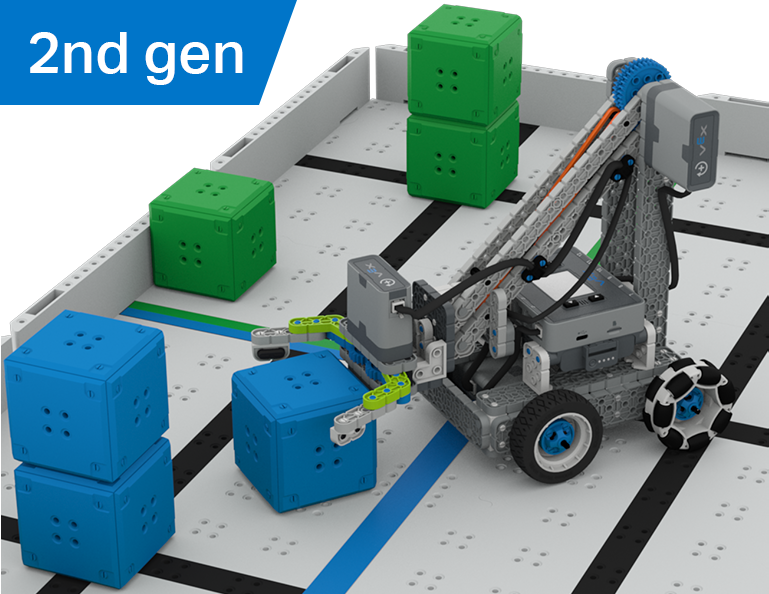
Kuution keräilijä
6 Oppitunnit
Tässä osiossa tutkit eroa kuljettajan ohjauksen ja autonomisten haasteiden välillä, kun opit ajamaan Clawbotia ja koodaamaan sitä lajittelemaan ja pinoamaan kuutiot Cube Collector -kilpailussa!
Opettajien portaalista löydät opettajien tukimateriaaleja ja videoita Cube Collector -oppituntien sisällöstä ja helpottamisesta.
Lesson 1: Introduction
In this Lesson, you will be introduced to the Cube Collector competition, build the Clawbot, and get ready to code.
Lesson 2: Driver Control
In this Lesson, you will learn about using the Driver Control program on the IQ Brain so that you can drive the Clawbot to stack and score cubes on the Field and participate in the Speed Stack Challenge.
Lesson 3: Coding for Autonomous Movements
In this Lesson, you will learn about coding your robot for autonomous movements, including how to plan the path of your robot. Then, you will create a VEXcode IQ project to score and stack cubes in the Coding for Cubes autonomous challenge.
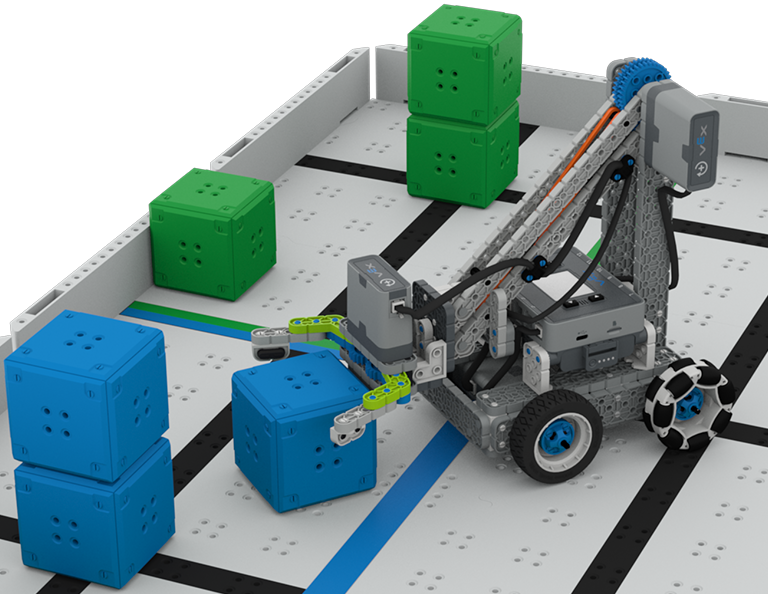
Lesson 4: Using Multiple Programs (Autonomous & Driver)
In this Lesson, you will learn about customizing driver controls and how you can use the Controller and VEXcode IQ to optimize your driver strategy for competing in a challenge with driver control and autonomous runs.

Lesson 5: Cube Collector Competition
In this Lesson, you will apply your learning from the previous Lessons to compete in the Cube Collector competition!

Lesson 6: Conclusion
In this Lesson, you will reflect on the Unit and identify connections between what you have done and a related STEM career.
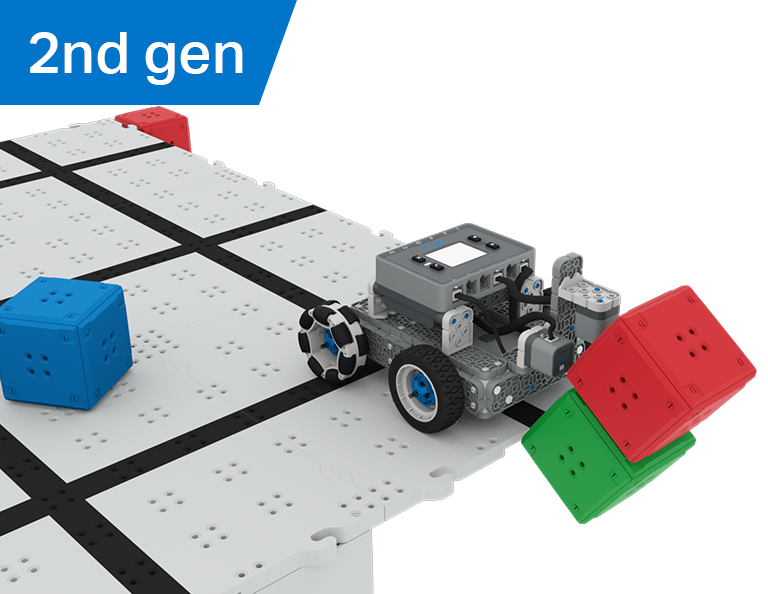
Castle Crasher
6 Oppitunnit
Tässä osiossa opit käyttämään optisia antureita ja etäisyysantureita etsimään, törmäämään ja tyhjentämään kuutio "linnoja" pisteiden saamiseksi Castle Crasher -kilpailussa!
Vieraile opettajaportaalissa, jossa on opettajien tukimateriaaleja ja videoita Castle Crasher Lessons -oppituntien sisällöstä ja helpottamisesta.

Lesson 1: Introduction
In this Lesson, you will be introduced to the Castle Crasher Competition, build the BaseBot, and get ready to code.
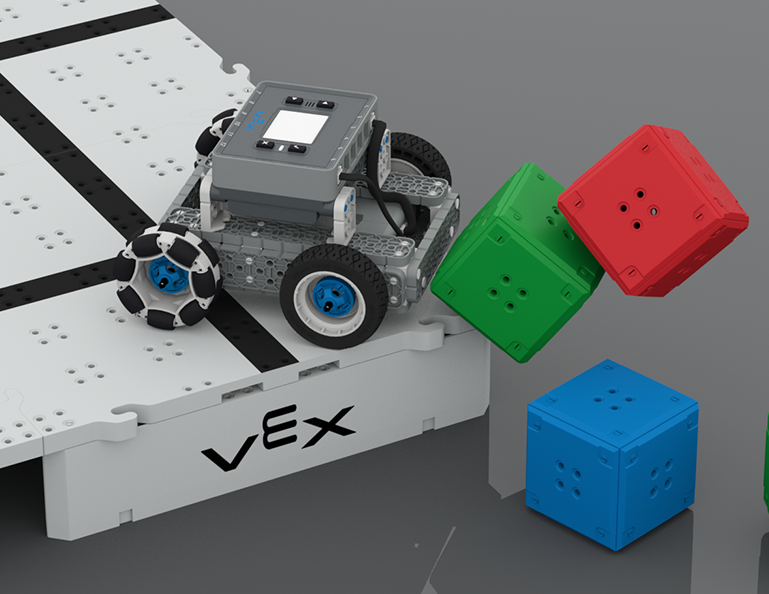
Lesson 2: Castle Crasher No Sensors
In this Lesson, you will learn about calculating angles and changing the velocity of your robot so that you can compete in the Tower Over Challenge.
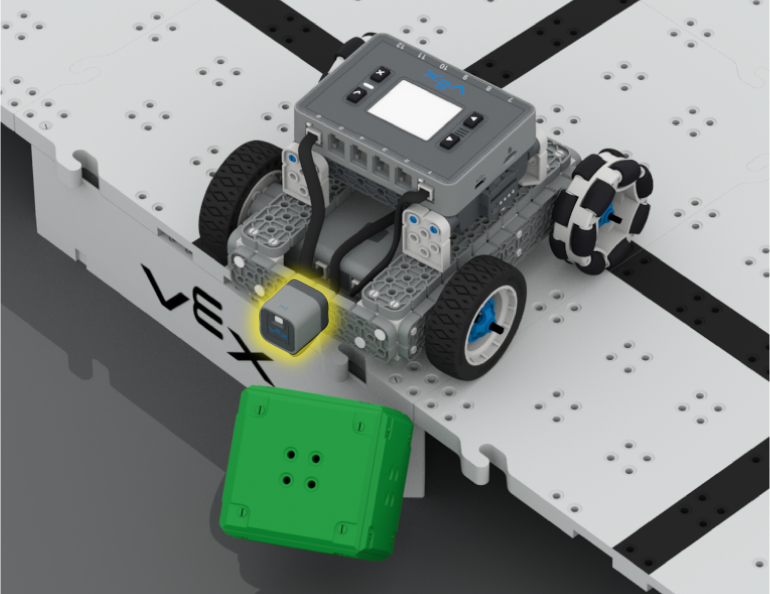
Lesson 3: Castle Crasher + Distance Sensor
In this Lesson you will learn about what the Distance Sensor is and how it can be used on your robot. You will also learn about the [Wait until] block and how it can be used in a VEXcode IQ project. Then you will apply what you have learned to compete in the Cube Crasher Challenge!
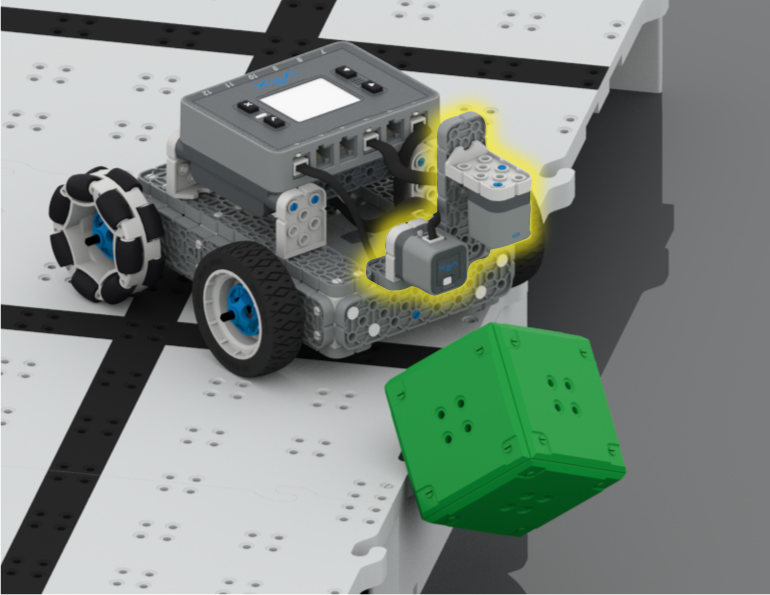
Lesson 4: Creating Algorithms
In this Lesson, you will learn about the Optical Sensor, and about how to create an algorithm that uses sensor feedback. Then you will code your robot to autonomously find cubes and push them off the Field in the Sweep the Field Challenge.
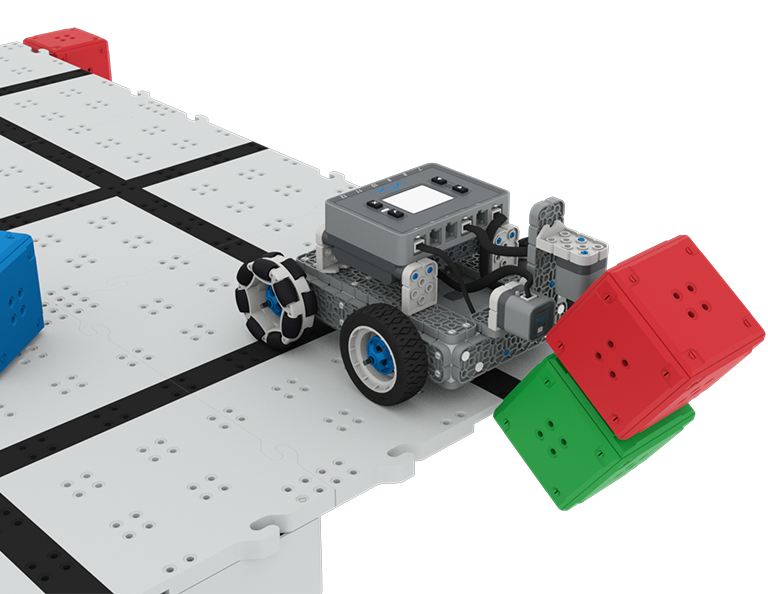
Lesson 5: Castle Crasher Competition
In this Lesson you will apply your learning from the previous Lessons to compete in a Castle Crasher competition!
Lesson 6: Conclusion
In this Lesson, you will reflect on the Unit and identify connections between what you have done and a STEM career.
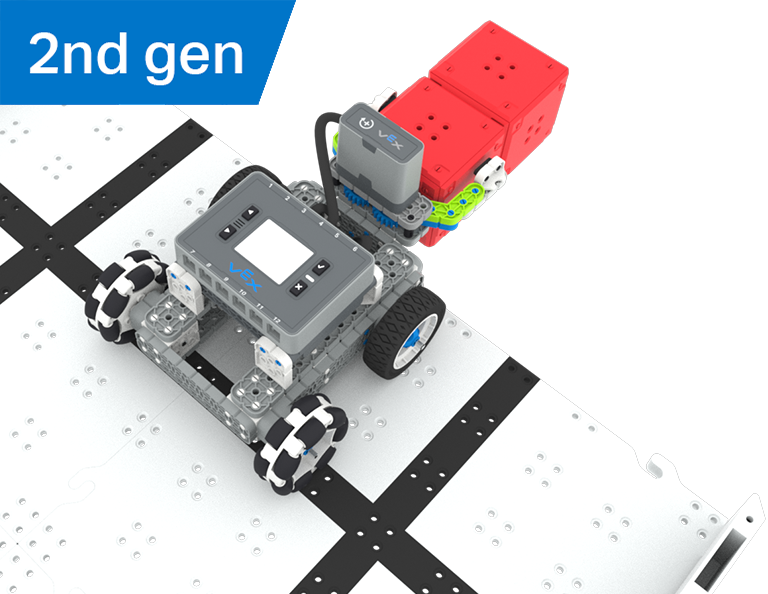
Aarrejahti
5 Oppitunnit
Tässä yksikössä rakennat ja koodaat Simple Clawbotin optisella anturilla tunnistamaan ja keräämään punaisia kuutioita kilpaillaksesi Treasure Hunt -kilpailussa!
Opettajien portaalista löydät opettajien tukimateriaaleja ja videoita aarteenetsintätuntien sisällöstä ja helpottamisesta.
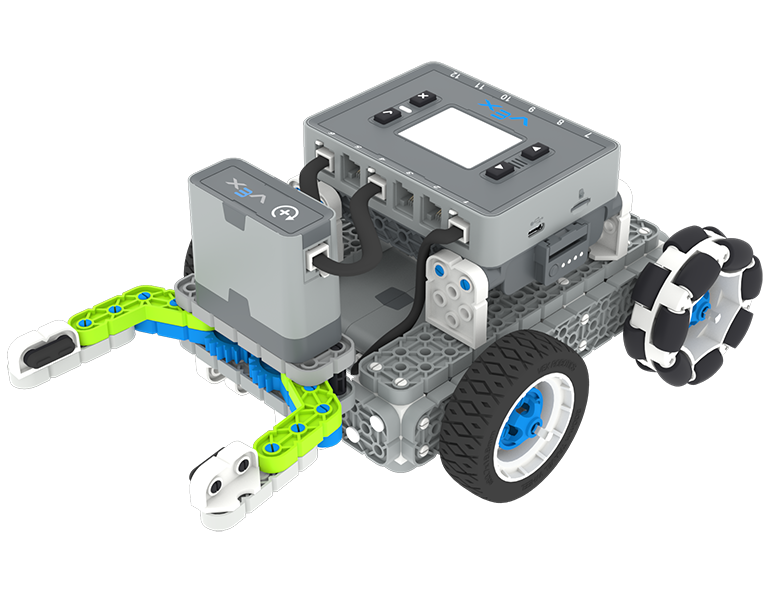
Lesson 1: Introduction
You will be introduced to the Treasure Hunt competition, build the Simple Clawbot, and get ready to code.
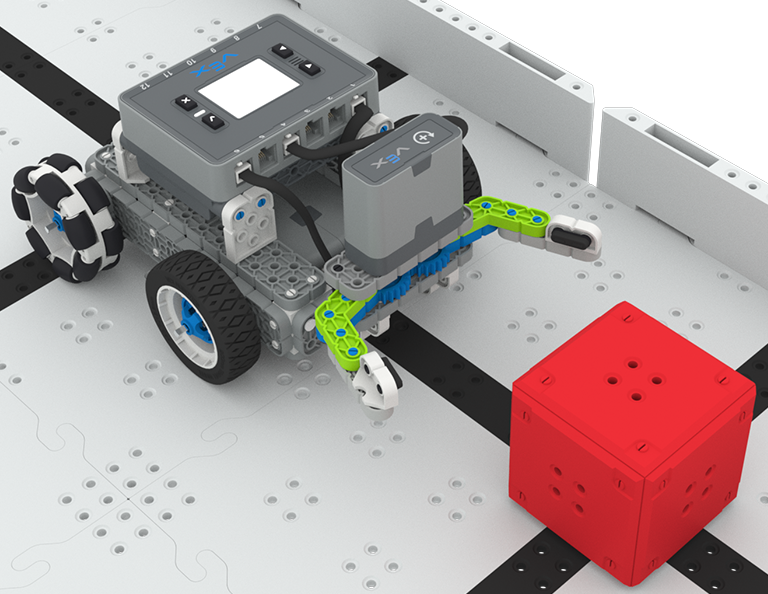
Lesson 2: Claw No Sensor
In this Lesson, you will learn about using Drivetrain and Motion blocks in VEXcode IQ to code your Simple Clawbot to collect and move cubes in the Clawbot Collector challenge.
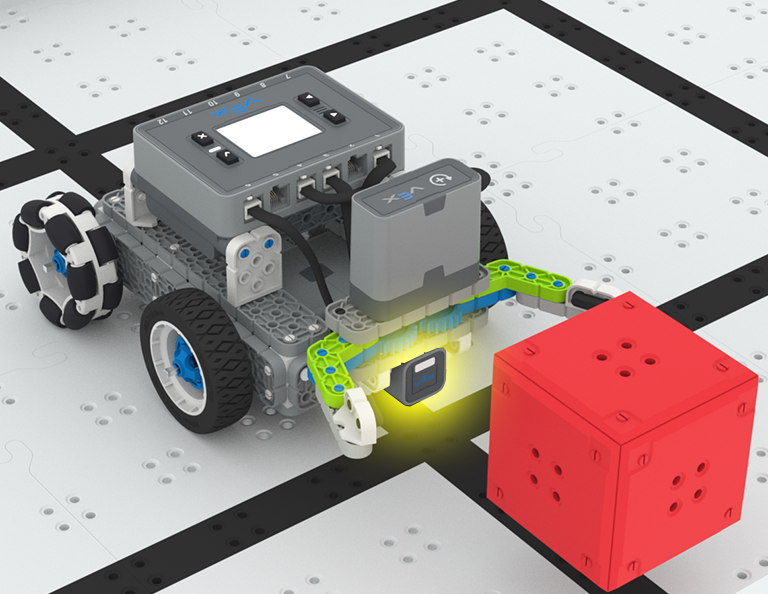
Lesson 3: Claw With Sensor
In this Lesson, you will learn about coding the Optical Sensor in order to detect, collect, and move a red cube in the Treasure Mover challenge!
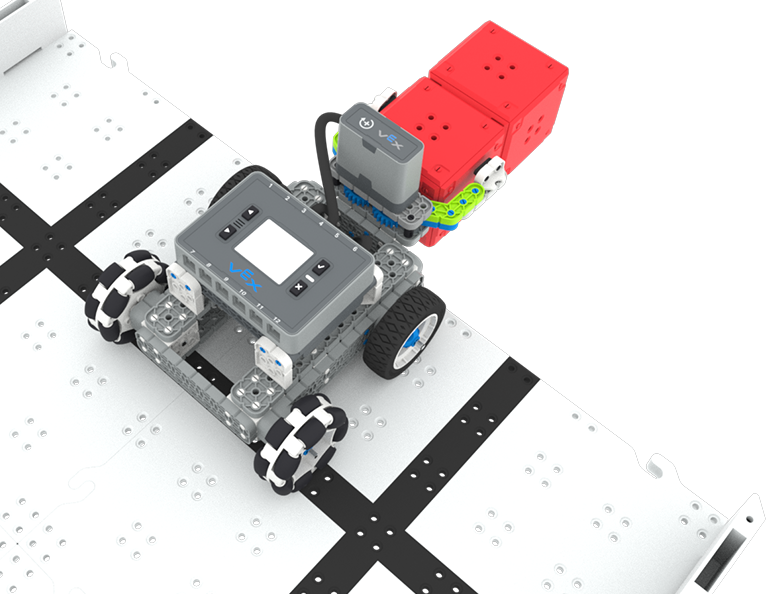
Lesson 4: Treasure Hunt Competition
In this Lesson you will apply your learning from the previous Lessons to compete in a Treasure Hunt competition!
Lesson 5: Conclusion
In this Lesson, you will reflect on the Unit and identify connections between what you have done and a STEM career.
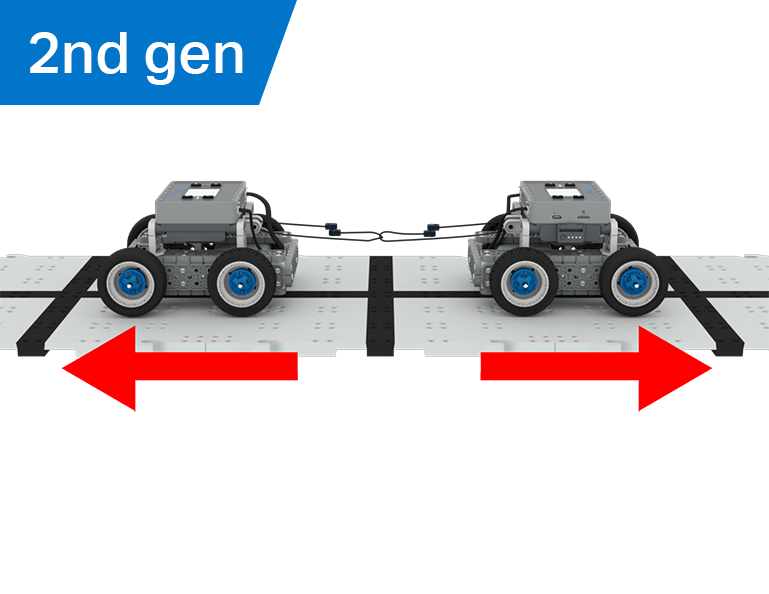
Köydenveto
6 Oppitunnit
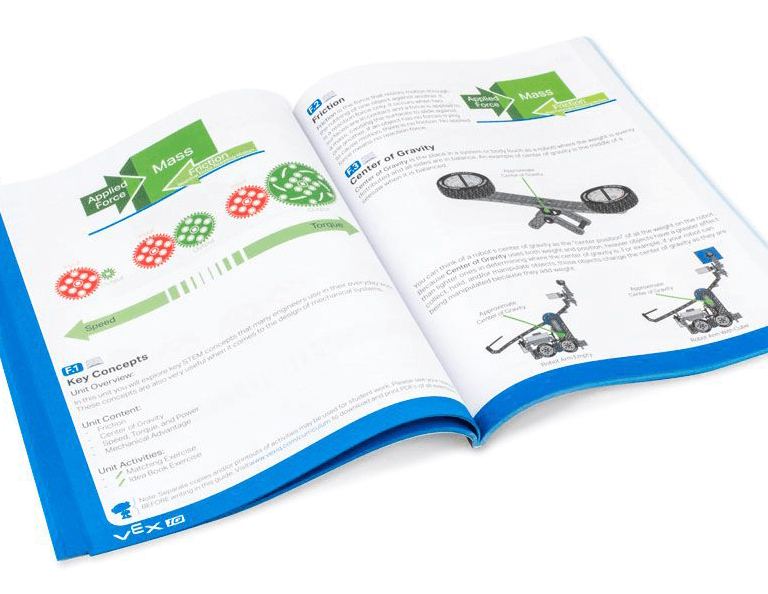
Tässä yksikössä tutkit kuinka mekaaninen etu ja massakeskus vaikuttavat BaseBotin kykyyn vetää esineitä, ja suunnittelet parhaan robotin Tug of War -peliin!
Vieraile Opettajien portaalissa, jossa on opettajien tukimateriaaleja ja videoita Köydenveto-oppituntien sisällöstä ja helpottamisesta.
Lesson 1: Introduction
In this Lesson, you will be introduced to the Tug of War competition and build the BaseBot.
Lesson 2: Pulling Objects with the BaseBot
In this Lesson, you will design a rope attachment to practice pulling objects with your BaseBot. Then you will compete in a Robot Tractor Pull challenge.

Lesson 3: Using a Gear Train
In this Lesson, you will add a gear train to your BaseBot to explore how different gear configurations affect your robot's ability to pull an object. Then you will compete in a Gear Train Tractor Pull challenge.
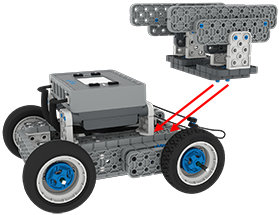
Lesson 4: Adding Mass
In this Lesson, you will add mass to your BaseBot to explore how changing the center of mass affects your robot's ability to pull an object. Then you will compete in a Tug of War challenge.
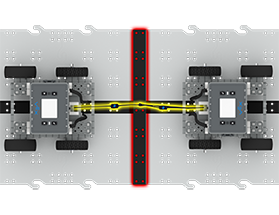
Lesson 5: Tug of War Competition
In this Lesson, you will apply your learning from the previous Lessons to compete in a Tug of War competition!
Lesson 6: Conclusion
In this Lesson, you will reflect on your learning in this Unit and identify connections between what you have done and a STEM career.