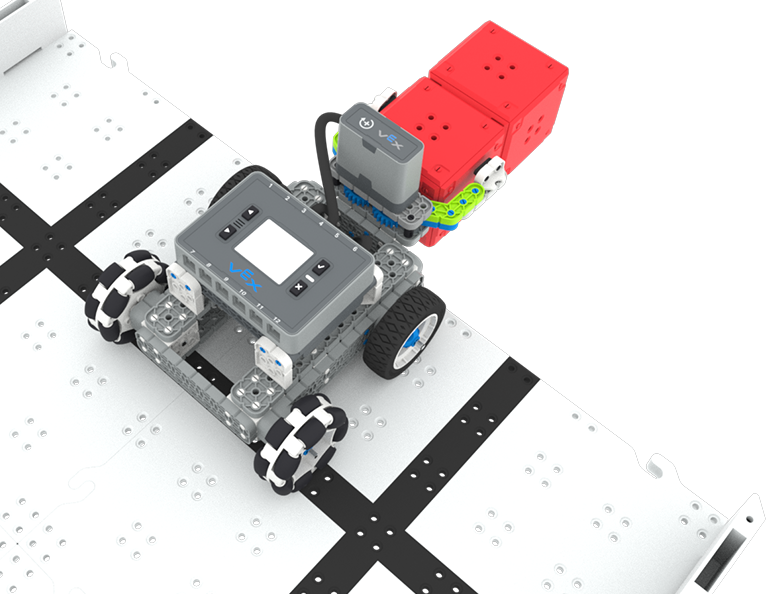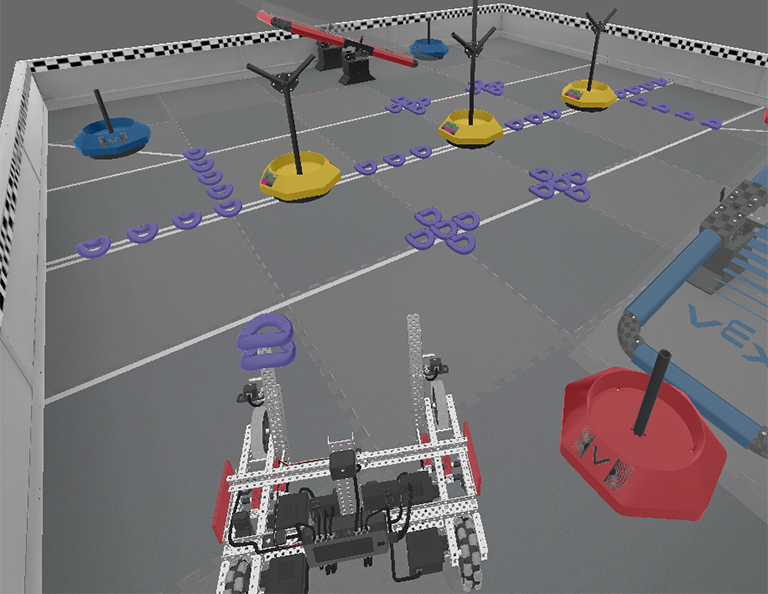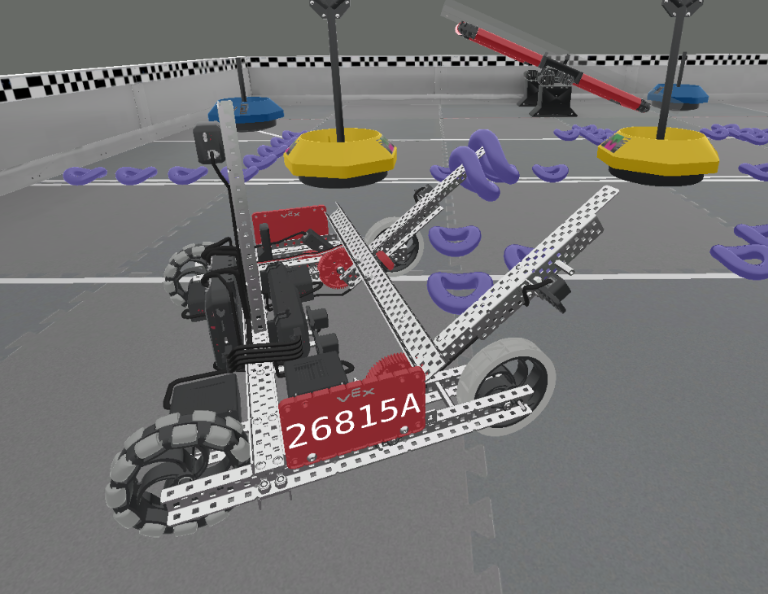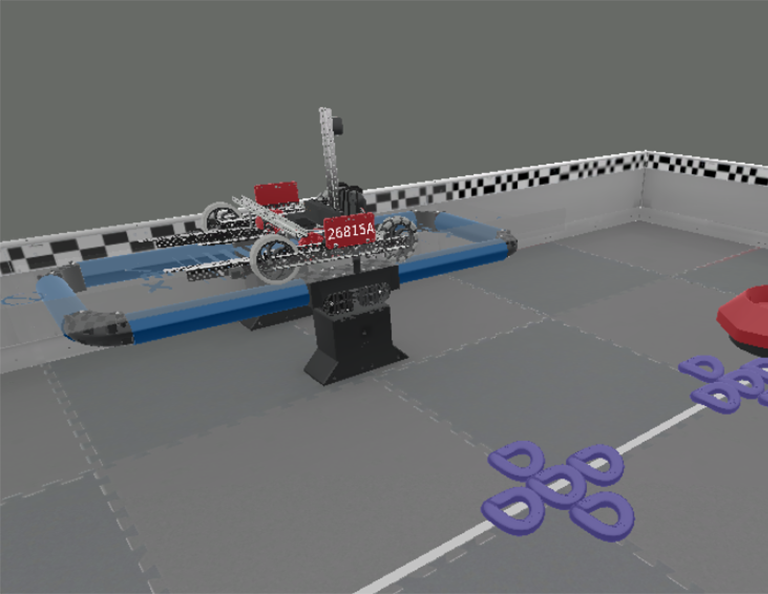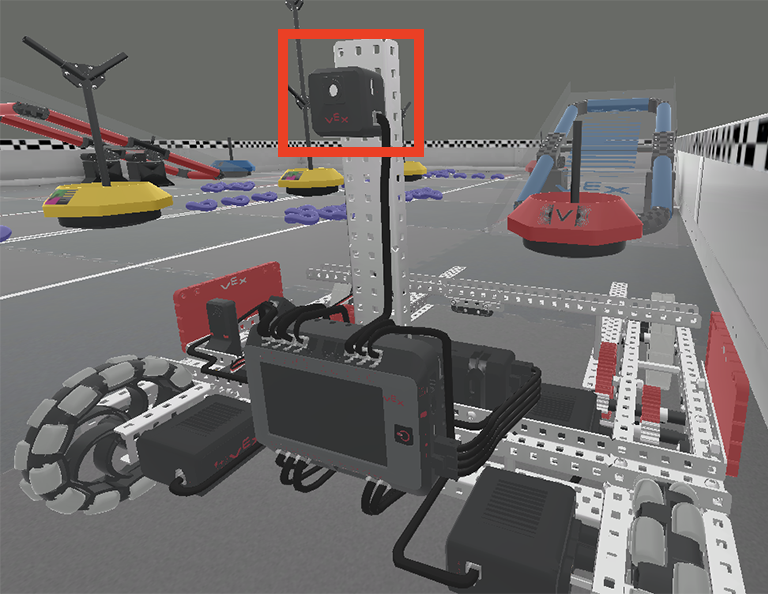

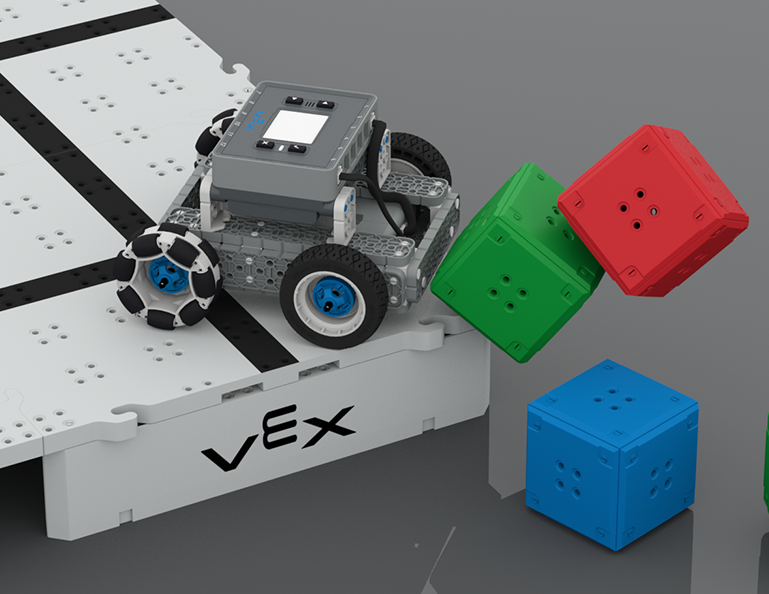

दूरी और ऑप्टिकल सेंसरों से युक्त बेसबॉट, कैसल क्रैशर प्रतियोगिता में उठे हुए मैदान के कोने से दो घनाकार महल को गिरा रहा है।

कैसल क्रैशर

6 Lessons

इस इकाई में, आप यह जानेंगे कि ऑप्टिकल और डिस्टेंस सेंसर का उपयोग करके, कैसल क्रैशर प्रतियोगिता में अंक अर्जित करने के लिए, क्यूब 'कैसल' को कैसे खोजा जाए, क्रैश किया जाए और साफ़ किया जाए!

कैसल क्रैशर पाठों की सामग्री और सुविधा के बारे में शिक्षक सहायता सामग्री और वीडियो के लिए शिक्षक पोर्टल पर जाएँ।

कैसल क्रैशर शिक्षक पोर्टल  >

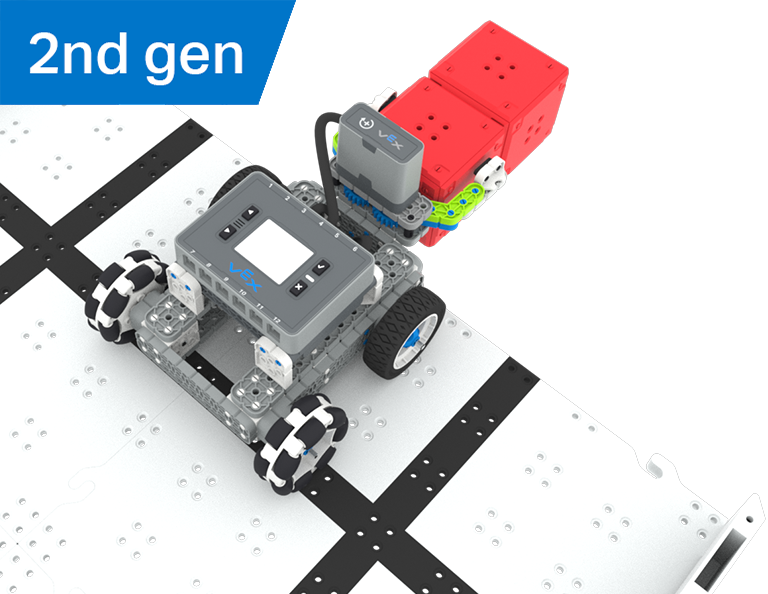
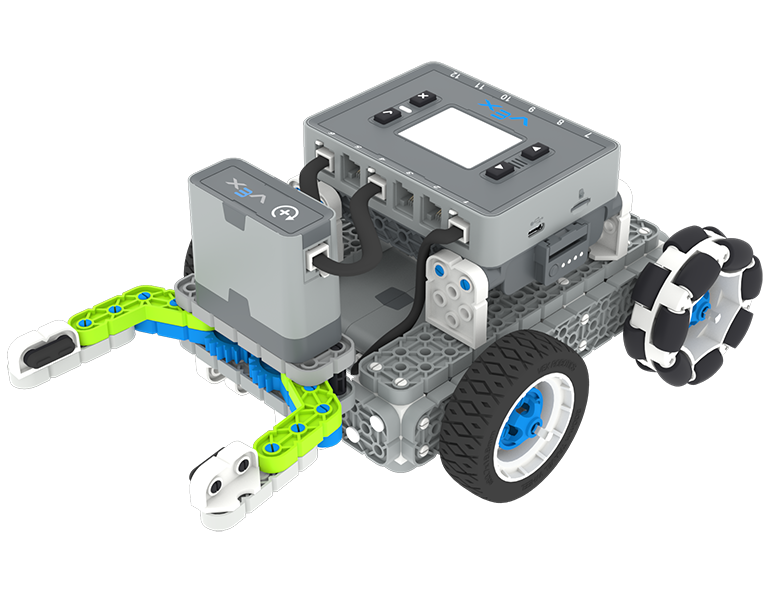
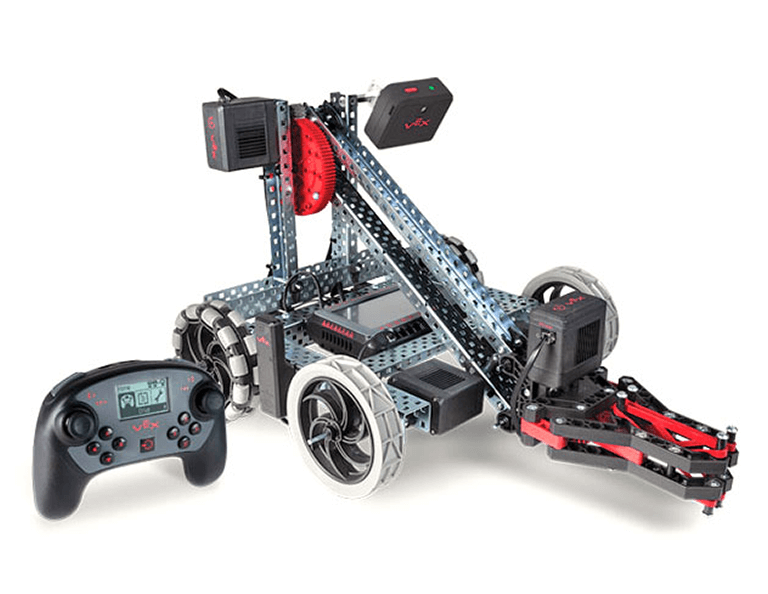
VEX IQ 2nd generation BaseBot build.

पाठ 1: परिचय

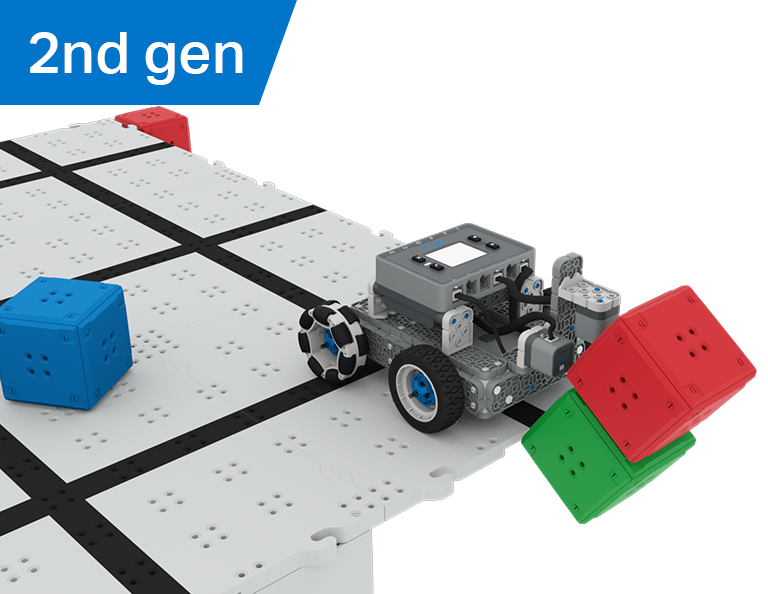
इस पाठ में, आपको कैसल क्रैशर प्रतियोगिता से परिचित कराया जाएगा, बेसबॉट का निर्माण कराया जाएगा, तथा कोडिंग के लिए तैयार किया जाएगा।

A close up view of the BaseBot at the corner of the raised Field with 3 Cubes falling off the Field to the surface below.

पाठ 2: कैसल क्रैशर नो सेंसर्स

इस पाठ में, आप कोणों की गणना करने और अपने रोबोट के वेग को बदलने के बारे में सीखेंगे ताकि आप टॉवर ओवर चैलेंज में प्रतिस्पर्धा कर सकें।

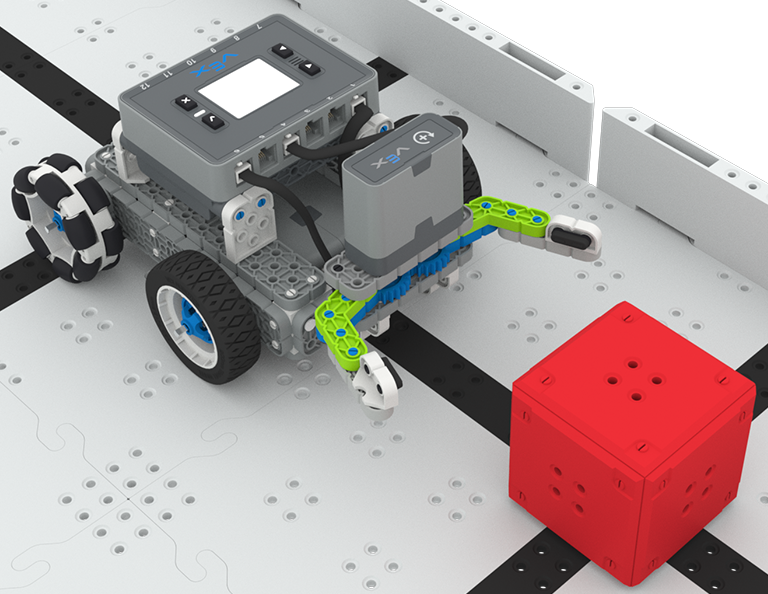
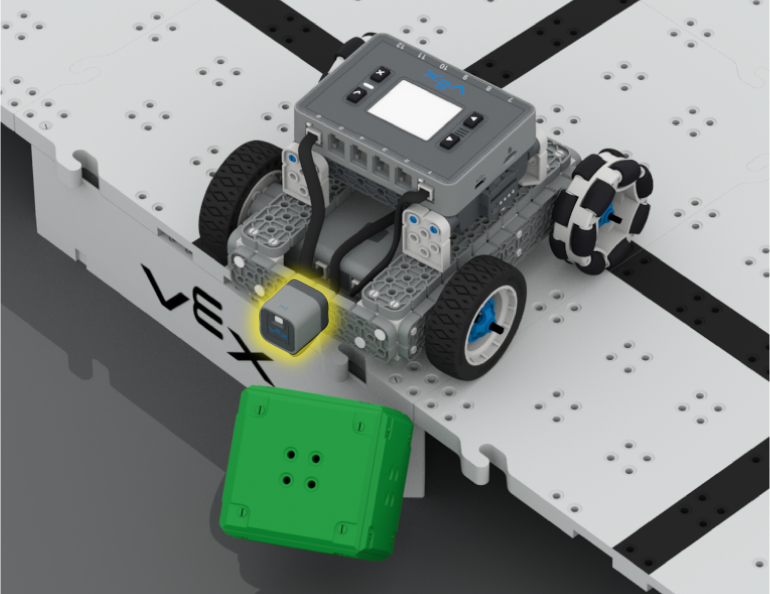
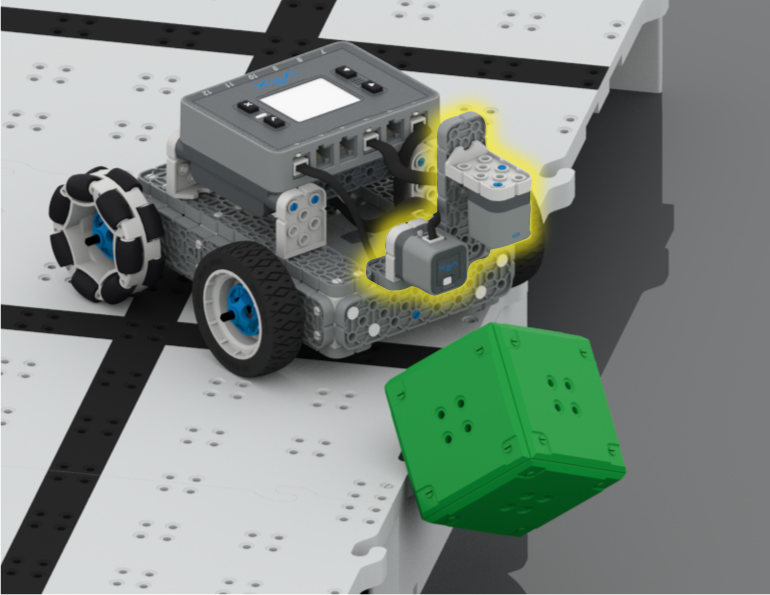
A close up view of the BaseBot at the edge of the raised Field, having just pushed a green Cube off the Tiles. The Distance Sensor on the front of the robot is highlighted in yellow.

पाठ 3: कैसल क्रैशर + दूरी सेंसर

इस पाठ में आप सीखेंगे कि डिस्टेंस सेंसर क्या है और इसे आपके रोबोट पर कैसे इस्तेमाल किया जा सकता है। आप [Wait until] ब्लॉक के बारे में भी जानेंगे और यह भी जानेंगे कि इसका उपयोग VEXcode IQ प्रोजेक्ट में कैसे किया जा सकता है। फिर आप क्यूब क्रैशर चैलेंज में प्रतिस्पर्धा करने के लिए जो कुछ भी सीखा है उसे लागू करेंगे!

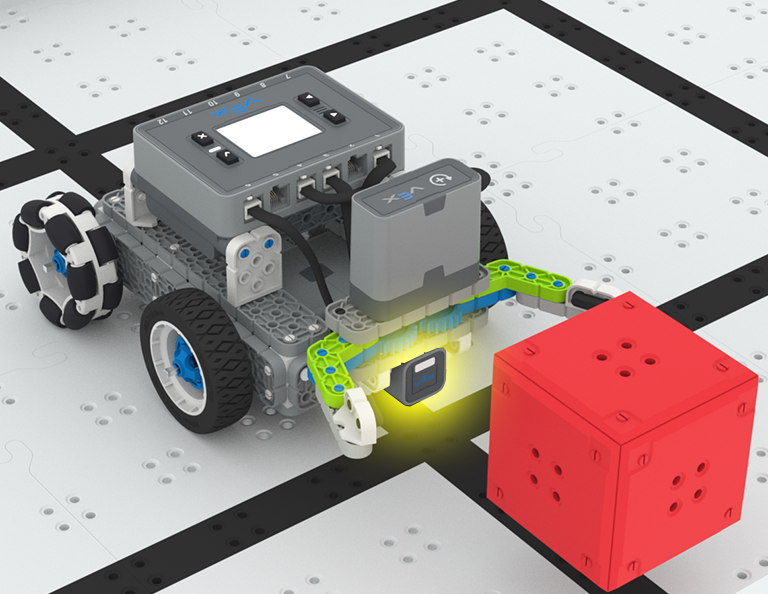
A close up of the BaseBot pushing a green cube off the edge of the raised Field, with the Distance and Optical Sensors attached to the front of the robot highlighted in yellow. The Distance Sensor faces forward, and the Optical Sensor is positioned downward.

पाठ 4: एल्गोरिदम बनाना

इस पाठ में, आप ऑप्टिकल सेंसर के बारे में जानेंगे, तथा सेंसर फीडबैक का उपयोग करने वाले एल्गोरिदम के निर्माण के बारे में जानेंगे। फिर आप अपने रोबोट को कोड करेंगे कि वह स्वतः ही क्यूब्स को ढूंढे और स्वीप द फील्ड चैलेंज में उन्हें मैदान से बाहर धकेल दे।

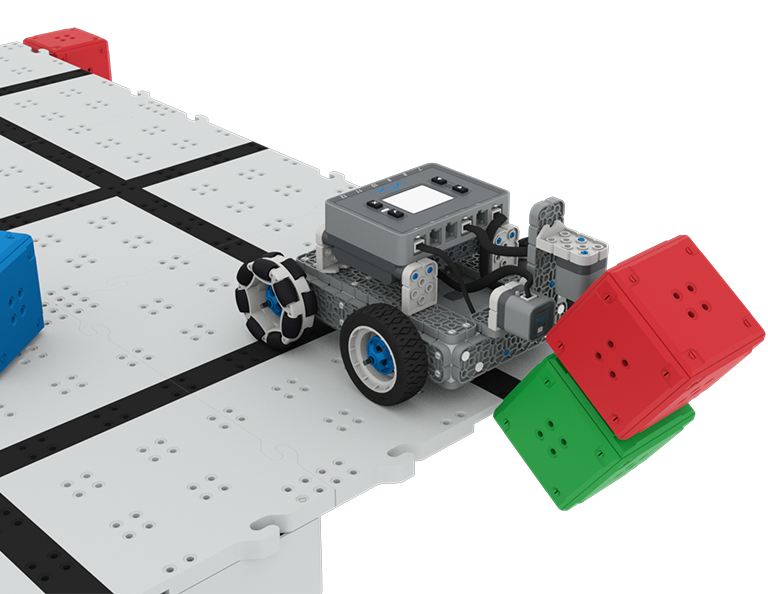
A close up image of the BaseBot with the Distance and optical Sensors on the front, pushing a stack of two cubes off the corner of the raised Field, with cubes on and off the Field in the background.

पाठ 5: कैसल क्रैशर प्रतियोगिता

इस पाठ में आप कैसल क्रैशर प्रतियोगिता में भाग लेने के लिए पिछले पाठों से सीखी गई बातों को लागू करेंगे!

Blue light bulb icon.

पाठ 6: निष्कर्ष

इस पाठ में, आप इकाई पर विचार करेंगे और आपने जो किया है और STEM कैरियर के बीच संबंधों की पहचान करेंगे।

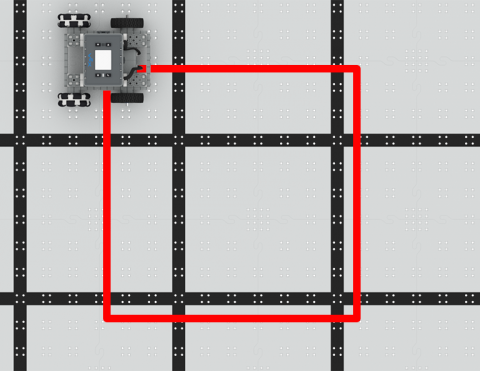
बेसबॉट को एक वर्ग में ड्राइव करने के लिए कोड करें!

Activity Image
चित्र
Square Dance
VEX Platform
Subject
Activity PDF Link
https://content.vexrobotics.com/assets/education/stem-labs/docs/iq/Activities/IQ Activity - Square Dance.pdf
Activity Image Alt
एक चिह्नित वर्गाकार आकृति के साथ IQ फील्ड पर IQ बेसबोट का ऊपर से नीचे का दृश्य।
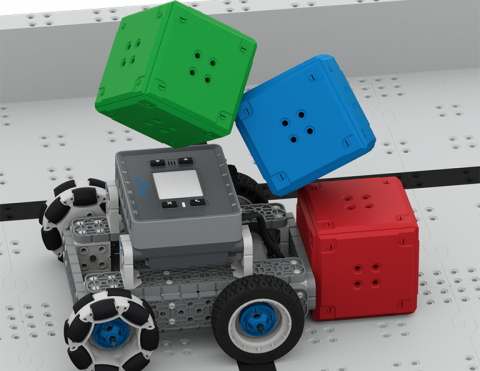
क्यूब्स को गिराने के लिए बेसबॉट को कोड करें!

Activity Image
चित्र
Cube Crasher Challenge
VEX Platform
Subject
Activity PDF Link
https://content.vexrobotics.com/assets/education/stem-labs/docs/iq/Activities/IQ Activity - Cube Crasher Challenge.pdf
Activity Image Alt
IQ बेसबॉट को IQ फील्ड टाइल पर रखकर तीन क्यूब्स के एक टावर से टकराकर उसे गिरा दिया।

क्यूब्स को पुश करने के लिए बेसबोट के शीर्षक के बारे में जानें!

Activity Image
चित्र
Turn Around
VEX Platform
Subject
Activity PDF Link
https://content.vexrobotics.com/assets/education/stem-labs/docs/iq/Activities/IQ Activity - Turn Around.pdf
Activity Image Alt
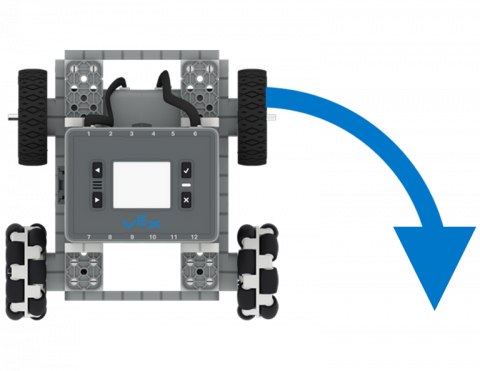
आईक्यू बेसबोट का ऊपर से नीचे का दृश्य, जिसमें एक तीर 90 डिग्री दाएं मोड़ को इंगित करता है।

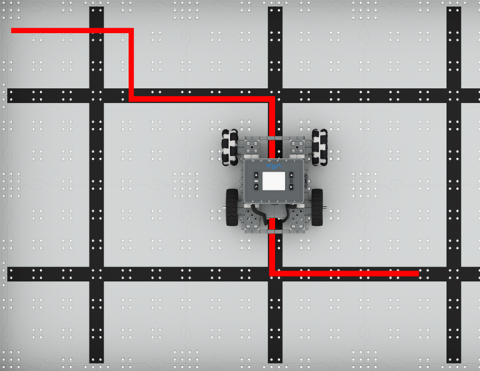
बेसबॉट को बाएँ और दाएँ मुड़ने के लिए कोड दें।

Activity Image
चित्र
To the Left, To the Right!
VEX Platform
Subject
Activity PDF Link
https://content.vexrobotics.com/assets/education/stem-labs/docs/iq/Activities/IQ Activity - To the Left To the Right.pdf
Activity Image Alt
आईक्यू फील्ड पर आईक्यू बेसबोट का ऊपर से नीचे का दृश्य, जो एक चिह्नित ज़िगज़ैग लाइन के साथ चल रहा है, 90 डिग्री के कोण पर बाएं और दाएं मुड़ रहा है।

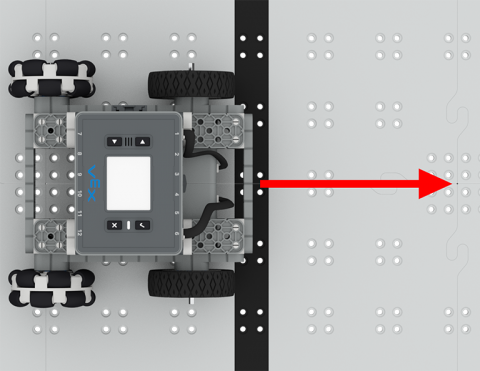
अपने रोबोट को स्वायत्ततापूर्वक आगे और पीछे ले जाएं!

Activity Image
चित्र
Drive Forward and Reverse Tile
VEX Platform
Subject
Activity PDF Link
https://content.vexrobotics.com/assets/education/stem-labs/docs/iq/Activities/IQ Activity - Drive Forward and Reverse.pdf
Activity Image Alt
आईक्यू फील्ड पर आईक्यू बेसबोट का ऊपर से नीचे का दृश्य, जिसमें रोबोट के सामने आगे की ओर इशारा करते हुए एक लाल तीर है।
एक साधारण क्लॉबोट मैदान के किनारे पर खड़ा है, जिसके पंजे में एक लाल घन है और उसके सामने एक दूसरा लाल घन है, जो खजाने की खोज की चुनौती में अंक अर्जित करने के लिए है।

खजाने की खोज

5 Lessons

इस इकाई में, आप ऑप्टिकल सेंसर के साथ सरल क्लॉबोट का निर्माण और कोड करेंगे ताकि खजाना खोज प्रतियोगिता में प्रतिस्पर्धा करने के लिए लाल क्यूब्स को पहचान सकें और एकत्र कर सकें!

ट्रेजर हंट पाठों की सामग्री और सुविधा के बारे में शिक्षक सहायता सामग्री और वीडियो के लिए शिक्षक पोर्टल पर जाएँ।

खजाने की खोज शिक्षक पोर्टल  >

VEX IQ 2nd generation Simple Clawbot build.

पाठ 1: परिचय

आपको ट्रेजर हंट प्रतियोगिता से परिचित कराया जाएगा, सिंपल क्लॉबोट का निर्माण कराया जाएगा, तथा कोडिंग के लिए तैयार किया जाएगा।

A close up view of the Simple Clawbot with the claw open approaching a red Cube as if to grasp it.

पाठ 2: पंजा नो सेंसर

इस पाठ में, आप अपने सिंपल क्लॉबोट को क्लॉबोट कलेक्टर चुनौती में क्यूब्स को इकट्ठा करने और स्थानांतरित करने के लिए कोड करने के लिए VEXcode IQ में ड्राइवट्रेन और मोशन ब्लॉक का उपयोग करने के बारे में जानेंगे।

A close up image of the Simple Clawbot with the claw open, in front of a red Cube, with the Optical Sensor at the base of the claw highlighted in yellow.

पाठ 3: सेंसर वाला पंजा

इस पाठ में, आप ट्रेजर मूवर चुनौती में लाल घन का पता लगाने, उसे इकट्ठा करने और स्थानांतरित करने के लिए ऑप्टिकल सेंसर को कोड करने के बारे में सीखेंगे!

An aerial view of the Simple Clawbot at the edge of the Field delivering two red Cubes in its claws.

पाठ 4: खजाने की खोज प्रतियोगिता

इस पाठ में आप पिछले पाठों से सीखी गई बातों को खजाने की खोज प्रतियोगिता में भाग लेने के लिए लागू करेंगे!

Blue light bulb icon.

पाठ 5: निष्कर्ष

इस पाठ में, आप इकाई पर विचार करेंगे और आपने जो किया है और STEM कैरियर के बीच संबंधों की पहचान करेंगे।

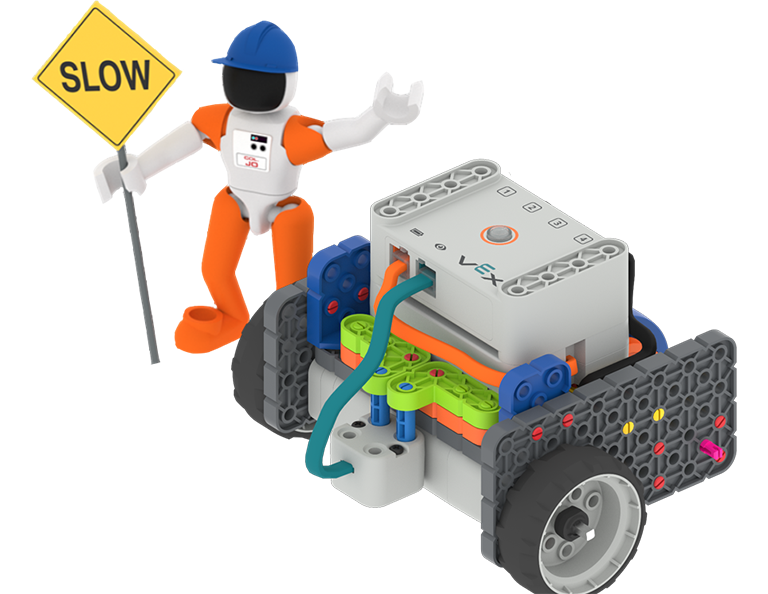
कर्नल जो अंतरिक्ष यात्री एक हार्ड हैट पहने हुए हैं और धीमी गति से निर्माण का संकेत पकड़े हुए हैं तथा एक GO कोड बेस - आई डाउन बिल्ड के बगल में खड़े हैं।

स्व-ड्राइविंग कोड बेस

0 एलएबी

इस गतिविधि श्रृंखला में चमक और रंगों का पता लगाने के लिए नेत्र सेंसर का उपयोग करने के लिए अपने स्व-चालित कोड बेस को कोड करें।

वीआरसी वर्चुअल स्किल्स

6 Lessons

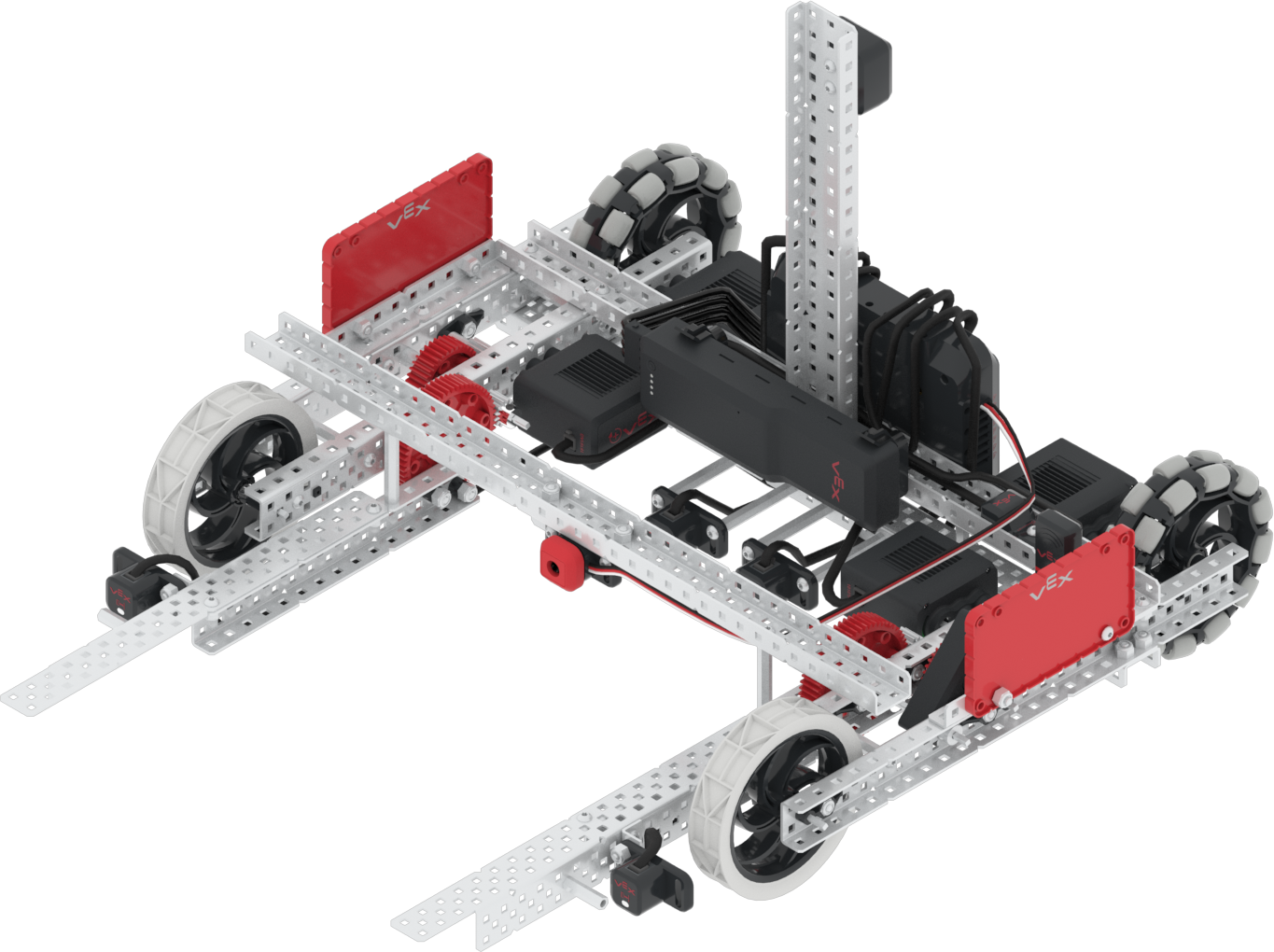
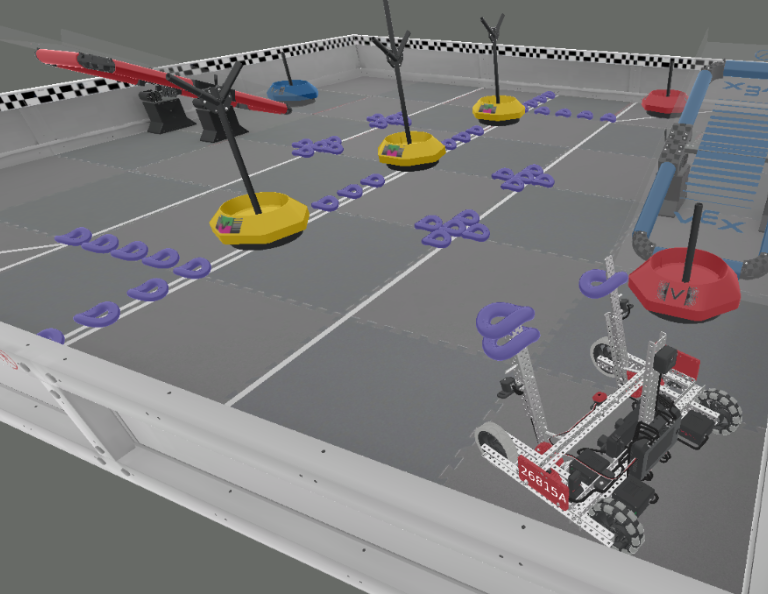
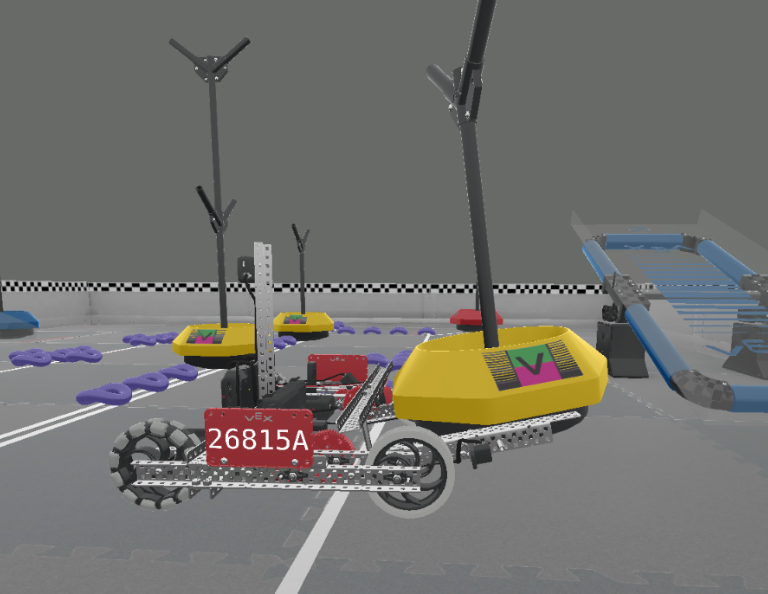
वीआरसी वर्चुअल स्किल्स के साथ वर्चुअल 2021-2022 वीईएक्स रोबोटिक्स प्रतियोगिता (वीआरसी) टिपिंग पॉइंट के साथ शुरुआत करें! मोबी - इस वर्ष का हीरो बॉट - चलाना सीखें, तथा रिंग्स और मोबाइल गोल्स के साथ स्कोर करें, फिर और भी अधिक अंक प्राप्त करने के लिए संतुलन बनाएं!

Visit the Teacher's Portal for teacher support materials and videos about the content and facilitation of the VRC Virtual Skills Lessons.

वीआरसी वर्चुअल स्किल्स शिक्षक पोर्टल  >

Lesson 1

Lesson 1

In this Lesson, you will be introduced to the 2021-2022 VEX Robotics Competition (VRC) Tipping Point. You will see an overview of the game, Moby (this year's Hero Bot), and VRC Virtual Skills in VEXcode V5.

Lesson 2

Lesson 2

In this Lesson, you will learn how to drive and turn Moby. You will also learn how to pick up and move a Mobile Goal into the Alliance Home Zone to score. Then, you will apply these skills to complete a mini-challenge where you will pick up the blue Alliance Mobile Goal, and move the goal to the blue Alliance Home Zone to score.

Lesson 3

Lesson 3

In this Lesson, you will learn how to drop Preload Rings into a Mobile Goal Base, then move the goal to an Alliance Home Zone to score. Then, you will apply these skills to complete a mini-challenge where you will score two Preload Rings in the blue Alliance Mobile Goal, and move the goal to the blue Alliance Home Zone to score.

Lesson 4

Lesson 4

In this Lesson, you will learn how to pick up and score Rings from the Field into a Neutral Mobile Goal. You will apply these skills to complete a mini-challenge where you will start from a new location and score two Preload Rings and two Rings from the Field into the center Neutral Mobile Goal.

Lesson 5

Lesson 5

In this Lesson, you will learn how to drive Moby onto a Platform to balance and score. Then, you will apply these skills to complete a mini-challenge where you will first score a red Alliance Mobile Goal, then drive onto the blue Platform to balance and score more points.

Lesson 6

Lesson 6

In this Lesson, you will learn how to use the GPS Sensor to drive and score the Neutral Mobile Goal in the Alliance Home Zone. Then, you will apply these skills to complete a mini-challenge where you will use the GPS Sensor to drive and score two Mobile Goals in the blue Alliance Home Zone.

एक V5 क्लॉबोट, हाथ नीचे और पंजा बंद करके, V5 कंट्रोलर के बगल में बैठा है, जो यह दर्शाता है कि दोनों का उपयोग एक साथ किया जाएगा।

नियंत्रक के साथ क्लॉबोट

0 Lessons

लूप्स और घटनाओं की अवधारणाओं का उपयोग करके क्लॉबोट को कई आकर्षक चुनौतियों के माध्यम से निर्देशित करने के लिए VEX नियंत्रक को प्रोग्राम करें।