

Lompat ke isi utama
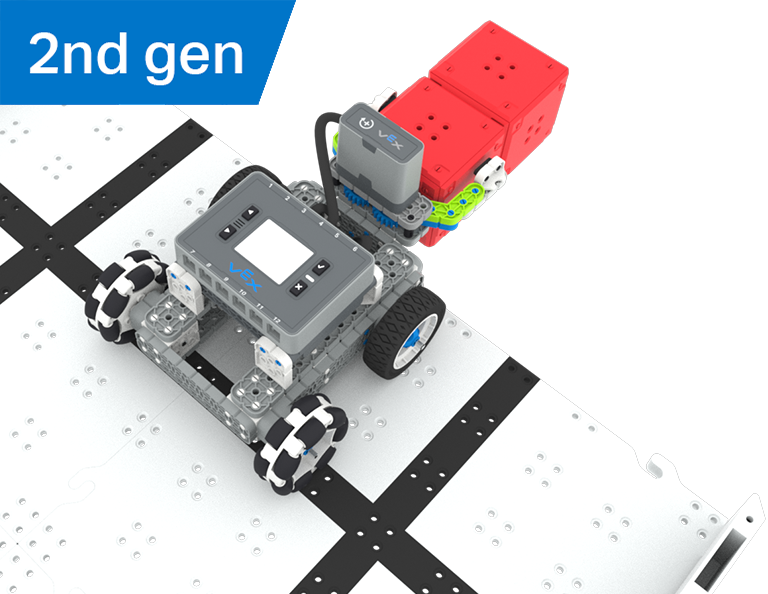
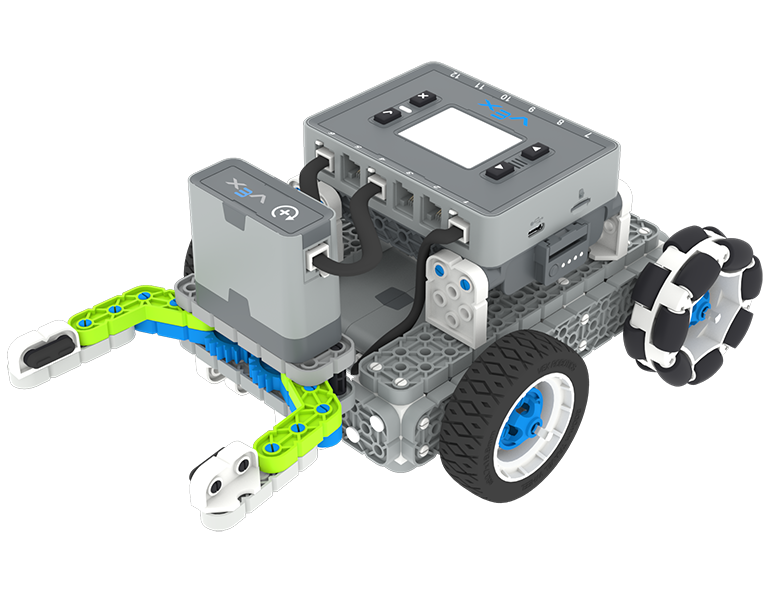
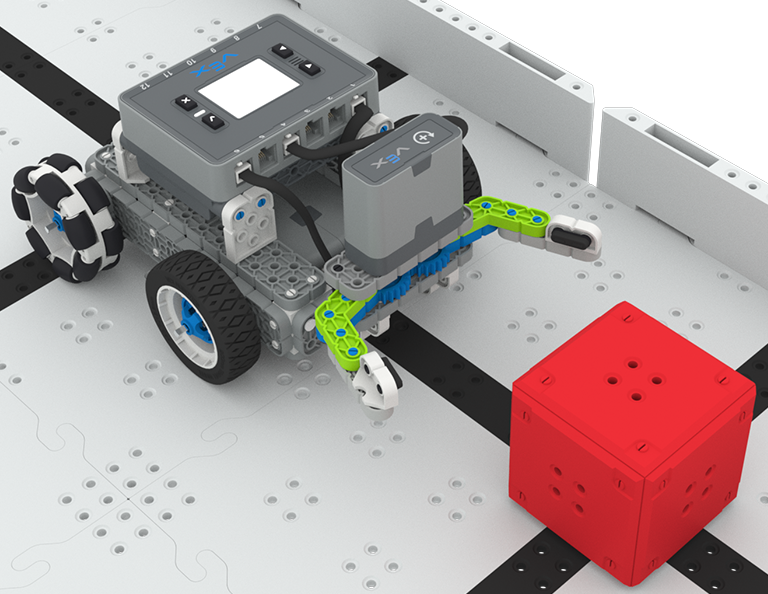
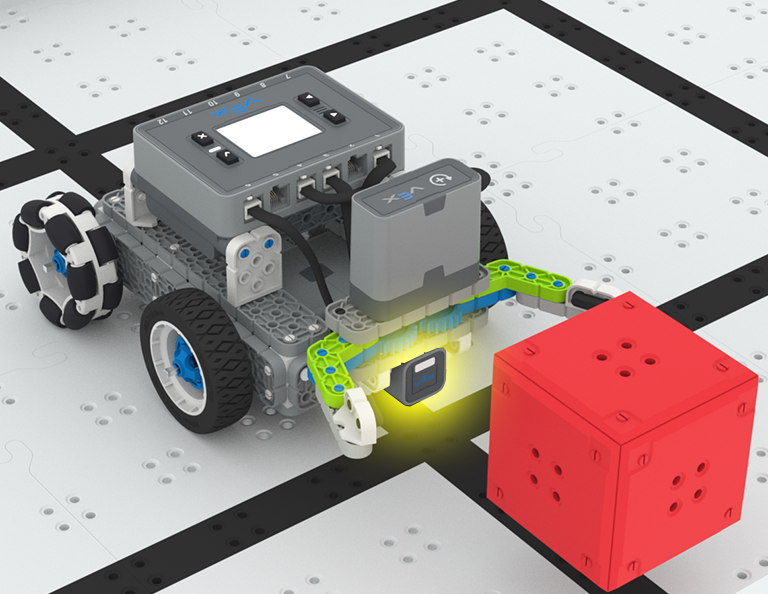
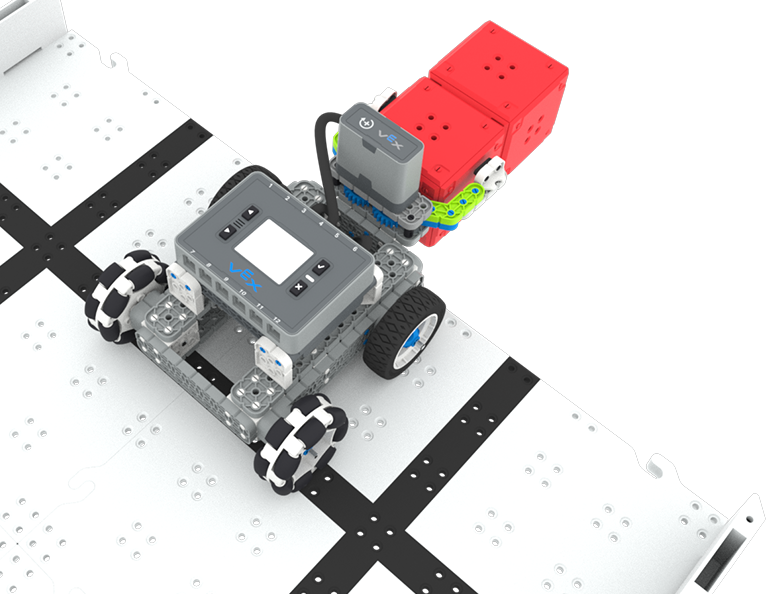
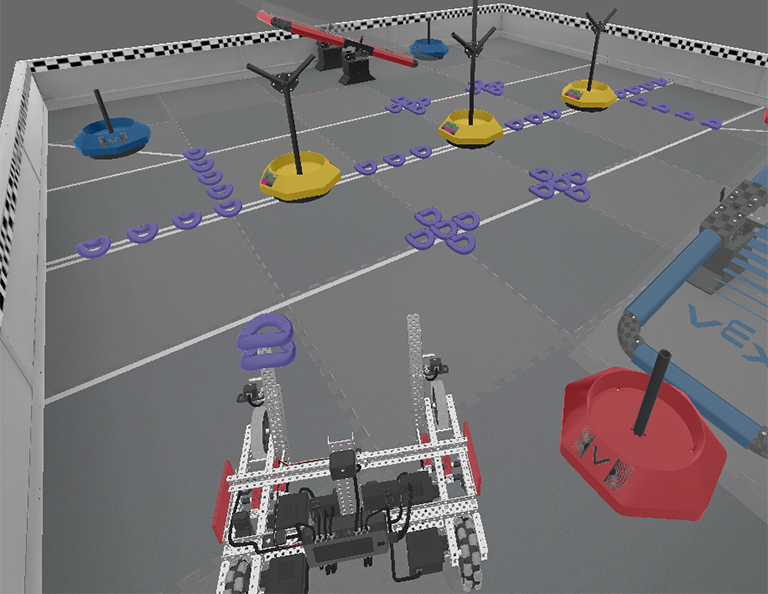
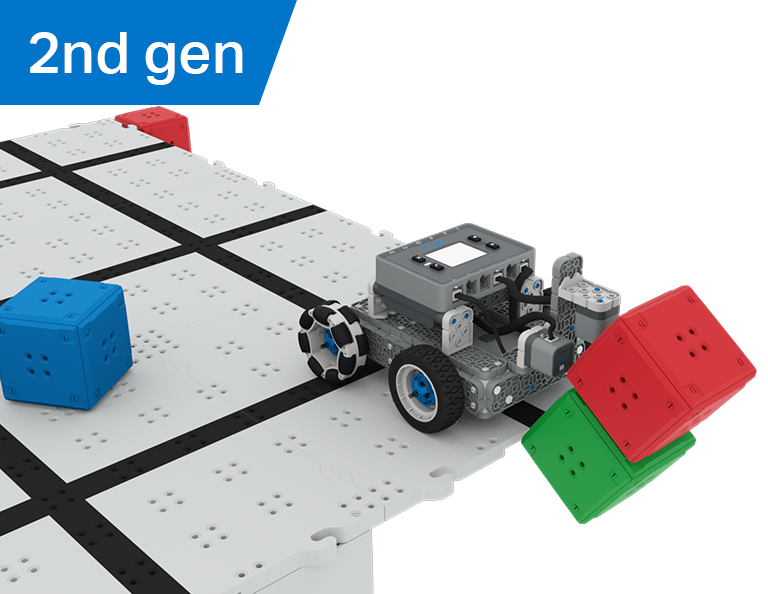
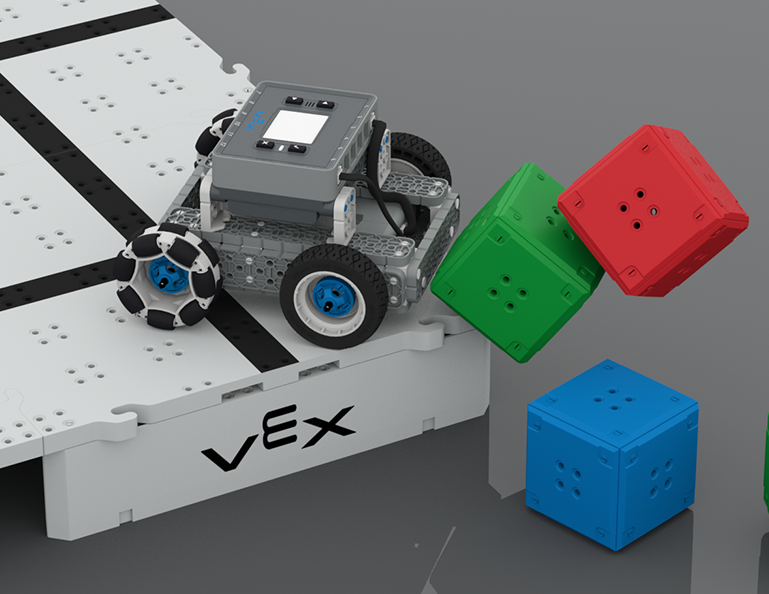
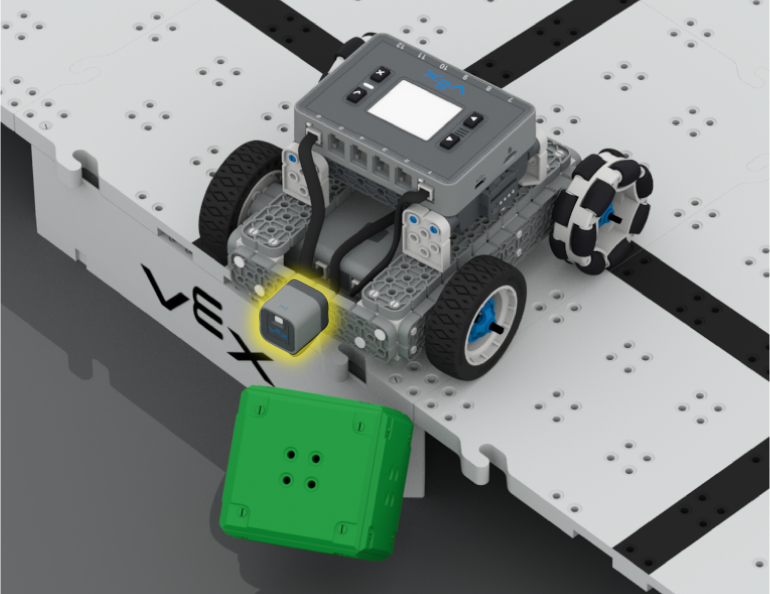
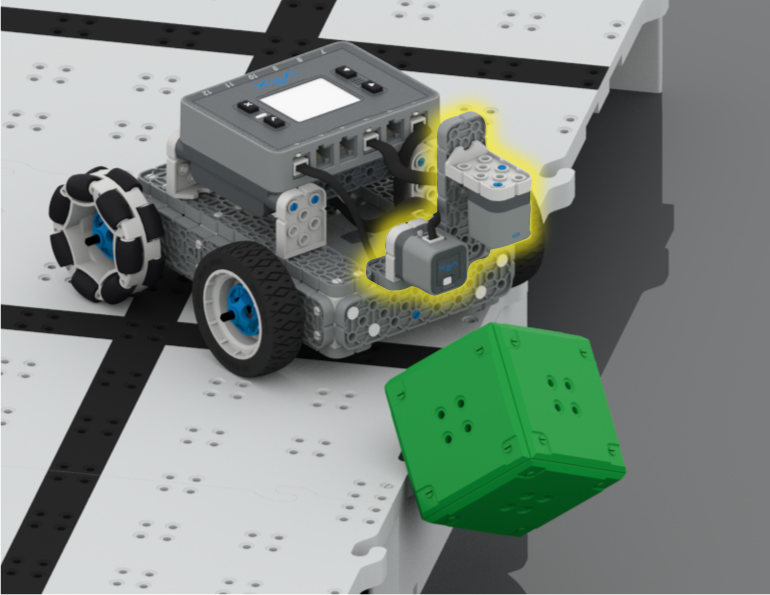
BaseBot dengan Sensor Jarak dan Optik terpasang menjatuhkan kastil dua kubus dari sudut Lapangan yang ditinggikan dalam Kompetisi Castle Crasher

Penghancur Kastil

6 Lessons

Dalam Unit ini, Anda akan menjelajahi cara menggunakan sensor Optik dan Jarak untuk mencari, menabrakkan, dan membersihkan 'kastil' kubus untuk mencetak poin dalam kompetisi Castle Crasher!

Kunjungi Portal Guru untuk materi dan video dukungan guru tentang konten dan fasilitasi Pelajaran Castle Crasher.

Penghancur Kastil Portal Guru  >

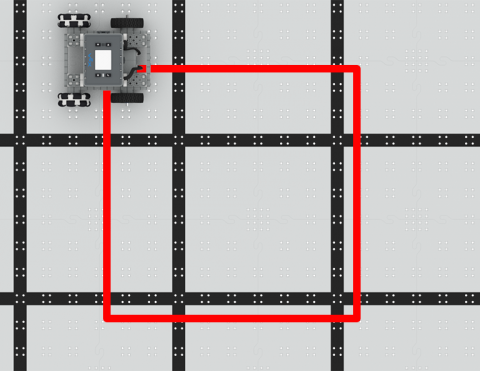
Kodekan BaseBot untuk bergerak dalam bentuk persegi!

Activity Image
Gambar
Square Dance
VEX Platform
Subject
Builds
Activity PDF Link
https://content.vexrobotics.com/assets/education/stem-labs/docs/iq/Activities/IQ Activity - Square Dance.pdf
Activity Image Alt
Tampilan atas ke bawah IQ BaseBot pada IQ Field yang melaju di sepanjang bentuk persegi yang diberi tanda.
Kodekan BaseBot untuk merobohkan kubus!

Activity Image
Gambar
Cube Crasher Challenge
VEX Platform
Subject
Builds
Activity PDF Link
https://content.vexrobotics.com/assets/education/stem-labs/docs/iq/Activities/IQ Activity - Cube Crasher Challenge.pdf
Activity Image Alt
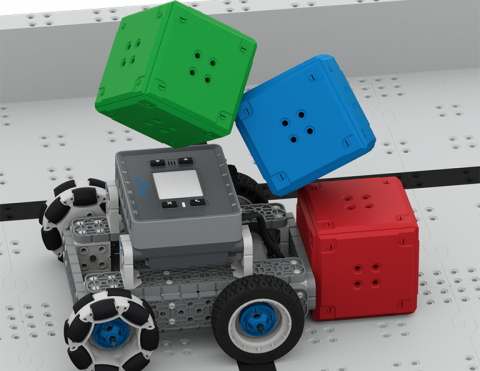
IQ BaseBot pada IQ Field Tile dan menabrak menara tiga kubus, menjatuhkannya.

Pelajari tentang arah BaseBot untuk mendorong kubus!

Activity Image
Gambar
Turn Around
VEX Platform
Subject
Builds
Activity PDF Link
https://content.vexrobotics.com/assets/education/stem-labs/docs/iq/Activities/IQ Activity - Turn Around.pdf
Activity Image Alt
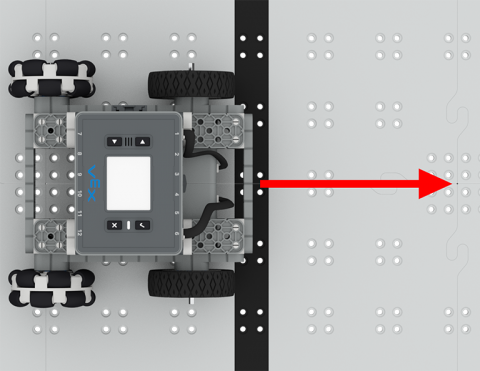
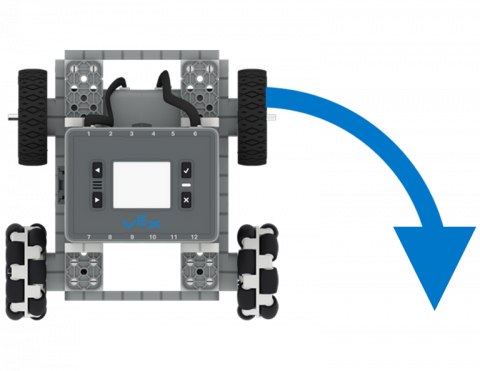
Tampilan atas ke bawah IQ BaseBot dengan panah yang menunjukkan belokan ke kanan 90 derajat.

Kodekan BaseBot untuk berbelok ke kiri dan kanan.

Activity Image
Gambar
To the Left, To the Right!
VEX Platform
Subject
Builds
Activity PDF Link
https://content.vexrobotics.com/assets/education/stem-labs/docs/iq/Activities/IQ Activity - To the Left To the Right.pdf
Activity Image Alt
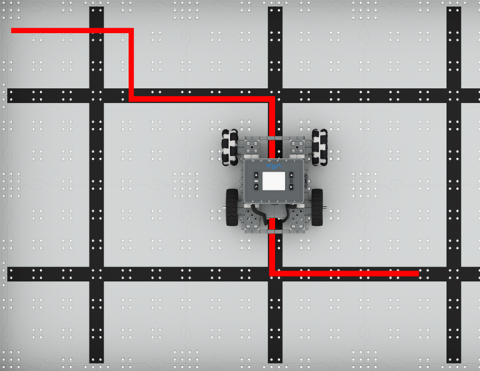
Tampilan atas IQ BaseBot di IQ Field yang melaju sepanjang garis zig-zag yang ditandai, berbelok ke kiri dan kanan pada sudut 90 derajat.

Gerakkan robot Anda maju dan mundur secara otonom!

Activity Image
Gambar
Drive Forward and Reverse Tile
VEX Platform
Subject
Builds
Activity PDF Link
https://content.vexrobotics.com/assets/education/stem-labs/docs/iq/Activities/IQ Activity - Drive Forward and Reverse.pdf
Activity Image Alt
Tampilan atas ke bawah IQ BaseBot pada IQ Field dengan panah merah menunjuk ke depan di depan robot.
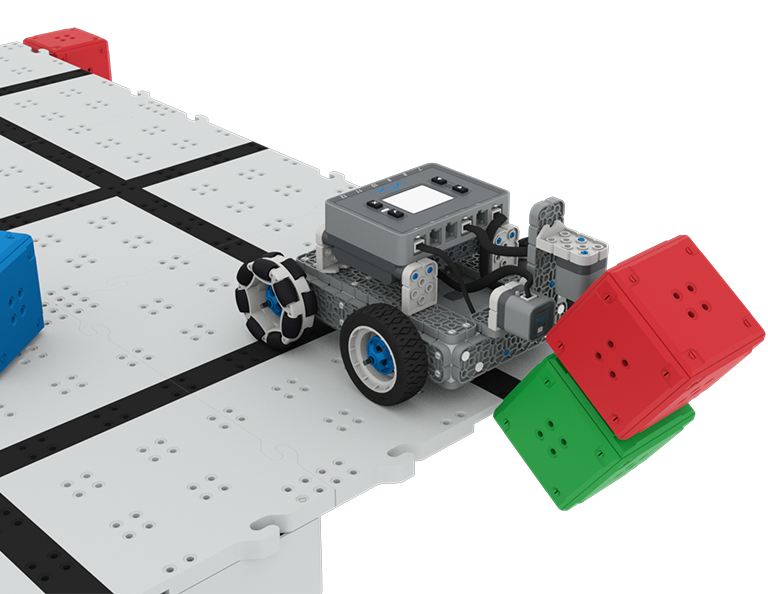
Clawbot Sederhana berada di tepi Lapangan dengan kubus merah digenggam di cakarnya dan kubus merah kedua di depannya, untuk mencetak skor dalam tantangan Perburuan Harta Karun.

Perburuan Harta Karun

5 Lessons

Dalam Unit ini, Anda akan membangun dan membuat kode Clawbot Sederhana dengan Sensor Optik untuk mengenali dan mengumpulkan kubus merah untuk bersaing dalam kompetisi Perburuan Harta Karun!

Kunjungi Portal Guru untuk materi dan video dukungan guru tentang konten dan fasilitasi Pelajaran Berburu Harta Karun.

Perburuan Harta Karun Portal Guru  >

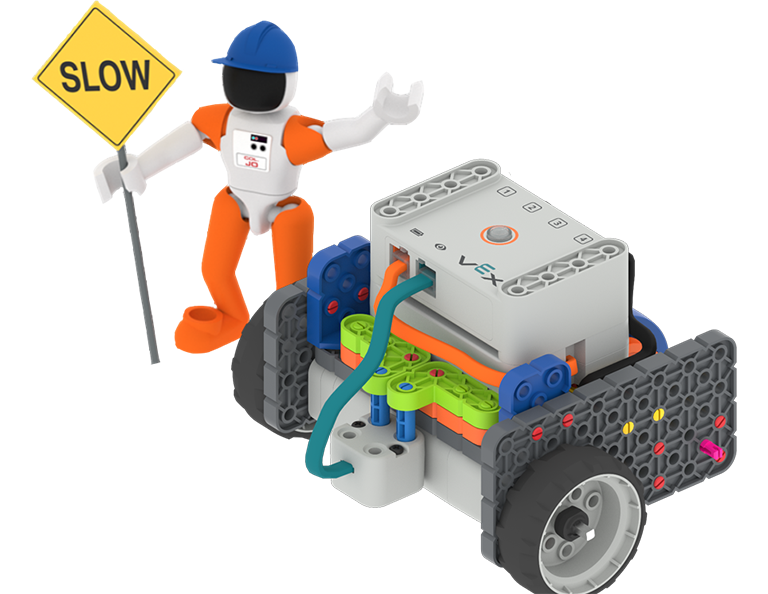
Astronot Kolonel Jo mengenakan helm dan memegang rambu konstruksi Lambat sambil berdiri di samping bangunan GO Code Base - Eye Down.

Basis Kode Mengemudi Mandiri

0 Laboratorium

Kodekan Basis Kode kendaraan self-driving Anda untuk menggunakan Sensor Mata untuk mendeteksi kecerahan dan warna dalam Rangkaian Aktivitas ini.

Keterampilan Virtual VRC

6 Lessons

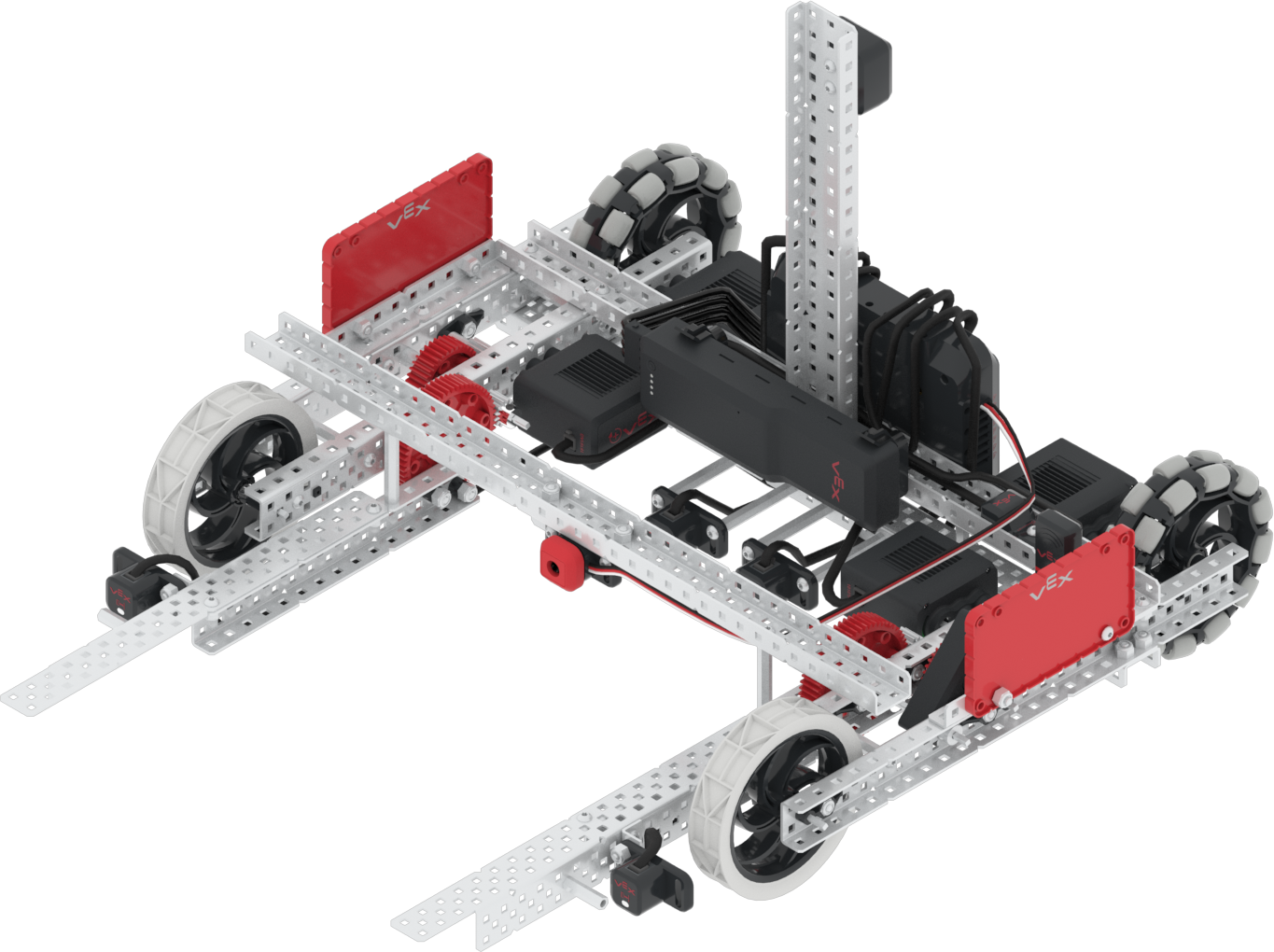
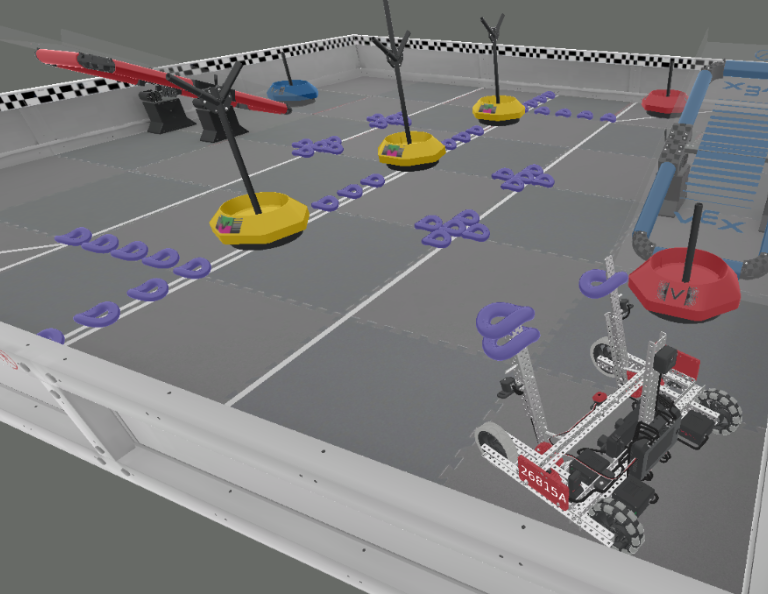
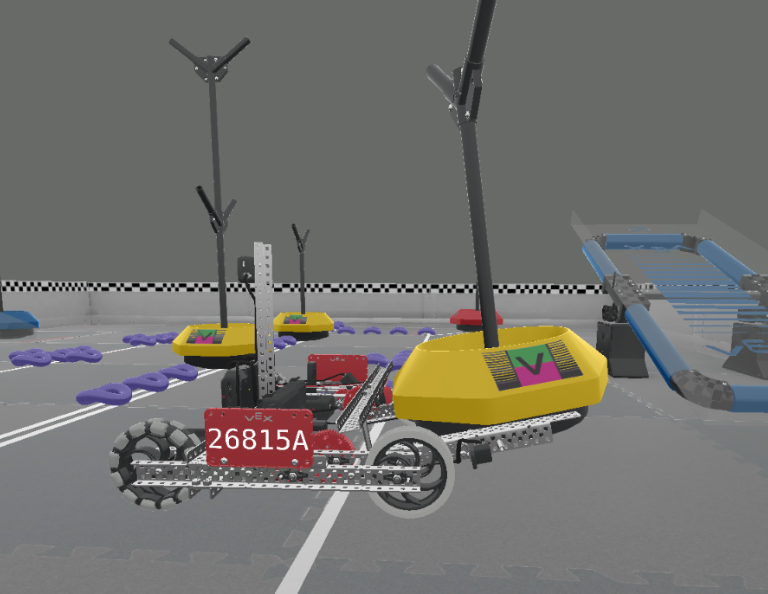
Mulailah Kompetisi Robotika VEX (VRC) virtual 2021-2022 dengan Titik Balik Keterampilan Virtual VRC! Pelajari cara mengendarai Moby — Hero Bot tahun ini, dan cetak gol dengan Rings dan Mobile Goals, lalu seimbangkan untuk mencetak lebih banyak poin!

Visit the Teacher's Portal for teacher support materials and videos about the content and facilitation of the VRC Virtual Skills Lessons.

Keterampilan Virtual VRC Portal Guru  >

Lesson 1

Lesson 1

In this Lesson, you will be introduced to the 2021-2022 VEX Robotics Competition (VRC) Tipping Point. You will see an overview of the game, Moby (this year's Hero Bot), and VRC Virtual Skills in VEXcode V5.

Lesson 2

Lesson 2

In this Lesson, you will learn how to drive and turn Moby. You will also learn how to pick up and move a Mobile Goal into the Alliance Home Zone to score. Then, you will apply these skills to complete a mini-challenge where you will pick up the blue Alliance Mobile Goal, and move the goal to the blue Alliance Home Zone to score.

Lesson 3

Lesson 3

In this Lesson, you will learn how to drop Preload Rings into a Mobile Goal Base, then move the goal to an Alliance Home Zone to score. Then, you will apply these skills to complete a mini-challenge where you will score two Preload Rings in the blue Alliance Mobile Goal, and move the goal to the blue Alliance Home Zone to score.

Lesson 4

Lesson 4

In this Lesson, you will learn how to pick up and score Rings from the Field into a Neutral Mobile Goal. You will apply these skills to complete a mini-challenge where you will start from a new location and score two Preload Rings and two Rings from the Field into the center Neutral Mobile Goal.

Lesson 5

Lesson 5

In this Lesson, you will learn how to drive Moby onto a Platform to balance and score. Then, you will apply these skills to complete a mini-challenge where you will first score a red Alliance Mobile Goal, then drive onto the blue Platform to balance and score more points.

Lesson 6

Lesson 6

In this Lesson, you will learn how to use the GPS Sensor to drive and score the Neutral Mobile Goal in the Alliance Home Zone. Then, you will apply these skills to complete a mini-challenge where you will use the GPS Sensor to drive and score two Mobile Goals in the blue Alliance Home Zone.

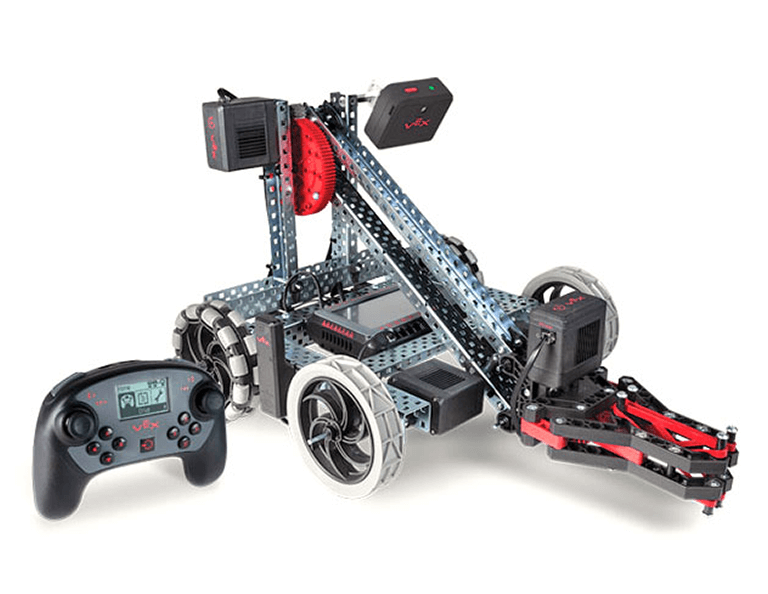
Clawbot V5 diletakkan dengan lengan di bawah dan cakar tertutup, di samping Pengendali V5, yang menunjukkan keduanya akan digunakan bersama.

Clawbot dengan Pengontrol

0 Lessons

Programkan Pengendali VEX untuk mengarahkan Clawbot melalui beberapa tantangan menarik menggunakan konsep putaran dan peristiwa.