Alternating Coding Methods
Adapt this Unit to Use an Alternate Coding Method
This STEM Lab Unit is written for use with the Coder and Coder cards. However, you can adapt the Labs in this Unit to use VEXcode 123 for the coding activities. This flexibility can help you meet the individual needs of your students. For example, if your students are familiar with VEXcode 123, they can complete all the coding activities with VEXcode 123. The Summary section of each Lab contains additional information that can help you modify the individual Lab. For more information on how to work with VEXcode 123, see the VEXcode 123 Section of the VEX Library.
VEXcode123 Adaption
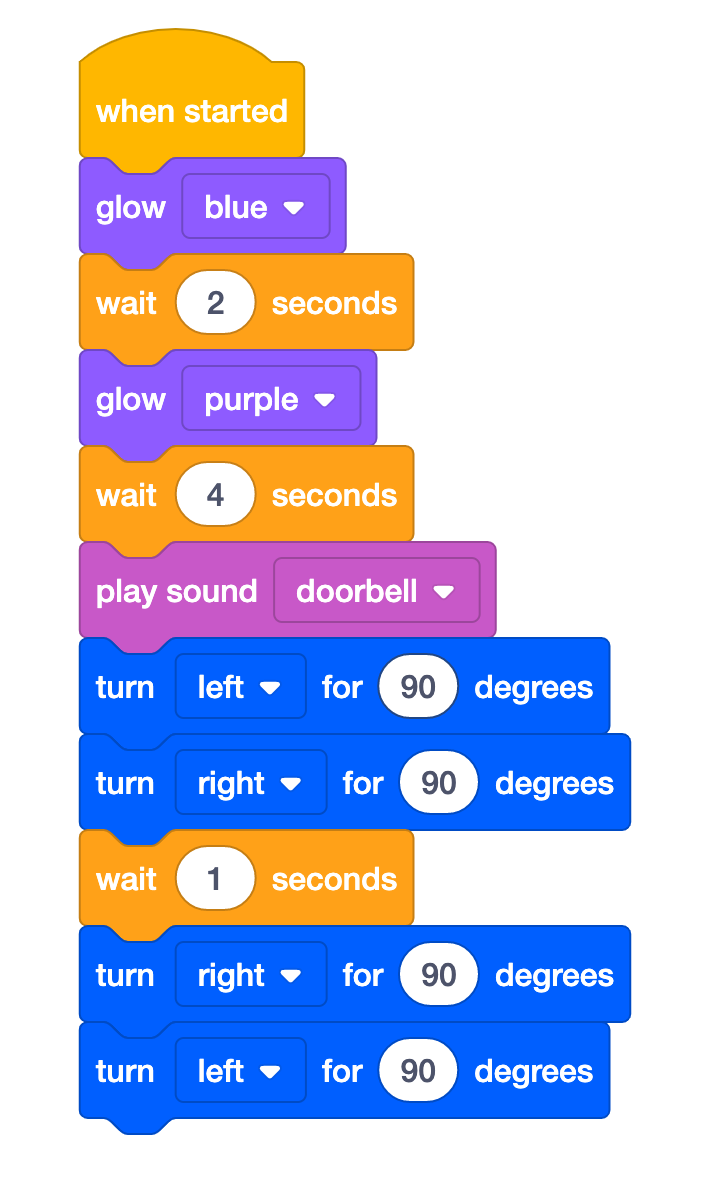
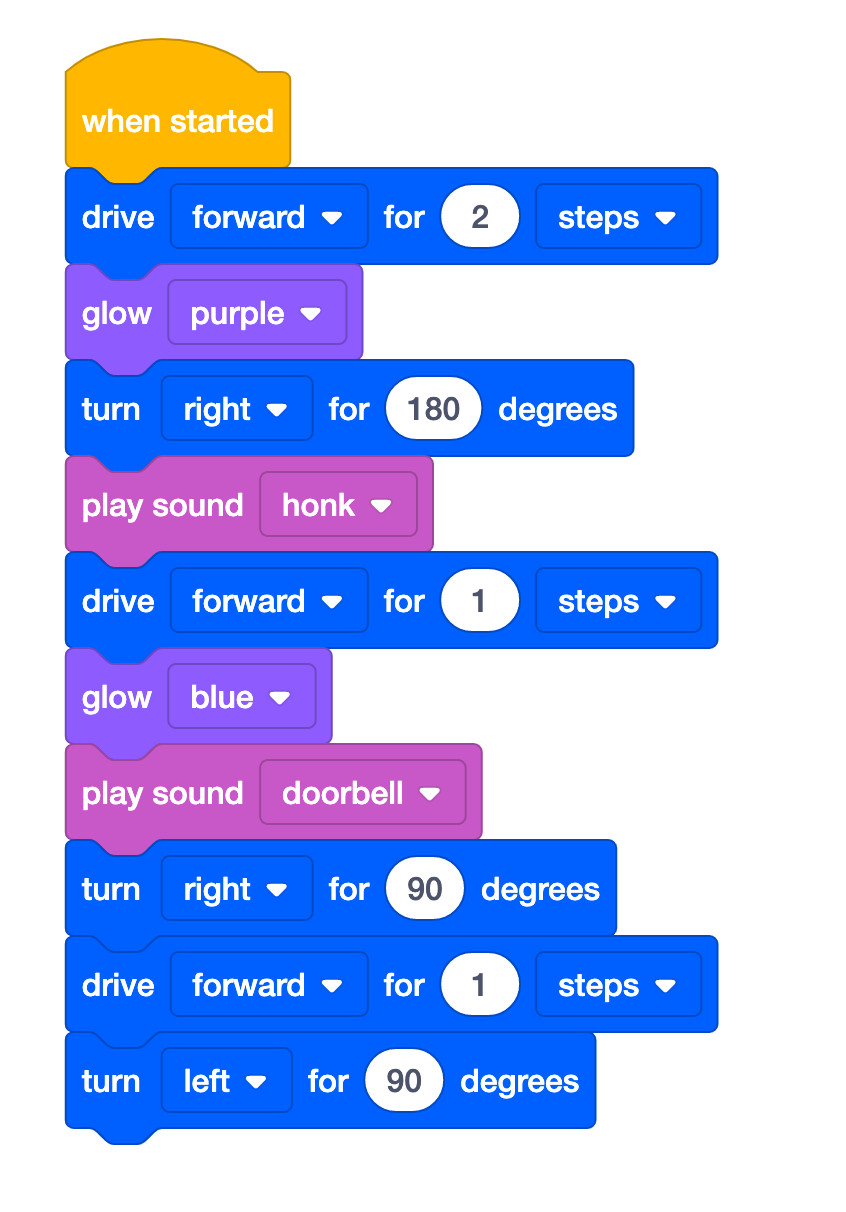
- To use VEXcode 123 for this lab, during Engage and Play Part 1, choose a variety of Drivetrain blocks that will cause the robot to move erratically around the field. You might also want to add in some blocks from the Sound or Looks categories. A possible “Over Excited” is shown below:
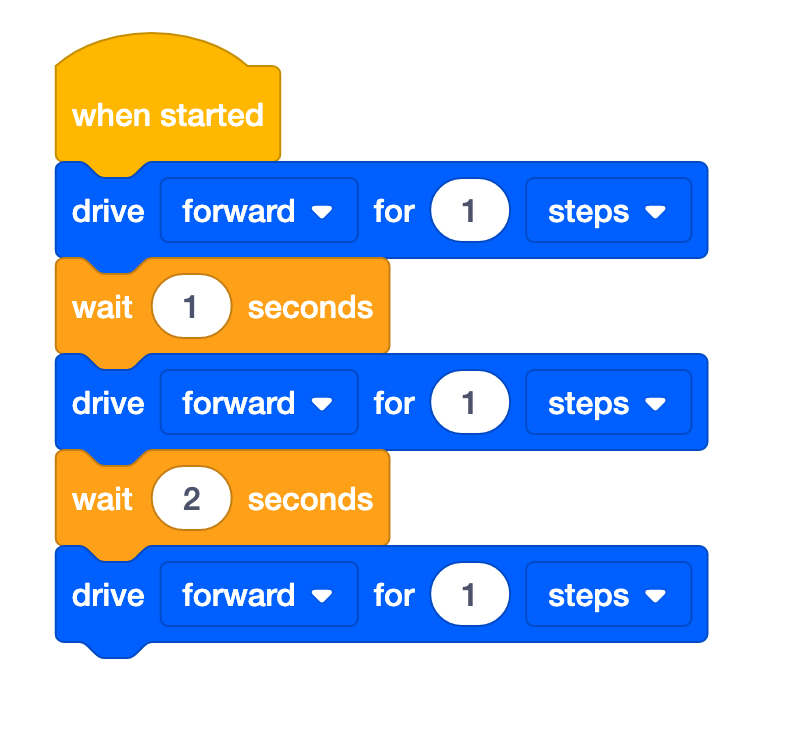
- In Lab 1, Play Part 2, when you are guiding your students to choose blocks to represent an in control behavior, you could use the blocks below to show “Moving Calmly”.
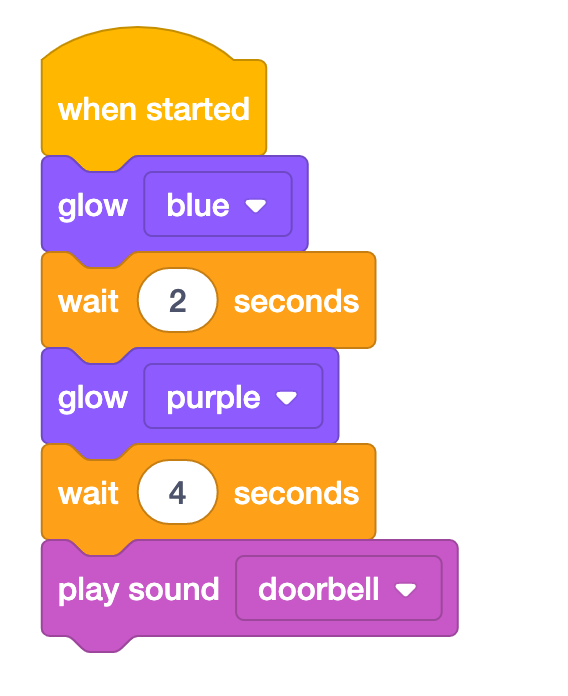
- In Lab 2, Play Part 1, when you are guiding your students to choose blocks for a Calm Down strategy, you could use the blocks below to show “take a deep breath”.
- When you add another calm-down behavior to the project, you could add [Turn for] blocks to represent the human action of stretching from side to side.