
In this lesson, you will continue to practice using flight data on the Drone Dashboard on the VEX AIR Drone Controller as you control the VEX AIR Drone to roll left and right. You will observe how the x-axis position of the drone changes when you roll, building your understanding of how lateral movement is controlled during flight.
Watch the video below to learn about:
- How rolling the drone affects the x-coordinate data on the Drone Dashboard.
- How the x-, y-, and z-axes are used to describe the drone's position in 3-dimensional space.
Mission: Roll Control
In this mission, you will fly the drone to different x-coordinates to see how the coordinates change as you roll the drone left and right. Follow these steps to complete your mission:
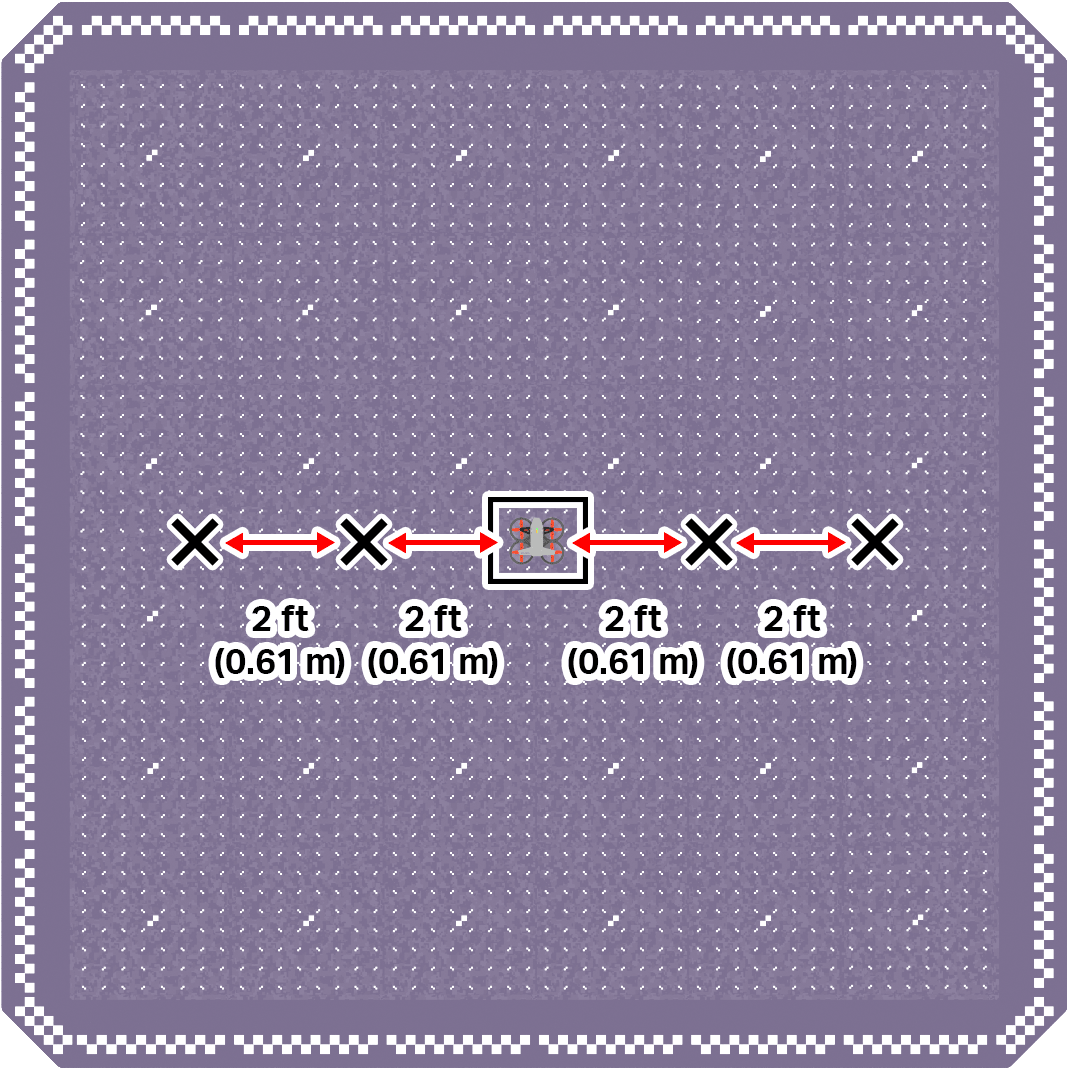
- Mark four locations on the ground to the left and right the drone's takeoff zone, in the center of the field.
- Two should be directly to the right of the drone. Each one should be 2 ft (0.61 m) apart.
- Two should be directly to the left of the drone. Each one should be 2 ft (0.61 m) apart.
Use the image below for reference as you set up your indoor flight area.
- Divide your flight team into starting roles to determine who will be the pilot and co-pilot(s). Review the responsibilities for before, during, and after a flight in this article.
- Use the pre-flight checklist in the Mission Log (Google Doc / .docx / .pdf) to ensure you, your indoor flight environment, and the drone itself are ready and safe for flight.
- Place the drone in the center of the flight area in the takeoff zone.
- Take off and roll the drone right until it is above one of the marked locations.
- Record the x-coordinate from the Drone Dashboard on your Mission Log when the drone is above the marked location.
- Continue to roll the drone right and left to all marked locations, and note the x-coordinate of each in your Mission Log.
Pro Tip: Think about how fast you are rolling as you approach each location so that you can release the joysticks at the appropriate time to be able to collect accurate location data.
Real-World Connections
In real-world drone operations, pilots rely on instrument data to fly safely and accurately. Instead of depending only on what they can see, pilots use information like position coordinates, altitude, direction, speed, and battery level to understand how the drone is moving and where it is in space.
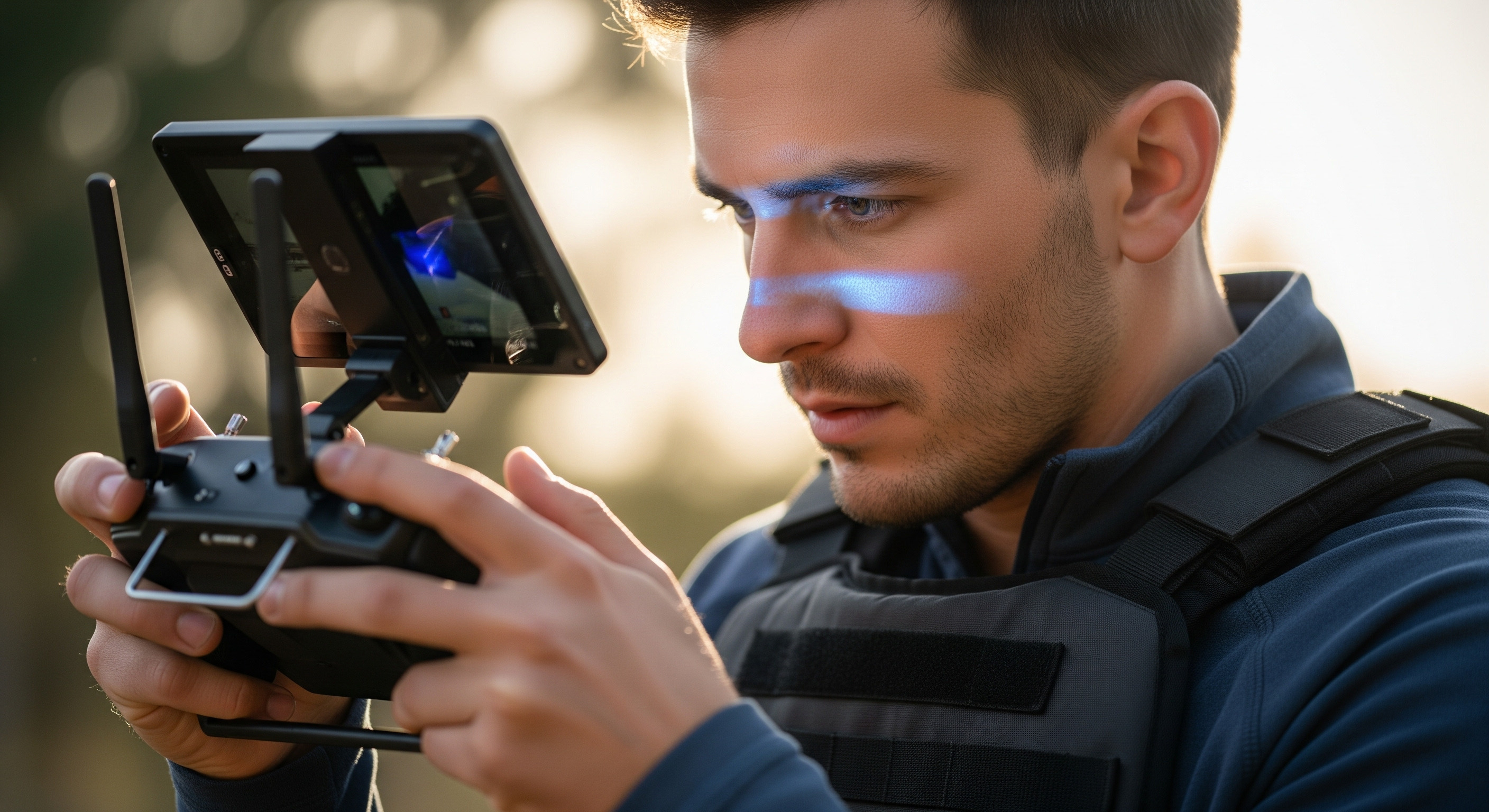
Commercial drone pilots often monitor live flight data on a controller display to help guide precise movements during flight.
For example, a drone pilot inspecting a building may use coordinates and alignment guides to roll left or right and stay lined up with a wall, even when the drone is several meters away. Emergency response pilots may monitor altitude and battery data to make sure the drone can reach its destination and return safely. By using instrument data, drone pilots can make precise adjustments, avoid obstacles, and complete missions accurately and with fewer crashes.
Check Your Understanding
Before moving on, ensure that you understand the concepts in this lesson by answering the questions here (Google Doc / .docx / .pdf).
Select Next > to move on to the next lesson.