
Now that you have practiced controlling the drone’s pitch and yaw, you are ready to explore a new way to steer! In this lesson, you will learn about the difference between standard and headless steering modes, and how each one changes the way you fly the VEX AIR Drone.
Using the same joysticks, you can choose between two different steering “perspectives.” Standard steering is based on the direction the drone is facing, while headless steering always follows the starting position of the drone—no matter which way the drone has rotated. Understanding how both modes work will help you choose the best tool for any mission.
In this video, you will learn more about:
- How standard steering uses the drone’s front as the reference point.
- How headless steering keeps controls consistent relative to the starting point of the drone (in our case, the pilot).
- How to switch between steering modes using the settings on the VEX AIR Drone Controller.
<< Video Here >>
Mission: Test Steering
Real-World Connections
Drone pilots use both standard steering and headless steering depending on the task they need to complete. Understanding when to use each mode is an important part of becoming a skilled and confident flyer—whether you're flying in a simulator or operating a drone in the real world.
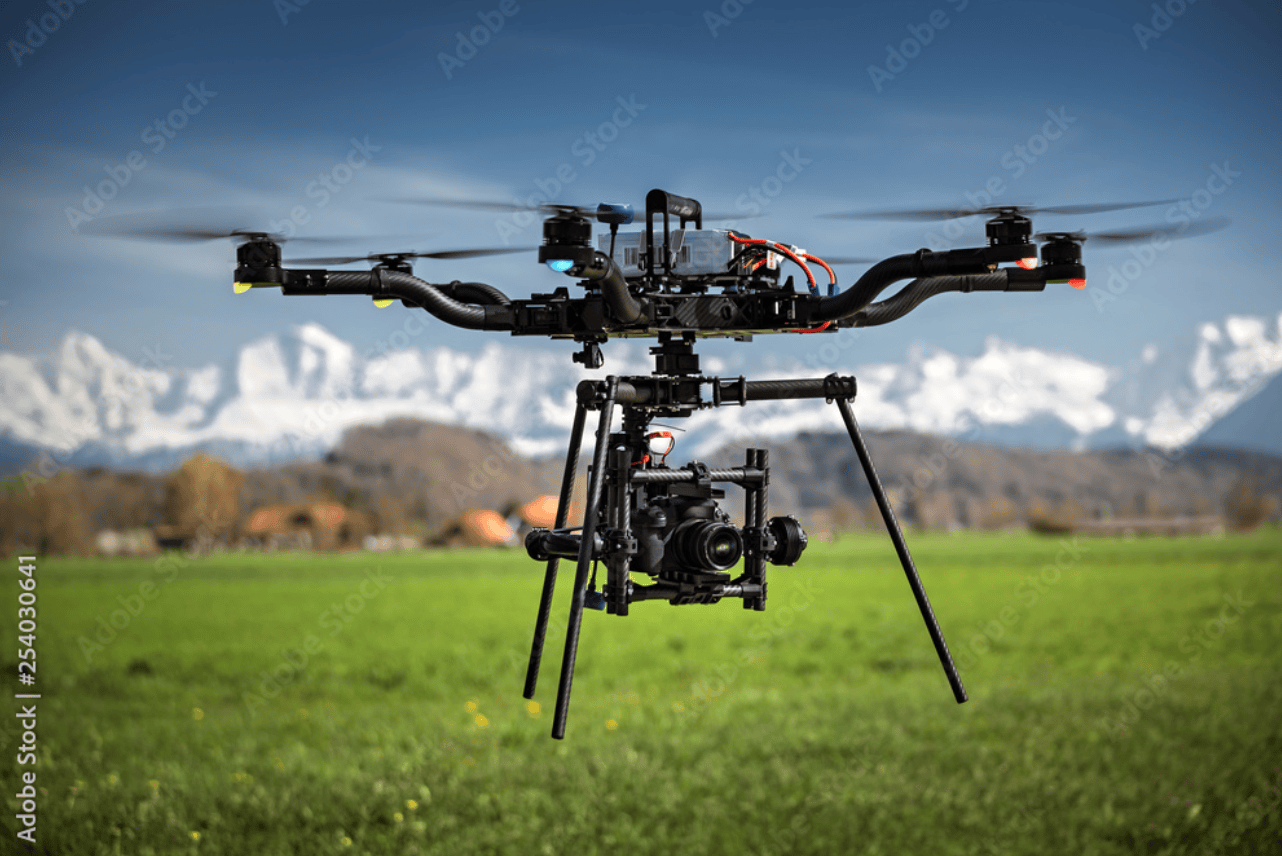
Headless steering is especially useful in situations where the drone is far away, hard to see, or positioned at an unusual angle. For example, pilots filming movie scenes often rely on headless mode to keep their shots smooth, even when the drone rotates to capture a moving subject. Headless steering can also help during long-distance or out-of-sight flights, because the controls stay consistent no matter which direction the drone is facing.
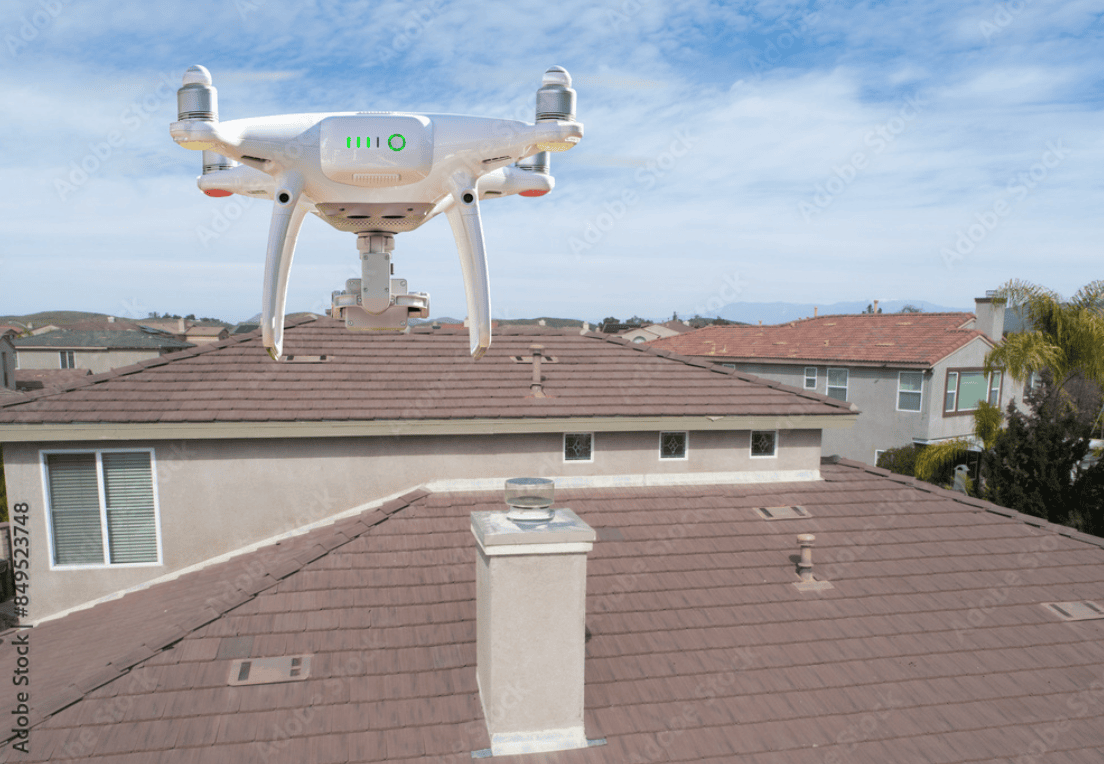
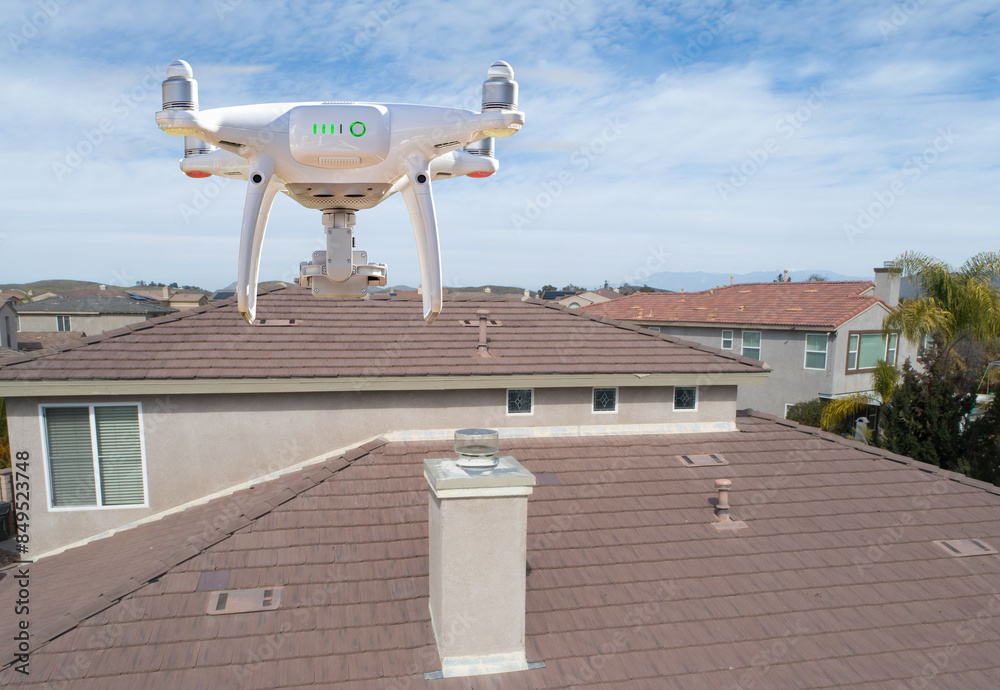
Standard steering, on the other hand, is commonly used in professional drone work that requires precision. Tasks like inspecting buildings, navigating tight spaces, or following specific flight paths are often easier when the controls match the drone’s actual orientation.
Check Your Understanding
Select Next > to move on to the mini-challenge.