
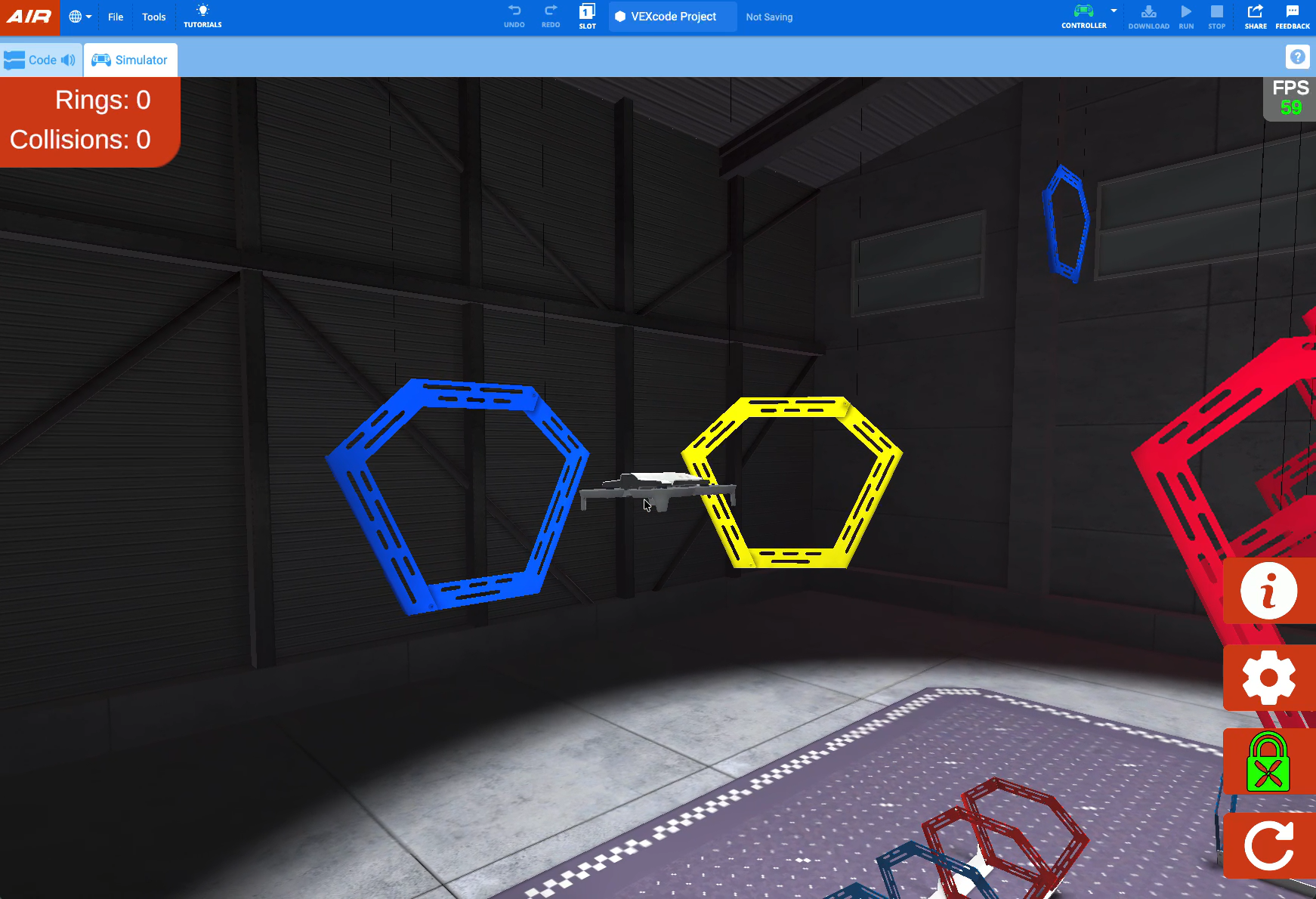
In this unit, you will add to your understanding of how to fly the VEX AIR Drone. You will learn how to use the control for roll to fly the drone to the left and right using the VEX AIR Drone Controller. You will also learn about two different steering modes (standard and headless) and when and how to use each one. By the end of the unit, you will have tested both of these steering modes while flying through the blue rings positioned on either side of the platform.
Vocabulary
The following vocabulary words will help you discuss drone movements during this Unit.
- Roll — The movement that makes a drone tilt and move side to side. When a drone rolls left, it begins moving left, and when a drone rolls right, it begins moving right
- Headless Steering — A drone control mode where the drone always moves in the direction you push the joystick, no matter which way the drone itself is facing
- Standard Steering — A drone control mode where the drone moves based on which direction its nose is facing
Select Next > to move to the next lesson.