
Now that you have been introduced to using the Motorized Hook Module on the VEX AIR Drone to pick up and drop orbit balls, you are ready to transport them to different locations around the Competition layout in the VEX AIR Flight Simulator. In this mini-challenge, your goal is to use the motorized hook to pick up and deliver three orbit balls with the VEX AIR Drone Controller. You will deliver one to a Drop Zone, one to a Drop Tower, and one to the Pole.
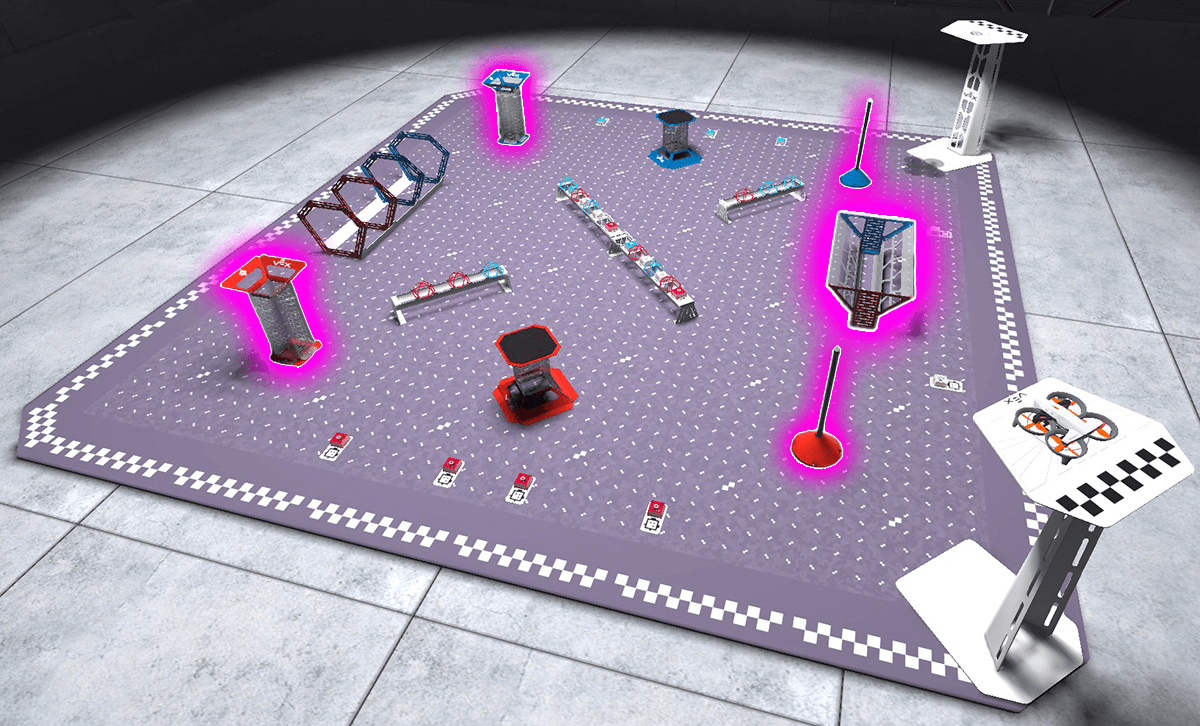
Scoring Locations in the Competition Layout
There are three locations where orbit balls can be scored in the Competition layout in the simulator.
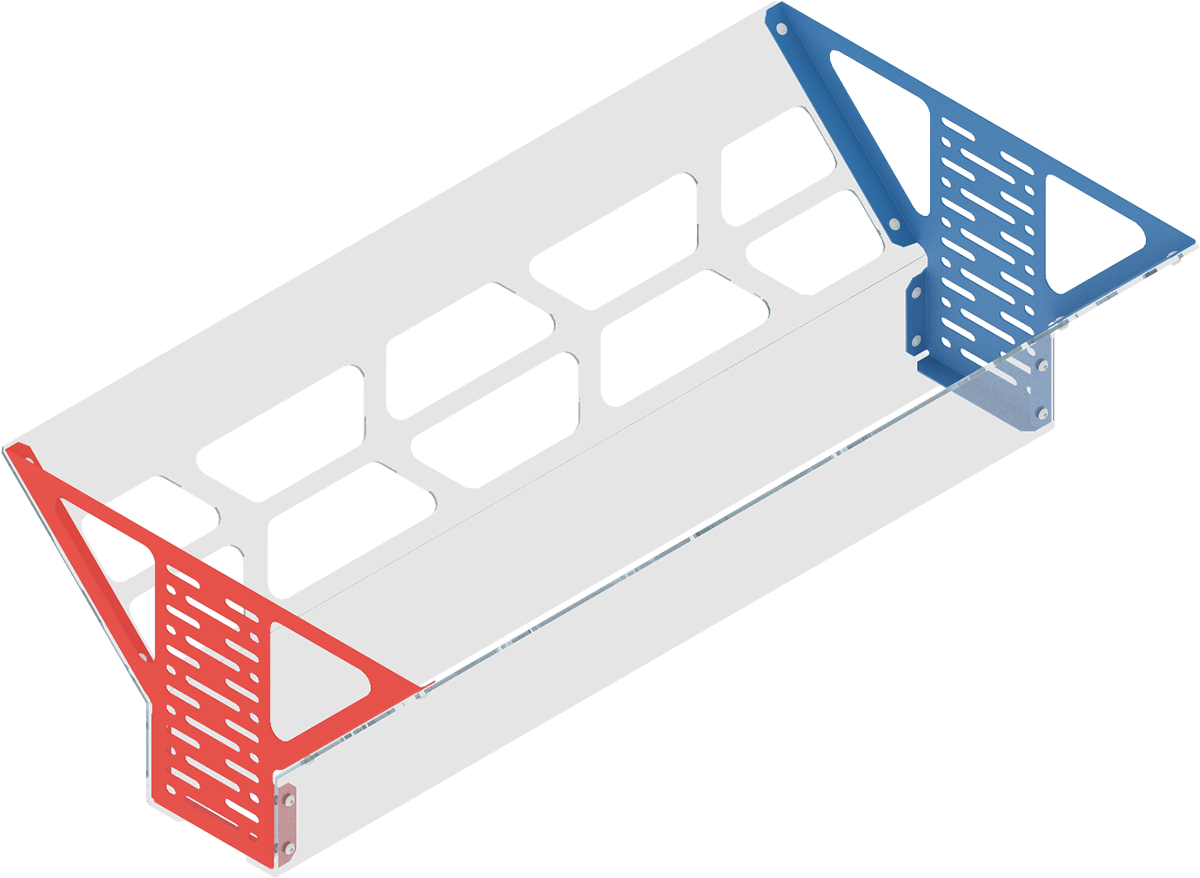
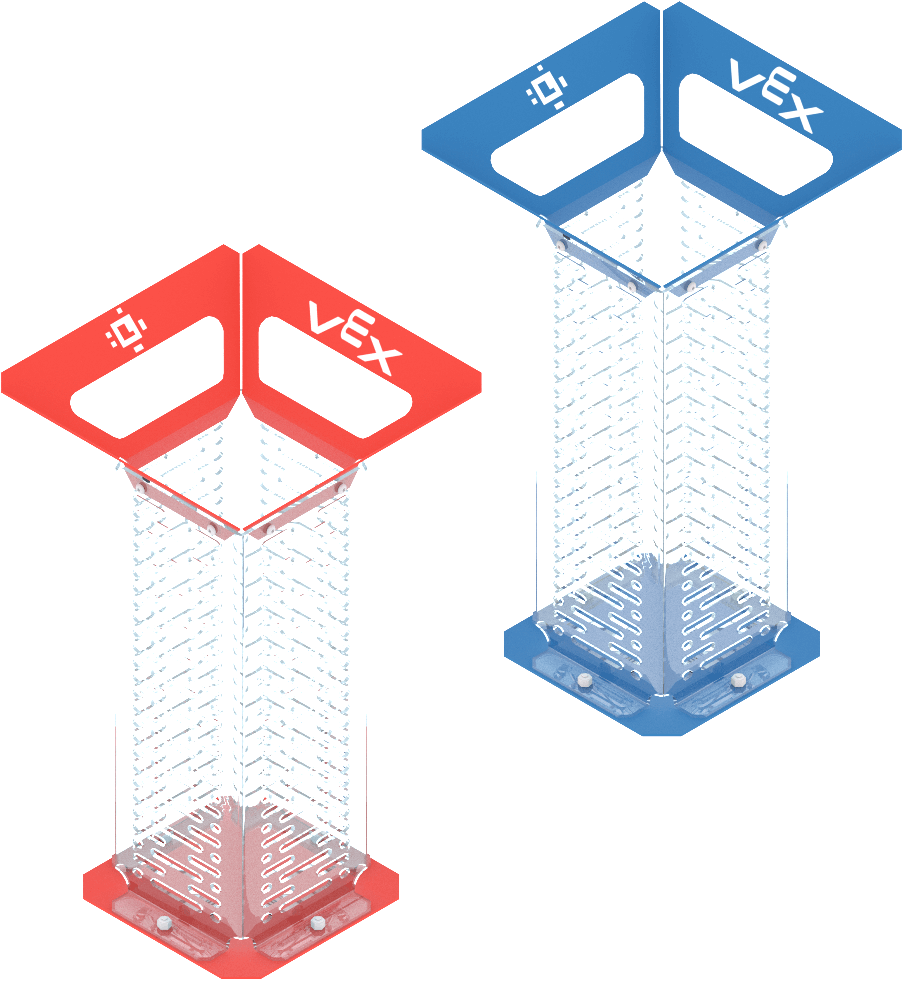
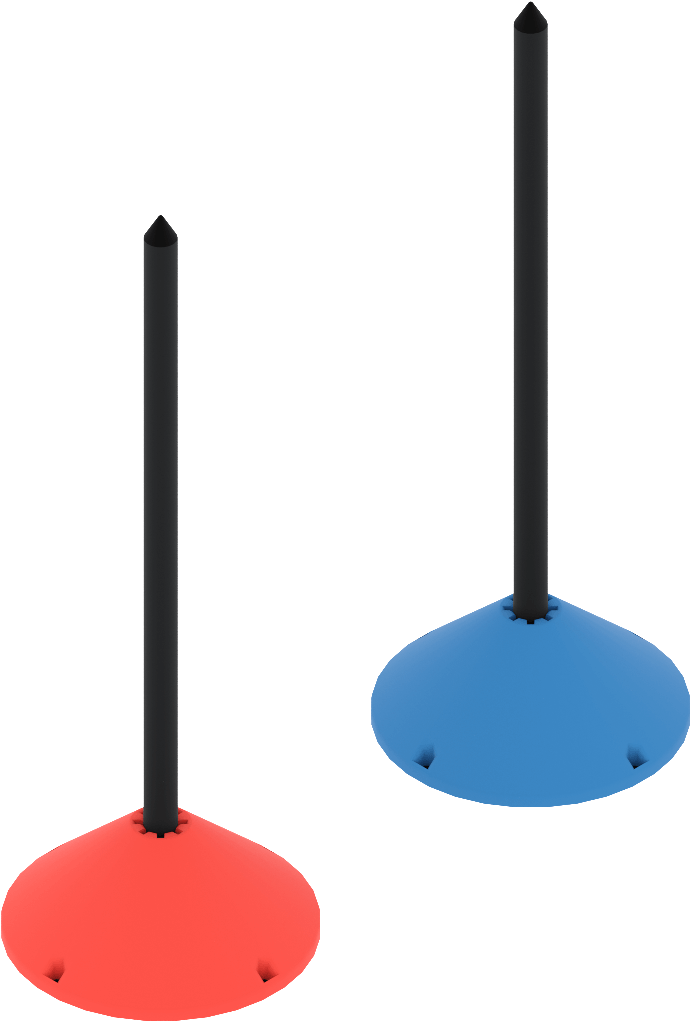
| Drop Zone | Drop Towers | Poles |
 |
 |
 |
- Drop Zone — The long trough-like open structure between the two platforms.
- Drop Towers (1 red and 1 blue) — The tall funnel-like structures located on the far left and right corners of the field, opposite the platforms.
- Poles (1 red and 1 blue) — The tall stick-shaped goals located in front of each platform.
Mission: Triple Orbit Ball Delivery
In this mission, you will use the motorized hook to pick up and deliver three orbit balls. You will deliver one each to a Drop Zone, one to a Drop Tower, and one to the Pole.
The video below shows an orbit ball being scored in the red Drop Tower, using the Chase View.
Follow these steps to complete the mission:
- Connect your controller to VEXcode AIR and select the Simulator tab.
- Change to the Competition layout and select the Motorized module. Use this article for help using the VEX AIR Flight Simulator.
- Fly the drone to take off, pick up an orbit ball using the motorized hook, and drop it off at one of the three locations (Drop Zone, Drop Tower, and Pole). Repeat for the second and third locations, then return to the platform to land.
- Use this Mission Log to document your flight (Google Doc / .docx / .pdf).
Once you have practiced the mission and logged your practice flights in your Mission Log, complete the Triple Orbit Ball Delivery Challenge mission in Flight School.
- Read the VEX Library article Using Flight School in the VEX AIR Flight Simulator for instructions on how to access and use Flight School.
- Find badge criteria for the mission in the Mission Log.
- When you have completed your Flight School mission, add your name to your badge.
- Save your badge, and share it with your instructor as directed.
Real-World Connections
In the real world, drones often use hooks, cables, or lines to lift and retrieve objects that cannot be picked up directly and require using a suspended payload.
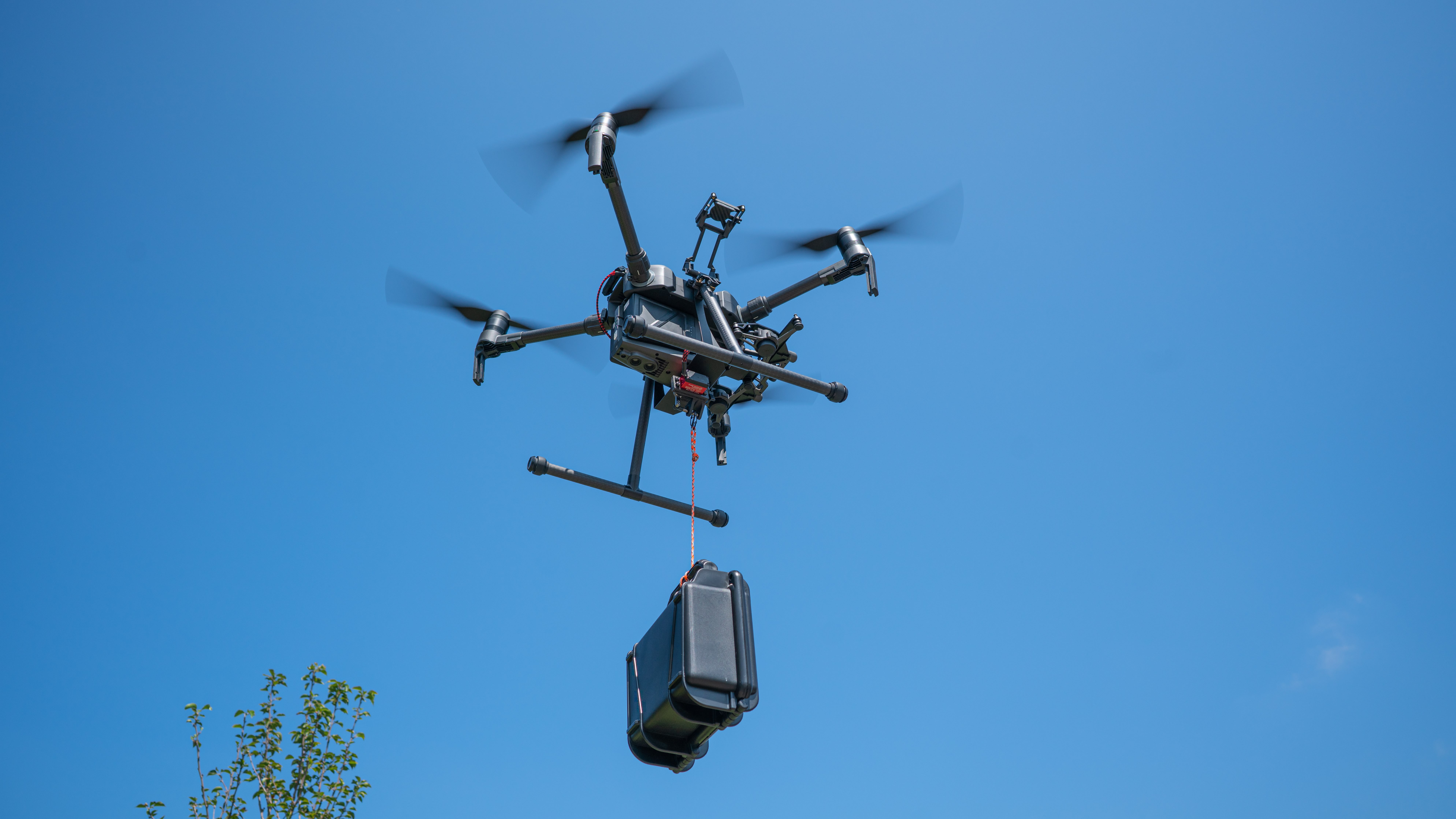
Search-and-rescue teams use drones with hooks to lower supplies like rope, radios, or medical kits to people in hard-to-reach locations. This allows help to arrive quickly without putting rescuers in danger.
Just like in the simulator, professional pilots flying outdoors with drones carrying suspended payloads (as shown in the image to the left) must carefully align the drone and move slowly to keep the object stable. Learning how to control a drone with a hanging load helps prepare pilots for real-world missions that require precision, patience, and safety.
Select Return to Units > to move on to the next unit.