
Now that you've mastered the Magnet Module, you're ready to apply your skills in a mini-challenge! Your goal is to pick up and deliver five pieces of cargo to the Cargo Platforms using the VEX AIR Drone Controller in the Flight Simulator. You'll start by transporting one piece of cargo, then progressively build up to delivering all five in a single flight.
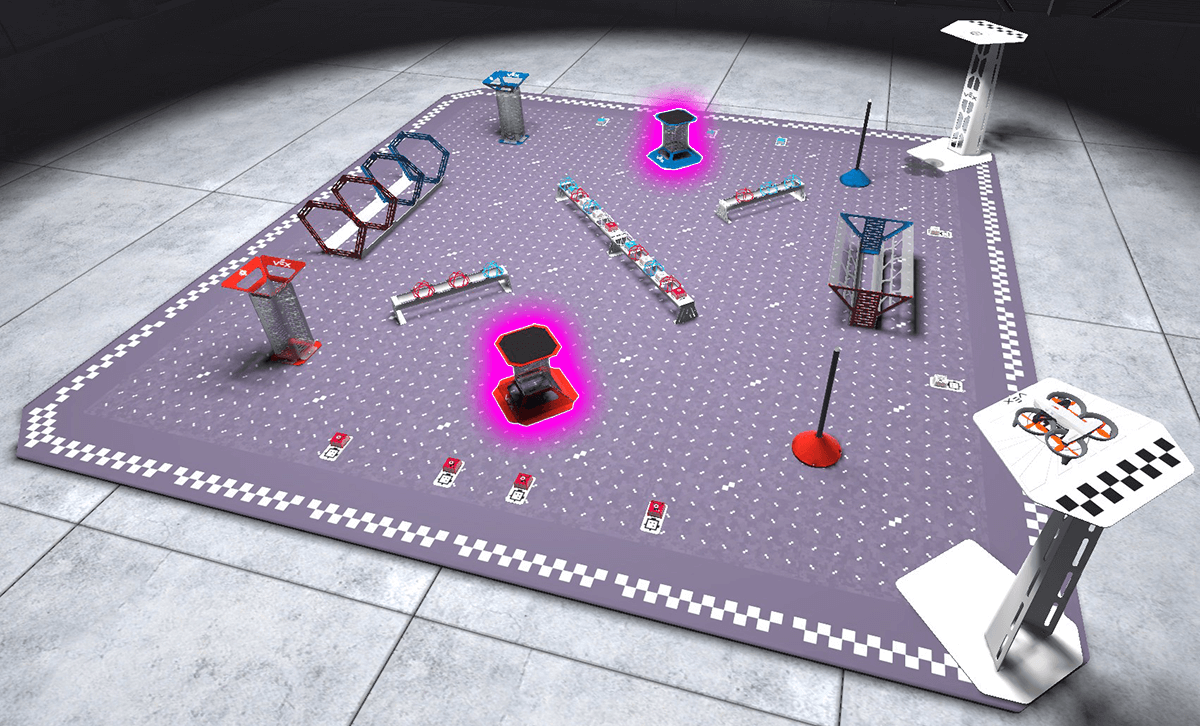
Mission: Five Cargo Delivery
In this mission, you will pick up and deliver five pieces of cargo to the Cargo Platforms. Start by delivering one piece, then progress to delivering all five in a single flight.
The video below demonstrates a cargo drop onto the red Cargo Platform using Chase View.
Follow these steps to complete the mission:
- Connect your controller to VEXcode AIR and select the Simulator tab.
- Change to the Competition layout and select the Magnet Module. Use this article for help using the VEX AIR Flight Simulator.
- Pick up and deliver cargo pieces, then land on a platform. As you practice, progressively increase the amount of cargo you carry per flight.
- Use this Mission Log to record your practice (Google Doc / .docx / .pdf) after each flight.
- First pick up one cargo and deliver it to a Cargo Platform.
- Add one cargo to each flight until you have delivered all five pieces of cargo in one flight.
As you fly, pay attention to how cargo changes your control inputs. Like earlier missions, start slowly and expect to practice multiple times. Your precision will improve with each flight.
Once you have practiced the mission and logged your practice flights in your Mission Log, complete the Five Cargo Delivery Challenge mission in Flight School.
- Read the VEX Library article Using Flight School in the VEX AIR Flight Simulator for instructions on how to access and use Flight School.
- Find badge criteria for the mission in the Mission Log.
- When you have completed your Flight School mission, add your name to your badge.
- Save your badge, and share it with your instructor as directed.
Real-World Connections
Many professional drone pilots work in infrastructure inspection and maintenance, flying near towers, bridges, and other structures. In these jobs, drones are often used to place sensors, markers, or tools on specific locations so engineers can monitor conditions or plan repairs.
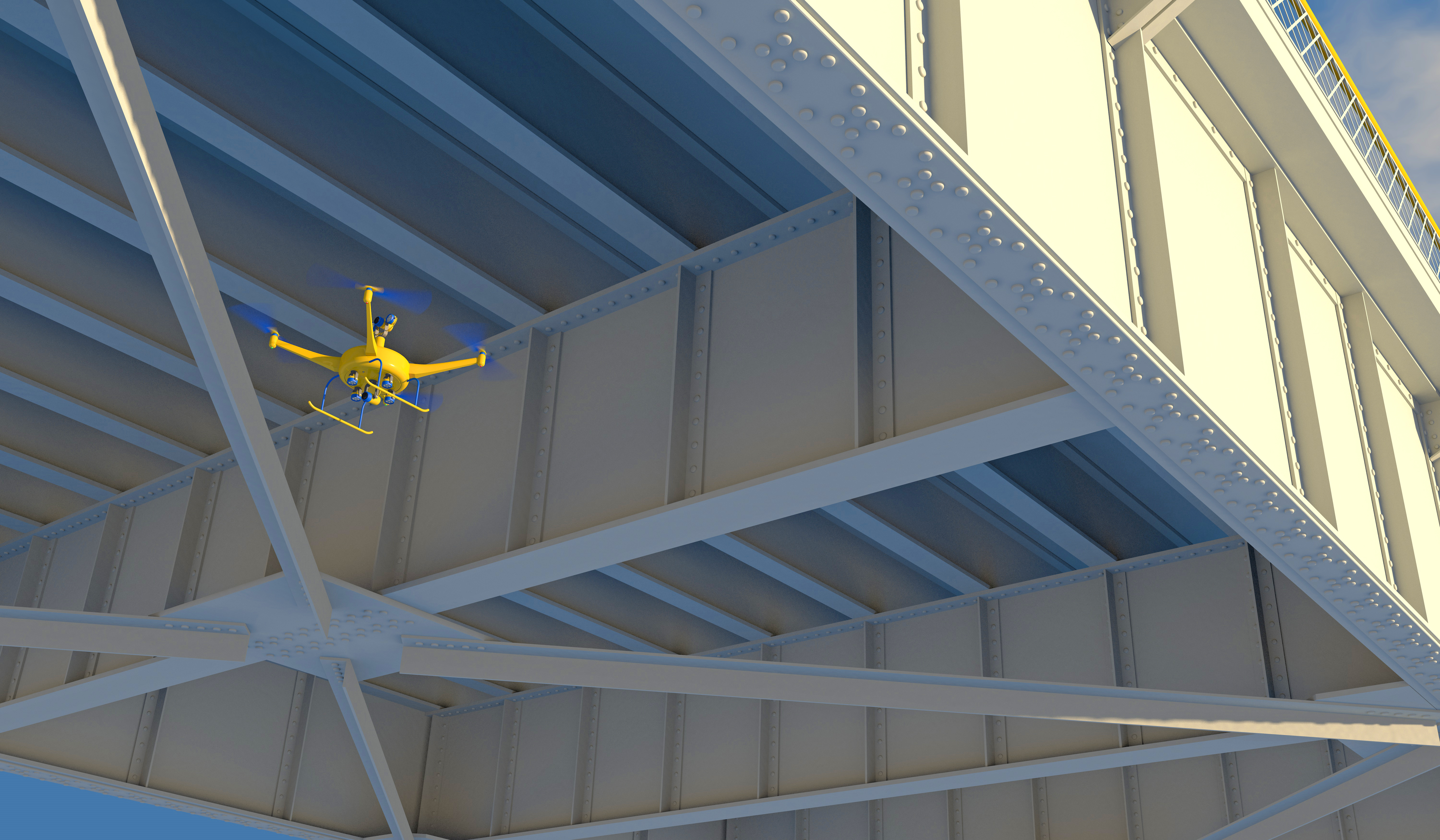
These missions require repeated, accurate placement during a single flight. Trained pilots flying outdoors must carefully approach each structure, align the drone precisely, and move away safely before traveling to the next target. Just like in this challenge, success for depends on planning a flight path, controlling movement carefully, and completing multiple deliveries efficiently and consistently.
Select Return to Units > to move on to the next unit.