Using the Jogging Project
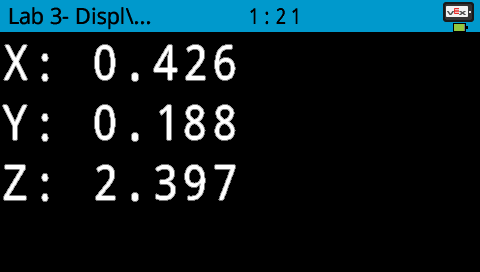
When obtaining coordinates to program the arm mounted on the V5 Workcell to move to certain locations, manually moving the arm mounted on the V5 Workcell using the ‘Display Position’ example project may not always give the most accurate coordinates.

To obtain more accurate coordinates, the ‘Arm Jogging’ example project can be used.
There are ‘+’ and ‘-’ buttons for each x, y, and z axis. These can be used to move the arm mounted on the V5 Workcell positive or negative in each axis direction.

The ‘Arm Jogging’ example project can be used to obtain more accurate coordinate location values, compared to moving the arm mounted on the V5 Workcell manually by hand using the ‘Display Position’ example project.