V5 Workcell Not Working?
Check the Mastering Values
The Mastering Values could change if the VEX V5 Workcell has been bumped or transported. Moving the arm mounted on the V5 Workcell with quick and hard movements could also cause the Mastering Values to change.
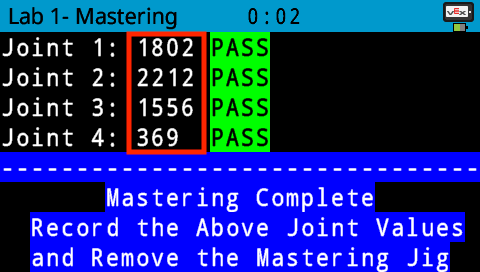
Open the ‘Arm Mastering’ example project or review the Play section from Lab 1 to obtain the Mastering Values.
Ensure the [Set tool] block is correct
When obtaining coordinate location values, if the [Set tool] block is not set correctly, the values may not be reported correctly. Ensure the [Set tool] block is set correctly in the project before obtaining any location values.
![Ensure the [Set tool] block is set correctly.](/stemlabs/sites/default/files/inline-images/lab-3-set-tool-to-magnet.jpg)
The [Set tool] block should be set correctly in a project before using any movement blocks, such as the [Linear move] block or the [Joint move] block.
![The [Set tool] block should be set correctly.](/stemlabs/sites/default/files/inline-images/movement-blocks.jpg)
Ensure motor speeds are accurate
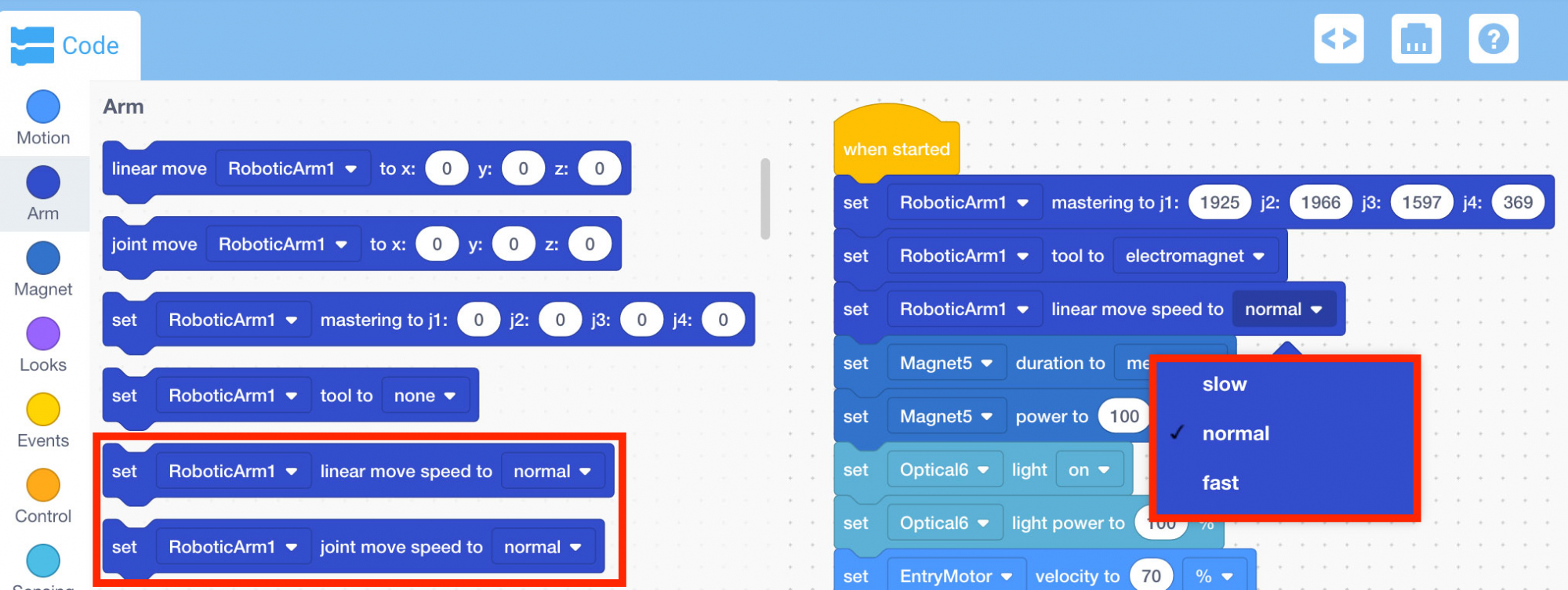
When spinning the motors on the arm mounted on the V5 Workcell or the conveyors, it is important to check to make sure the movements are not too quick to harm the equipment.
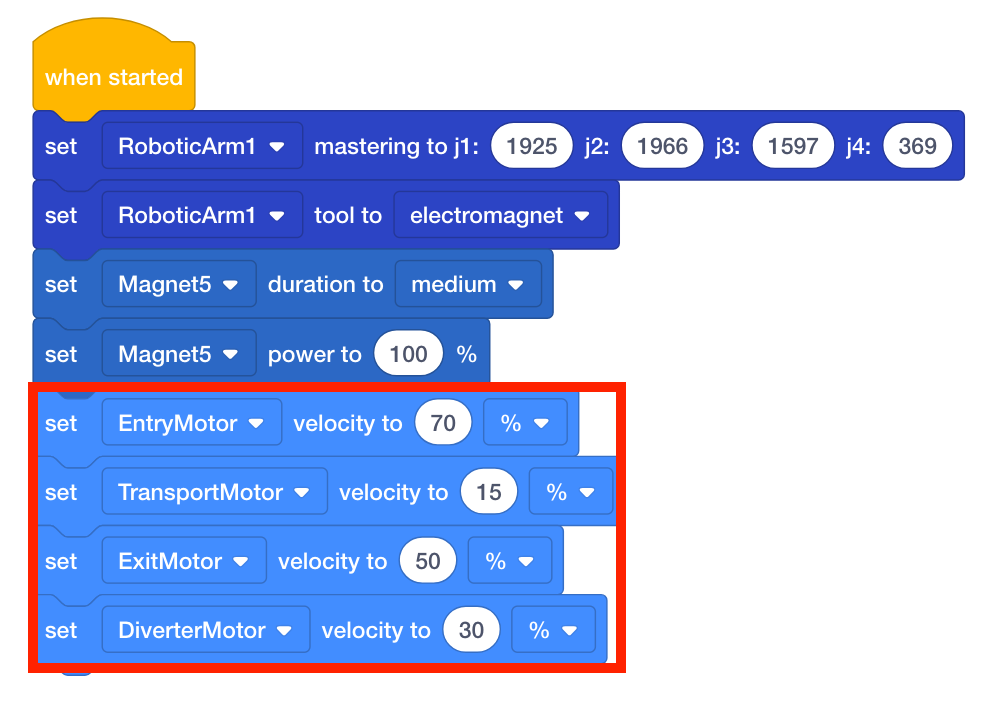
Reducing the motor speeds also allows for more precise movements. Use the [Set linear move speed] and [Set joint move speed] blocks to better control the arm mounted on the V5 Workcell’s movements.