Sort the Red and Green Disk
Now that the red disk has been diverted off of the Exit Conveyor, the blocks must now be added to pass the green disk through the Transport Conveyor.
-
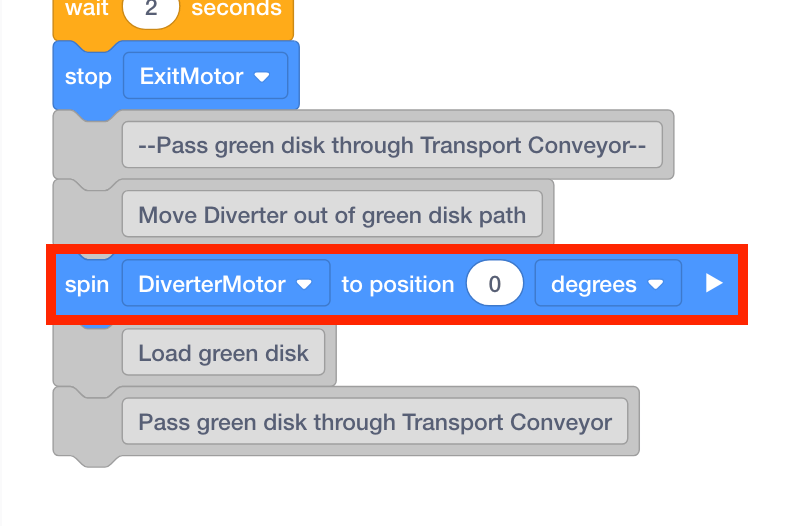
The Diverter needs to be set to position in order to pass the green disk through the Transport Conveyor. Repeat steps 16-17 to add a [Spin to position] block from the ‘Motion’ category to the ‘Move Diverter out of green disk path’ [Comment] block. Set the parameter of the [Spin to position] block to ‘0.’
-
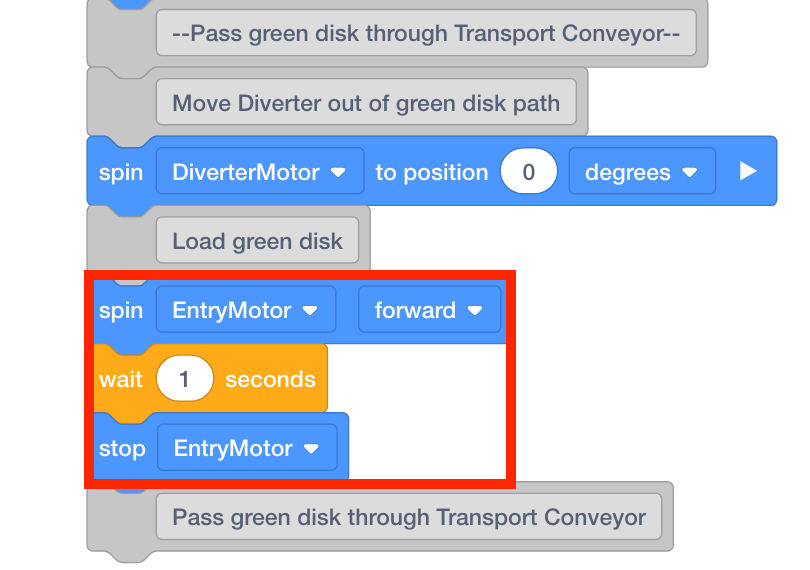
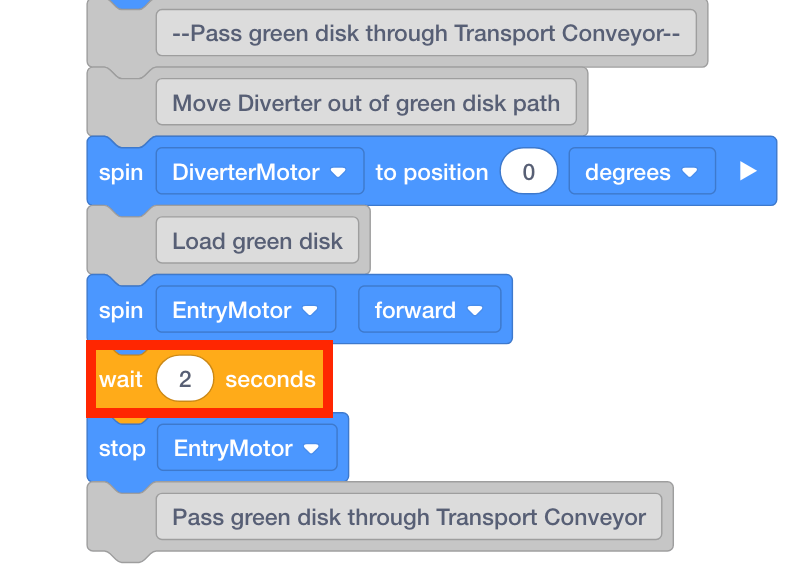
To load a green disk from the Entry Conveyor to the Transport Conveyor, repeat steps 18-20 to add [Spin], [Wait] and [Stop] blocks to the ‘Load green disk’ comment.
-
Set the parameter of the [Wait] block to ‘2.’
-
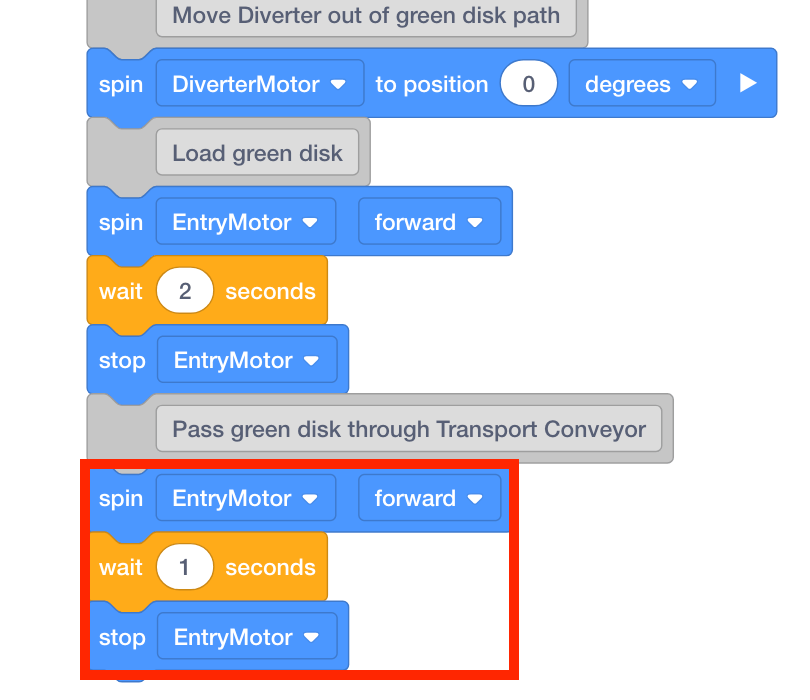
Repeat steps 18-20 to add [Spin], [Wait] and [Stop] blocks to the ‘Pass green disk through Transport Conveyor’ comment.
-
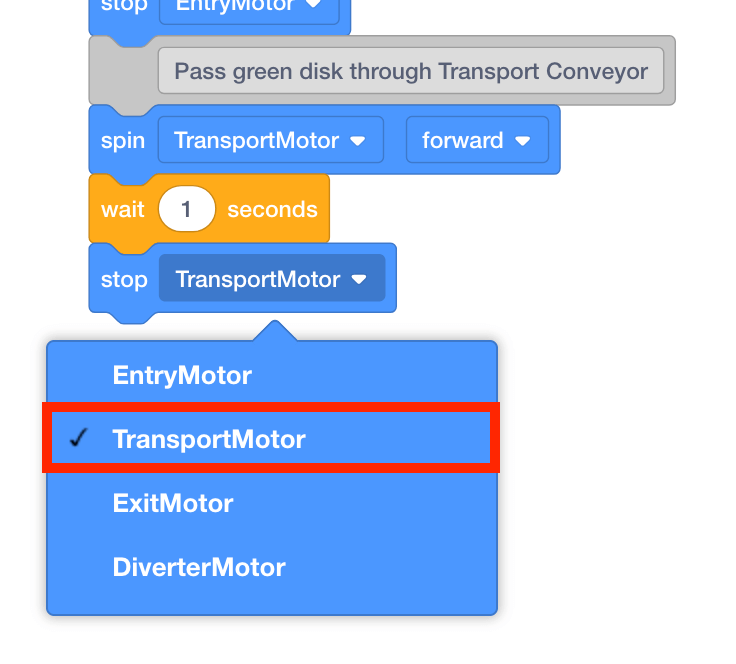
Set the [Spin] and [Stop] blocks’ motor to ‘TransportMotor.’
-
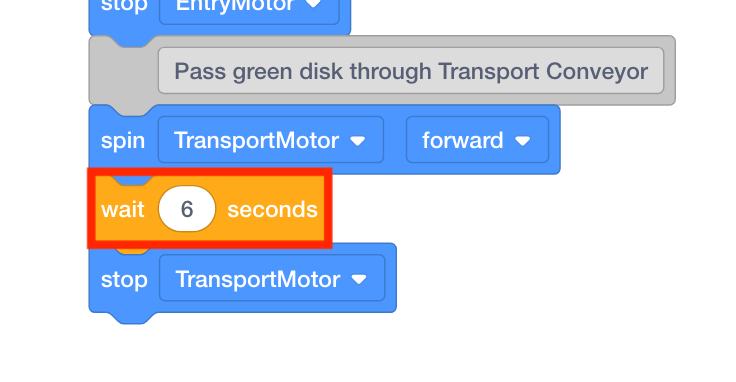
Set the parameter of the [Wait] block to ‘6.’
-
Place a red disk on the Entry Conveyor.
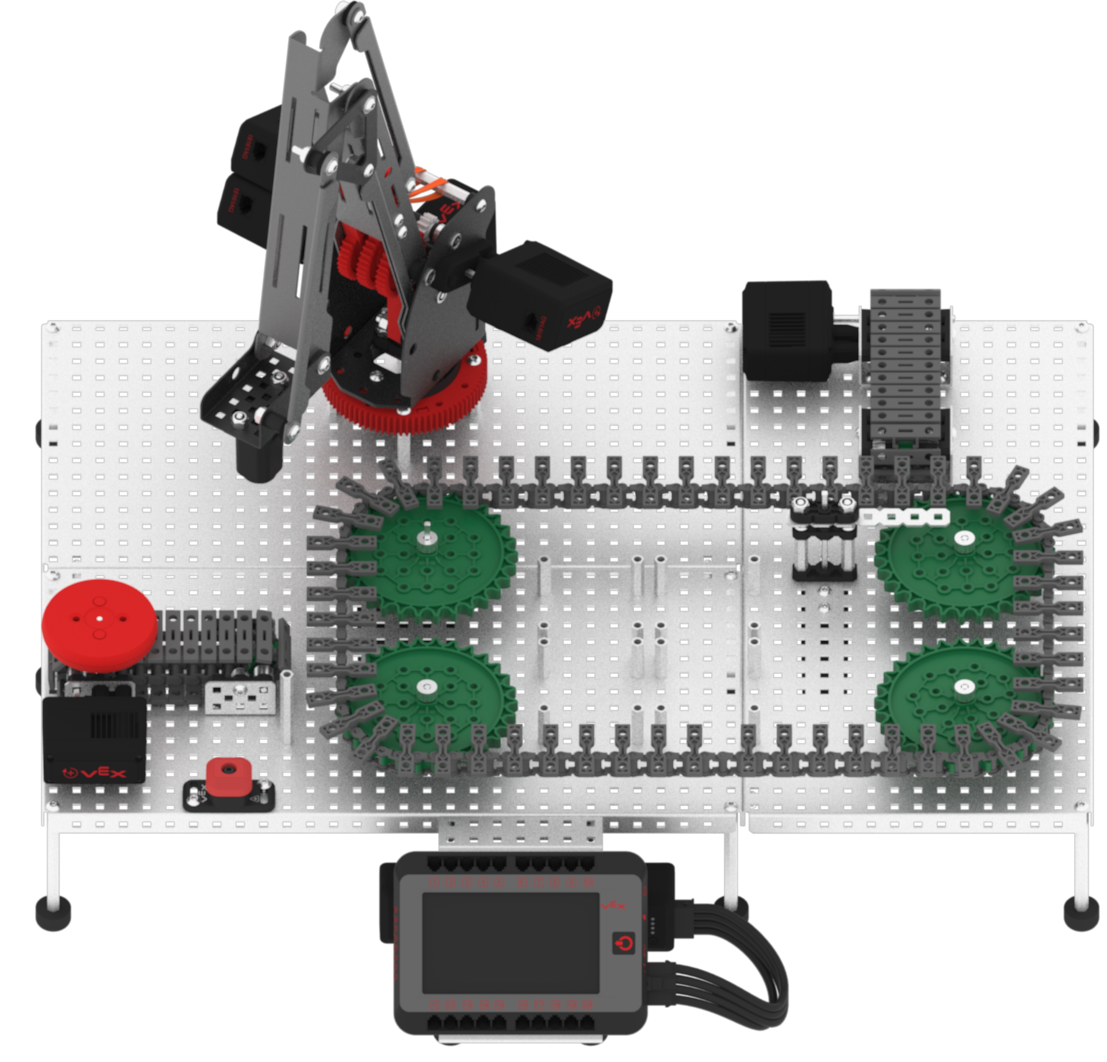
Note: manually move the Diverter back to the starting position if it is not there already.
-
Download and run the project.

-
Observe the red disk, acting as a faulty package or product, begin at the Entry Conveyor, travel through the Transport Conveyor, and be diverted off to the Exit Conveyor.
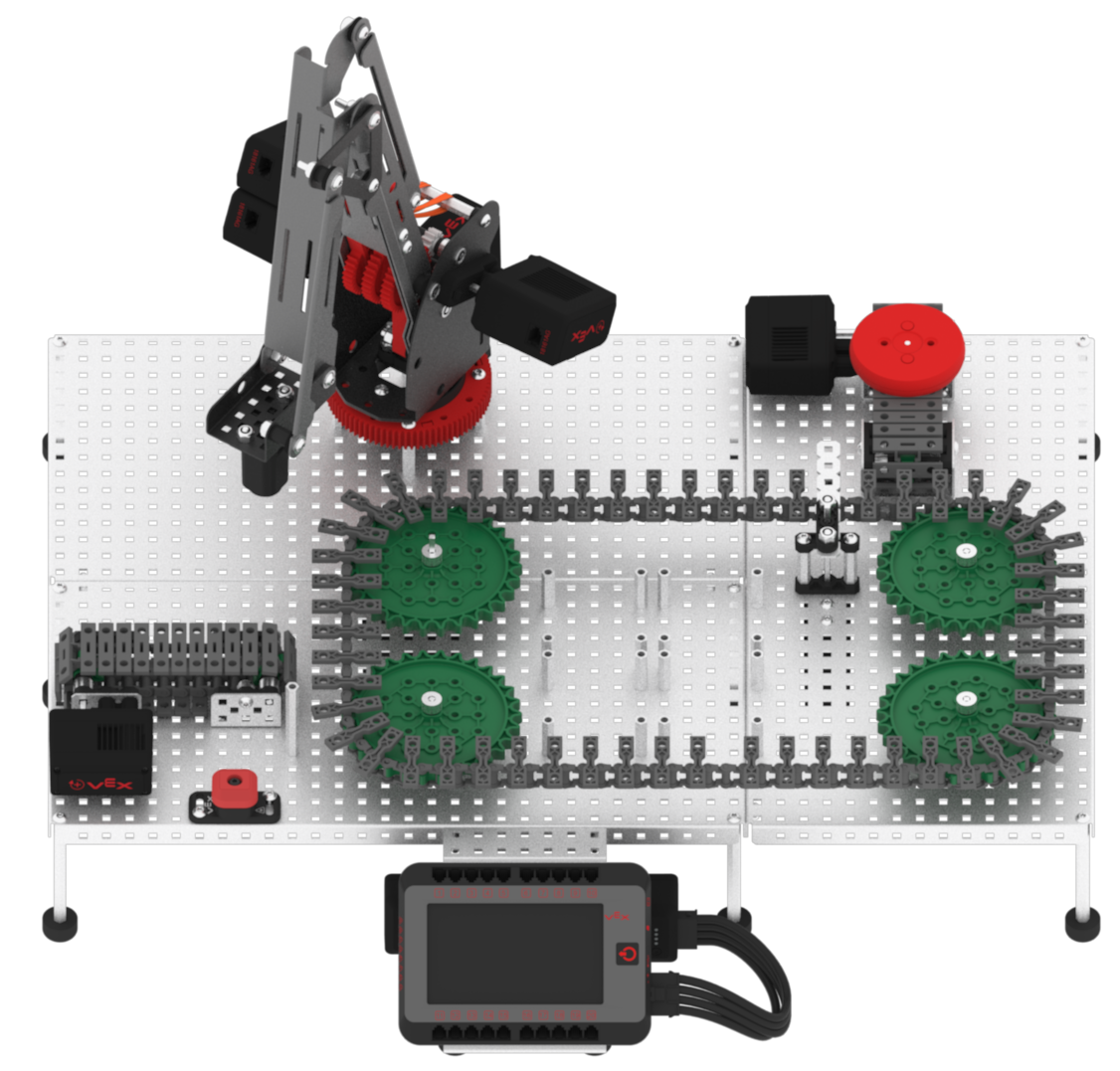
-
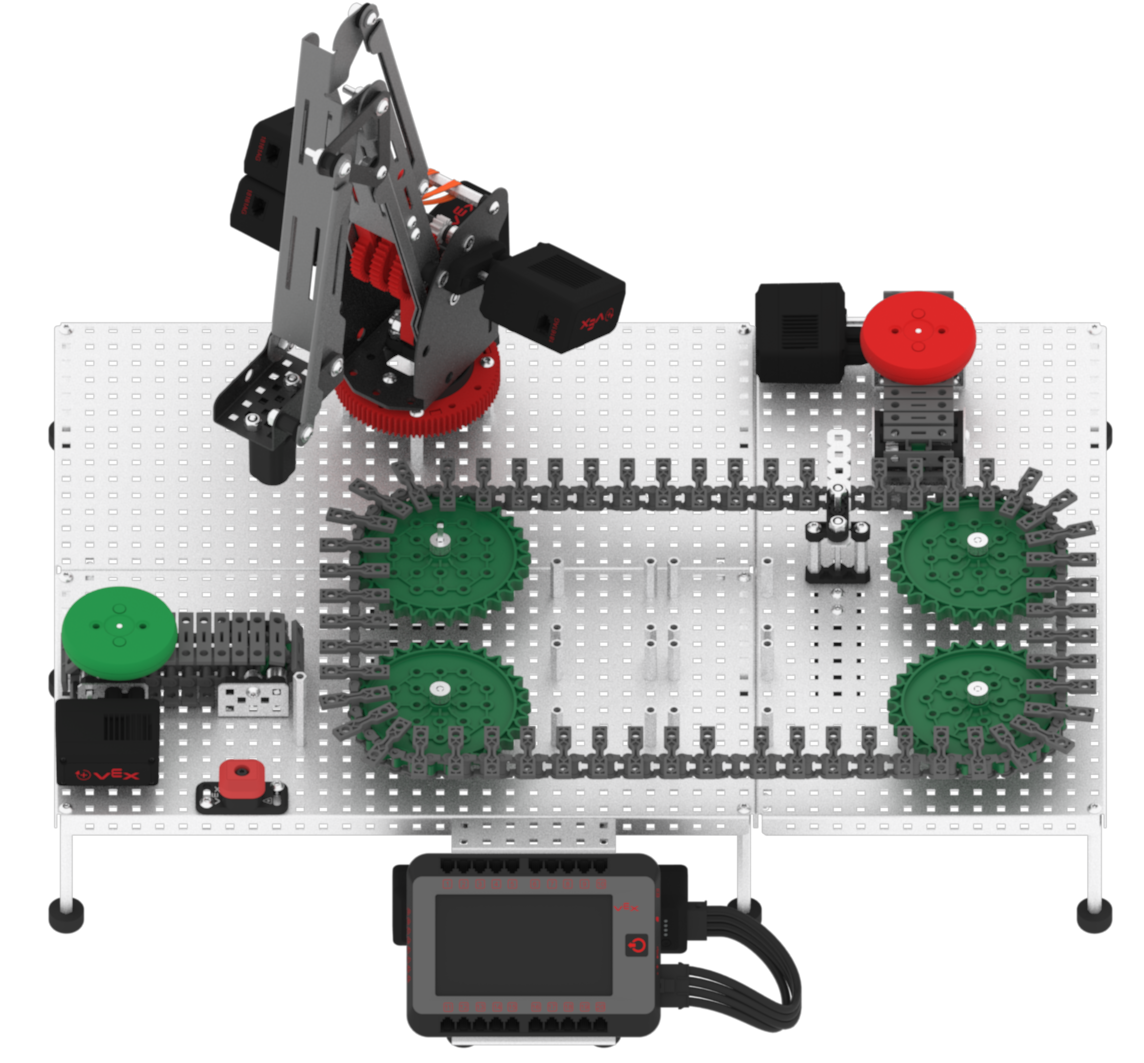
Place a green disk on the Entry Conveyor.
-
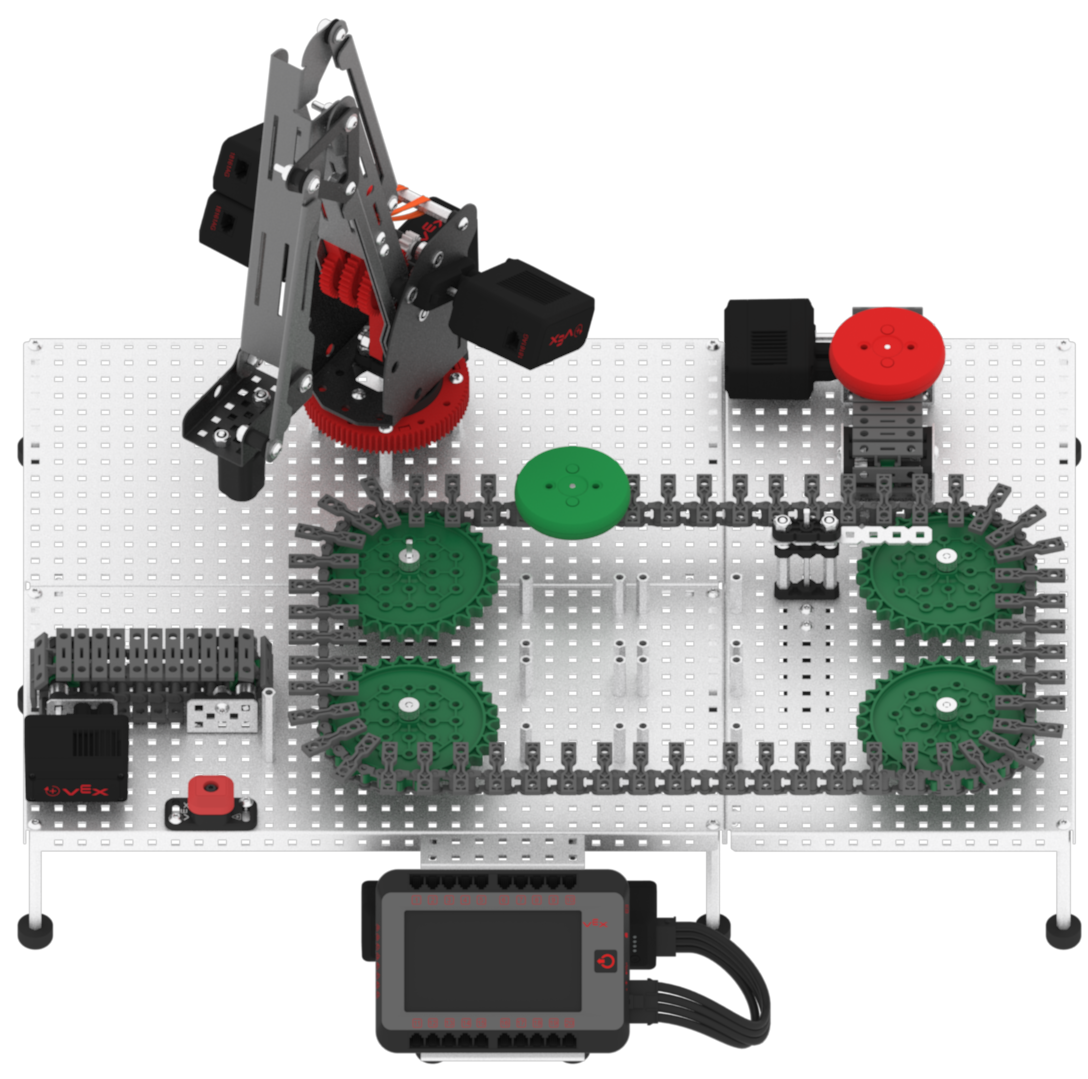
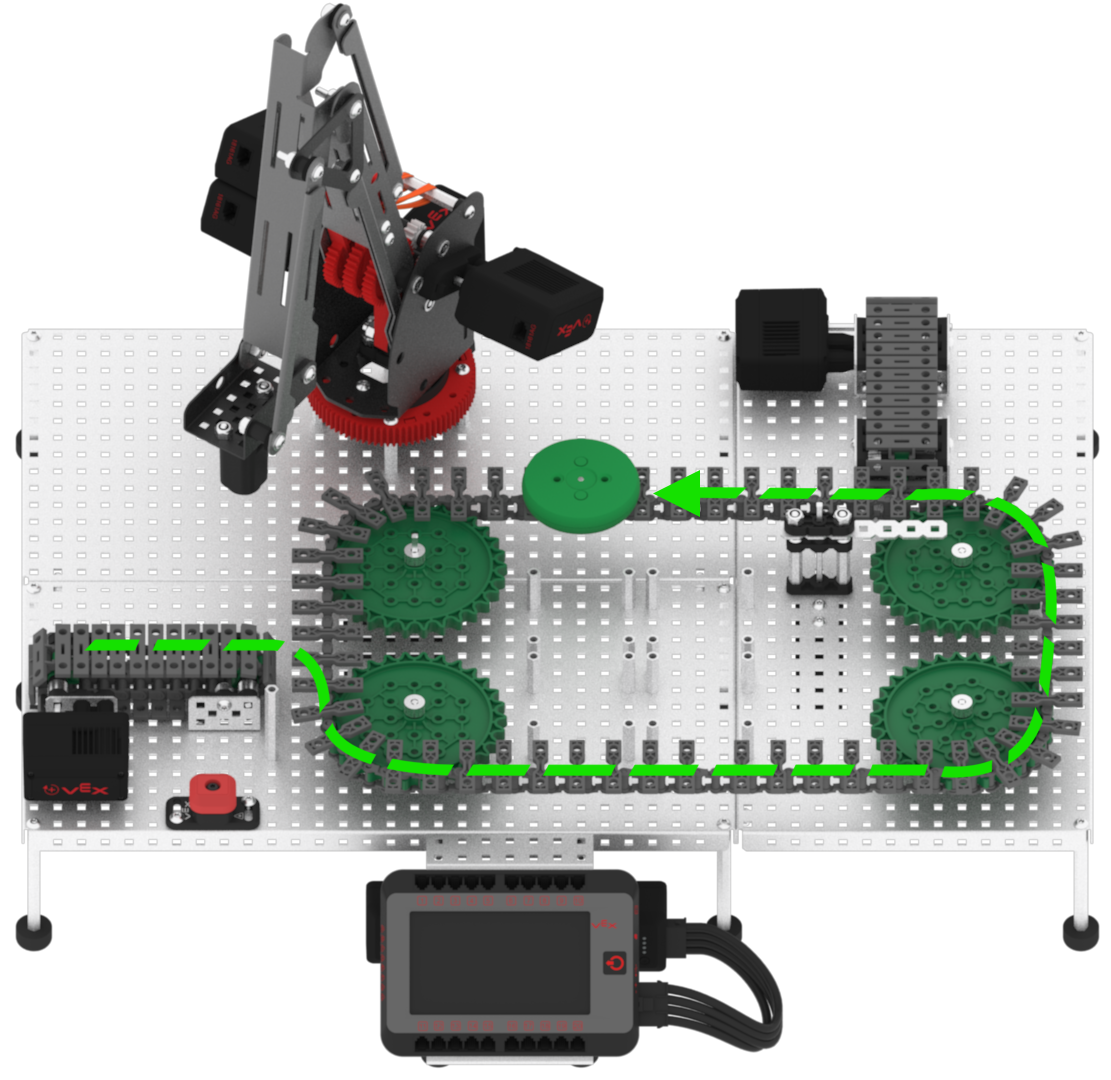
Observe the green disk, acting as an acceptable package or product, will begin at the Entry Conveyor, travel through the Transport Conveyor, pass the Diverter to continue on the Transport Conveyor, and then stop in front of the arm mounted on the VEX V5 Workcell.