
Now that you have completed your first flights in the VEX AIR Flight Simulator, you are ready to explore more flight controls. In this unit you will learn how to control the VEX AIR Drone to fly in different directions with pitch and yaw controls. You will practice using the joysticks on the VEX AIR Drone Controller to fly through rings. You will also learn about how the propellers spin to create those movements.
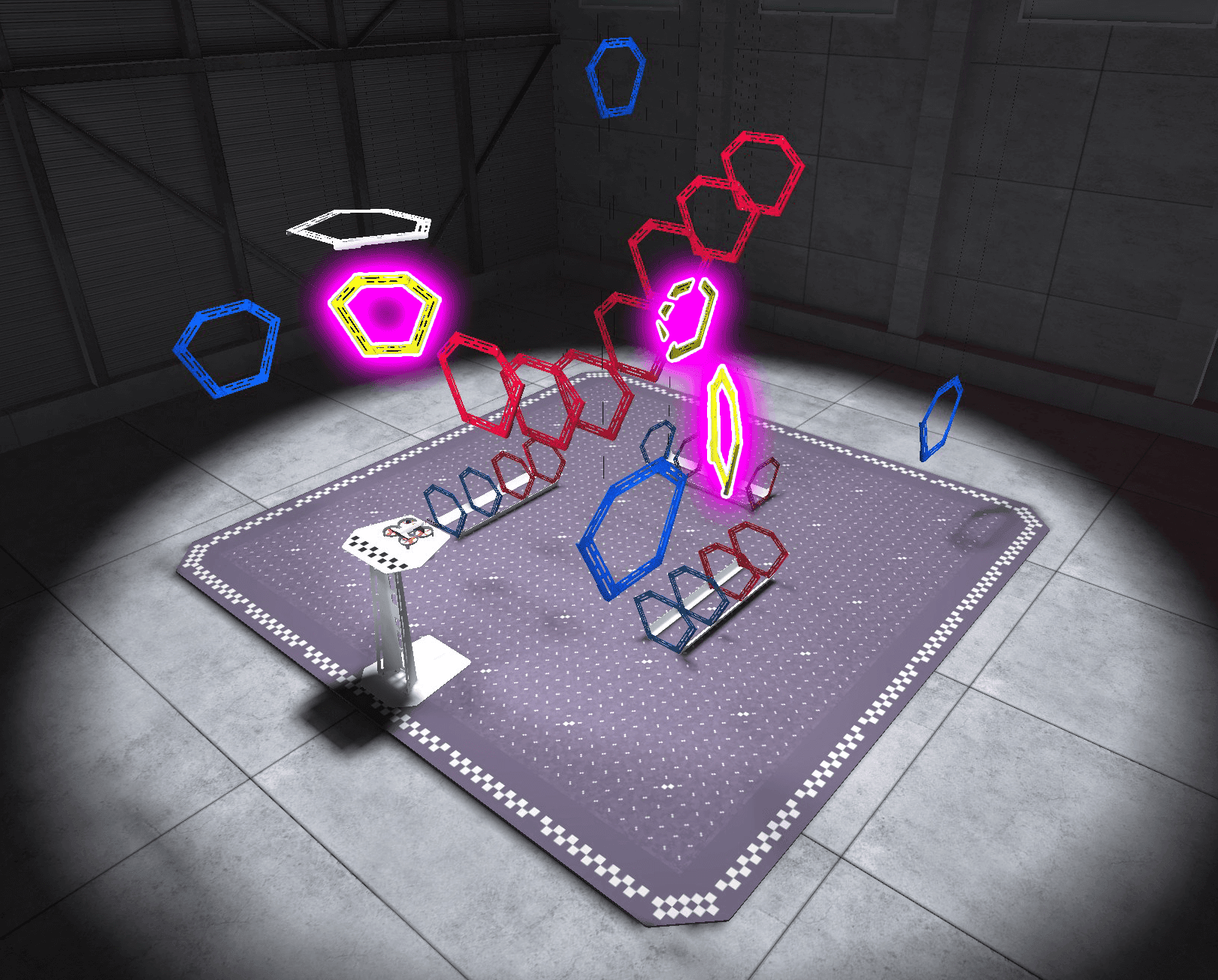
By the end of this unit, you will be ready to complete a mini challenge in which you fly through all of the yellow rings in a diamond-shaped path, as quickly as possible!
Vocabulary
The key terms below will help you as you expand your flight controls. The vocabulary list is here to provide reference for key terms you may not be familiar with.
- Pitch — The control that changes how fast the front or back propellers spin to move a drone forward or backward
- Yaw — The control that changes how fast opposite pairs of propellers spin to rotate a drone left or right while maintaining the same position in the air
- Cartesian Coordinate System — A grid-based system used to pinpoint locations in space using coordinates (x, y, z) to describe precise positions of points or objects
Select Next > to move to the next lesson.