123 로봇을 다리 위로 운전하도록 코딩하세요

Activity Image
이미지
Cross the Bridge
VEX Platform
Subject
Coding Method
Activity PDF Link
https://content.vexrobotics.com/assets/education/stem-labs/docs/123/Activities/VEX 123 Activity - Cross the Bridge.pdf
Activity Image Alt
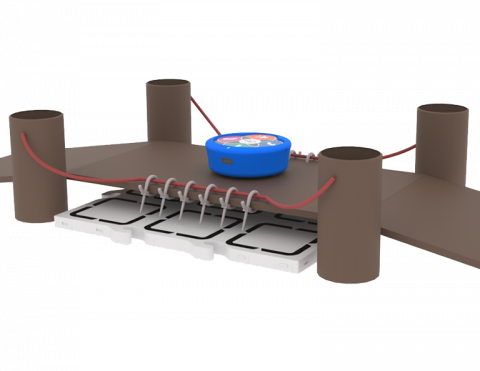
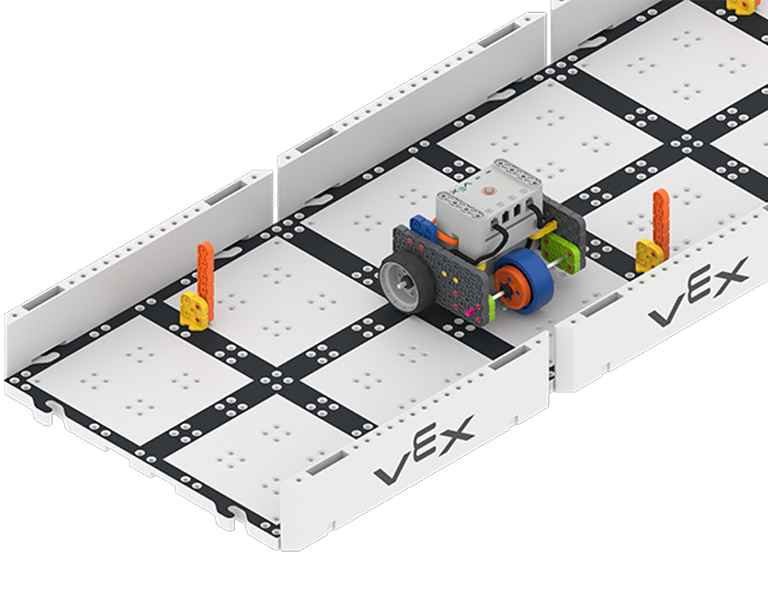
123 로봇이 필드 타일을 건드리지 않고 골판지 다리를 이용해 타일을 건너는 모습입니다.
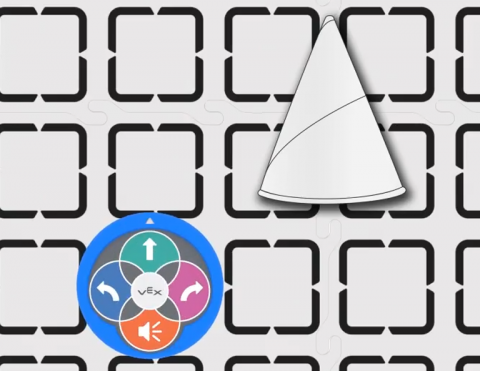
123 로봇에 교통 콘을 지나가도록 코드를 작성하세요.

Activity Image
이미지
Traffic Cone
VEX Platform
Subject
Coding Method
Activity PDF Link
https://content.vexrobotics.com/assets/education/stem-labs/docs/123/Activities/VEX 123 Activity - Traffic Cone.pdf
Activity Image Alt
123 로봇과 필드 타일에 놓인 종이 교통 콘을 위에서 내려다본 모습.

123 로봇에 친구 집으로 운전하도록 코드를 작성해 보세요.

Activity Image
이미지
Around the Town Tile
VEX Platform
Subject
Coding Method
Activity PDF Link
https://content.vexrobotics.com/assets/education/stem-labs/docs/123/Activities/VEX 123 Activity - Around the Town.pdf
Activity Image Alt
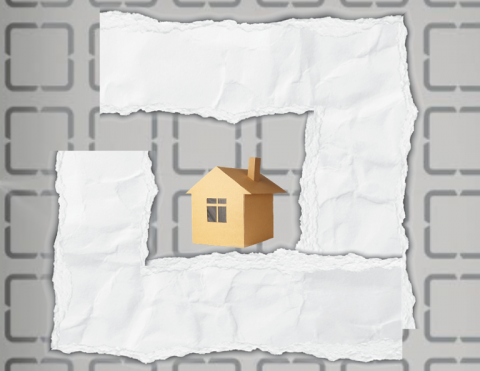
123개 필드 타일을 연결한 모습. 종이로 만든 도로로 둘러싸인 종이 집이 있고, 123개 로봇이 그 도로를 운전할 수 있습니다.

직각으로 회전하는 연습을 하세요.

Activity Image
이미지
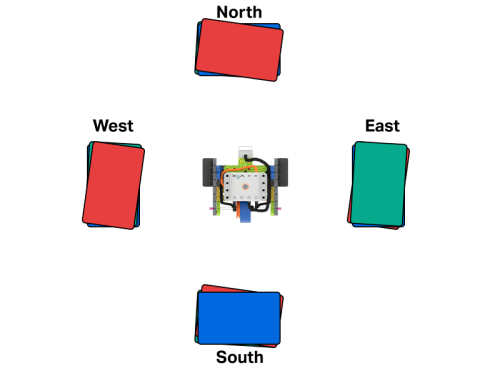
Code Base - LED Bumper in the middle of four stacks of books labeled North, East, South, and West.
VEX Platform
Subject
Activity PDF Link
https://content.vexrobotics.com/assets/education/stem-labs/docs/go/Activities/GO Activity - Bump It.pdf
Activity Image Alt
코드 베이스 - 북쪽, 동쪽, 남쪽, 서쪽으로 라벨이 붙은 4개의 책 더미 가운데에 LED 범퍼가 있습니다.

VEXcode GO에서 코드 베이스가 그리드의 특정 지점으로 이동하도록 지시하는 프로젝트를 만듭니다.

Activity Image
이미지
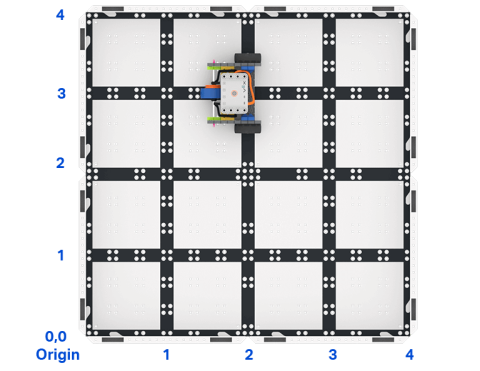
Top down view of a 2 by 2 square field of GO field tiles with a GO Code Base robot. The sides are labeled as x and y axes, and the bottom left corner is labeled as the origin with x 0 y 0.
VEX Platform
Subject
Activity PDF Link
https://content.vexrobotics.com/assets/education/stem-labs/docs/go/Activities/GO Activity - Code Base Coordinates.pdf
Activity Image Alt
GO 코드 베이스 로봇이 있는 GO 필드 타일의 2 x 2 정사각형 필드를 위에서 내려다본 모습. 각 변은 x축과 y축으로 표시되고, 왼쪽 하단 모서리는 x 0 y 0인 원점으로 표시됩니다.

눈 센서를 사용하여 로봇을 조종하세요.

Activity Image
이미지
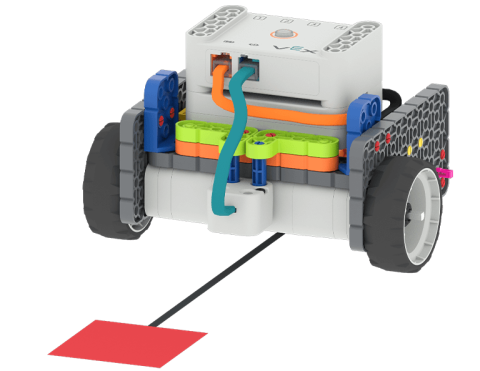
Code Base - Eye Down build following a path towards a red square placed on the floor.
VEX Platform
Subject
Activity PDF Link
https://content.vexrobotics.com/assets/education/stem-labs/docs/go/Activities/GO Activity - Color Code It.pdf
Activity Image Alt
코드 베이스 - 바닥에 놓인 빨간색 사각형을 향해 경로를 따라 눈을 아래로 하여 빌드합니다.

코드 베이스를 사용하여 색깔이 있는 장애물을 감지하고 들판을 가로질러 이동하세요!

Activity Image
이미지
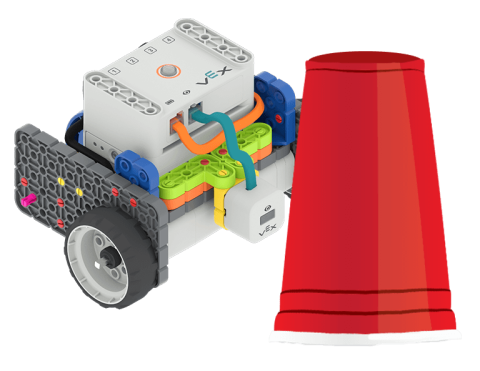
Code Base - Eye Forward build next to a red plastic cup.
VEX Platform
Subject
Activity PDF Link
https://content.vexrobotics.com/assets/education/stem-labs/docs/go/Activities/GO Activity - Obstacle.pdf
Activity Image Alt
코드 베이스 - 빨간 플라스틱 컵 옆에 있는 Eye Forward 빌드.

코드 베이스를 활용해 보물을 안전하게 보관하는 프로젝트를 만들어 보세요.

Activity Image
이미지
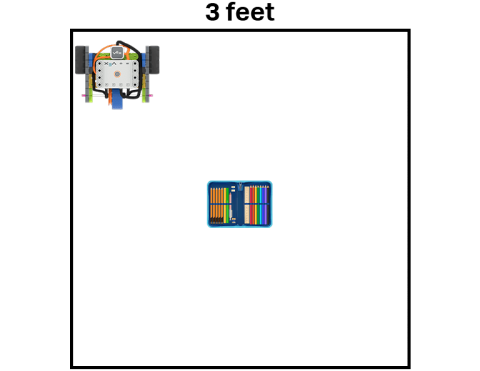
Code Base - LED Bumper Top following the perimeter of a 3 feet by 3 feet square, guarding a school treasure represented by a pencil case.
VEX Platform
Subject
Activity PDF Link
https://content.vexrobotics.com/assets/education/stem-labs/docs/go/Activities/GO Activity - Security Robot.pdf
Activity Image Alt
코드 베이스 - 3피트 x 3피트 정사각형의 둘레를 따라 LED 범퍼 탑이 배치되어 연필 케이스로 표현된 학교 보물을 보호합니다.