
Place the Red Disk
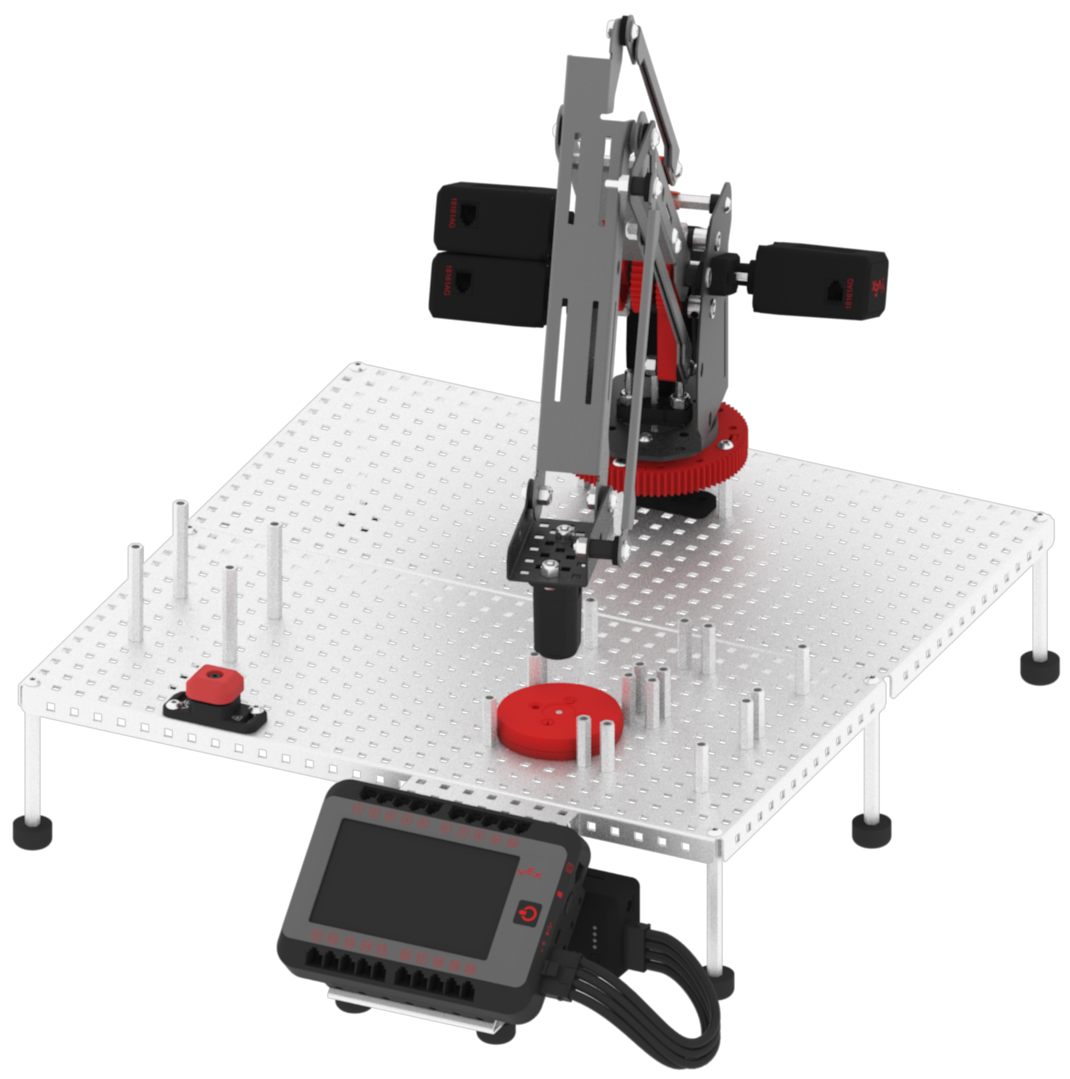
Now that you have programmed the arm mounted on the VEX V5 Workcell to move to the disk pick up location when the white box is pressed on the V5 Brain’s screen, you will now program the arm mounted on the V5 Workcell to move to the red disk drop off location when the red box is pressed on the V5 Brain’s screen.
- Select and drag the [Linear move] block from the ‘Arm’ category in the Tool Box and attach it to the Red Box Pressed’ [Comment] block. Set the parameters of the [Linear move] block to the (x, y, z) coordinates of Point 3: The Electromagnet is directly above the red disk drop off location.
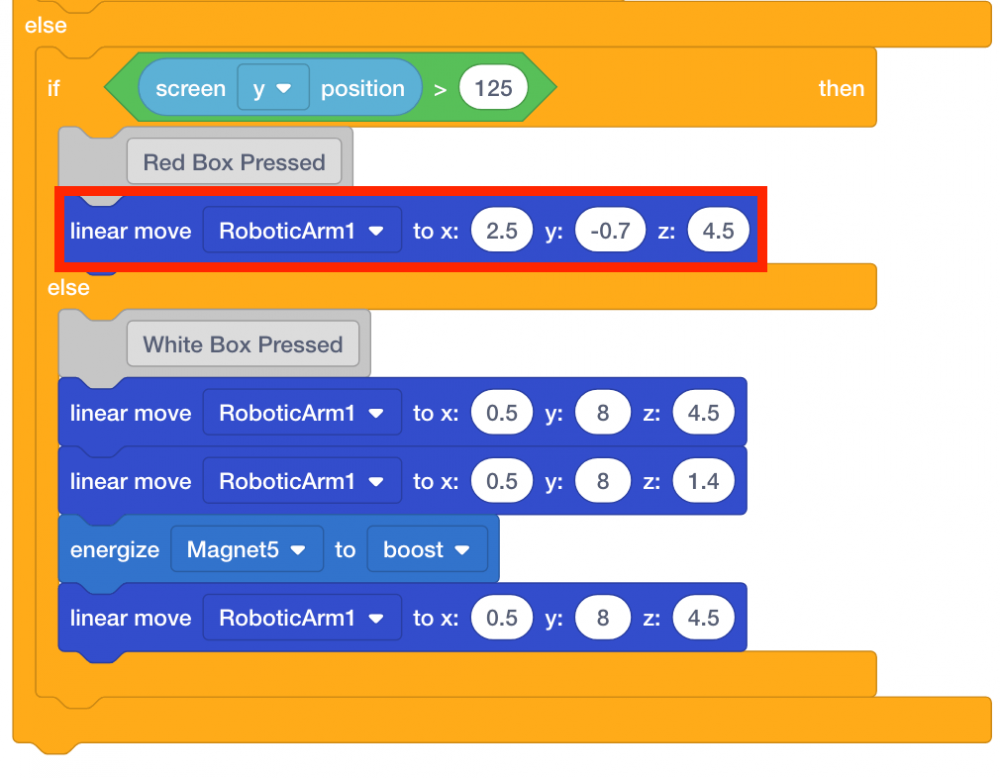
- Select and drag the [Linear move] block from the ‘Arm’ category in the Tool Box and attach it to the [Linear move] block. Set the parameters of the second [Linear move] block to the (x, y, z) coordinates of Point 4: The disk is just above the standoffs in the red disk drop off location.
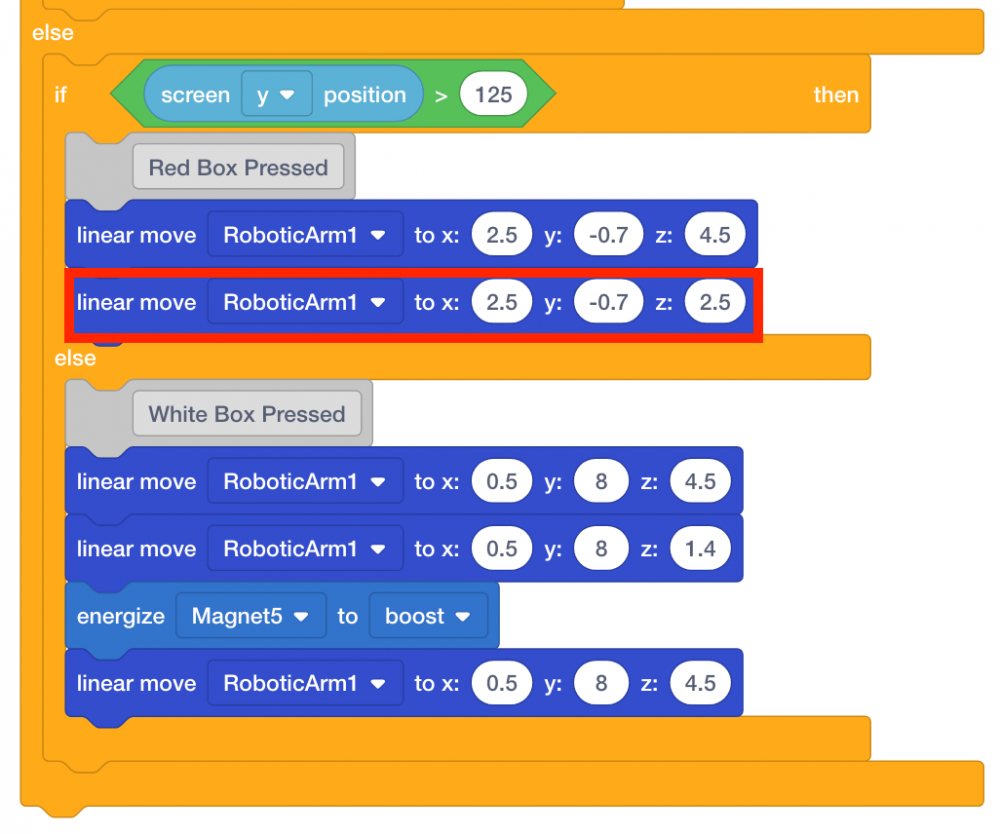
Note: the x and y-coordinates for both [Linear move] blocks should be the same. The only value that differs is the y-coordinate.
- Now that the arm mounted on the V5 Workcell has moved down to drop the disk, the Electromagnet needs to be de-energized. Select and drag the [Energize Electromagnet] block from the ‘Magnet’ category in the Tool Box and attach it to the second [Linear move] block.
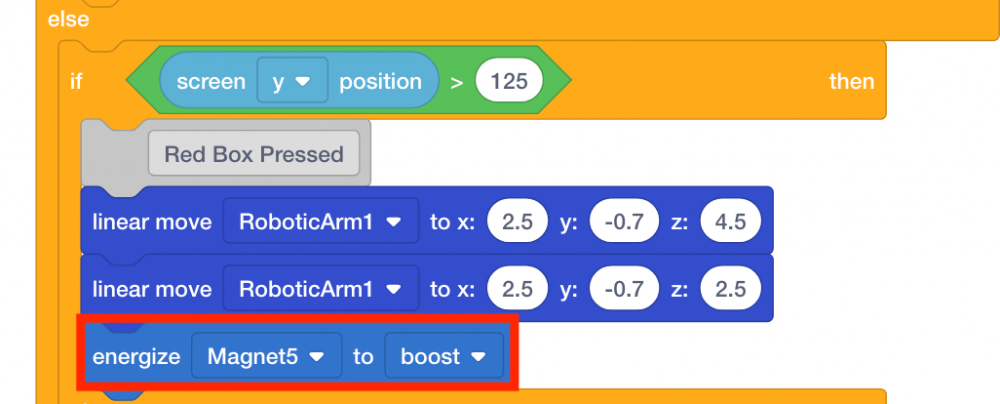
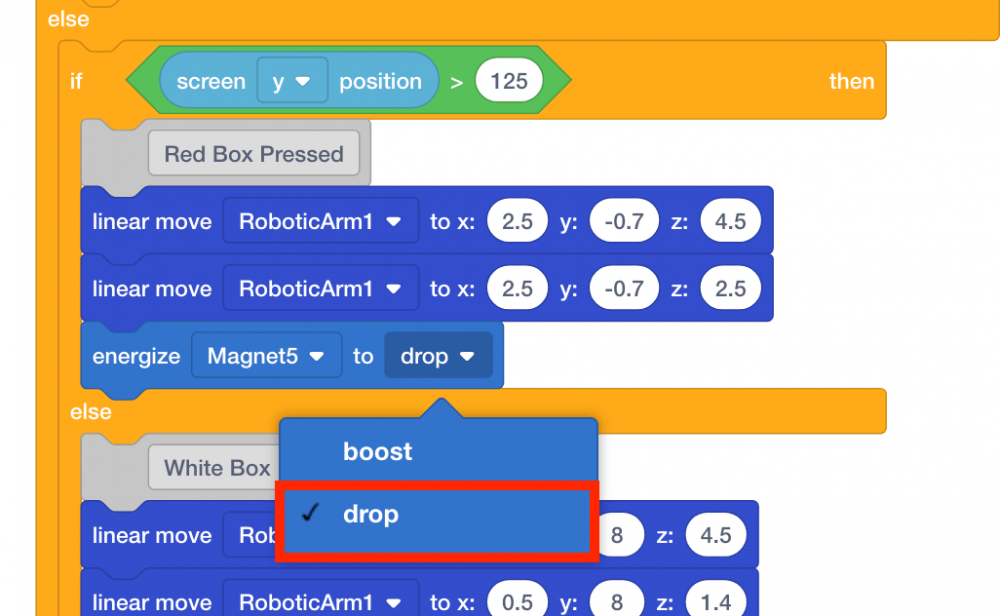
- Set the parameter of the [Energize Magnet] block to ‘drop.’
- Download and run the project.

- Place a red disk in the disk pick up location if there is not one already there.
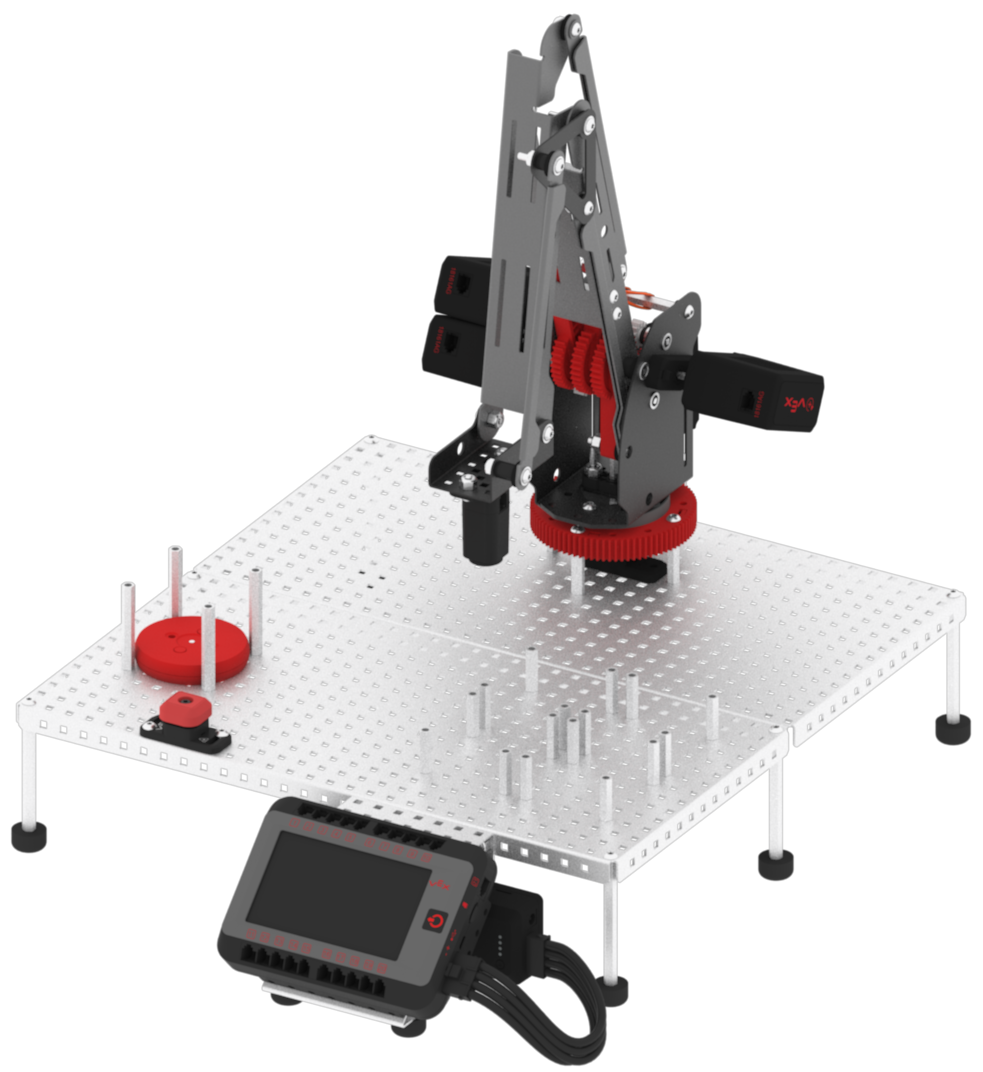
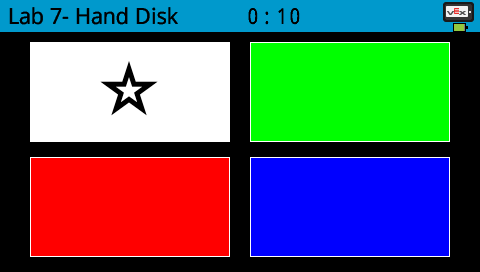
- The four colored boxes will appear on the V5 Brain’s screen. Press the white box to move to the disk pick up location.
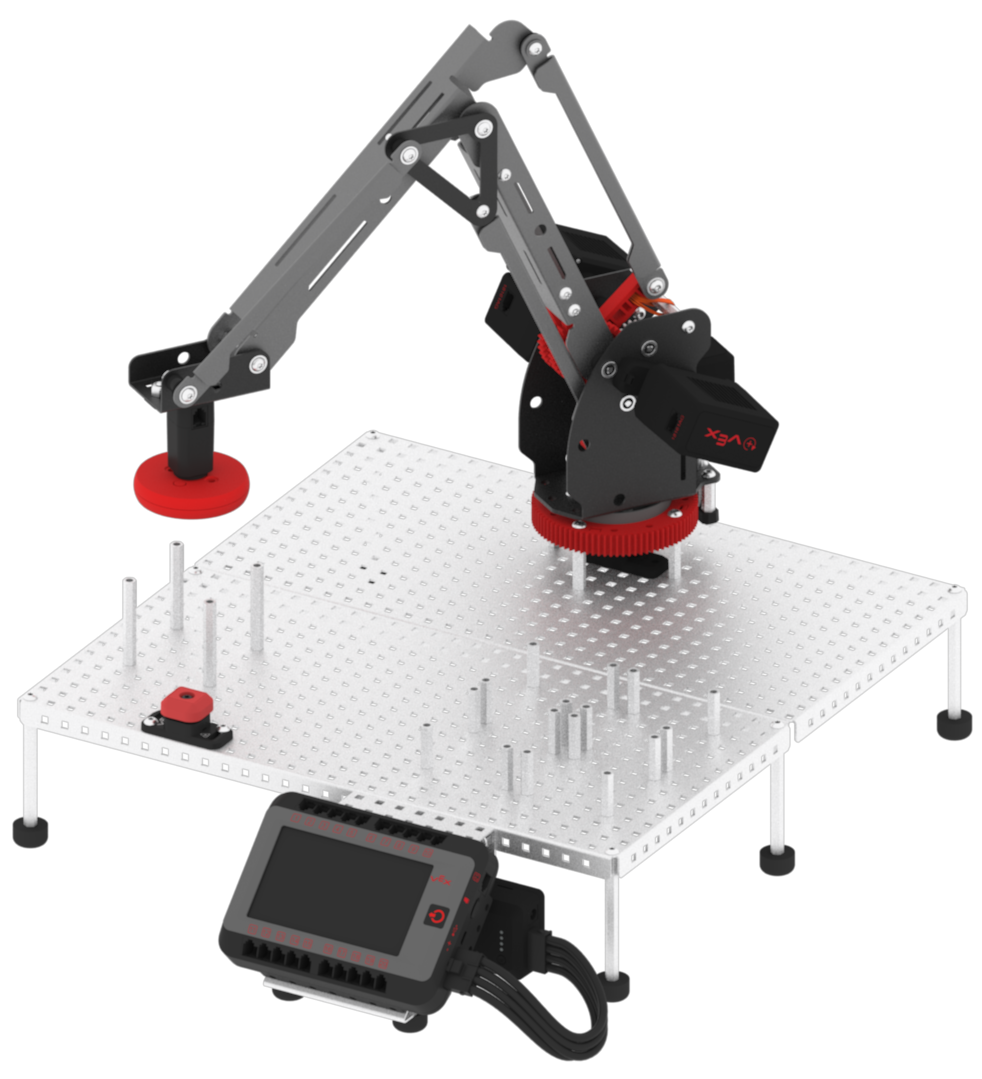
- Observe the arm mounted on the V5 Workcell move to the disk pick up location and pick up the red disk.
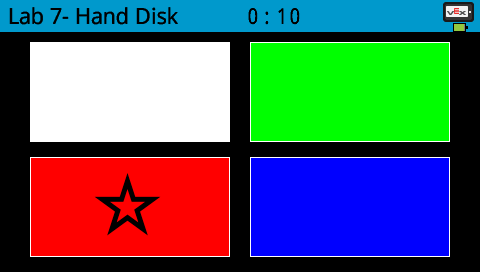
- Press the red box to move to the red disk drop off location.
- Observe the arm mounted on the V5 Workcell move to the red disk drop off location and drop the red disk.
- Stop the project.
